
Client Proofing Software: The 2026 Comparison Guide
Compare 7 client proofing software tools by features, pricing, and G2 rating, and see what actually gets clients to leave usable feedback.


Introduction
Client proofing software is built to solve one specific problem: getting someone outside your team to look at a website, a video, a PDF, or a design file and tell you, clearly, whether it's good to go.
Many creative and marketing teams still run this process over email, in shared docs, or across three different apps, and the client is the one left guessing which version they're actually looking at. Instant feedback and a single source of truth beat a scattered inbox every time.
This guide covers what client proofing software actually does, what to look for before you buy, how to get clients to actually use the tool once you've picked one, and a fact-checked comparison of 7 of the best online proofing tools.
What is client proofing software?
Client proofing software is any tool that lets someone outside your internal team – a client, a stakeholder, a partner, or another external reviewer – view work in progress and leave comments or give formal approval on digital assets, all inside one platform instead of over email or in a document's tracked changes.
Client proofing software is a category within online proofing tools that has a specific audience: Clients and customers.
The person reviewing the work isn't a colleague who already knows your internal tools. They're any external stakeholder who needs to understand what to do as quickly as possible, with no training and often no account.
There are also client proofing and delivery software solutions, where review and final file handoff happen inside the same platform.
Client proofing software covers a range of formats depending on what your team produces:
- Websites and web apps, reviewed with pin-based comments left directly on the live page, often used to identify issues and track bugs
- Videos, reviewed with timestamped comments tied to a specific frame
- PDFs and design files, reviewed with markup tools and version comparison
- Marketing and creative assets more broadly, often routed through a formal approval process before anything ships
Teams that decide to go without an online proofing platform tend to upload files to a shared drive instead, falling back on email threads and screenshots – fine for single small projects.
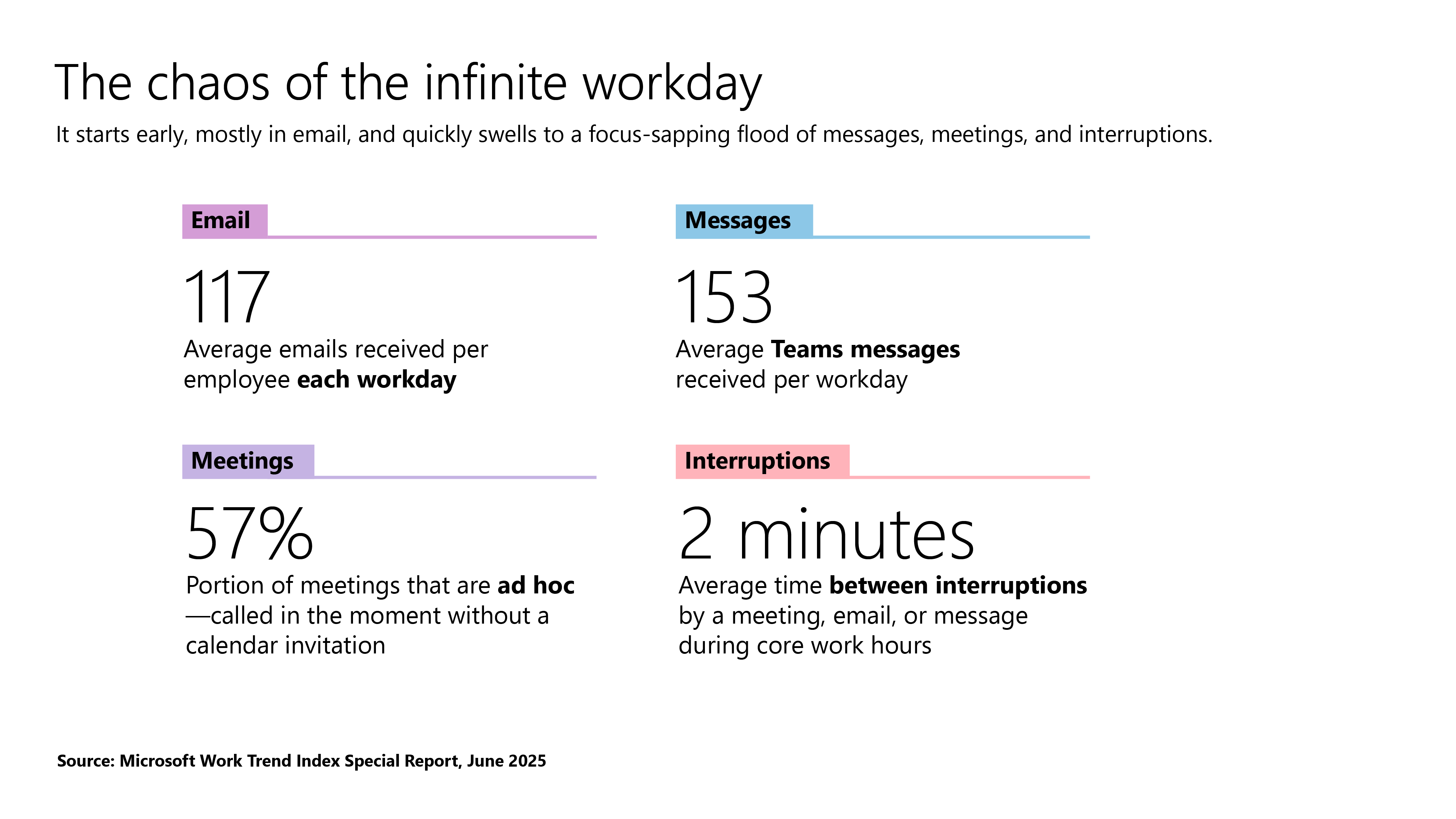
The moment a client is reviewing multiple file versions across several rounds of revisions, nobody can say for certain which version the feedback applies to, especially when the average worker already receives 117 emails a day, most of them skimmed in under 60 seconds, according to Microsoft's Work Trend Index. Detailed client feedback rarely stands out in an inbox that crowded.
What to look for in client proofing software
Before comparing specific tools, check out our list of key approval studio features you need when you’re the one running a client review, not just reading a features page.
- No login required for the client. The fastest way to kill a review cycle is asking a client to create an account before they can look at anything.
- Clear annotation and markup tools. Clients should be able to point at the exact part of a page, video frame, or file they mean, rather than describing it in a paragraph.
- Version control and version comparison. Every proofing tool worth using keeps a clear file version history, so nobody reviews a stale draft by mistake.
- An audit trail. A record of who approved what, and when, is invaluable when a client disputes a decision weeks later.
- Automated reminders. Review cycles stall the second a client forgets to log back in. Automated reminders keep things moving without you having to chase anyone manually.
- Password protection. Sensitive creative assets and unreleased work need a share link that isn't sitting open to anyone with the URL.
- Integrations with your existing stack. Look for a proofing platform that connects to the project management tools and creative software, including Adobe Creative Cloud, your internal team already runs on.
- Transparent pricing. Some client proofing software offers a free plan for smaller teams with only basic features included, while other tools offer paid plans with a free trial. Watch for hidden costs, like a low advertised starting price that only covers a couple of seats before charging extra per user. Either structure can be the right online proofing solution, but you should know which one you're buying before you commit.
A good creative review process treats these as a checklist, not a wish list. Skip more than one or two, and you'll likely be back to comparing best online proofing software again within a year.
Here's how the 7 tools in this guide compare at a glance, based on independently verified G2 ratings:
How to get the most out of client proofing software
Buying the right tool is only half the job. Plenty of teams pay for online proofing software, then watch half their clients keep emailing feedback anyway. Nobody set the process up properly, and the tool never gets the chance to save time.
The best online proofing software simplifies collecting feedback down to a single link and a couple of clicks, but getting there takes a bit of setup first.
A few things make the difference between a review and approval process that sticks and one that never earns its keep:
- Set expectations before the first review. Tell clients exactly what to click, how many rounds of revisions are included, and by when you need their approval. Don't assume the interface explains itself.
- Use automated reminders instead of manually chasing sign-off. Chasing feedback by hand doesn't scale past your first few clients, and it's exactly the kind of task a proofing tool should be doing for you.
- Keep every comment in one place. The moment feedback starts splitting between the proofing tool, Slack, and a client's inbox, you lose the centralized feedback and the audit trail that made the switch worth it.
- Point clients to the latest file version, every time. A client marking up an outdated draft is one of the most common and most avoidable sources of wasted revisions.
- Treat the audit trail as a real record, not a nice-to-have. If a client later says they never approved a change, a proofing tool with a full audit trail settles that argument in seconds.
Get these basics right, and the tool does what it's supposed to across the entire process, from first upload to final sign-off, instead of just adding another login to the pile.
The best client proofing software in 2026
Here's how 7 client proofing software tools compare on what they're actually built for, features, and pricing.
1. Marker.io
Best for: Web development agencies and product and QA teams collecting client feedback and bug reports directly on live or staging websites.
Marker.io works as a lightweight browser extension or embedded widget. Clients click directly on a live page to leave a comment, with no account required, and the platform automatically captures the technical detail a developer needs to act on it.
That combination, visual feedback plus technical context, is what separates it from a general commenting tool, and it's why web designers and developers use it alongside clients on the same project.
Key features
- Click-to-pin visual feedback on any live or staging website
- No account required for external reviewers, including clients
- Session replay showing the moments leading up to a report
- Automatic capture of console logs, network requests, and environment metadata
- Two-way sync with Jira, Trello, Asana, GitHub, and other project management tools
- An MCP to connect Marker with your LLM for automated issue tracking
Price: The Starter plan starts at $39/month (billed annually) for 3 users. Team plans start at $149/month for 15 users, with custom pricing for the Business plan. A separate Agency plan is available for smaller digital agencies working with clients, starting at $99/month billed annually.
2. Filestage
Best for: Creative agencies and marketing teams running several client approval workflows at once across video, PDFs, and design files.
Filestage organizes reviewers into groups, such as client, legal, or internal team members, so a single file moves through the right people in sequence instead of everyone commenting at once. Automated workflows handle the follow-up, which helps engage a client who is slow to respond.
Key features
- Multi-format proofing across images, video, PDFs, and interactive HTML
- Reviewer groups so client and internal team feedback stay separate
- Automated reminders for outstanding approvals
- Version comparison to catch changes between file versions at a glance
Price: A free plan is available for a small team. Paid plans start from around $199/month, with custom Enterprise pricing available on request.
3. PageProof
Best for: Brands and regulated industries that need strict, multi-stage approval routing before anything goes to a client or the public.
PageProof leans hard into security and compliance, which is reflected in its rigid approval flow: mandatory reviewers and gatekeepers, backed by a documented approval chain that can't be skipped. That's a strength for regulated teams, but a bit overkill for a small agency that just needs quick client sign-off.
Key features
- Comparison mode to view proof versions side by side
- Automated approval workflows with mandatory reviewer roles
- Detailed audit trail covering every comment and approval
Price: Plans start at around $249/month (Team, flat rate with a user minimum), with Team Plus from around $399/month.
4. Ziflow
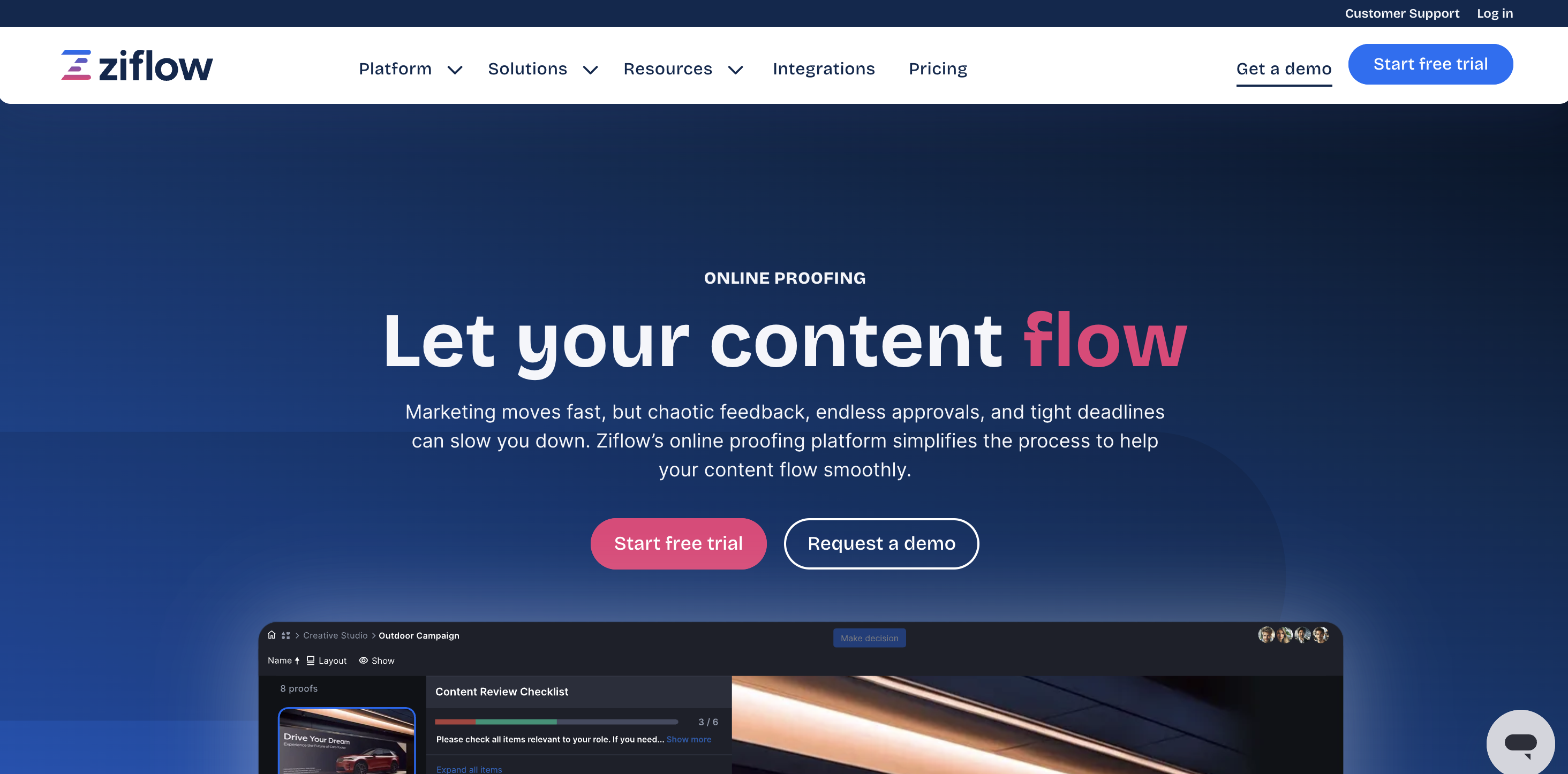
Best for: Enterprise marketing teams running multi-asset campaigns across several stakeholders and approval stages.
Ziflow's recent shift toward AI-assisted review, its ReviewAI feature, automatically checks proofs against brand and compliance checklists during the review process itself.
For teams managing a high volume of creative assets, that cuts down on the manual QA every reviewer would otherwise have to do by hand.
Key features
- ReviewAI automation for brand and checklist compliance checks
- Unlimited proofs and reviewers on paid tiers
- Configurable, multi-stage workflow automation
- Wide file format support, including video and interactive content
- Detailed reporting on where a review is stuck and why
Price: A free plan is available. Paid plans start from around $199/month billed annually, with higher tiers from around $399/month.
5. ReviewStudio
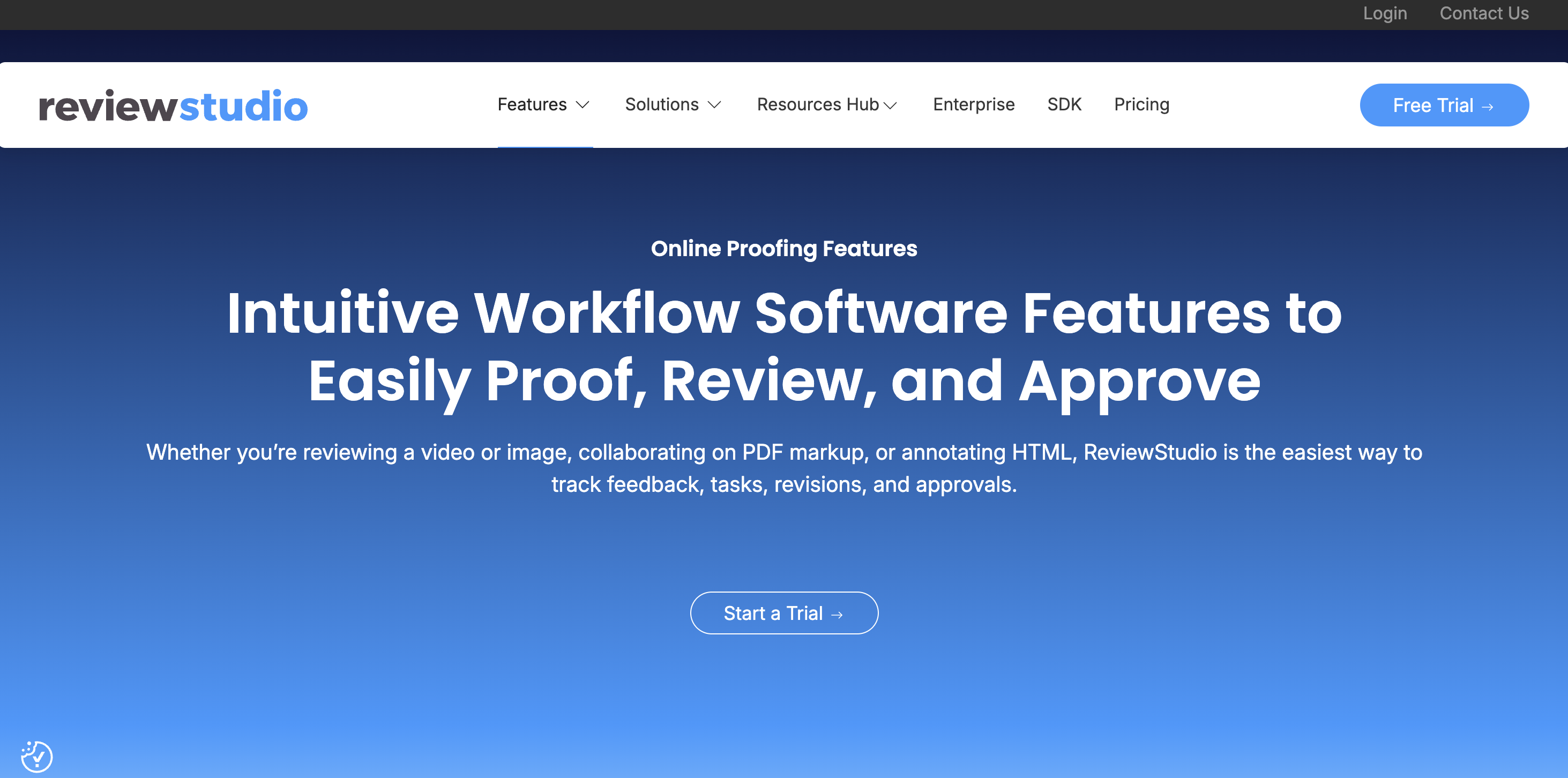
Best for: Agencies reviewing a mix of design, video, and web assets who want solid version control without an enterprise price tag.
ReviewStudio centralizes markup across more than 100 file formats, and its version comparison makes it easier to track what actually changed between rounds.
Before you buy, it’s worth knowing that formal approval sign-off is limited on the entry plans, so teams that need a hard approve or reject action will need to move up a tier.
Key features
- Markup across images, PDFs, video, and web pages
- Frame-accurate commenting for video review
- Unlimited approval workflow templates
Price: A free Starter plan is available. Pro starts from around $12/user/month, with Advanced from around $25/user/month (5-user minimum).
6. ProofHub
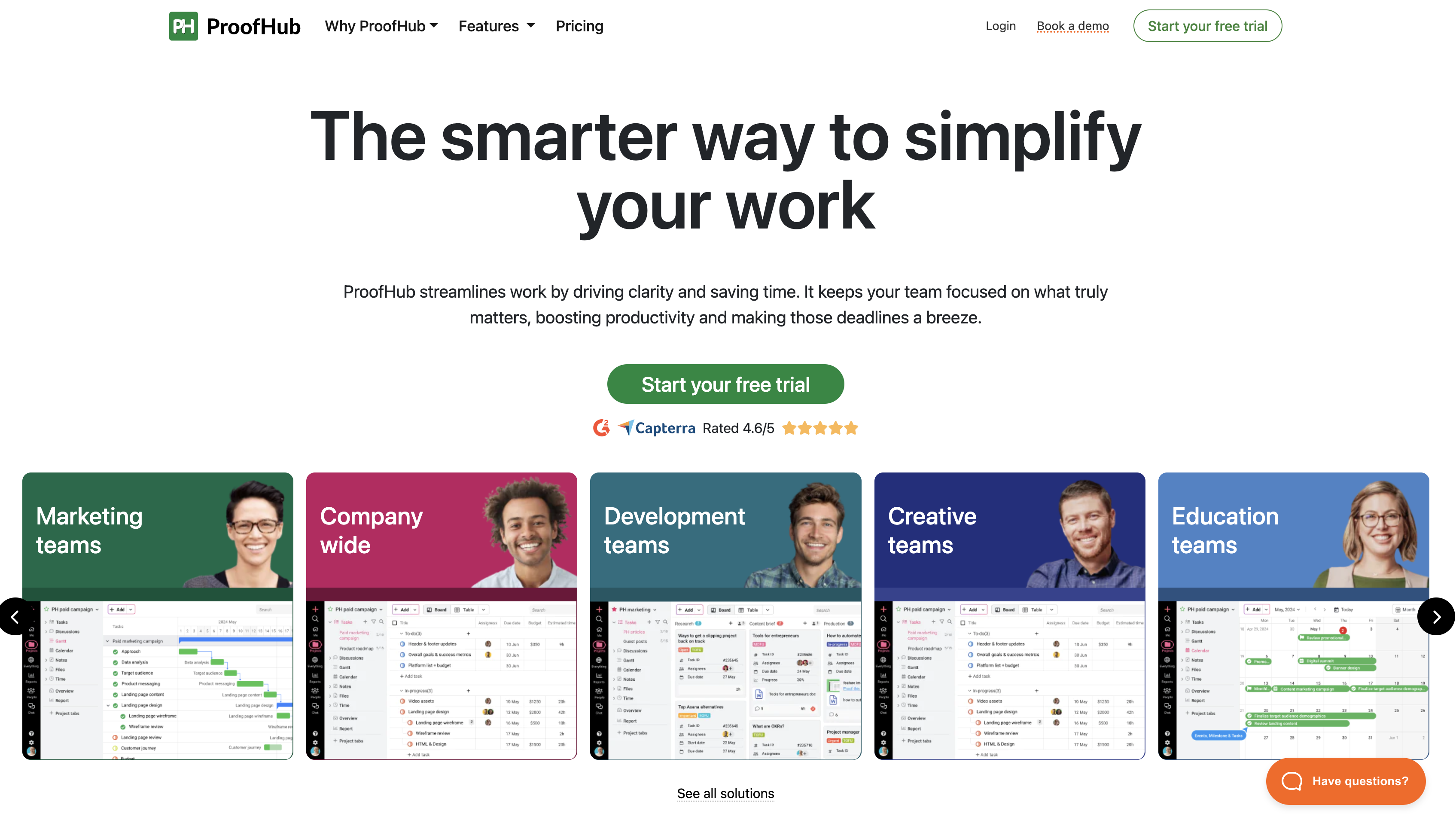
Best for: Smaller teams that want proofing built into a full project management platform with real project management features, instead of paying for a standalone tool on top of everything else.
ProofHub bundles task management, deadlines, Gantt charts, and team chat alongside its proofing features, all under one flat-rate account rather than a per-user fee. As a result, it is a genuinely different pick from the rest of this list: you're really buying project management software with proofing attached, not the other way around.
Key features
- Inline proofing comments with sign-off built directly into tasks
- Multiple project views, including board and table layouts
- Built-in team chat alongside file review
- Flat-rate pricing regardless of team size
Price: Essential starts at around $45/month flat rate with unlimited users, with Ultimate Control from around $135/month.
7. Frame.io
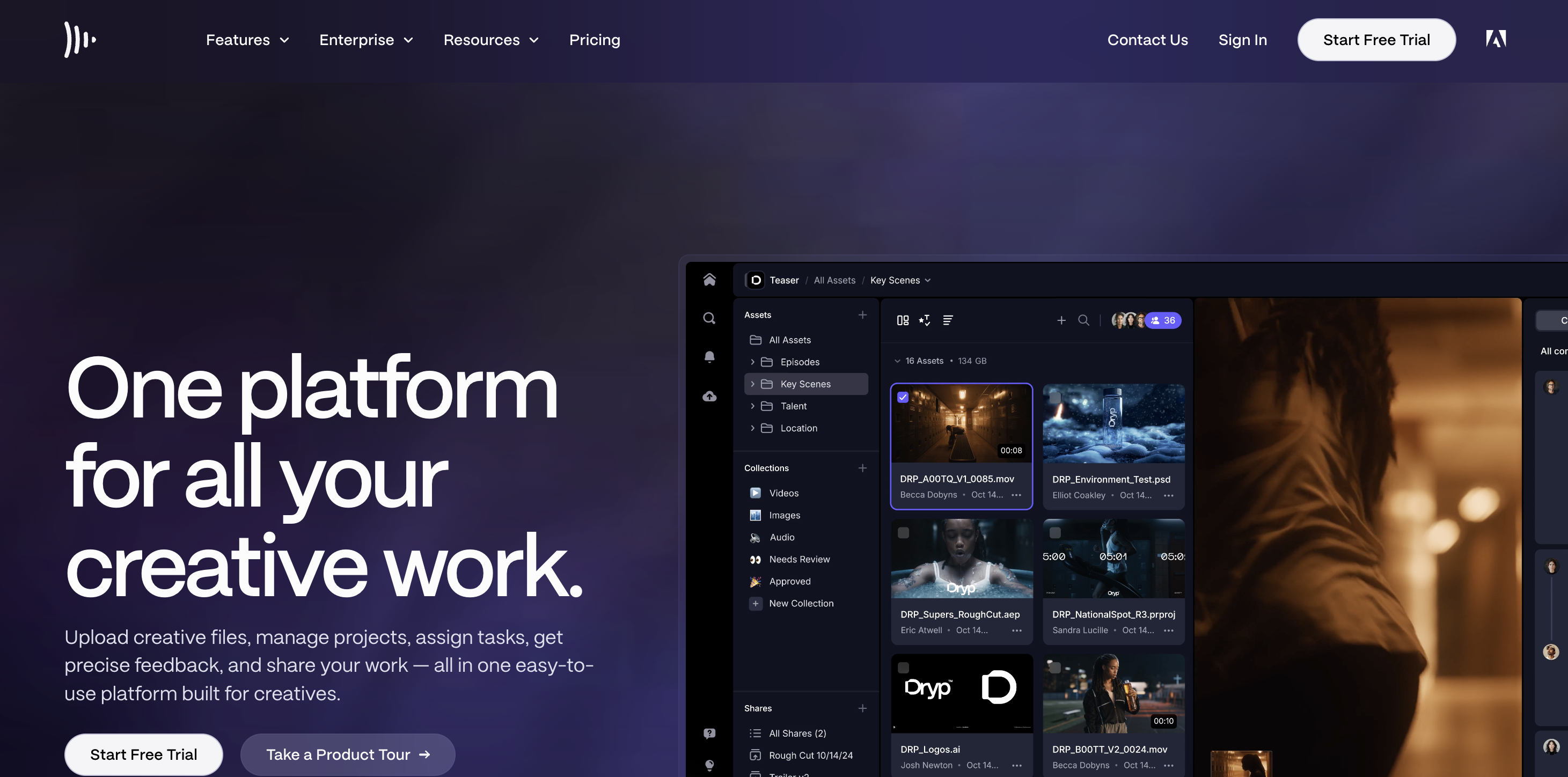
Best for: Video production companies and post-production teams that need frame-accurate commenting synced to an editor's timeline.
Frame.io, now an Adobe product, is built specifically around video: reviewers comment on an exact frame, and those comments show up directly inside the editor's timeline in tools like Premiere Pro.
Its tight video-editing integration is the whole reason it appears on this list, and also the reason it's a poor fit if video isn't your primary deliverable.
Key features
- Frame-accurate commenting synced to the editing timeline
- Native integrations with Premiere Pro and other Adobe Creative Cloud apps
- Camera-to-Cloud capture for on-set ingestion
- Clean, no-login client review experience for external reviewers
Price: A free plan is available, with Pro from around $15/user/month and Team from around $25/user/month.
How to get started with Marker's client proofing software
Getting a client review process running on Marker.io comes down to three steps.
First, add the widget to your site, or install the browser extension for internal review rather than a public link. Either option gets pin-based commenting live on the page in a few minutes, with no code changes beyond the initial embed.
Second, decide who needs what level of access. Marker.io separates access into three roles:
- Reporters – Free and unlimited external visitors who can submit feedback and follow up on their own reports without an account.
- Users – Paid seats for your internal team, with full dashboard access.
- Guests – Paid seats for external collaborators, like clients, who need ongoing visibility into a project rather than a single one-off report.
Making that distinction is important when you’re an agency. It means you can give a client real, continuing access to a project without paying for a full internal seat.
Third, integrate Marker.io with the project management tool your team already uses. Every report a client submits syncs straight into your existing workflow, so feedback becomes an actionable task instead of a comment someone has to manually copy across.
Conclusion
Choosing the right online proofing software is largely about what you're actually reviewing and who's doing the reviewing.
A video-first team needs something different from a web agency, and a web agency needs something different from a regulated brand routing every asset through legal. Getting this part of your creative process right pays off in fewer stalled reviews and far less chasing.
If your team is building, maintaining, or redesigning websites and needs an online proofing tool built specifically for collecting client feedback and bug reports without the back and forth of email, start a free trial of Marker.io and see what a review process built for the web actually looks like.
Client proofing software FAQs
Do clients need an account to use client proofing software?
It depends on the tool, but most modern client proofing software is built so external reviewers don't need one. Marker.io, for example, lets any client submit feedback through a shared link with no sign-up required, though ongoing collaborators can be added as paid Guests if they need continued access to a project.
How much does client proofing software typically cost?
Pricing varies by category and scale. Lighter, standalone proofing tools often start somewhere between $12 and $45 per month or per user on entry plans, while enterprise-grade platforms with heavier compliance and audit trail features are usually priced from $200 upward. Tools that bundle proofing into a broader project management platform, like ProofHub, often price by flat rate rather than per seat.
Can client proofing software integrate with project management tools?
Most dedicated proofing tools integrate with common project management platforms, though the depth varies. Marker.io offers two-way sync, so status updates and comments flow in both directions automatically. Other tools only support a one-way export or a Zapier-style connection, so it's worth checking integration depth directly before assuming every tool works the same way.
What should I do now?
Here are three ways you can continue your journey towards delivering bug-free websites:
Check out Marker.io and its features in action.
Read Next-Gen QA: How Companies Can Save Up To $125,000 A Year by adopting better bug reporting and resolution practices (no e-mail required).
Follow us on LinkedIn, YouTube, and X (Twitter) for bite-sized insights on all things QA testing, software development, bug resolution, and more.
Will Sigsworth
Will manages organic content at Marker.io. He also works as a marketing advisor and contributor to a number of other SaaS businesses.
Related blog posts

Get started now
Free 15-day trial • No credit card required • Cancel anytime