
Hide personal data in screenshots and replays
Hide sensitive information in your screenshots and Session Replays with the PII protection provided by our Sensitive Data Masking feature.






Complete data protection
Information marked as sensitive will never touch Marker.io's servers.
Flexible privacy controls
Granular control over what data is captured and how it's displayed.
Comprehensive coverage
Data Masking works across all Session Replay capture methods.

“Masking sensitive data automatically means I no longer waste time manually editing screenshots.”
What is Sensitive Data Masking?
Keep your customer data private automatically with our Sensitive Data Masking tools, ensuring it never reaches Marker.io servers. By simply adding a CSS class to your website, you can be confident that any sensitive information is automatically excluded from screenshots and Session Replay videos.
How to use Sensitive Data Masking
Use the three simple CSS classes to classify which sensitive data is automatically excluded:
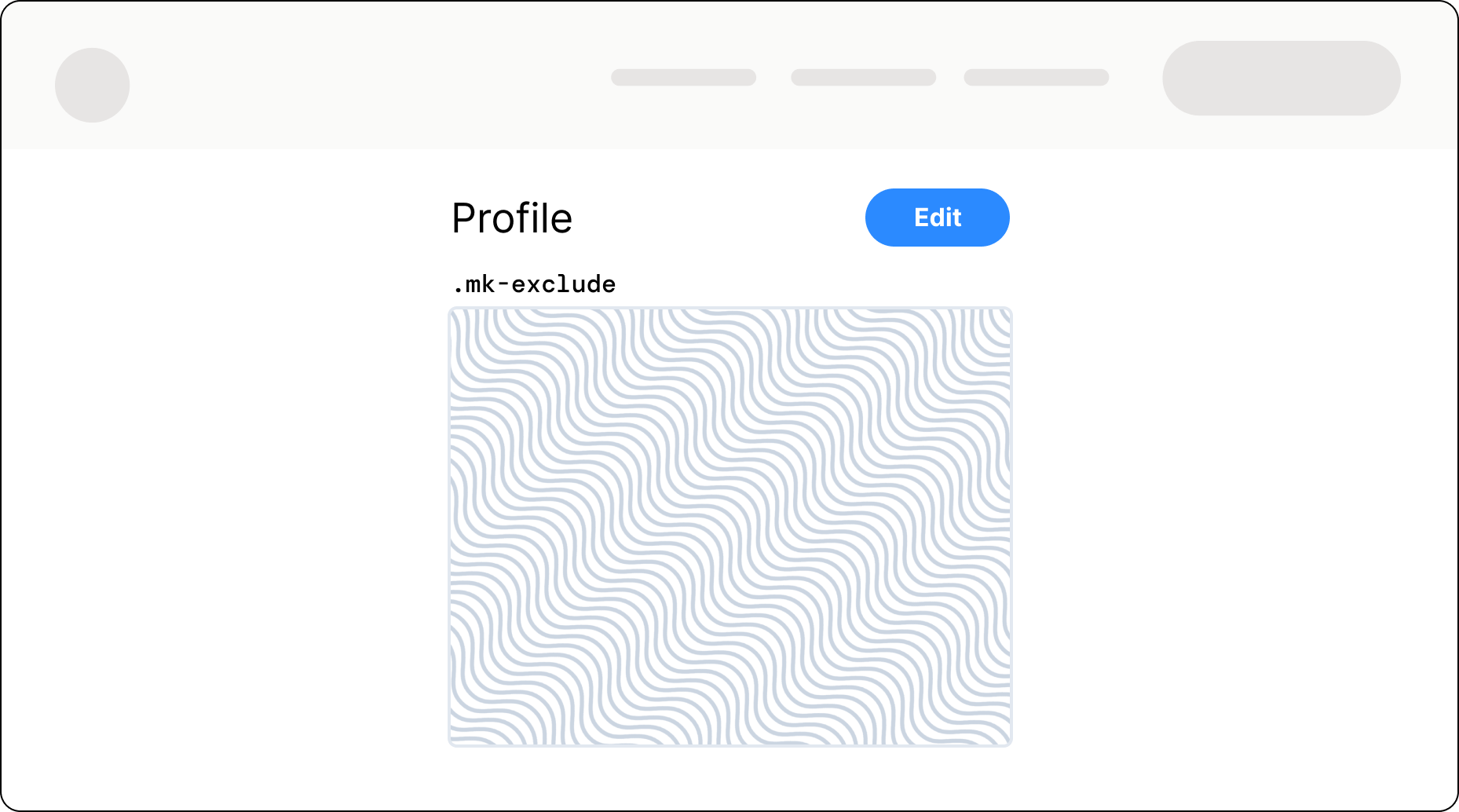
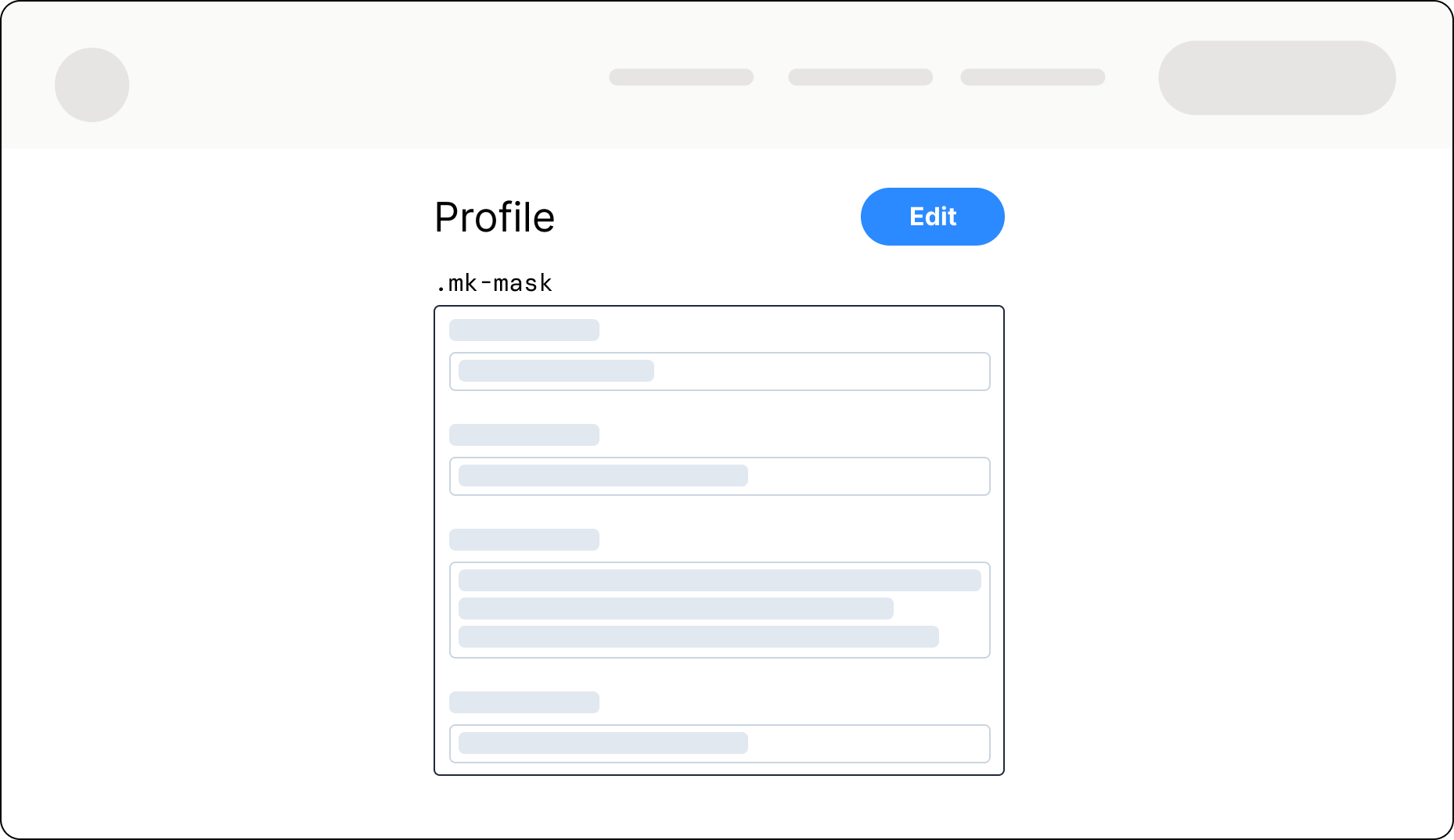
.mk-exclude: exclude elements from being captured on client side..mk-mask: capture the elements while removing its text content on client side..mk-unmask: unmask an element content on client side.
Exclude entire elements
Add the .mk-exclude class to tell Marker.io to ignore sensitive data elements. This solution is perfect if you want complete data privacy implemented quickly, as it's applied to everything within an element as well.
Mask specific elements
Gain more granular control with the .mk-mask class, which transforms masked elements into placeholder text the same dimensions as the original. You can unmask elements within an overall element that you’ve masked.
Unmask elements
Need certain elements of a screenshot or session replay to be visible? As long as they’re not within excluded parts of a page, you can select elements that aren’t masked with the .mk-unmask class.

Keeping your data safe
GDPR Ready
We support GDPR requirements, with data centers in Europe.
SOC 2 Type II
Security certification conducted by external auditor.
Privacy tools
Tools to obfuscate sensitive or personal data.
Data masking examples and best practices
Here are some data masking techniques to help you keep your sensitive information secure.
Sensitive data types
Always mask sensitive data like personally identifiable information (PII), protected health information, financial data, and customer data across all data sources.
Common masking methods
Apply common data masking techniques, with data utility, data uniqueness, and referential integrity across multiple databases.
Choose the right masking strategy
Choose a data masking solution with strong data masking capabilities for structured and unstructured data, semi-structured data, and all relevant data types.
Access control & permissions
Control user access with role-based access control, so only authorized users can access real data, while unauthorized users see masked values.
Automating masking at scale
Automate data masking processes via your data product platform or data management stack, as well as Marker.io, to ensure effective data masking at scale.
Sensitive Data Masking FAQs
How does Sensitive Data Masking work?
When Marker.io captures a screenshot or records a session replay, the DOM (HTML content) is first scanned client-side in the browser.
During this step, any element with a masking class (.mk-mask, .mk-exclude, etc.) is automatically modified or replaced by the dynamic data masking software. The masking happens instantly before the screenshot is taken or before the session replay is recorded.
As a result, no original sensitive data is ever transmitted, stored, or even visible to Marker.io systems.
Plus, because we use common deterministic data rules, the same input value gives the same output value for consistent masking of each data element.
What is dynamic data masking. vs. static data masking?
Our feature uses dynamic data masking (dynamic masking), which works on dynamic data in place, masking data at query time so authorized users can access original data while unauthorized users only see masked values.
Static data masking (static masking) copies production data into static data for non-production environments, then permanently masks actual data so test data and development and testing environments only see masked data that still looks like realistic data.
What is the difference between data obfuscation and data masking?
Data masking is a structured data protection and data security process that uses defined types of data masking and data masking techniques to protect sensitive data such as personally identifiable information and protected health information.
Data obfuscation is any way you make a data element harder to interpret and may not keep realistic data, data uniqueness, or referential integrity, and can fail strict data privacy regulations.
Marker.io's Sensitive Data Feature uses data masking.
Why is data masking important?
Data masking, enabled by Marker.io, helps you to protect data and sensitive information, reduce data breaches, meet regulatory compliance and data privacy requirements, and satisfy your clients security requirements, while still enabling ongoing development and testing, session recordings, analytics on masked data, and safe non production environments.
What types of data should you mask?
You should use Marker.io to mask personally identifiable information, personally identifiable information PII, protected health information, financial data, and customer data – plus any sensitive data or sensitive information in production data and test data.
Employ other masking tools to protect data records across structured and unstructured data, semi structured data, and other data types that could expose people or business secrets.
How do you choose the right data masking tool?
Choose the right data masking tool by checking what support is offered for your data sources, by the tools you’re using, across multiple databases and unstructured data.
Consider the strength of each tools data masking capabilities, the clarity of the data masking processes they use, and common data masking techniques they enforce, such as deterministic data and consistent masking.
Select an enterprise-grade data masking solution like Marker.io – one of the the top data masking tools for screenshot and session replay data protection.
Select a tool that integrates with your data management stack and supports your overall data strategy.
Still have questions?
Get started now
Free 15-day trial • No credit card required • Cancel anytime