
Get user approval faster
Speed up your user acceptance testing by collecting feedback directly on your website.
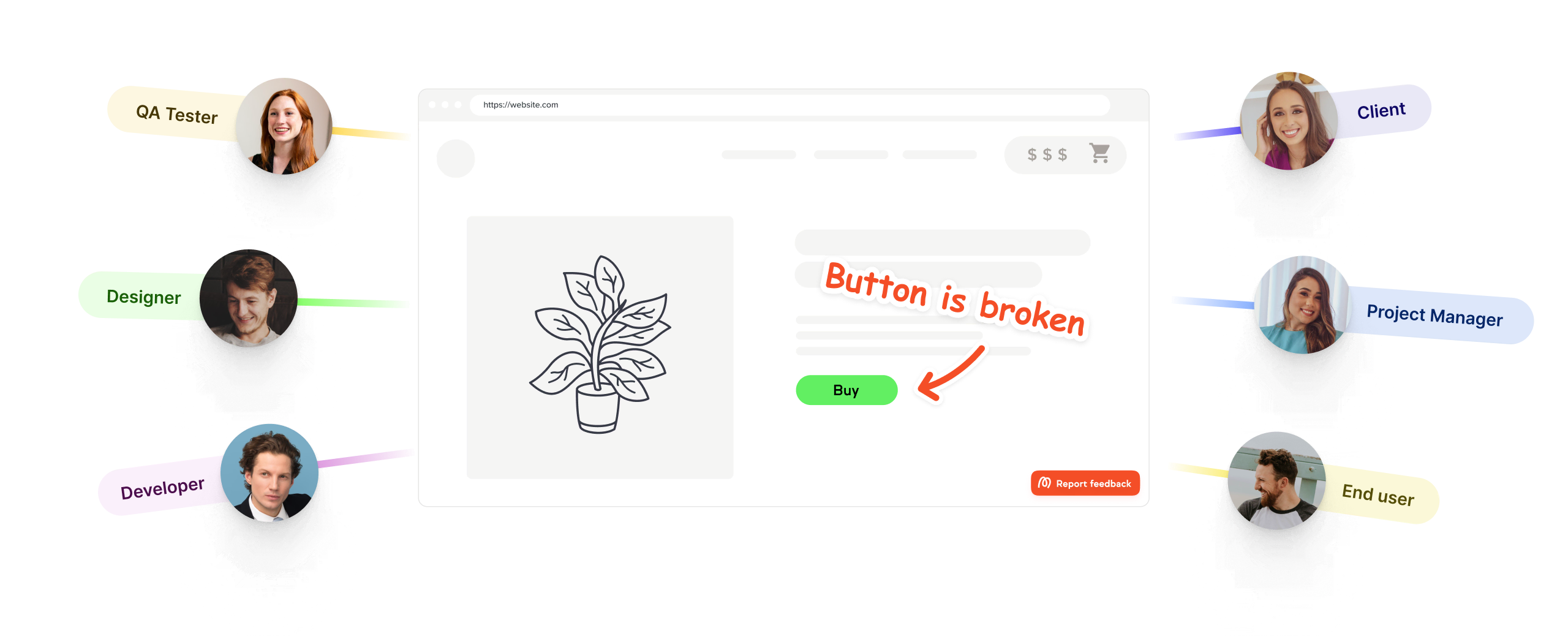

Get user feedback in real time
User acceptance testing is most effective when the people testing your site can tell you what's wrong quickly, clearly, and without friction. Marker.io makes that happen.
Make sure no feedback gets lost
Capture feedback the moment something goes wrong. Users click, comment, and move on.
A tool you'll actually use
Marker.io is clean, familiar, and takes seconds. Easy-to-use means better coverage.
Install in minutes, not days
Get started with one line of JavaScript, a widget, or an extension. No setup, no delays.
The trusted design tool for market leaders





“Clients used to send us emails, documents, spreadsheets and even powerpoints for feedback. Now we just use Marker.io.”
Collaborate easily with users, colleagues, and stakeholders
UAT involves a lot of people: internal teams, external users, market leads, and sign-off stakeholders. Keep everyone aligned so feedback processes work smoothly.
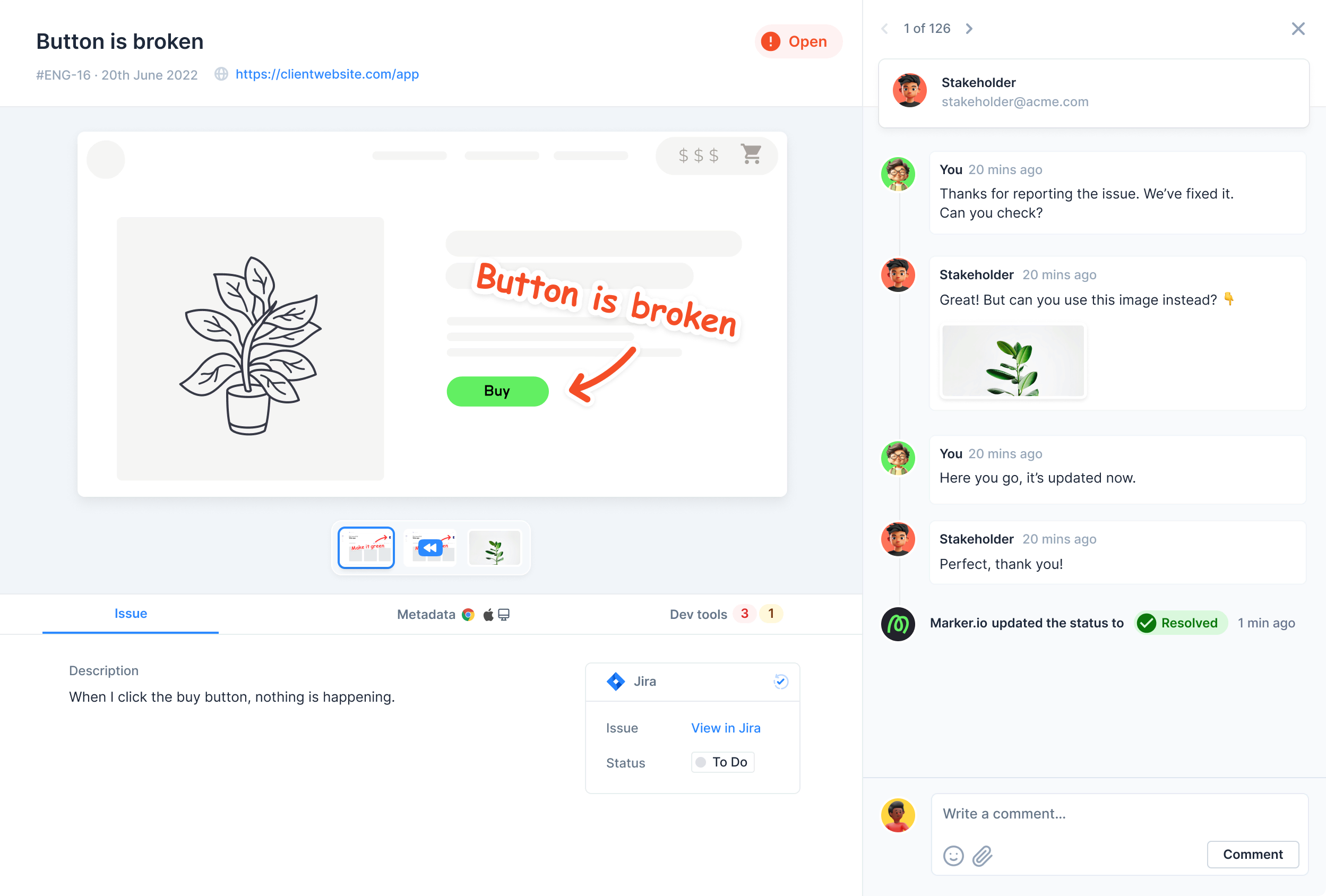
Client communication
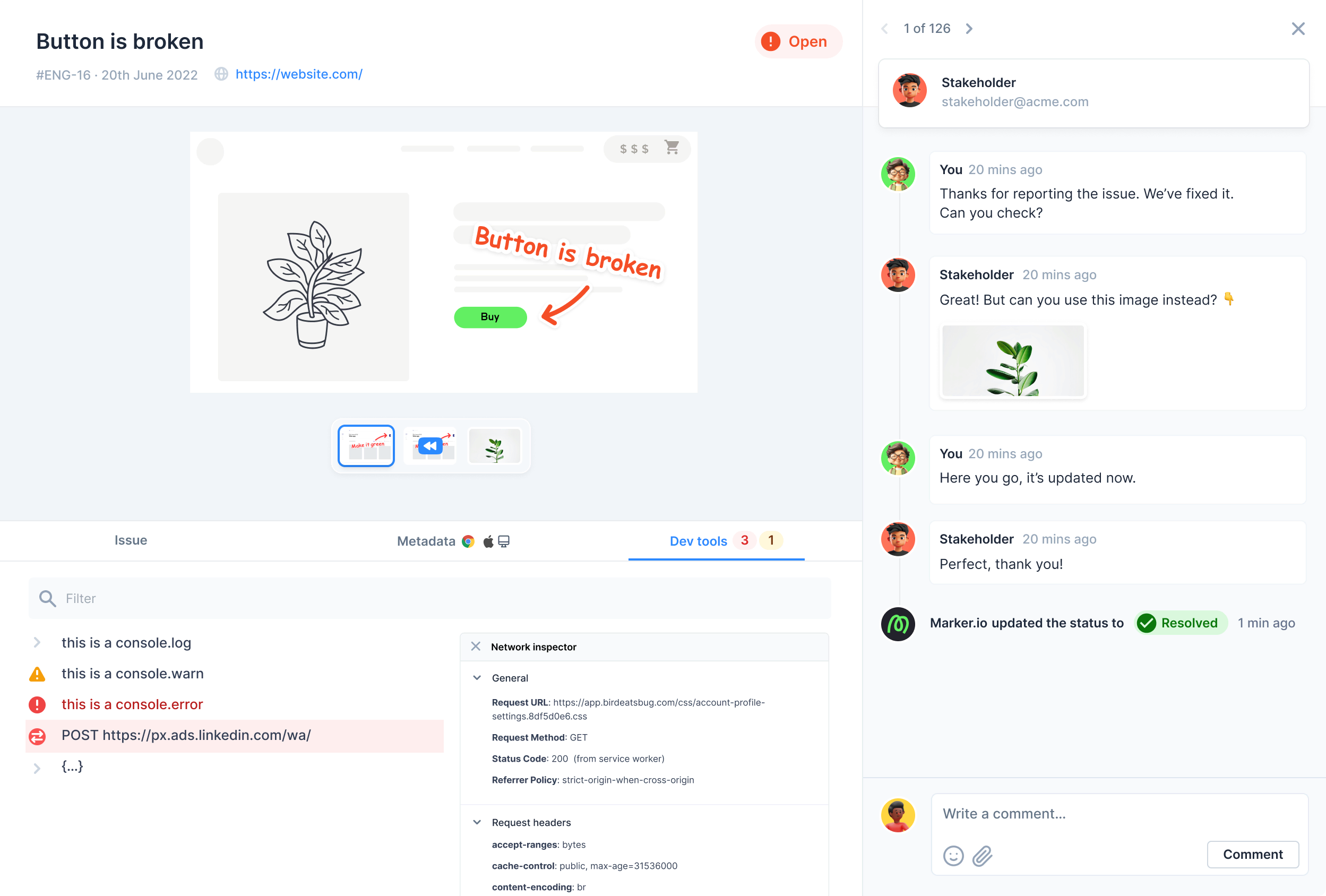
Stop sending extra emails. All communication syncs back into your issue tracker – one source of truth, no buried inboxes.
Guest portal
Get an overview of previously reported issues. Point stakeholders to a live view of progress instead of fielding "have you fixed this yet?" messages.
Automatic status sync
Notify guests automatically when a developer closes an issue. When the status updates in Jira, Marker.io reflects it in real time – no manual updates needed.

“It's very nice to limit the form. Too many fields would confuse our clients and users. Now they just have the title and description.”
Integrate with all your favourite tools
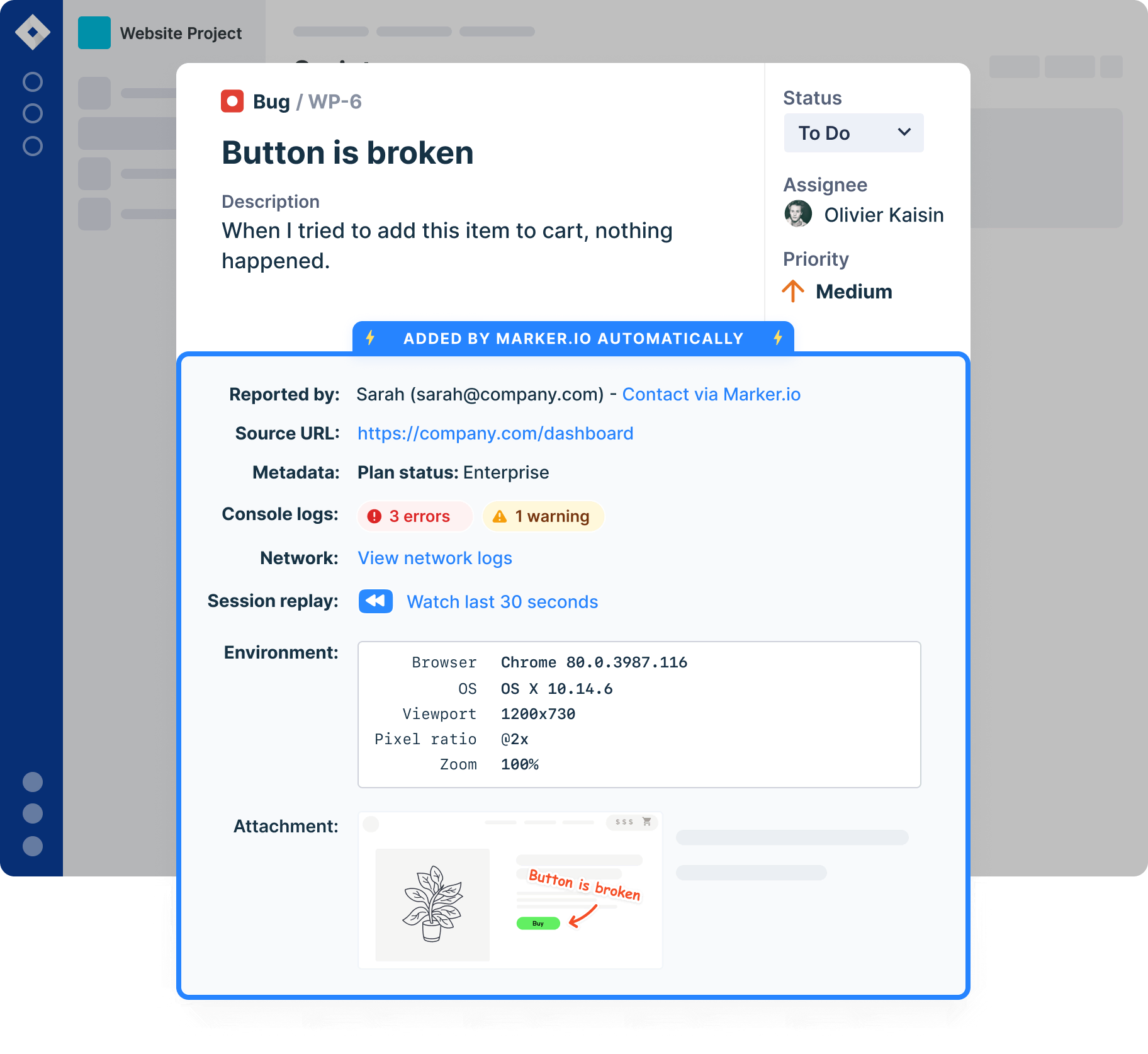
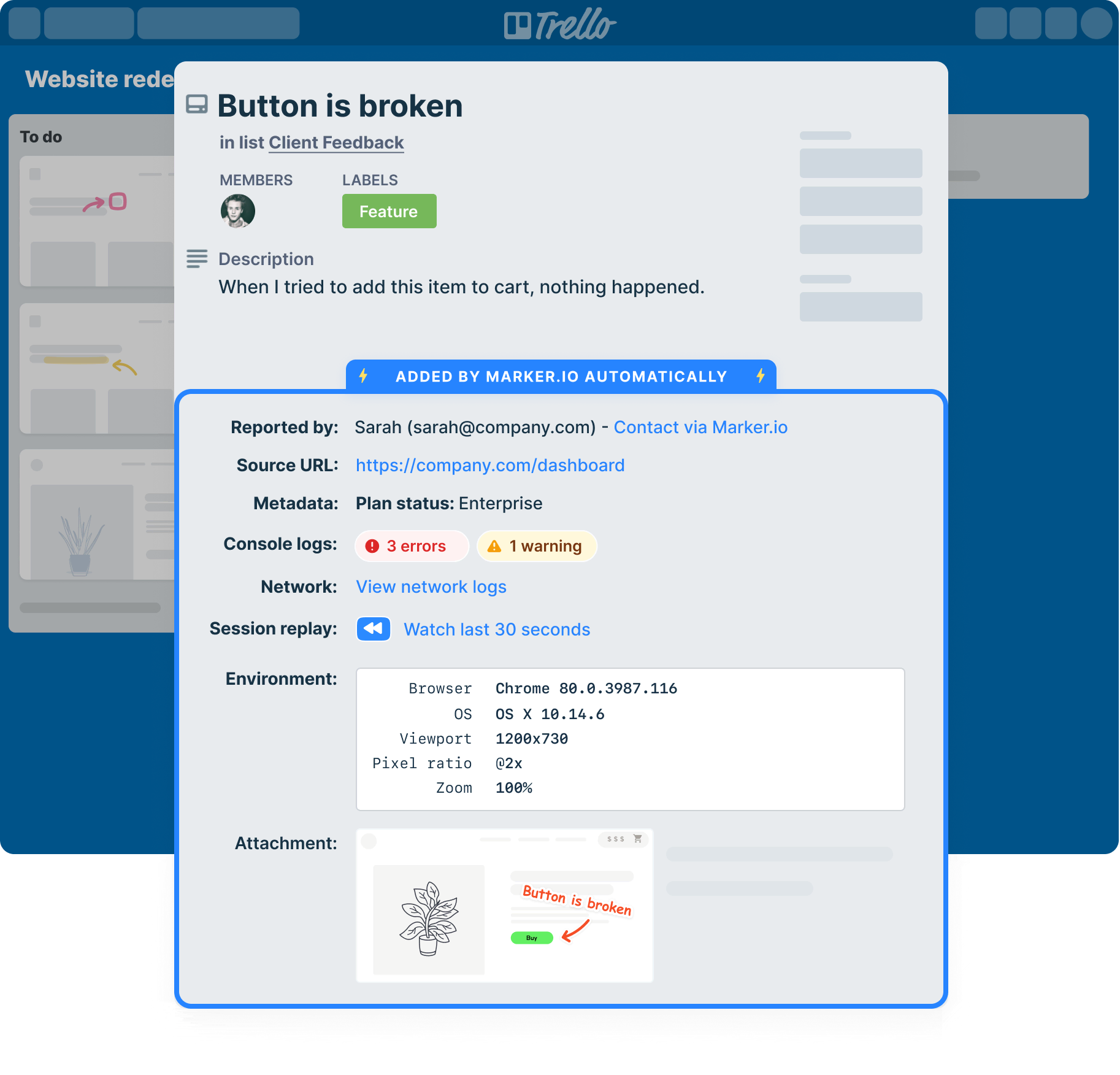
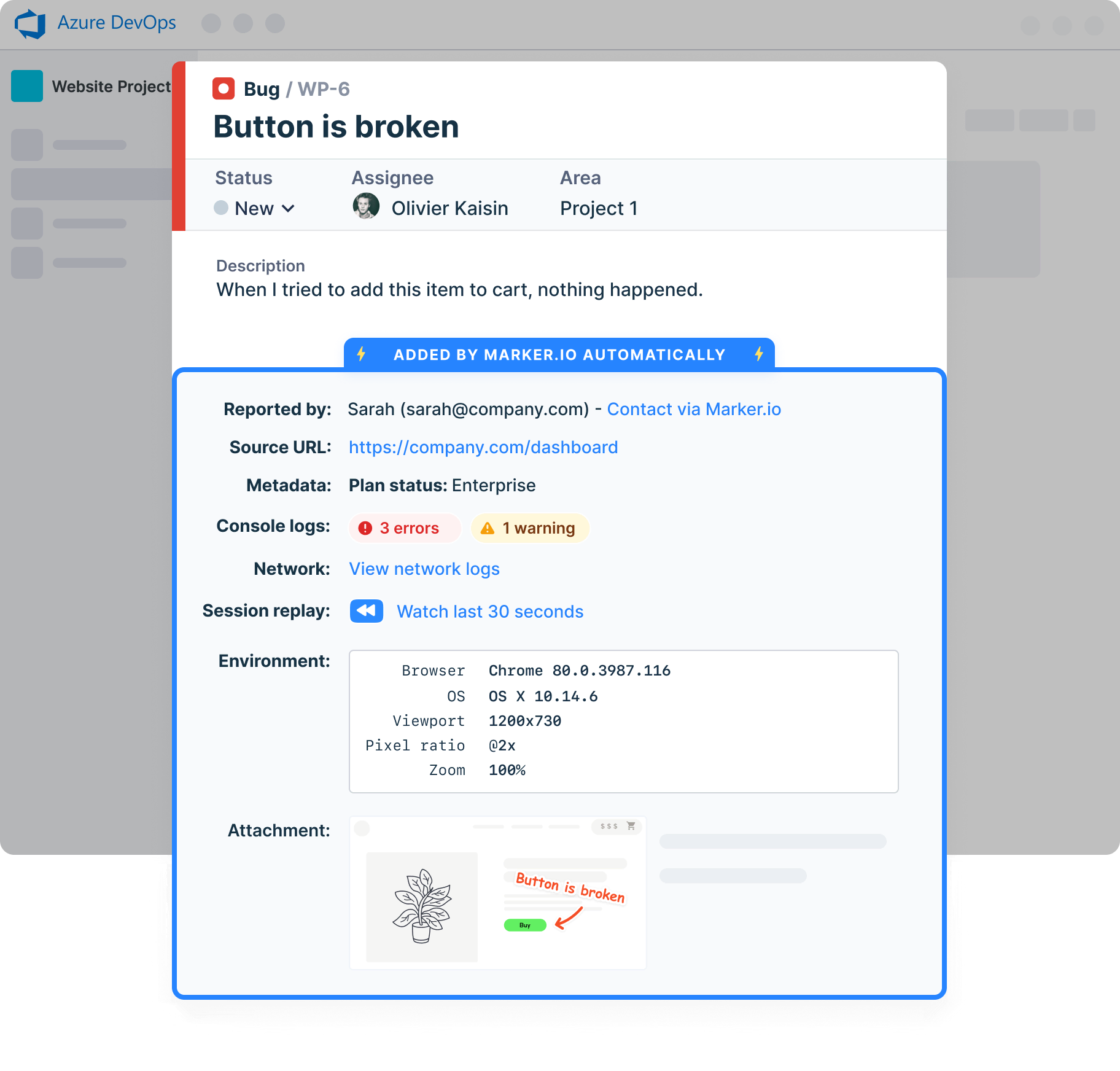
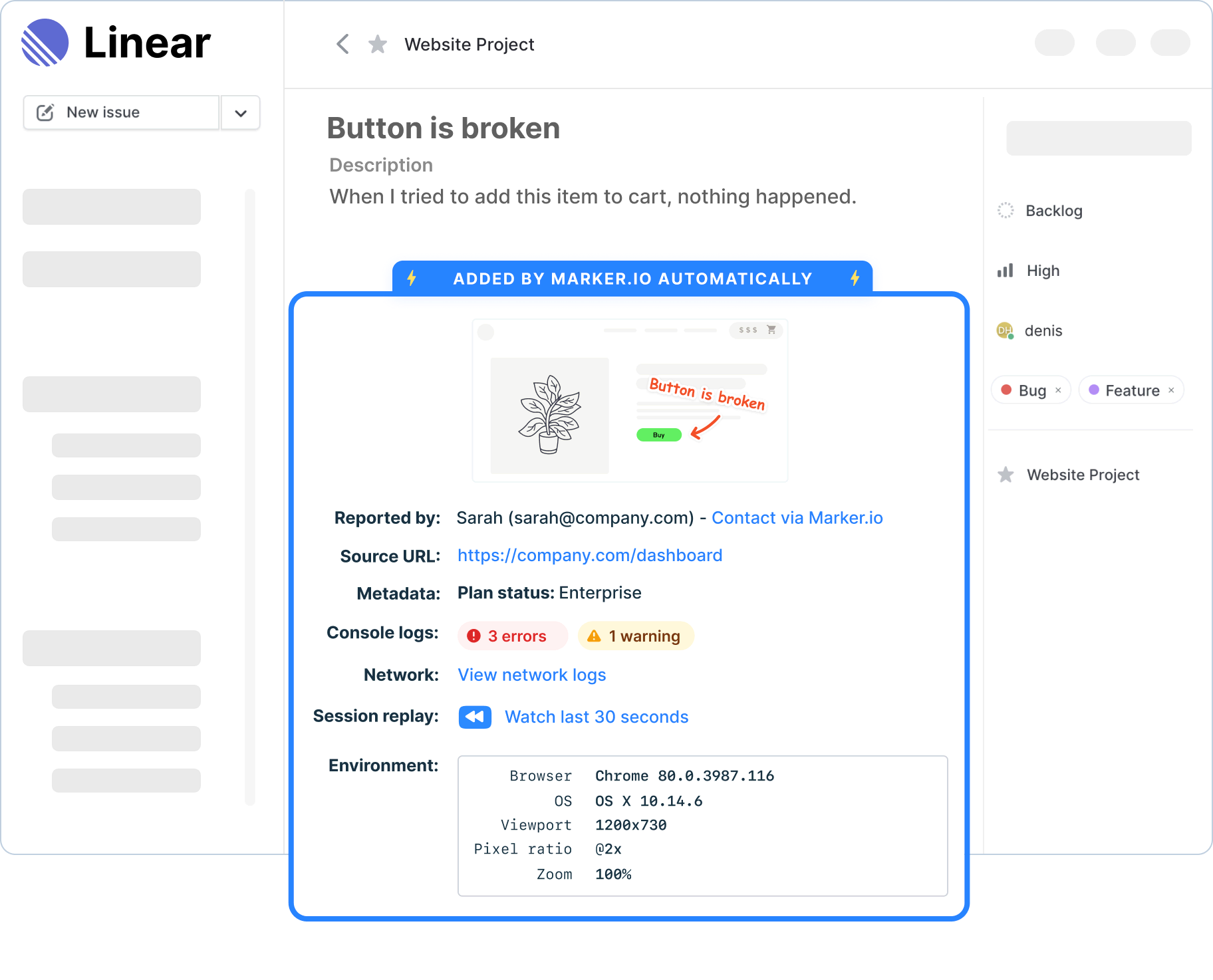
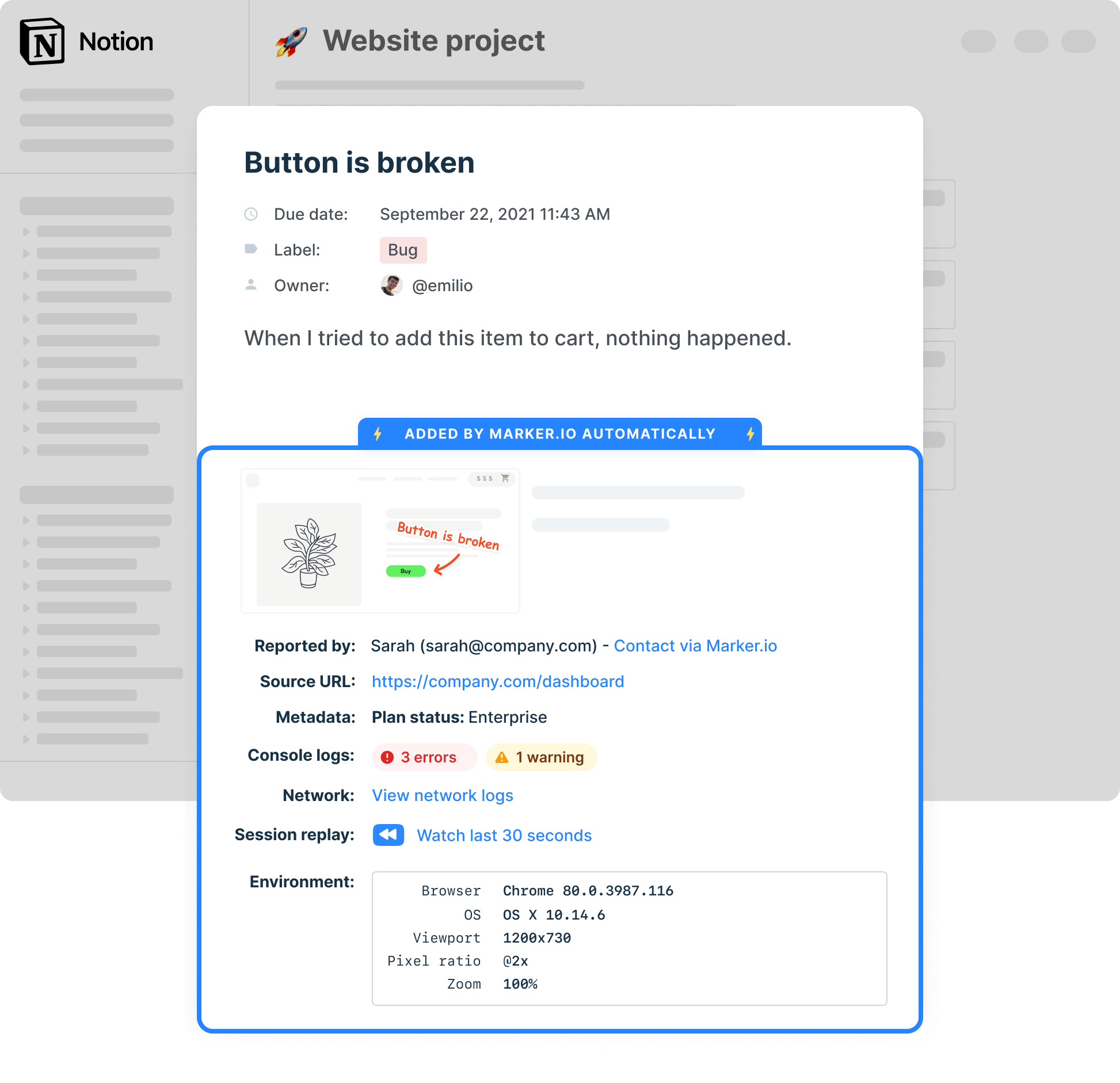
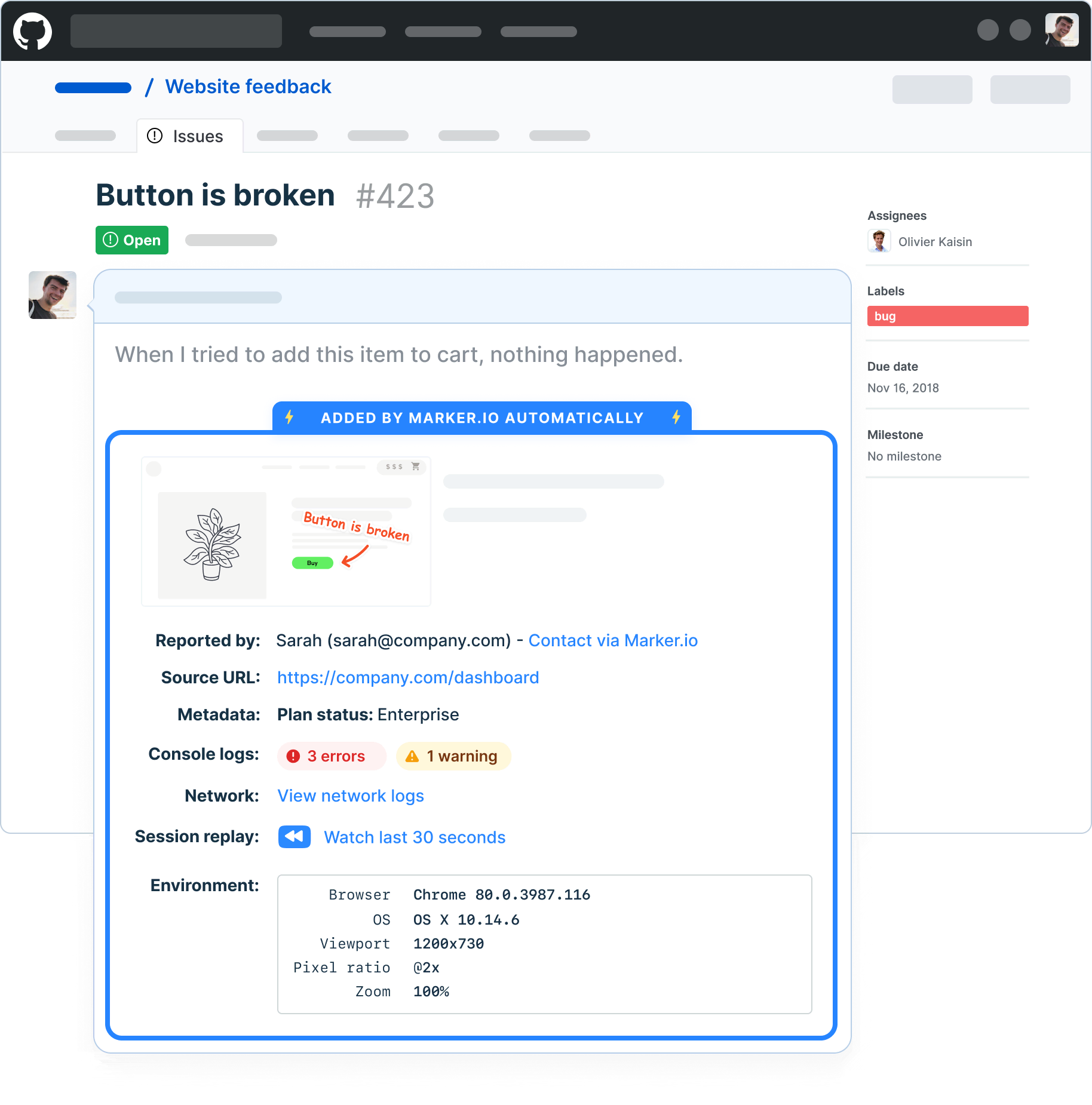
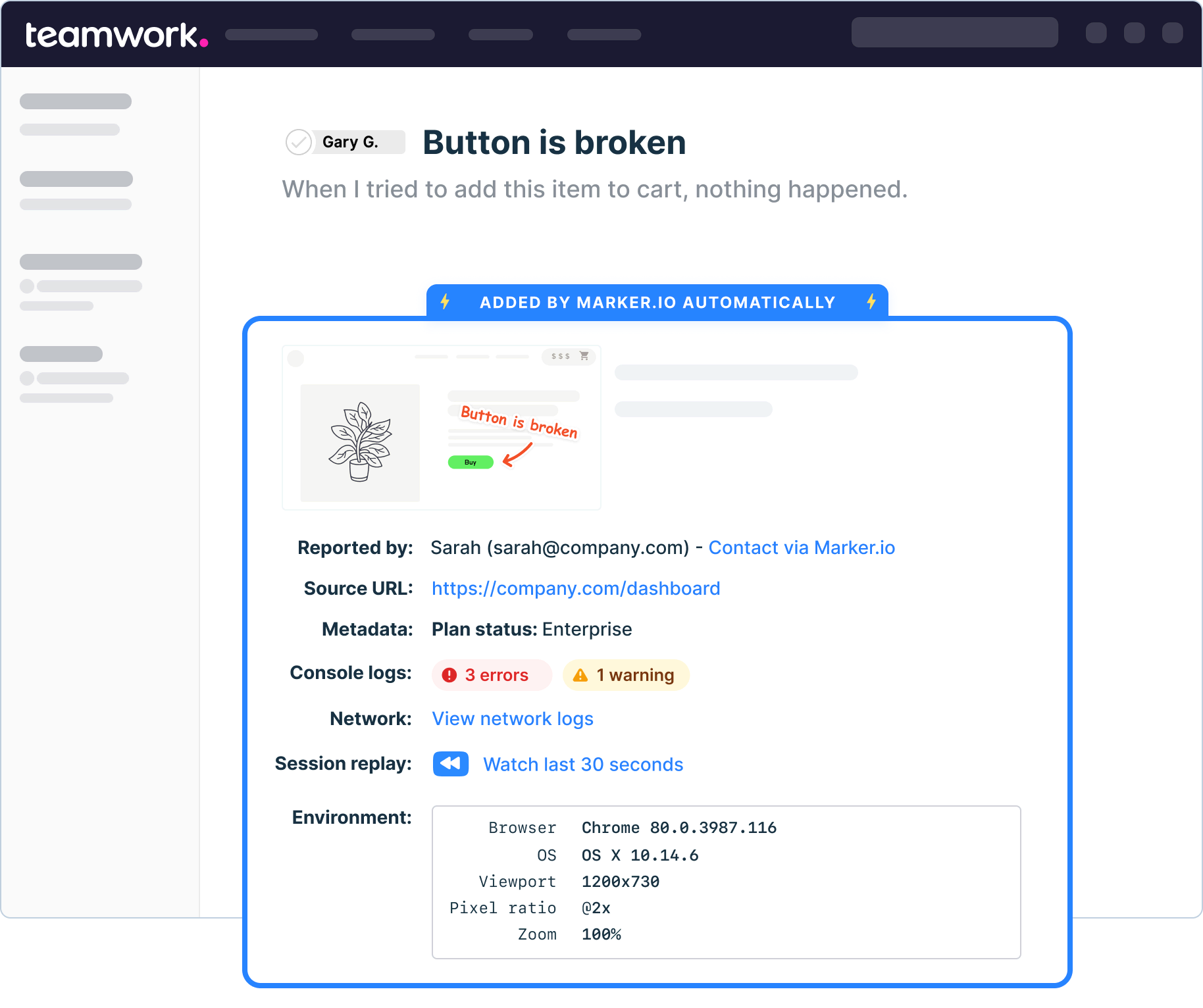
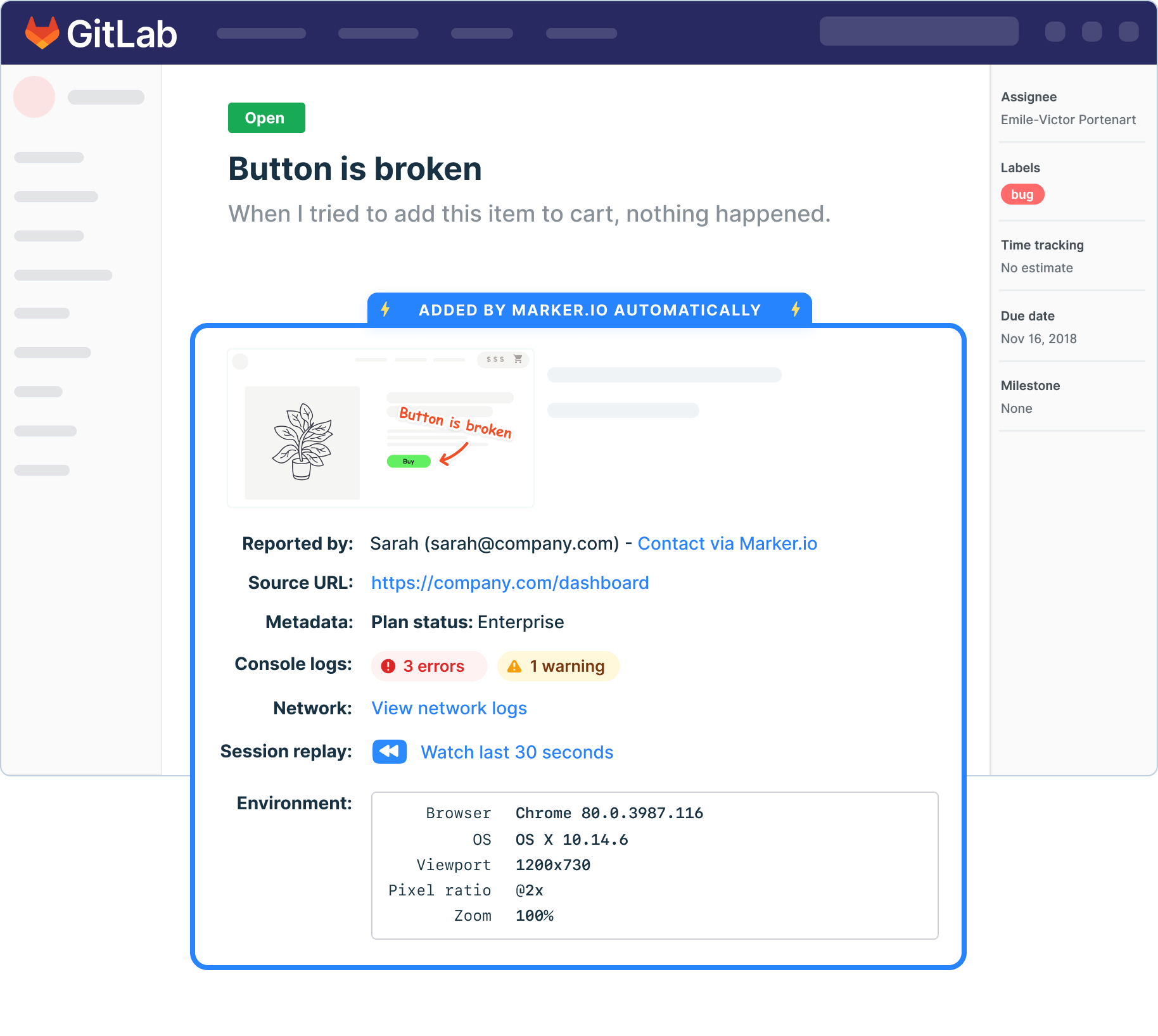
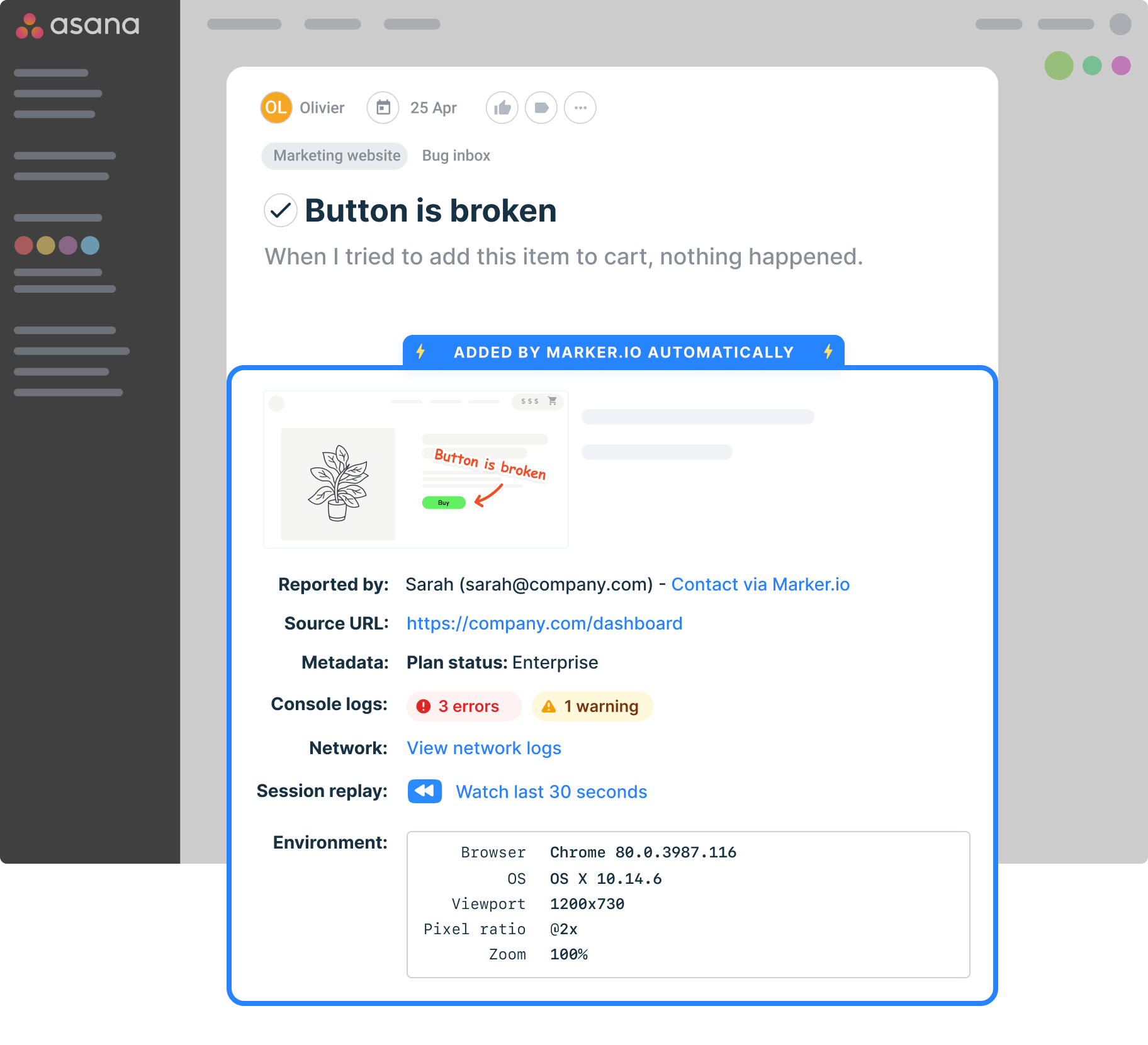
Connect your UAT tool with your project management solution, so the information you need is captured where you can act on it. Marker.io syncs with Jira, Linear, Trello, GitHub, and more. Feedback lands directly in your existing workflow.
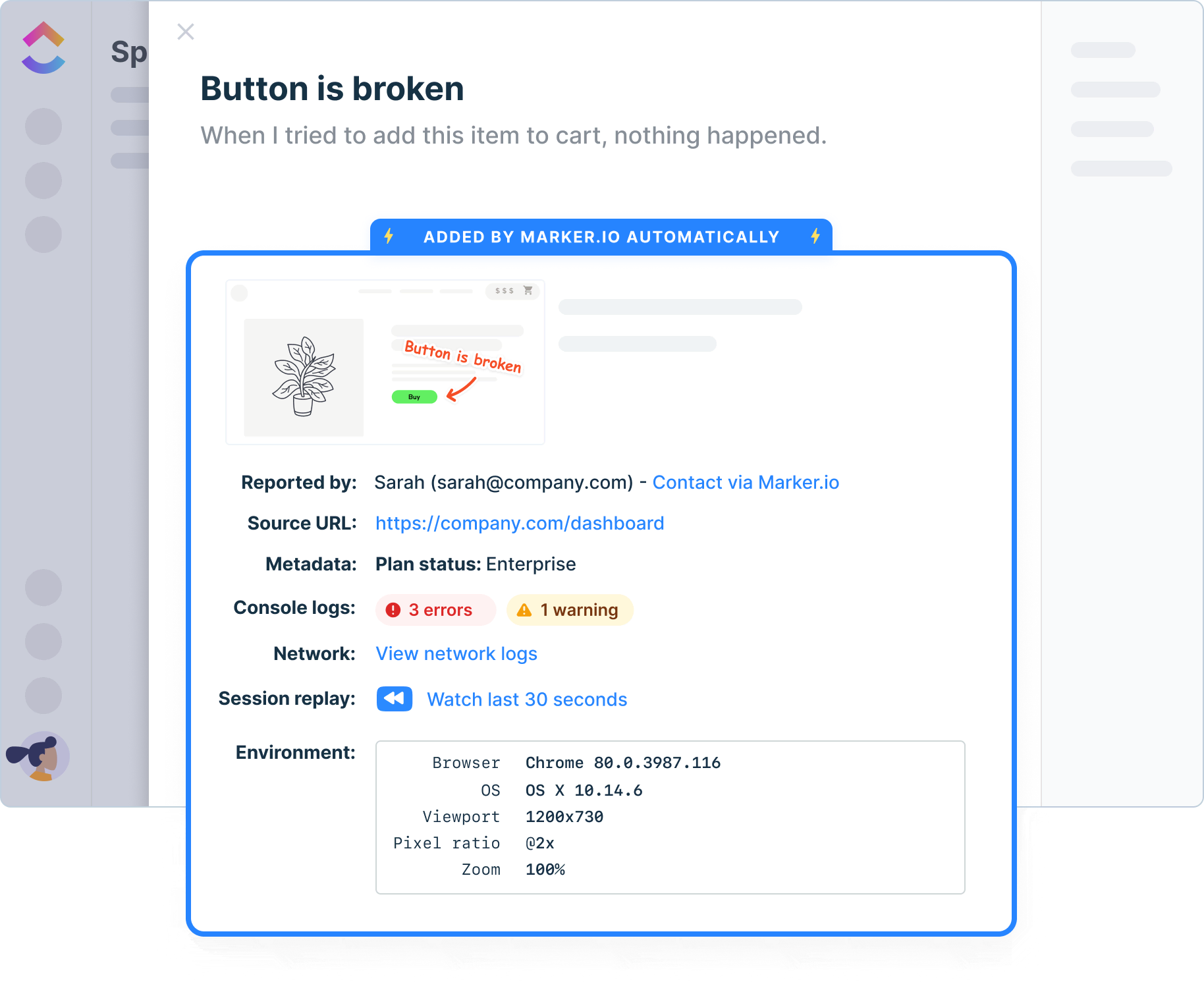
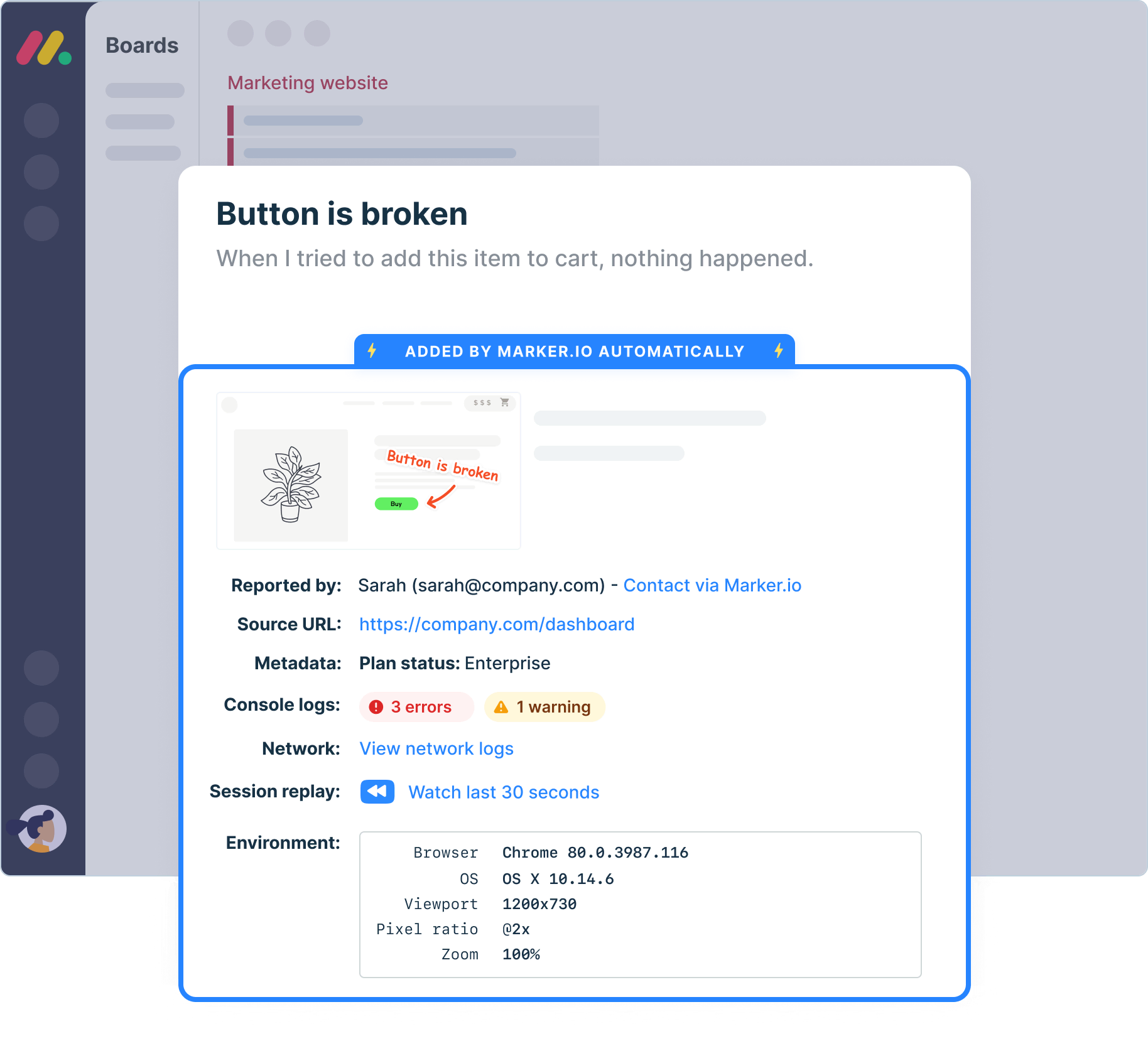
How Marker.io supports your UAT process
UAT involves a lot of moving parts. Marker.io fits into every stage.
Define your environment
Install Marker.io on your staging site in minutes. It's ready before your testers are.
Run your user acceptance tests
Testers report issues directly on the page. No alt-tabbing, no emails, no lost context.
Capture everything automatically
Browser, OS, screen size, console logs, and screenshots are attached to every report.
Manage feedback in one place
Issues sync straight into Jira, Linear, Trello, or whichever tool your team already uses.
Keep stakeholders informed
The guest portal gives everyone a live view of progress. Automatic status sync notifies them when issues are resolved.
Sign off with confidence
Your team has a complete, organized record of every issue reported, triaged, and fixed.
All the technical data your developers need
Testing environments
Report issues directly from your staging or UAT environments.
Technical details
Auto-capture metadata, screenshots, and technical logs.
Network logs
Capture and view network logs on bugs reported via the widget.
Environment data
Browser, OS, webpage and screen size are automatically added to your issues, without reporters having to do anything.
Javascript SDK
Take control of the widget via JavaScript SDK and pass custom metadata about your users or technical environment.

“Our developers can now see bugs through the reporters' eyes, with no information getting lost.”
Let AI handle the tedious parts
Our newest AI features keep global teams aligned with automatic translations, turn raw feedback into structured input, and generate clear issue titles instantly.
Marker.io MC
Connect Claude Code, Cursor, or VS Code, and an AI agent can pull the bug's full context: screenshot, console logs, network traces and start fixing. Included free on every plan.
AI Magic Rewrite & Title Generation
Turn rough notes into structured and actionable feedback. Collect just a description: AI turns it into a clear, actionable issue title.
AI Translation
Allow reporters to write bug reports and issue comments in their own native tongue, which AI then translates into your team's language.

Track bugs and report them on any device
Collect user feedback from team members, testers, stakeholders, clients, or even customers on mobile, tablet, and desktop.
Customize your experience
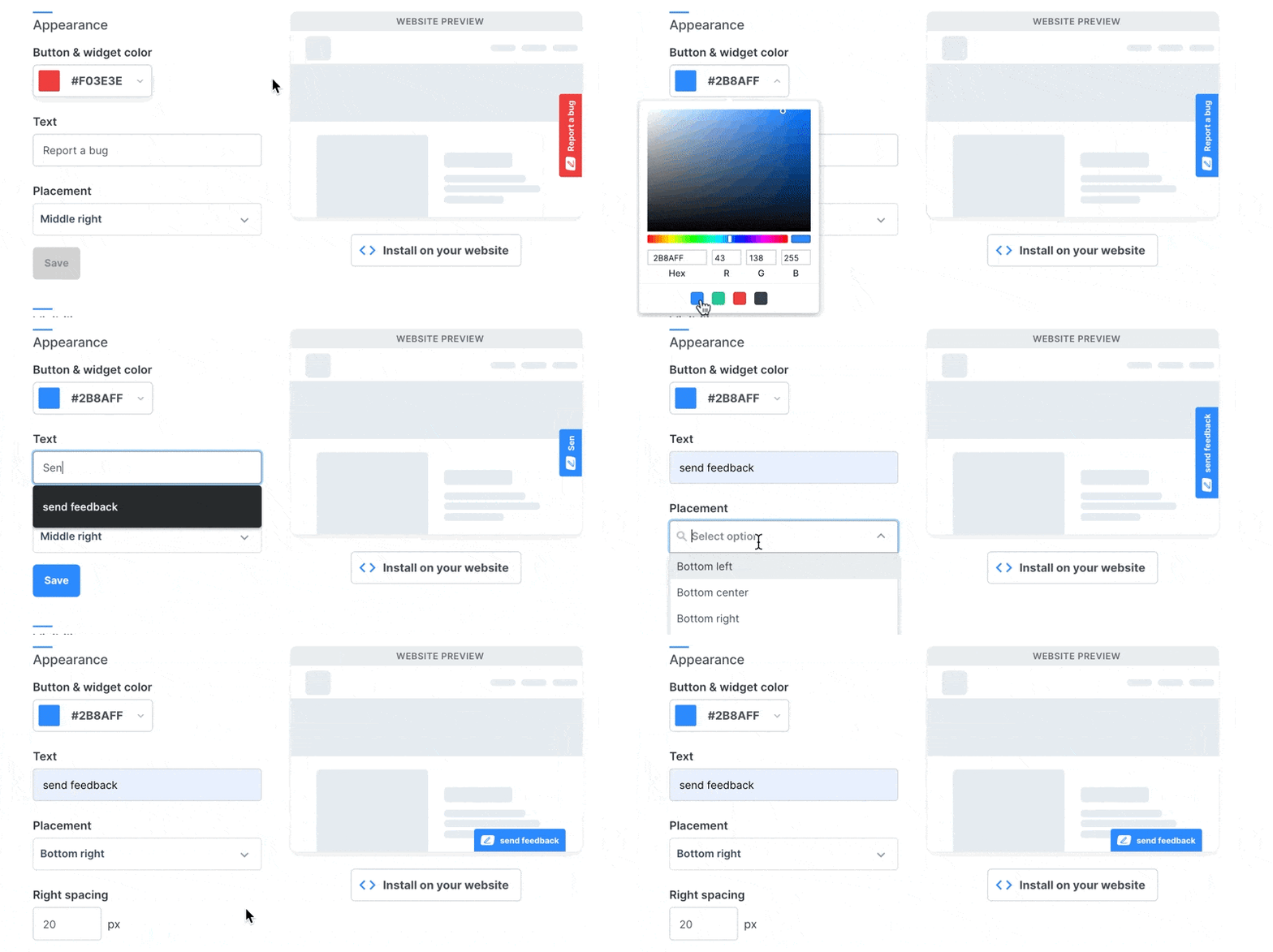
Match your branding to create a seamless experience for users of your UAT tool and your website. Add a custom button to make Marker.io easy to find.
Travel back in time
Rewind and watch what users did before submitting feedback so you can identify the issue better understand user behavior.

“I love that we get a video of exactly what happened to our users”

Collect website issues in one source of truth
Don't ask your devs to adopt a new tool. Make sure all user feedback arrives directly where your devs work, with all the information they need to reproduce.
Get insights into console errors
Even if your users are not technical, your devs still get the data they need to easily reproduce the issue and understand the feedback.
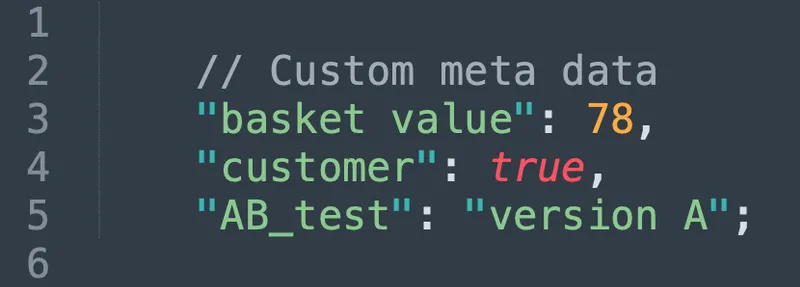
Understand which users send which feedback
Use custom metadata to get more insights into your users and reporters.
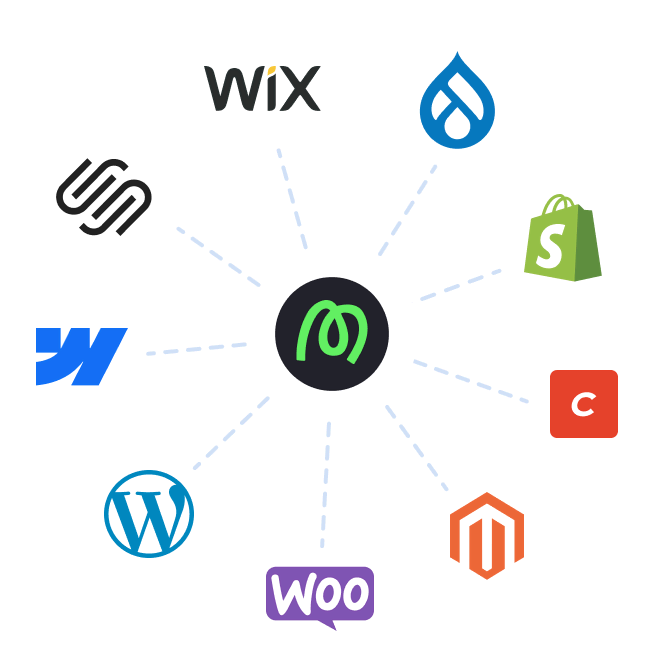
Deploy Marker in your favorite CMS
Marker.io can easily be installed on all existing CMS systems.
Users can report from any device
Collect feedback from your users on mobile, tablet, or their desktop.
Get started now
Free 15-day trial • No credit card required • Cancel anytime
UAT Tool FAQs
What are UAT tools?
UAT tools are software platforms that help teams manage the user acceptance testing process – from collecting feedback to tracking issues and communicating with stakeholders.
A purpose-built UAT tool like Marker.io goes further by embedding the feedback mechanism directly into your website, capturing technical data automatically, and syncing everything into your project management workflow.
What is user acceptance testing?
User acceptance testing (UAT) is often the final stage of the software development lifecycle, sometimes occurring before beta testing, where real end users test a product to verify it meets business requirements before it goes live. It's the last quality gate before launch; the point where you confirm the product works the way it's supposed to in a real-world context.
UAT typically involves structured test cases, defined acceptance criteria, and a user feedback loop between testers and the development team.
Successful user acceptance testing not only gets you test results you can act on to improve your release, but also helps you understand user expectations of your product or website.
What are the best UAT testing tools with real-time feedback?
For teams that need real-time feedback during UAT, the best tools are those that let users report issues in the moment – without switching context.
Your connected tools handle access control, customizable workflows, time tracking, audit trails and reporting, while our straightforward solution saves you time by capturing high-quality bug reports to get pulled automatically into those other tools – no steep learning curve or complex code review needed.
What are the top tools for automating manual UAT processes?
Manual UAT is usually slow because testers have to document everything themselves – browser version, OS, page URL, what they were doing when the issue occurred – which is especially challenging for non-technical users.
Marker.io eliminates most of that manual effort. Technical data is captured automatically with every report, so testers only need to describe what they saw.
Marker.io's AI features take it further: they translate feedback from other languages, rewrite unclear descriptions, and generate issue titles from a single field. The result is a faster, more accurate UAT process with far less manual overhead.
What are the different types of user acceptance testing?
User acceptance testing isn't one-size-fits-all. The type of user acceptance testing you need depends on what you're validating before launch.
Operational acceptance testing checks whether the product is ready for day-to-day use, support, and handover – not just whether it works.
Contract acceptance testing validates that the software meets the deliverables agreed in a contract or statement of work.
Regulatory acceptance testing confirms compliance with legal or industry requirements before external users ever interact with the product.
Business acceptance testing focuses on whether the software supports real business processes and user needs – the commercial "does this actually work for us?" check.
Large enterprise rollouts often require several of these in parallel. Marker.io supports all of them, giving every stakeholder a simple way to execute tests, report issues, and manage feedback across user sessions, without any specialist training or complex test management setup.