
Catch and fix issues faster
Report bugs directly on your website, with all the technical data your developers need automatically attached.


Report bugs in three simple steps
QA testing is most effective when testers can tell you what’s wrong quickly, clearly, and without friction. Marker.io makes that happen.
Open Marker.io
Click the feedback button to open the Marker.io bug tracker widget when you spot a bug.
Annotate the image
Use tools like the text box, arrow, and highlight options to identify the bug on your screenshot.
Report the bug
Write the title and description in your bug form and fill out any other fields, then click “Send.”
The trusted design tool for market leaders






“Clients used to send us emails, documents, spreadsheets and even powerpoints for feedback. Now we just use Marker.io.”
Record and track issues easily in your testing workflow
Keep QA moving by giving testers the simplest, most complete way to log issues: directly on the page, without switching tools.
Log issues in seconds
Click the widget, describe the bug, and submit. Marker.io handles the rest – no alt-tabbing, no manual documentation, no context lost between tester and developer.
Stay in your workflow
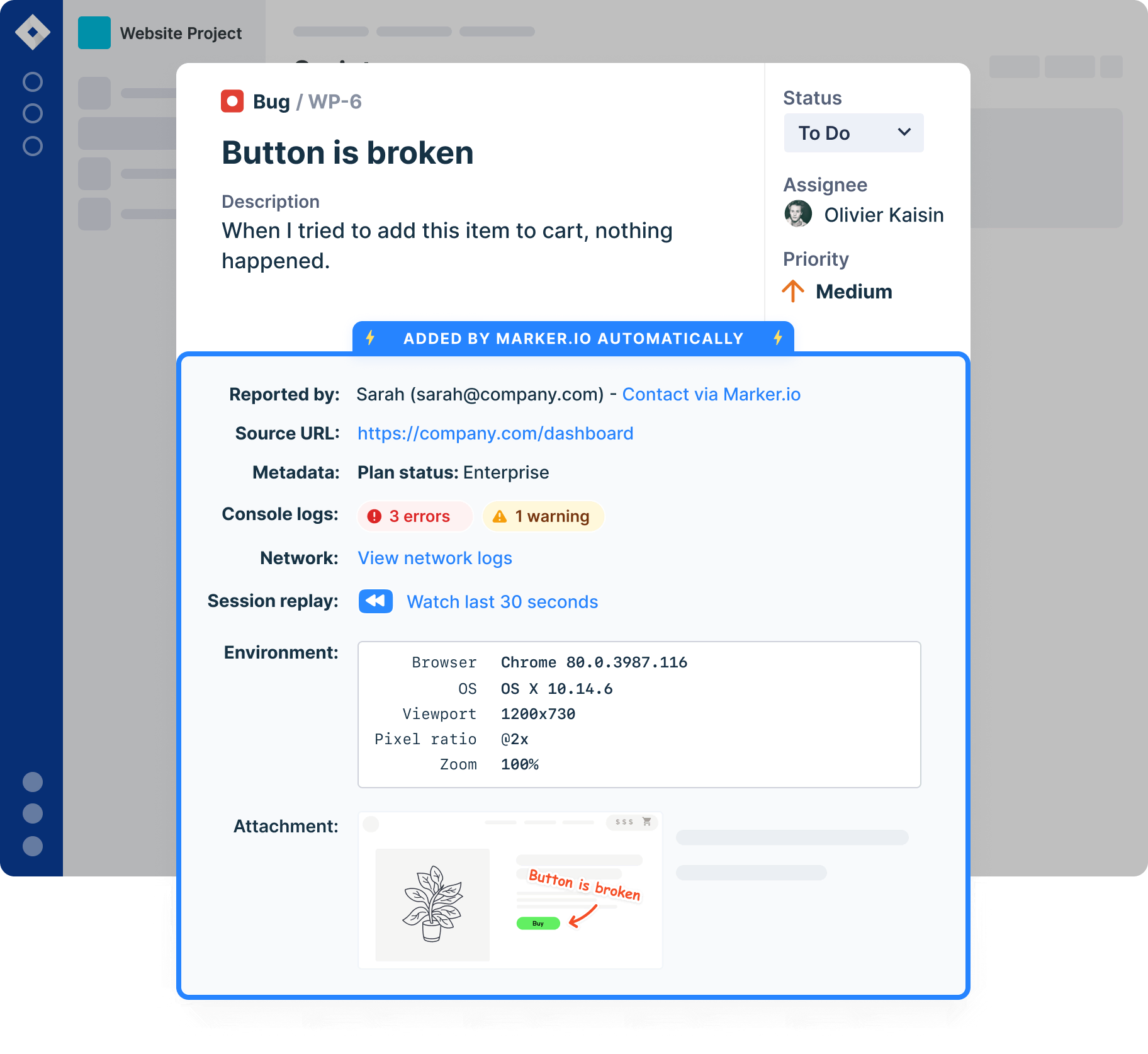
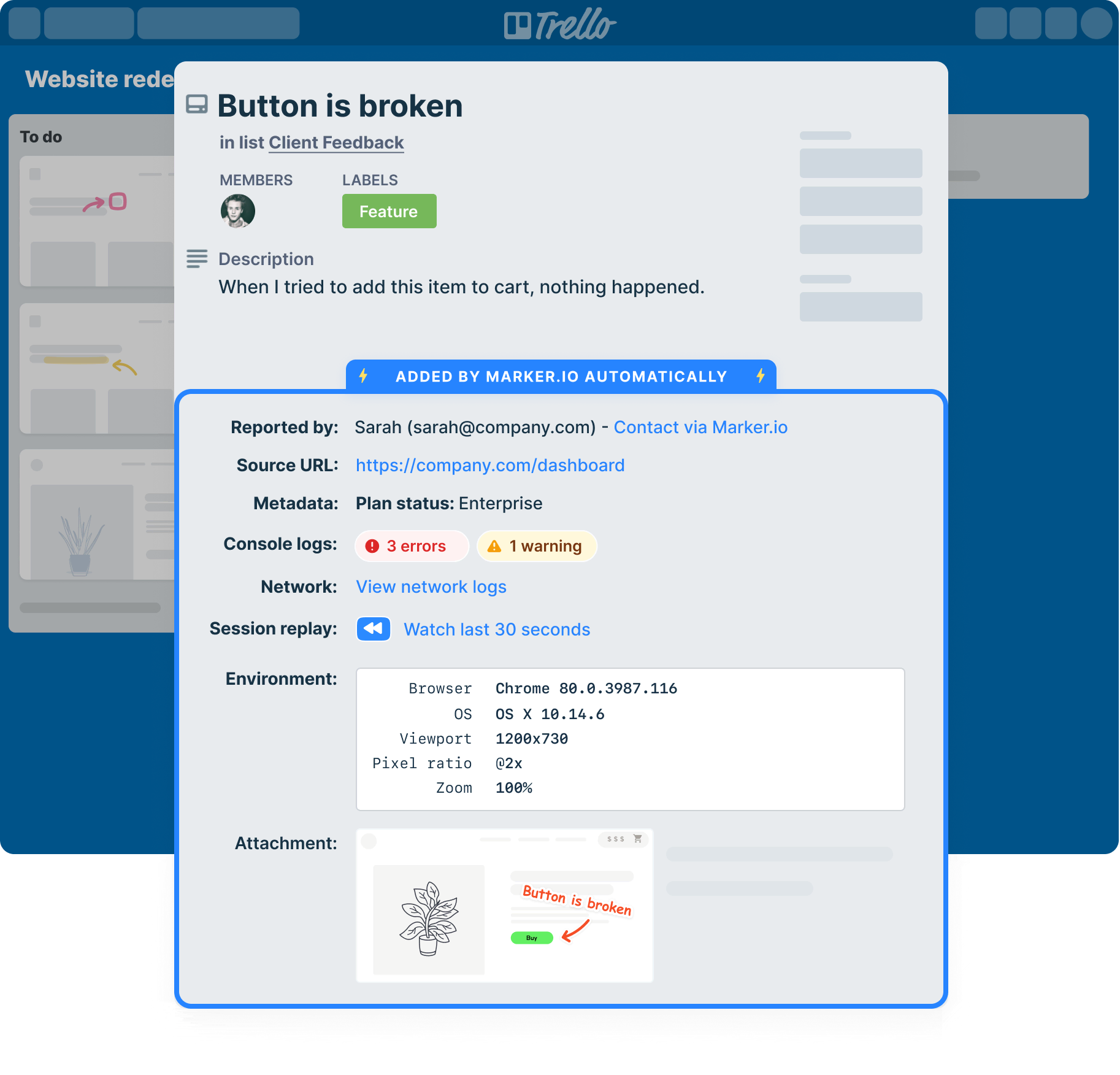
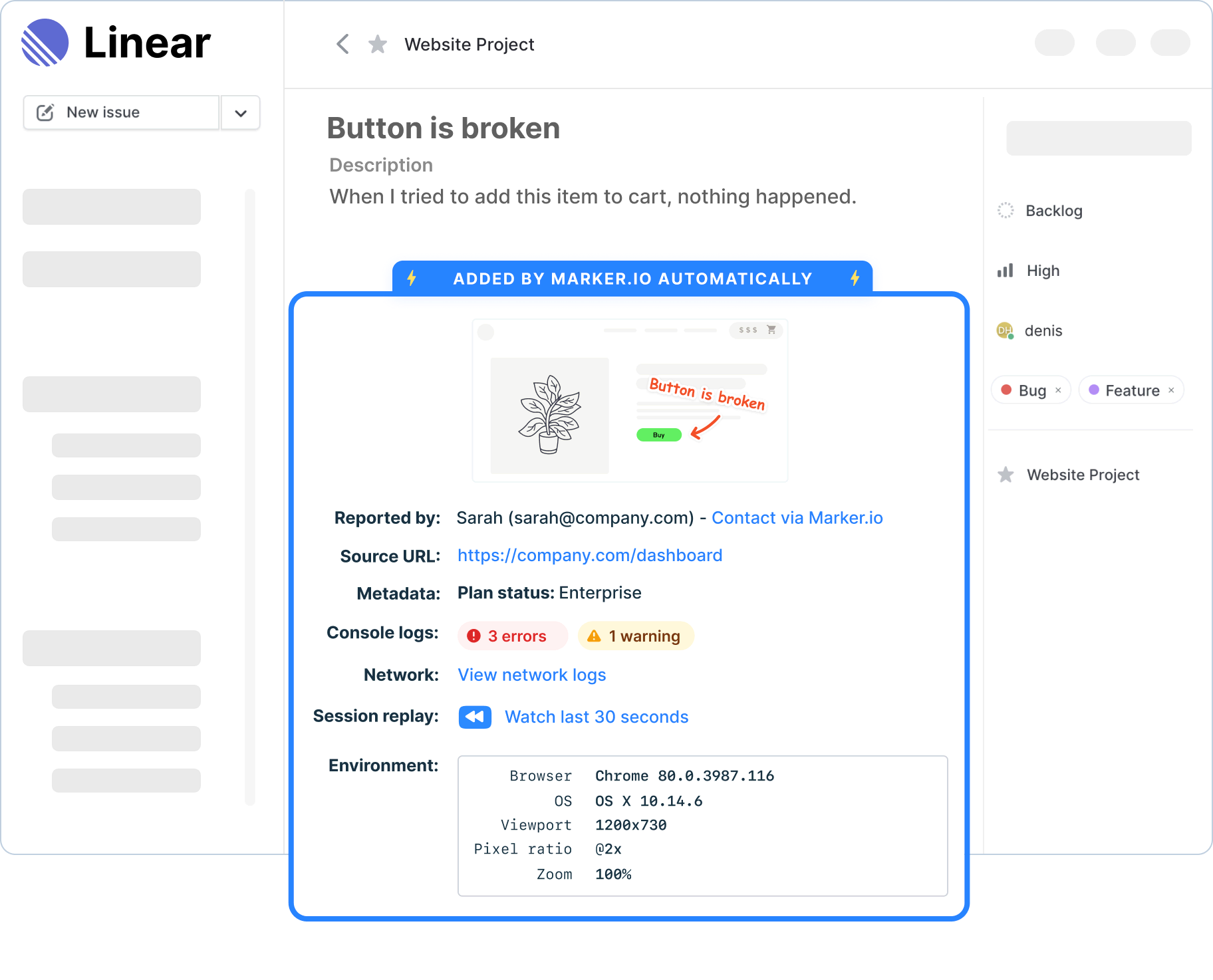
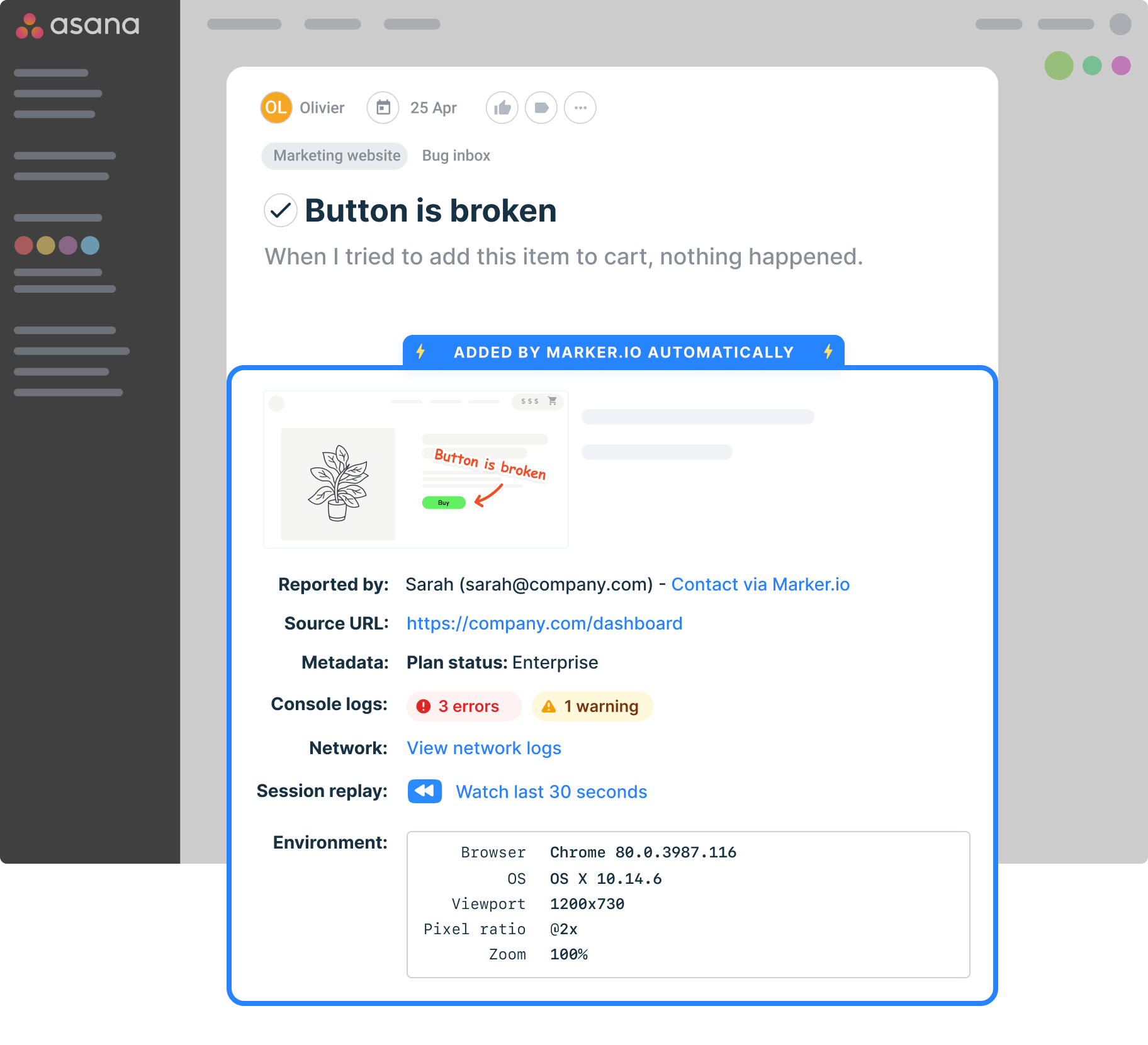
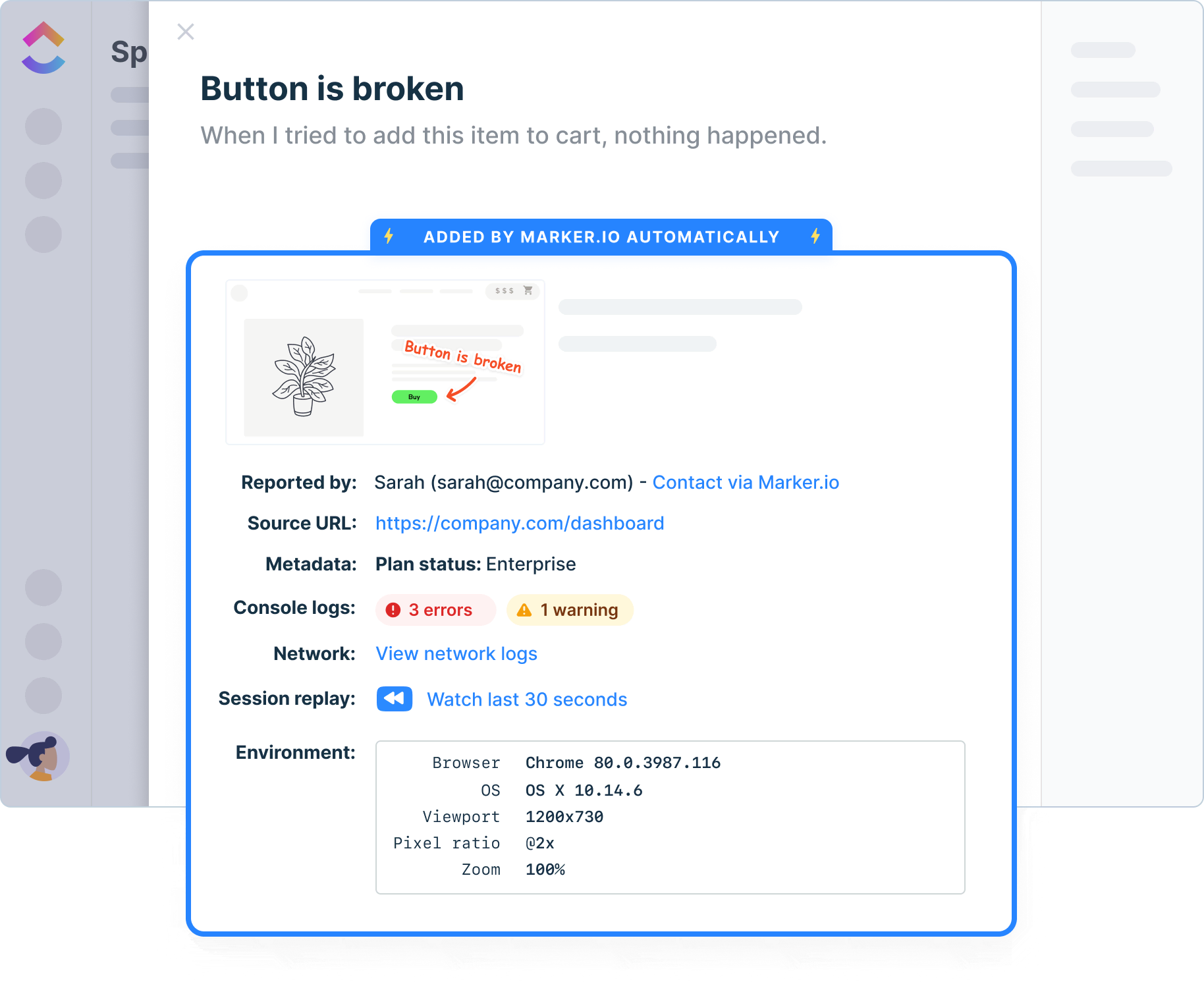
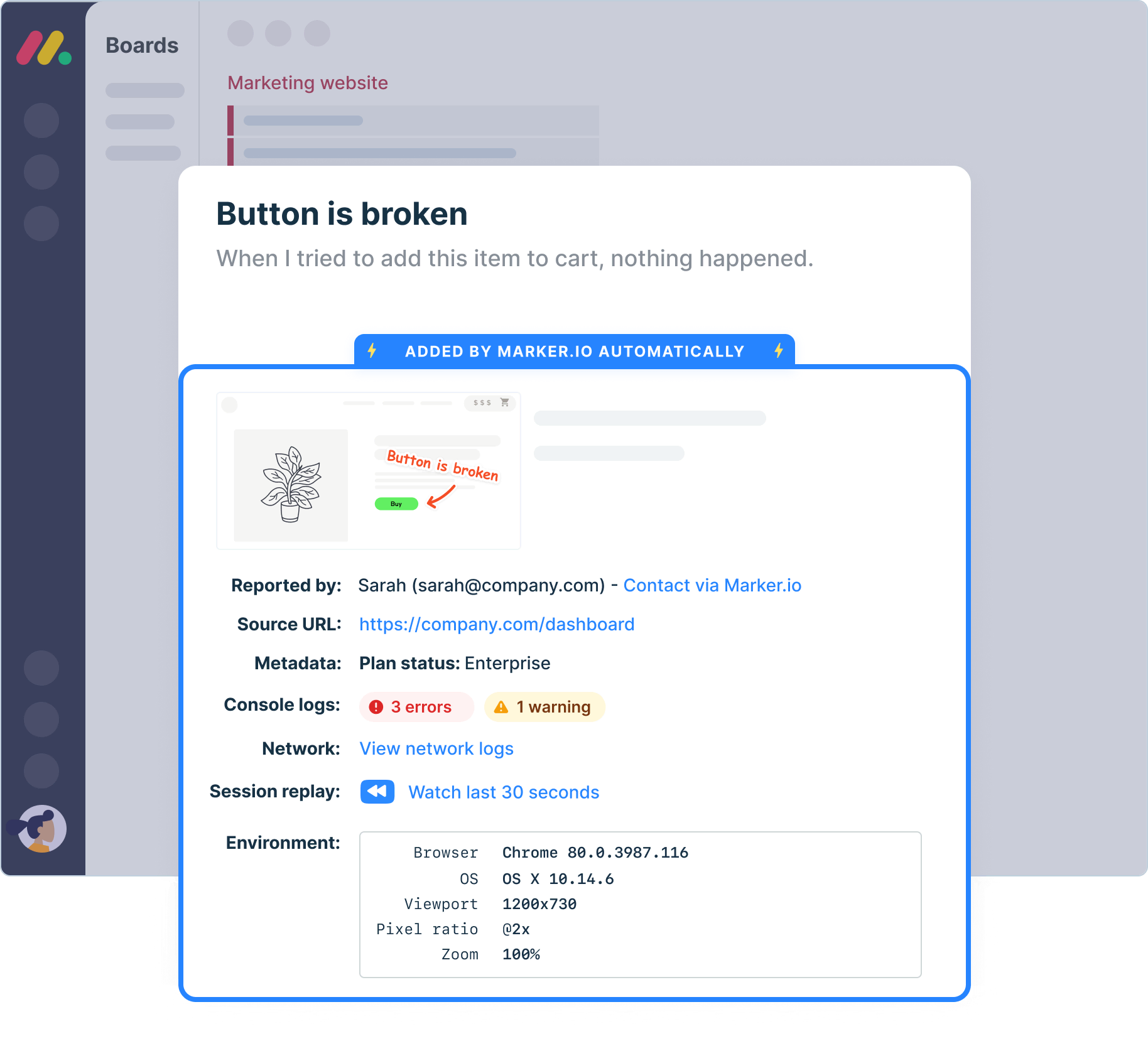
Every tracked issue syncs straight into your project management tool. Your QA team works in Jira, Linear, or Trello, so that's where your bug reports land.
Cover more ground fast
When reporting’s this easy, testers flag more. More issues surfaced early means fewer surprises at launch – and a more complete picture of your test coverage.

“It's very nice to limit the form. Too many fields would confuse our clients and users. Now they just have the title and description.”
Fully integrate your QA and PM workflows
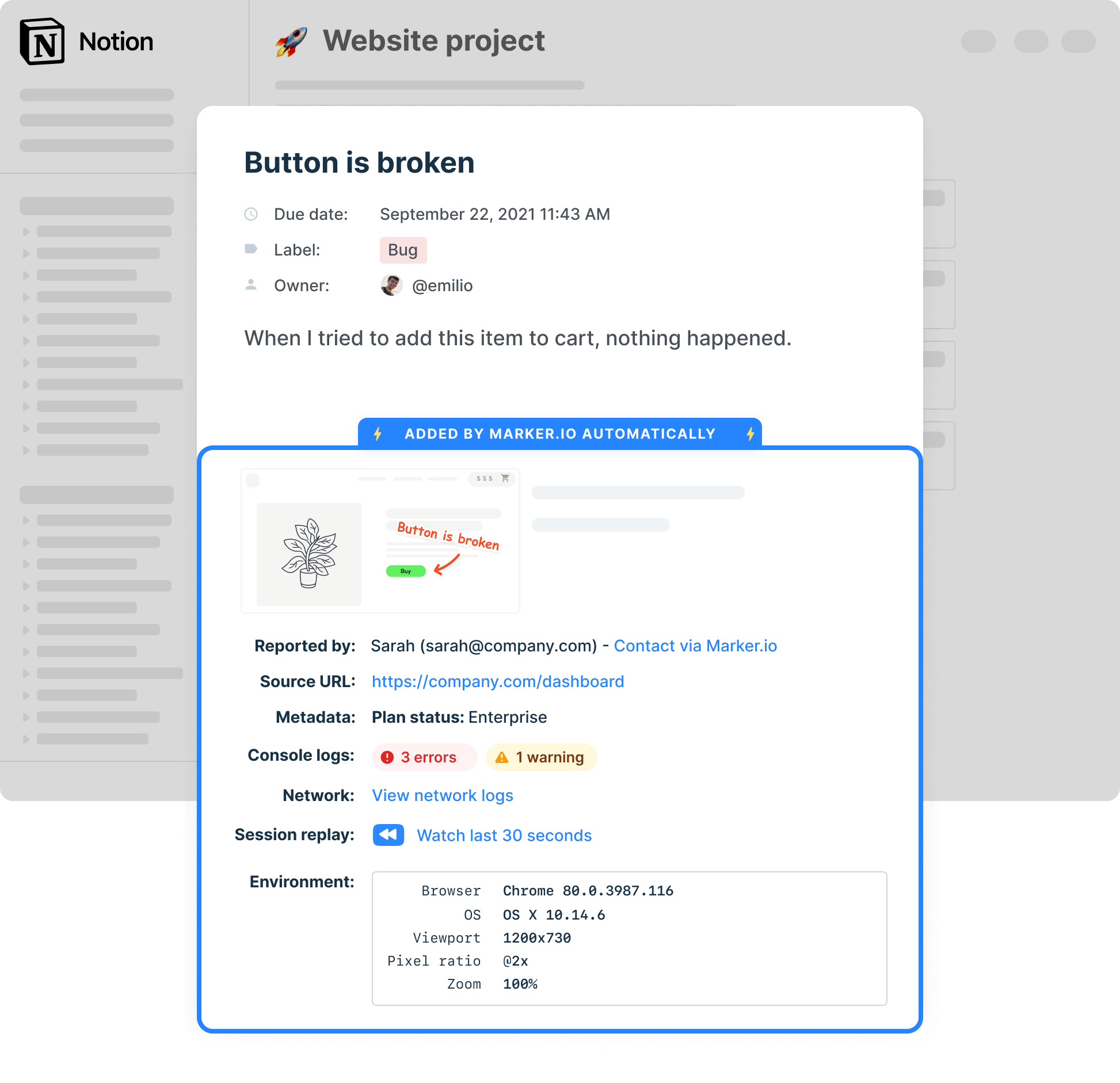
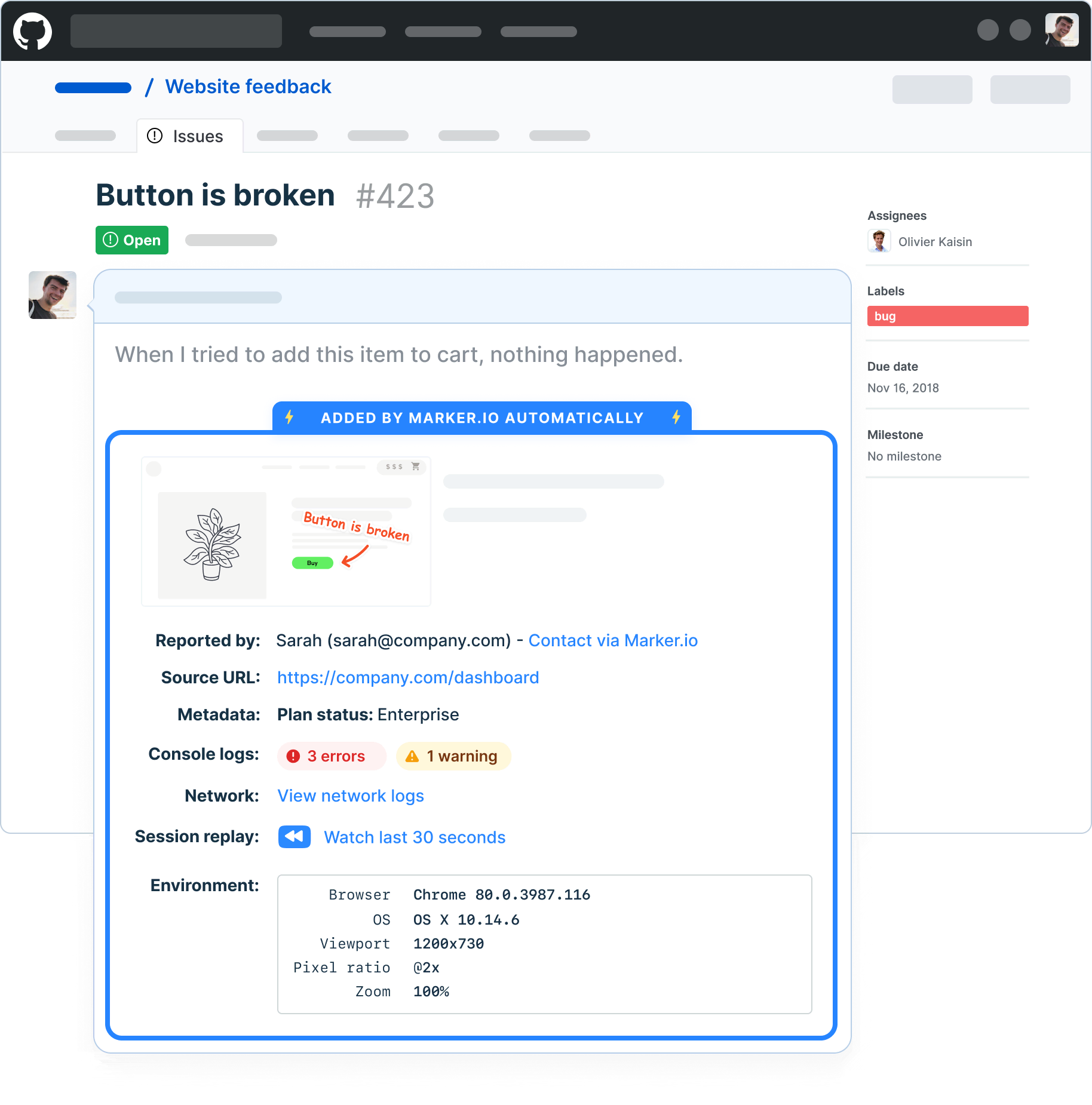
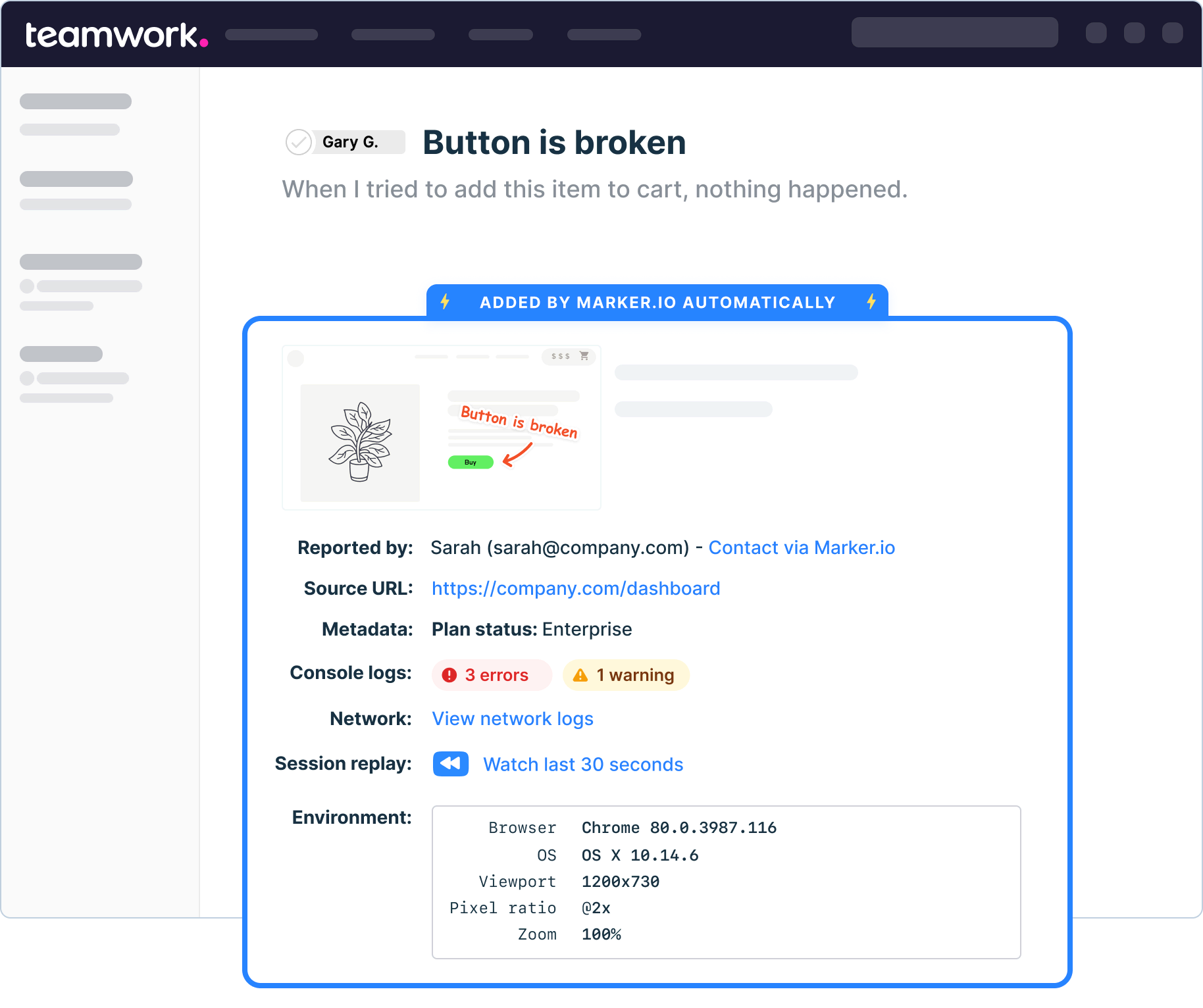
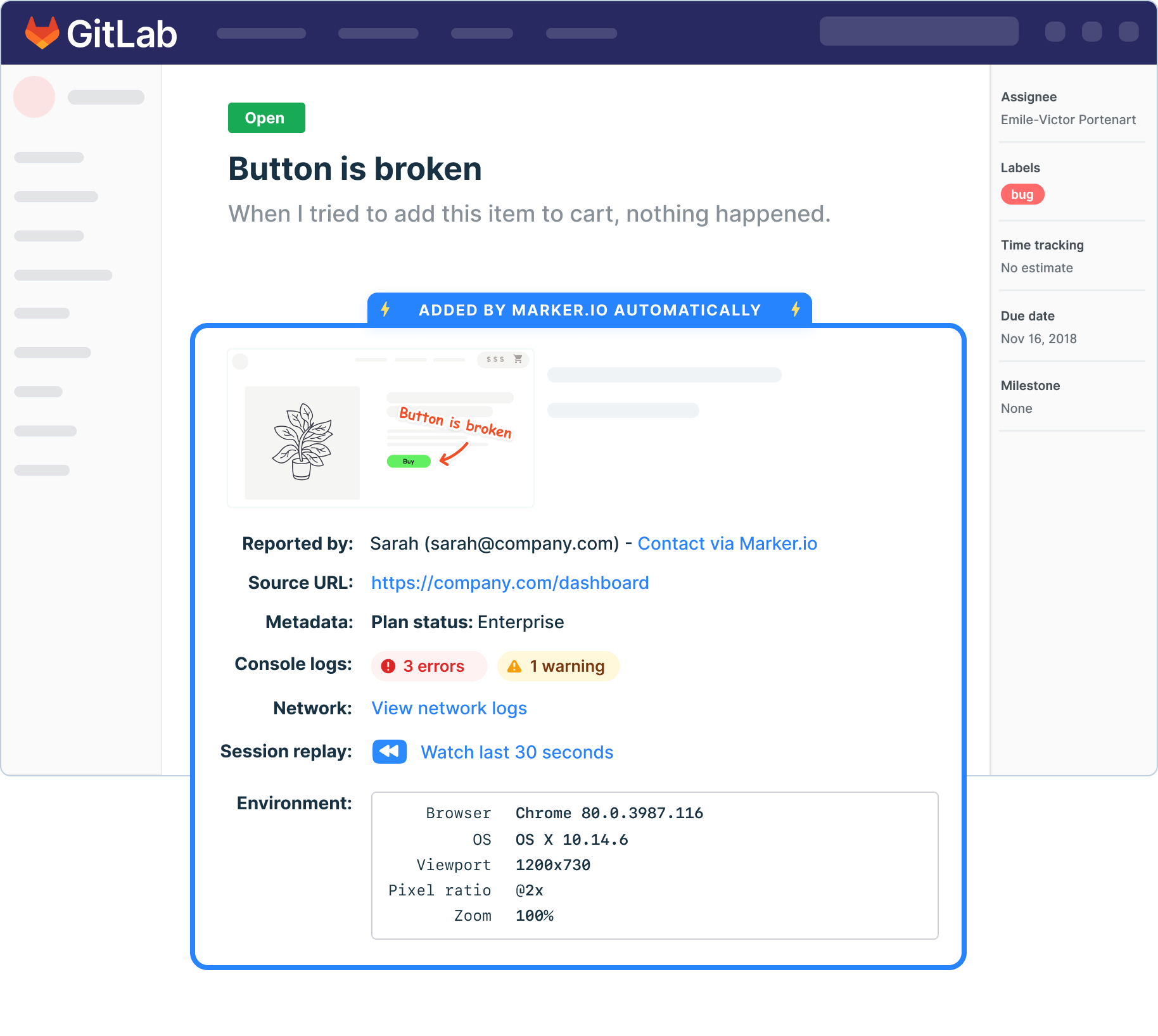
Connect Marker.io to your project management solution and communication tools.
Why Marker.io stands out as a QA tool
Most testing tools are built for experienced QA engineers. Marker.io is built for everyone involved in getting a site live, from QA leads to non-technical stakeholders.
Integrates with your entire stack
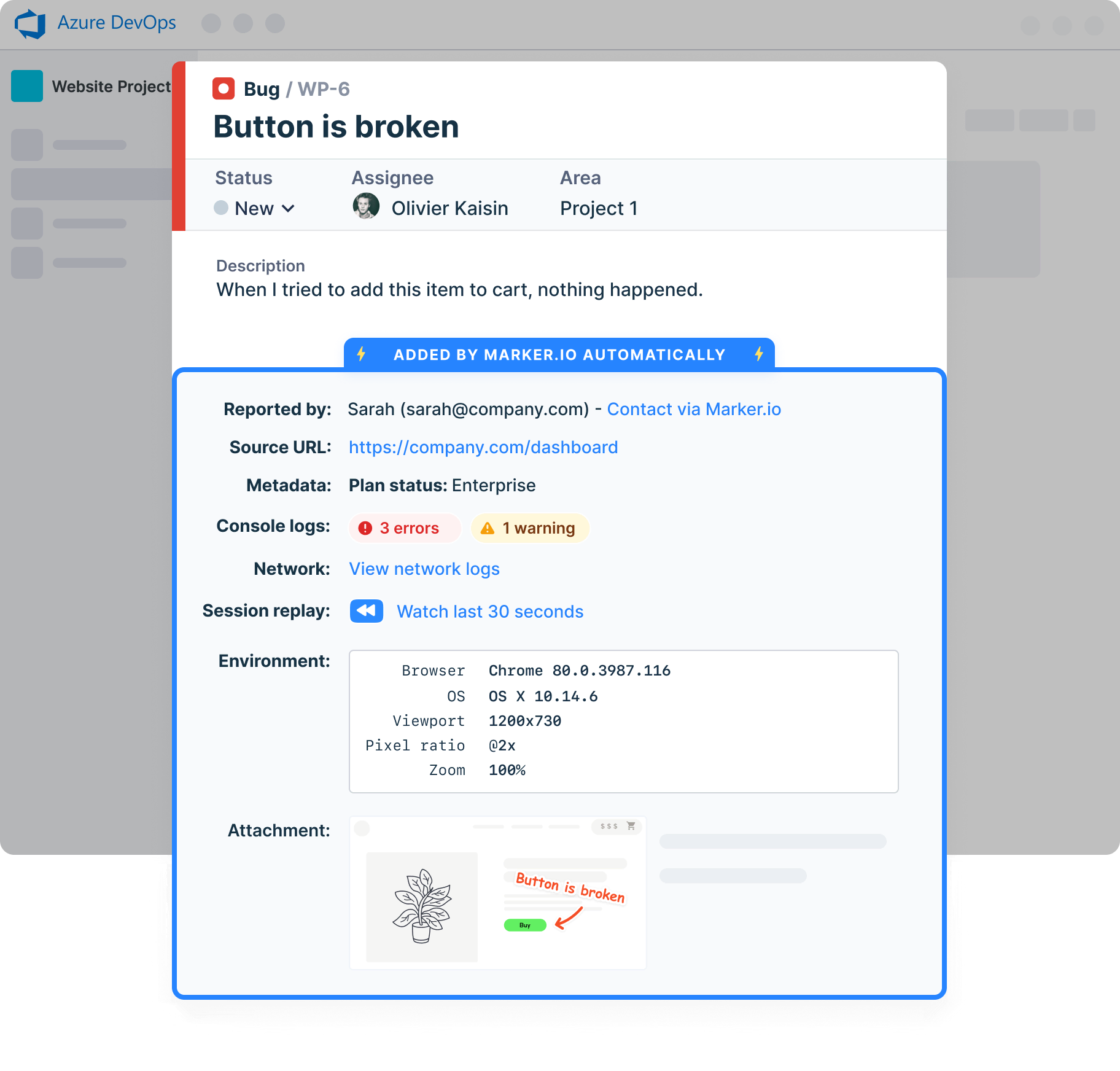
Marker.io connects to Jira, Linear, GitHub, Azure DevOps, Trello, Slack, and more. Issues land directly in your existing workflow – no duplicate entry, no separate system to manage.
Marks up pages with precision
Testers can annotate screenshots directly on the page, highlighting exactly what’s wrong, where it is, and what it looks like. No description needed beyond pointing at the problem.
Onboards new users in minutes
There’s no steep learning curve and no training sessions required – if your testers and stakeholders can use a website, they can use Marker.io.
Captures everything automatically
Browser, OS, screen size, page URL, console logs, and network logs are attached to every report without the tester doing anything. Your developers have what they need from the first report.
Supports your full testing process
From exploratory testing and manual testing through to structured test cases and regression testing, Marker.io supports the entire QA cycle, not just one phase of it.
Keeps everyone in the loop
Clients, stakeholders, and external reporters stay updated through the guest portal and automatic status sync. No more chasing updates across email threads.
Set up Marker.io to catch issues at any stage
Make sure your site is ready while it's in production, or catch issues once it's live. Here are the ways you can implement Marker.io.
JavaScript snippet
Paste a single line of code into your site and Marker.io is live. It takes minutes, requires no build process, and works across web apps and multi-site environments. Once installed, the widget is available on every page so testers can report from anywhere without any additional setup.
Browser extension
Install the Chrome extension and start reporting bugs on any website – no code required. It’s the fastest way to get QA running on a live site, a client's site, or any page you don't control the codebase of. Ideal for QA engineers doing cross-browser testing or spot-checking in production.
WordPress plugin
Add Marker.io to any WordPress site directly from the plugin directory, with no developer help. The no-code installation works out of the box, making it the right choice for marketing teams, content editors, and agencies managing WordPress-based sites.
Deploy Marker in your favorite CMS
Install Marker on all existing CMS, including Wix, Shopify, Wordpress and other tools in the market. Handle issue reporting wherever you are with our QA testing tool.
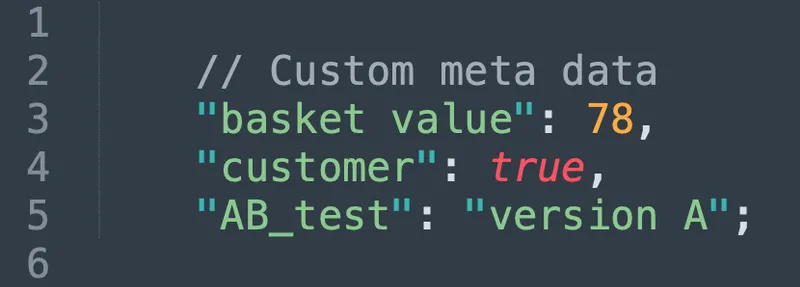
Understand who is sending bug reports
Use custom metadata to get more insights into your QA tool testers and reporters.

“Our developers can now see bugs through the reporters' eyes, with no information getting lost.”

Track bugs and report them on any device
Collect user feedback from team members, QA testers, stakeholders, clients, or even customers on mobile, tablet, and desktop.
Watch what happened before a bug was filed
Session replay gives QA testers and developers the full picture, not just a screenshot of the moment something went wrong.
Record every session
Marker.io records user sessions. Rewind to watch what happened before an issue was reported.
Watch what happened
See every click, scroll, and interaction in the moments that led to a bug encounter.
Give vital context
Remove the guesswork and cut the back-and-forth between testers and developers.

“I love that we get a video of exactly what happened to our users”

Collect website issues in one source of truth
Don't ask your devs to adopt a new tool. Make sure all QA tester feedback arrives where your devs work, with all the information they need to reproduce bugs.
Get started now
Free 15-day trial • No credit card required • Cancel anytime
QA Tool FAQs
Which tools are used for QA testing?
The right QA testing tool depends on what you're testing and who's doing the testing. Most QA teams use a combination: a dedicated QA tool with bug tracking like Marker.io, an issue management tool like Jira, and a test case management system for organizing test plans and test runs when capturing and reporting issues during the testing process.
Marker.io fits into that stack as the layer that sits on your website. Testers report bugs directly on the page, with screenshots, console logs, environment data, and more captured automatically. Everything syncs into your existing project management tool, so there's no separate system to manage and no manual data entry between the tester and the developer.
What is the best tool for building QA dashboards?
QA dashboards are usually built inside project management or test management tools. Jira, Linear, ClickUp, and Azure DevOps all offer reporting views that give teams visibility into test results, open bugs, and testing progress.
Marker.io complements these tools by feeding them clean, complete, well-structured issues. Because every report includes consistent metadata – browser, OS, environment, and console logs – your dashboard data is more reliable and easier to filter.
If your QA team is looking to improve dashboard quality, the place to start is often the quality of the data going in.
What tool should I use for QA bug triage?
Bug triage is most effective when issues are well-structured, consistently formatted, and easy to filter by severity, environment, or test area. The problem with manual QA is that reports vary wildly in quality, which makes triage slower and more subjective.
Marker.io improves triage by standardizing what gets captured. Every bug includes the same technical metadata, so your QA engineers can filter and prioritize based on real data rather than chasing reporters for details.
Combined with a project management tool like Jira or Linear – where you can assign severity, set priority, and track resolution – Marker.io gives your team a clean, consistent triage workflow from first report to sign-off.