Clearer feedback, powered by AI
Our newest AI features keep global teams aligned with automatic translations, turn raw feedback into structured input, and generate clear issue titles instantly with the AI-powered bug tracker.

Clearer feedback, powered by AI
- Get early access to AI tools that cut the time you spend on every website issue.
- Keep global teams aligned with automatic translations.
- Turn raw feedback into structured input.
- Generate clear issue titles instantly.
Marker.io MCP
Connect Claude, Cursor, and other AI tools to incoming bug reports. Let an AI system synthesize duplicate reports, automate testing, summarize test results, and suggest a code fix or pull request.
AI Translation
Allow reporters to write bug reports and issue comments in their own native tongue, which AI then translates into your team's language.
AI Magic Rewrite & Title Generation
Turn rough notes into structured and actionable feedback. Collect just a description – AI turns it into a clear, actionable issue title.
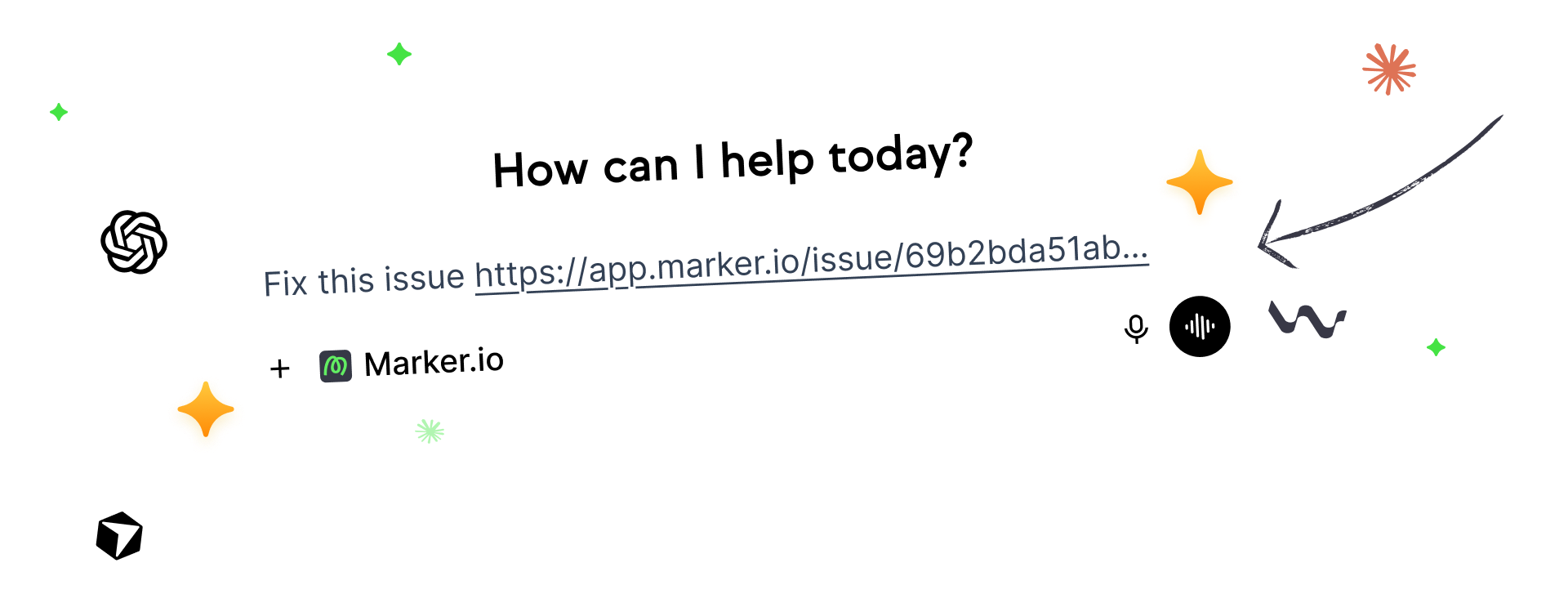
Auto-resolve website issues with AI
The MCP server sends structured bug reports, environment details, console data, and issue tracking context to Claude, Cursor, or any AI agent so it can investigate software bugs, propose code changes, and speed up bug resolution.
.svg)
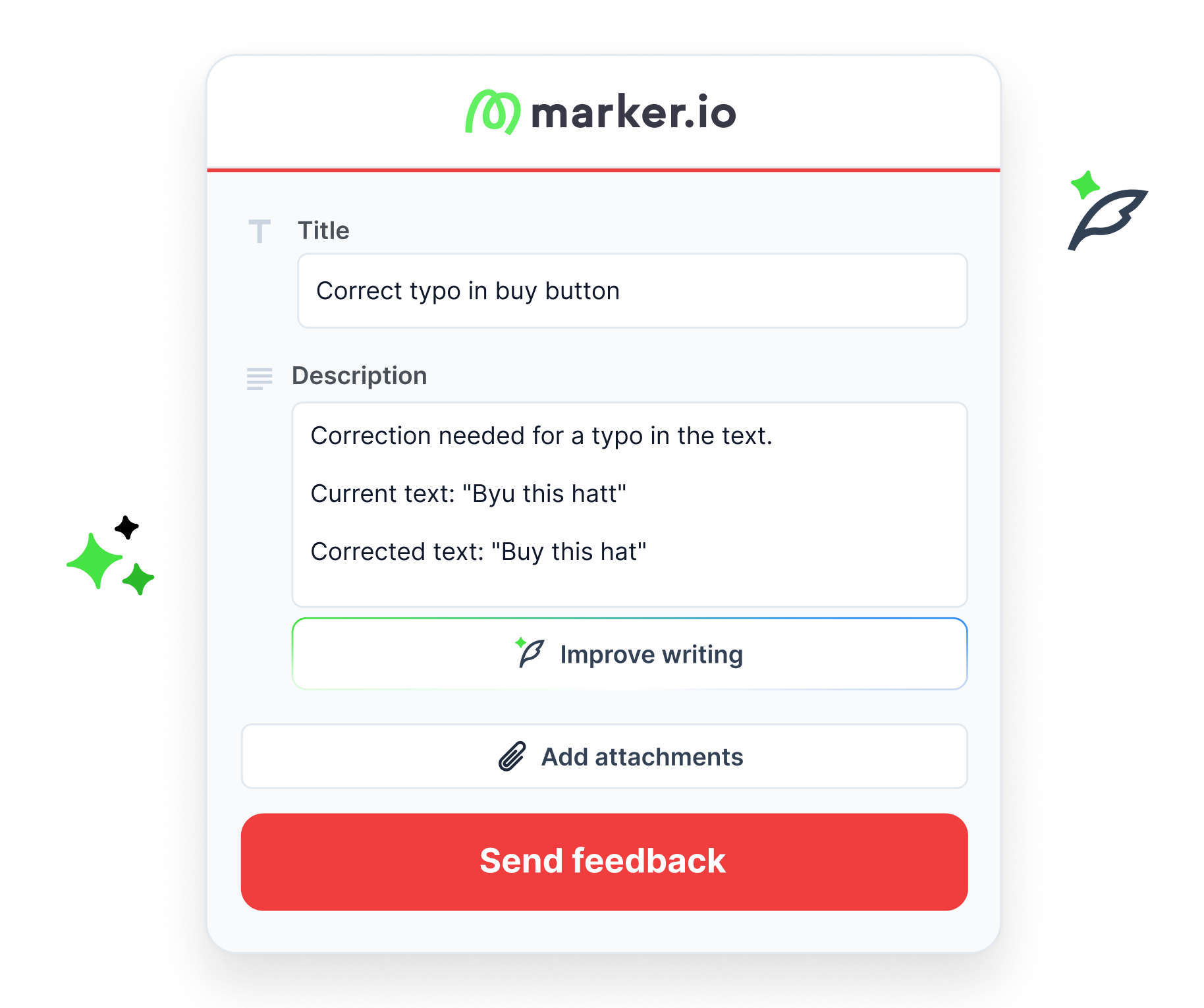
Improve issue descriptions
Turn messy comments into structured bug reports that reduce manual effort for QA and development teams.
AI Magic Rewrite:
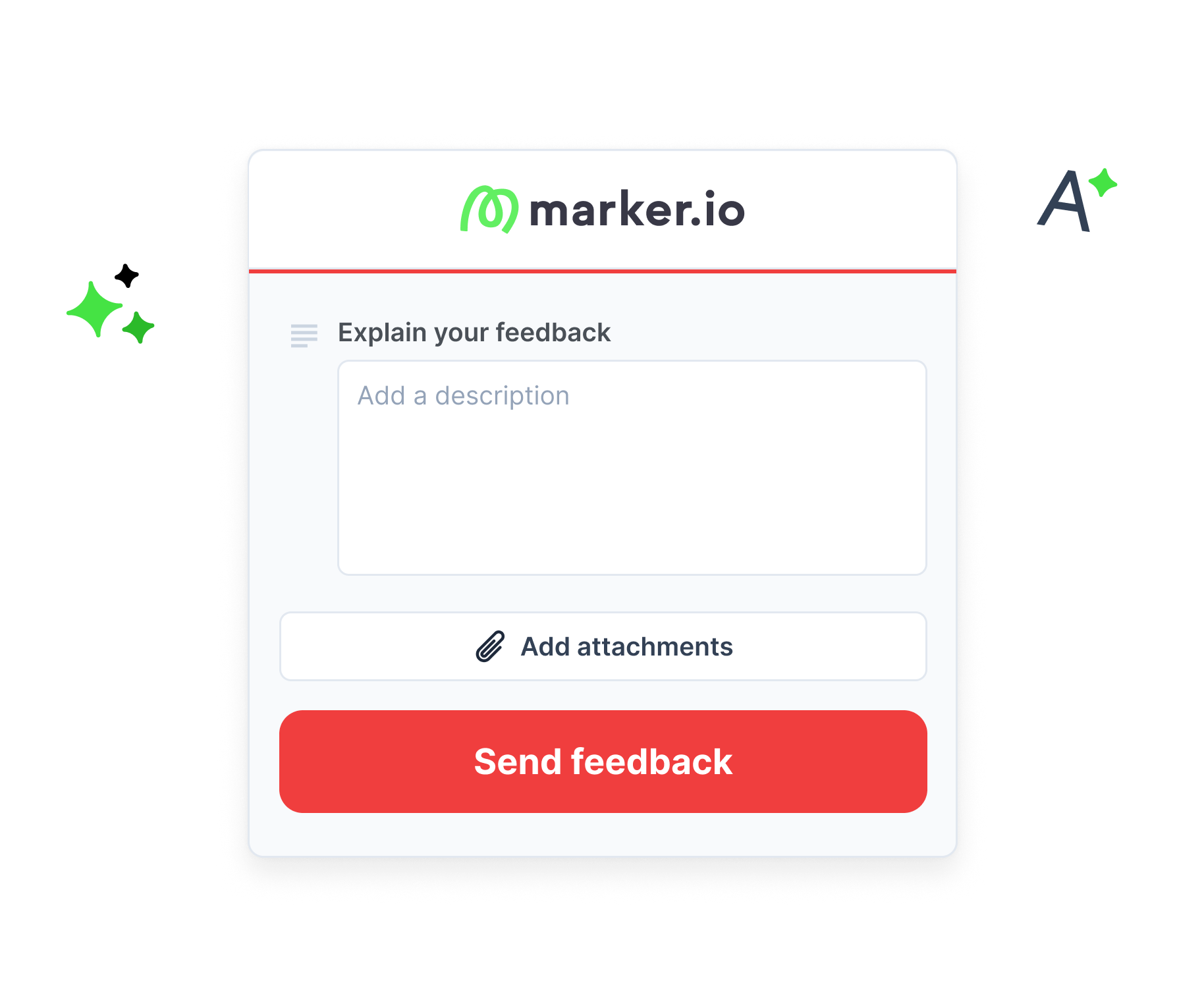
Let AI generate the title
Write feedback in the description field and Marker.io will generate a concise, actionable issue title automatically. The AI title generator stays faithful to the original report, using key phrases to help your team prioritize bugs, feature requests, support tickets, and critical bugs with less effort.
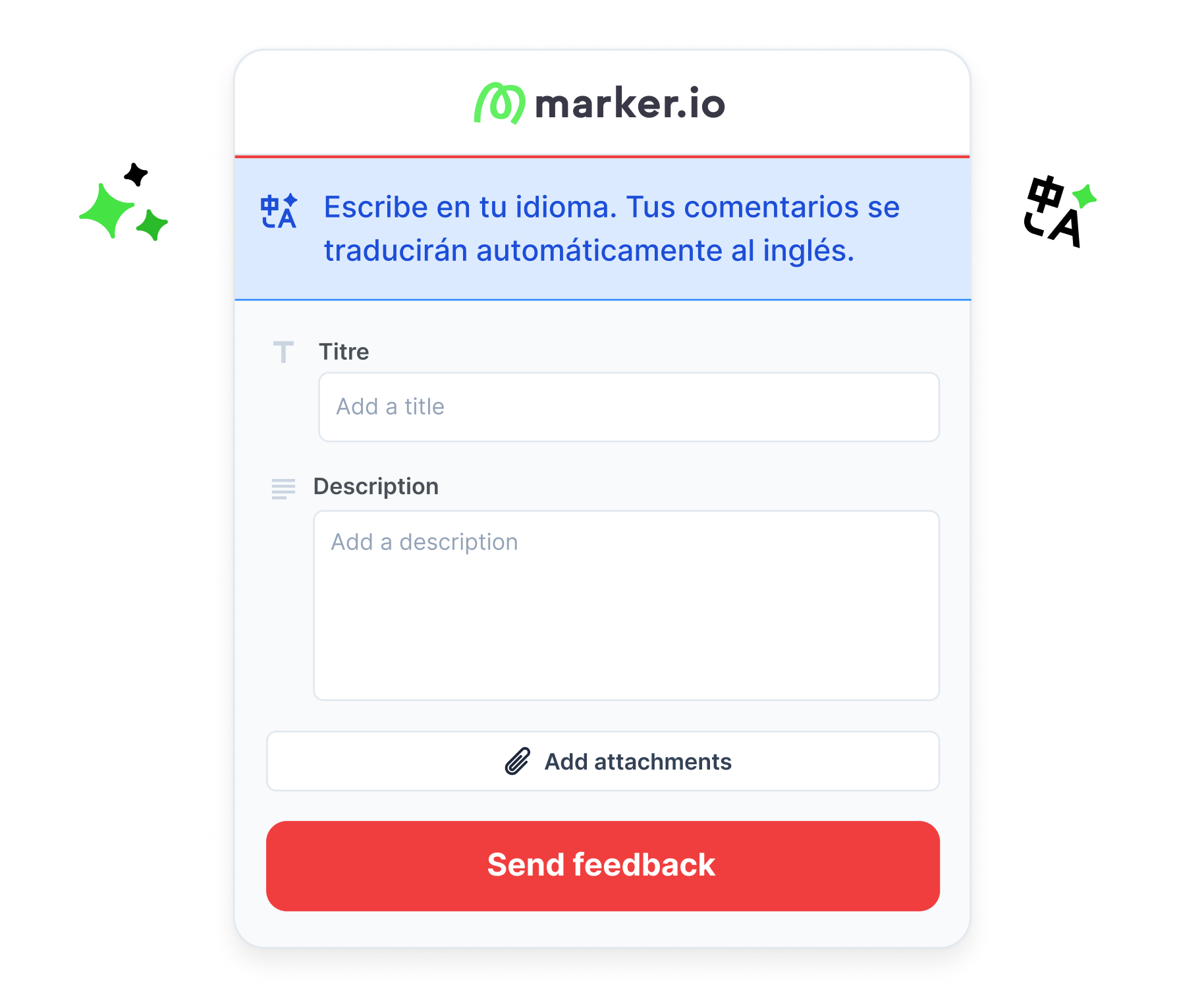
Collect feedback from your multi-lingual team
Let reporters, QA teams, and local stakeholders report bugs in their own language. Marker.io AI detects the language and translates the issue title and description into your team’s preferred language, keeping bug management consistent.

“If you find that many bugs, just writing down everything in a clear, cohesive way can take quite a lot of time. So it's nice to just brain dump what you want to say and then have the AI rewrite it.”
Try our AI features in beta
If you're new to Marker.io, you’ll receive instructions to start a free trial so you can test the AI features.
Your data remains private and secure
All Marker.io AI features are powered by Amazon Bedrock, a fully managed AI service built for enterprise-grade security and privacy. Your natural language processing happens securely across issue titles, descriptions, environment details, test cases, results, and customer feedback.
How we handle your data
Your data stays private. Your content remains yours.
Switch AI on and off
Stay in control of AI-powered issue management by enabling it to help with bug triaging and disabling it when manual review is better for software quality assurance.
Manage AI for your team
You can enable and disable each of the AI tools on your account at any point
Edit AI titles
Tweak titles generated by AI to match your style. Meanwhile, your description remains untouched.
Revert AI descriptions
Go back to your original text with a click if you don’t like the AI rewrite.
Keep phrases untouched
Enclose text you don’t want AI to edit or translate inside quotation marks.
Feedback in your language
Marker.io detects bug reports in 200+ languages. Translations are optimized, helping global QA teams keep software quality consistent across markets.
Tell recipients you used AI
Send all translated forms with "Translated with Marker.io from [language]" automatically added.
Start your free trial
New to Marker.io? Start a free 15-day trial today to test a website feedback and AI bug tracker for developers, QA teams, and WebOps teams.
Submit feedback in 200+ languages
Reporters can submit feedback in 200+ languages. Translation quality is optimized for teams working in English, Spanish, French, Dutch, or Polish, with more team languages coming soon.

Integrate with your favorite tools
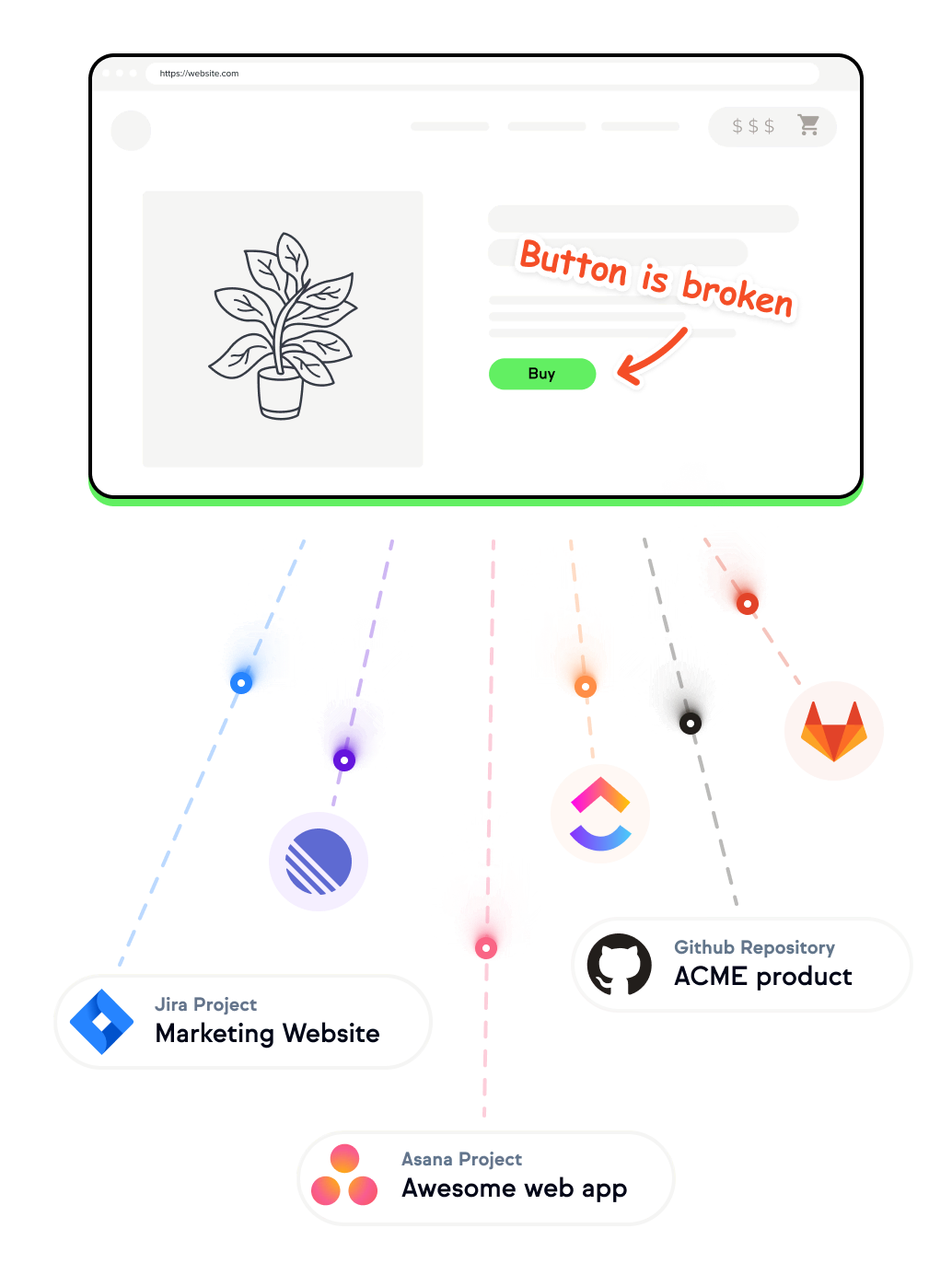
Generate, translate, and edit issue titles and descriptions that are automatically added to your issue tracker, project management tool, and bug tracking tools.
Use deep integrations with Jira, GitHub Issues, Slack, Linear, and ClickUp to support defect management, custom fields, and customizable workflows, without adding a steep learning curve.
Frequently Asked Questions
Who can access Marker.io’s AI features?
Marker.io’s AI features are built for QA teams, engineering teams, WebOps teams, and software development teams that need a faster way to report bugs, manage incoming bug reports, and ensure software quality.
AI Translation is currently in beta and available to all Marker.io users for free, with more AI features coming soon.
How much are Marker.io’s AI features?
While in beta, Marker.io’s AI features are freely available to users. We need your help to test and improve the features so they meet the enterprise-level service you expect. Pricing for paid plans will be announced when each AI feature exits beta.
What languages is AI Translation available in?
Reporters can submit feedback in any of 200+ languages. However, translation quality is optimized for the five team languages listed below. Results may vary for other languages.
Team languages:
Your team can receive translations in:
- English
- Spanish
- French
- Dutch
- Polish
More languages will be added in future updates. Contact us to request your team's preferred language.
Is my data secure while I use Marker.io’s AI features?
Marker.io’s AI-powered features – AI Magic Rewrite, AI Translation, and AI Title Generation – use Amazon Bedrock for processing.
Your bug reports, issue descriptions, attachments, browser details, operating system, app version, and environment details are:
- Never used to train AI models
- Processed in isolation and not retained
- Encrypted in transit and at rest
Learn more on our AI data security & privacy page.
Why choose Marker.io over different AI bug tracking tools?
When you’re comparing the best AI bug tracking tools, look for a solution that still does the basics brilliantly, like Marker.io, which is built for visual feedback, website QA, and structured bug reports.
Instead of replacing your issue tracker, it gives developers and QA teams the context they need for faster defect resolution: screenshots, metadata, console logs, environment details, and a clean workflow for resolving bugs.
Get started now
Free 15-day trial • No credit card required • Cancel anytime