Introducing AI translation: let reporters write feedback in their native language

Introducing AI translation: let reporters write feedback in their native language

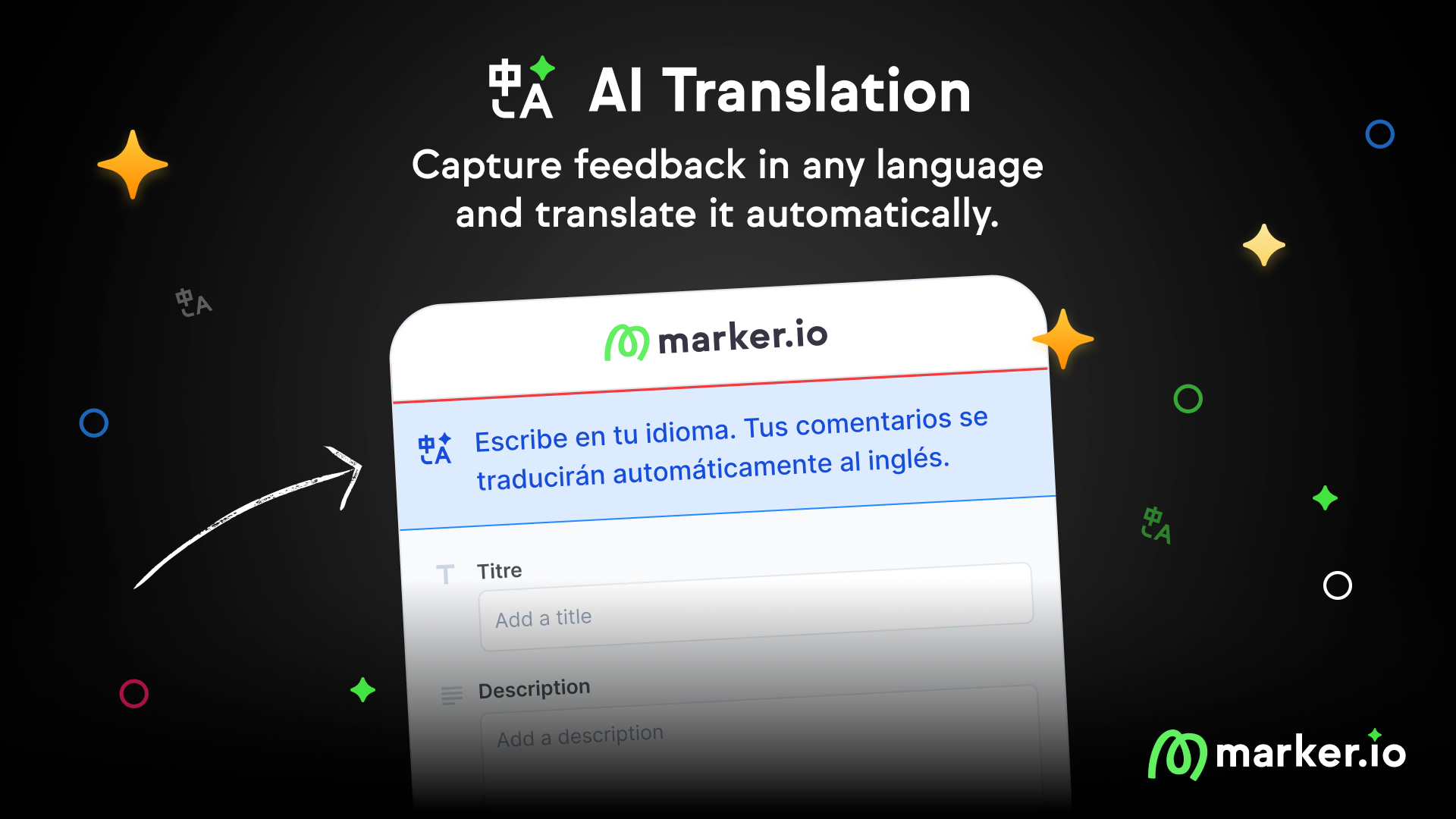
We're launching AI Translation, a new feature that automatically translates issue titles and descriptions so reporters can write in their native language.

Emile-Victor Portenart
Marker.io Updates
Last updated: Dec 08, 2025
Introducing AI translation: let reporters write feedback in their native language
Contents

    We're launching AI Translation, a new feature that automatically translates issue titles and descriptions so reporters can write in their native language.
    Why we built this

    Many teams we talked to have the same problem: their reporters speak different languages than their internal team.

    Samantha from Helloprint has testers in France, Spain, Italy, and the Netherlands. Her WebOps team works in English. When she talks to reporters in person, everything makes sense. "When they explain it in their own words, I'm like, ah, I know exactly what you mean," she told us. "But you just didn't know how to put it into text."

    The problem? "They don't know which words to use in the English language. It makes them waste time."

    Vincent from L'Oréal sees the same thing. His QA teams span multiple countries. "Sometimes there are real language problems," he shared. "The juniors especially don't have the same English background as seniors."

    When reporters have to write in a language that isn't their own, they rush through descriptions, skip context, and use fewer words. That means more back-and-forth and slower fixes.

    How it works

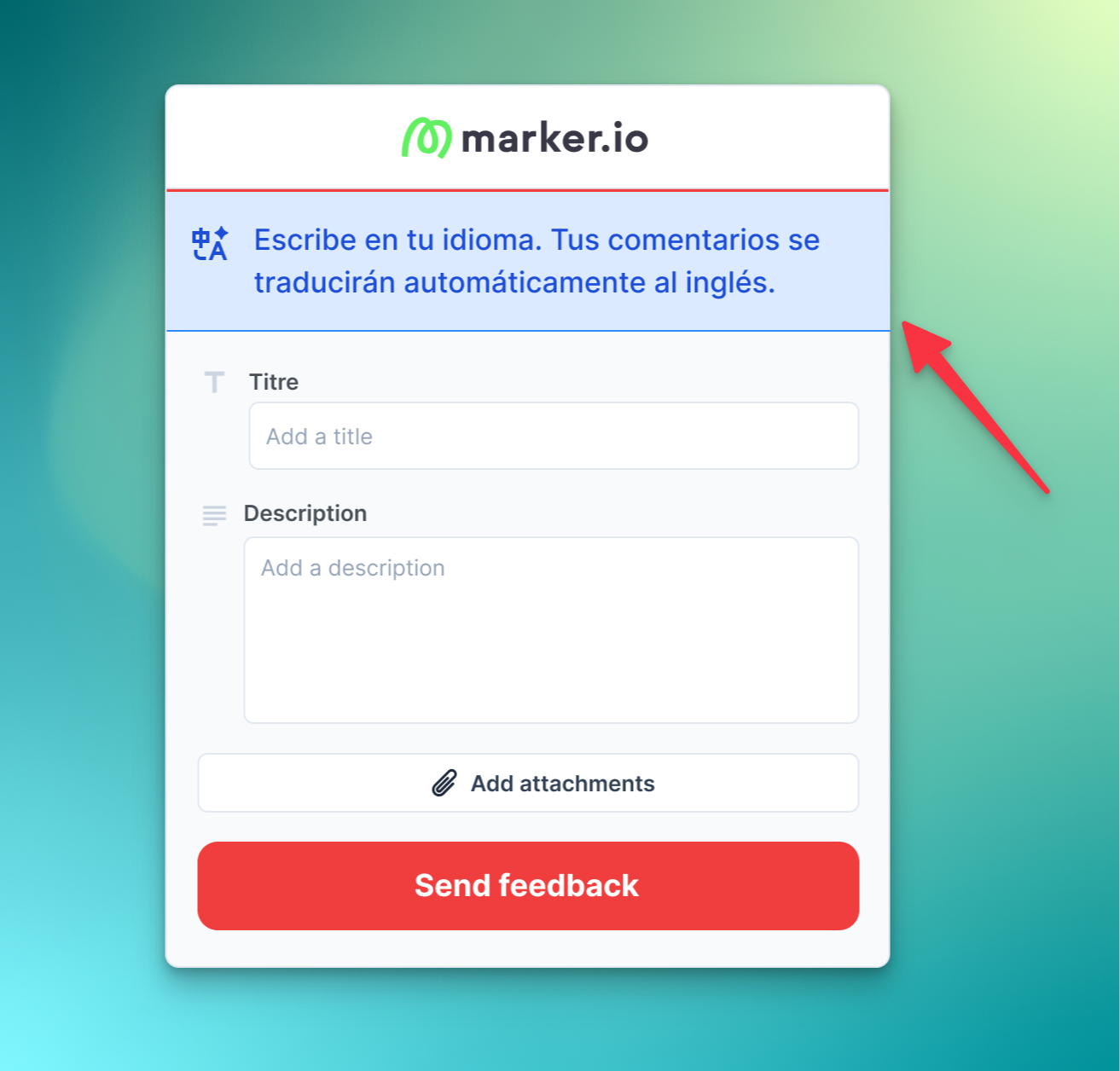
    With AI Translation enabled, reporters submit feedback in their native language. Marker.io handles the rest:

    1. Automatic detection: We detect the reporter's language automatically
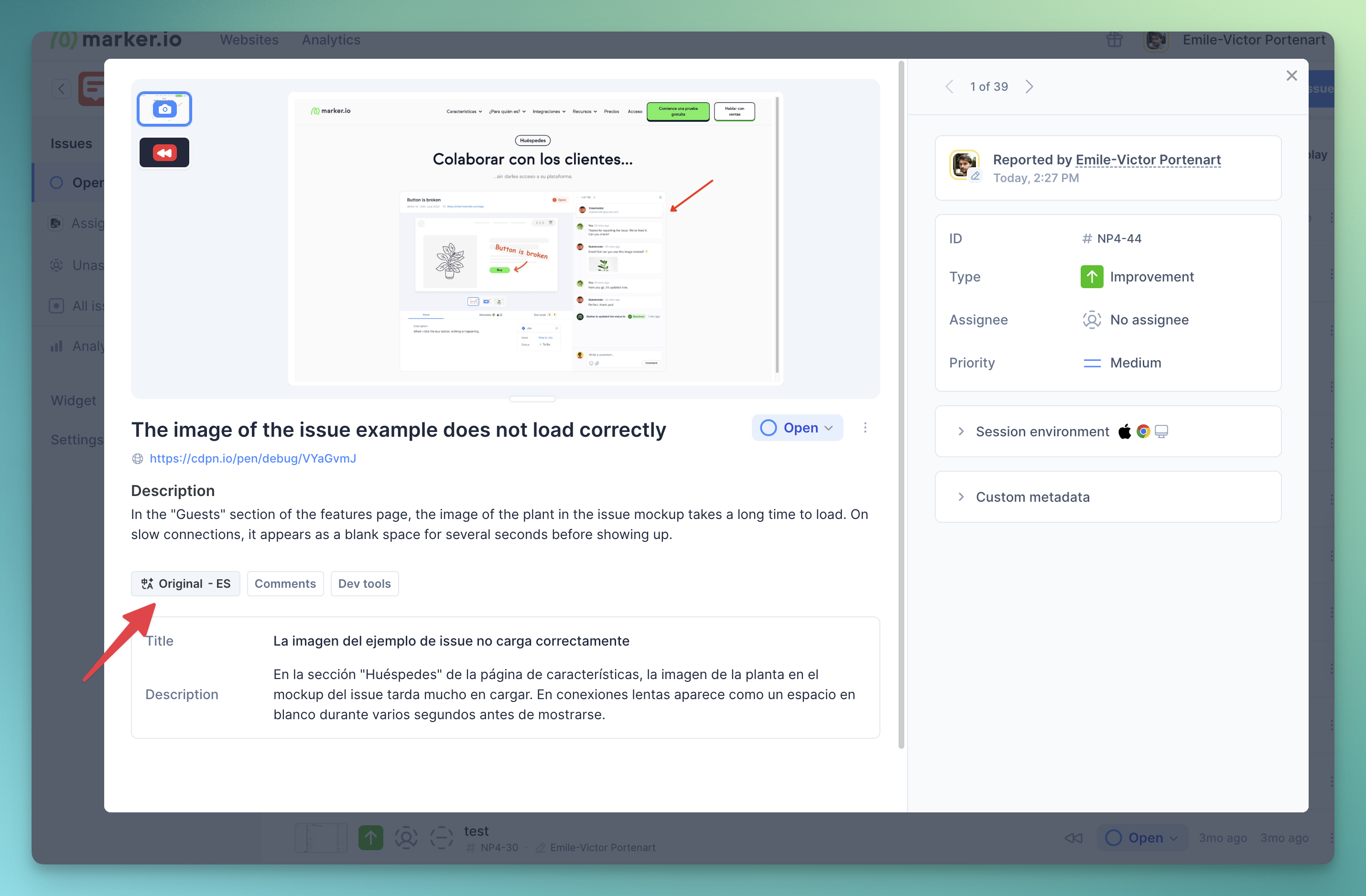
    2. Instant translation: The title and description are translated into your team's language
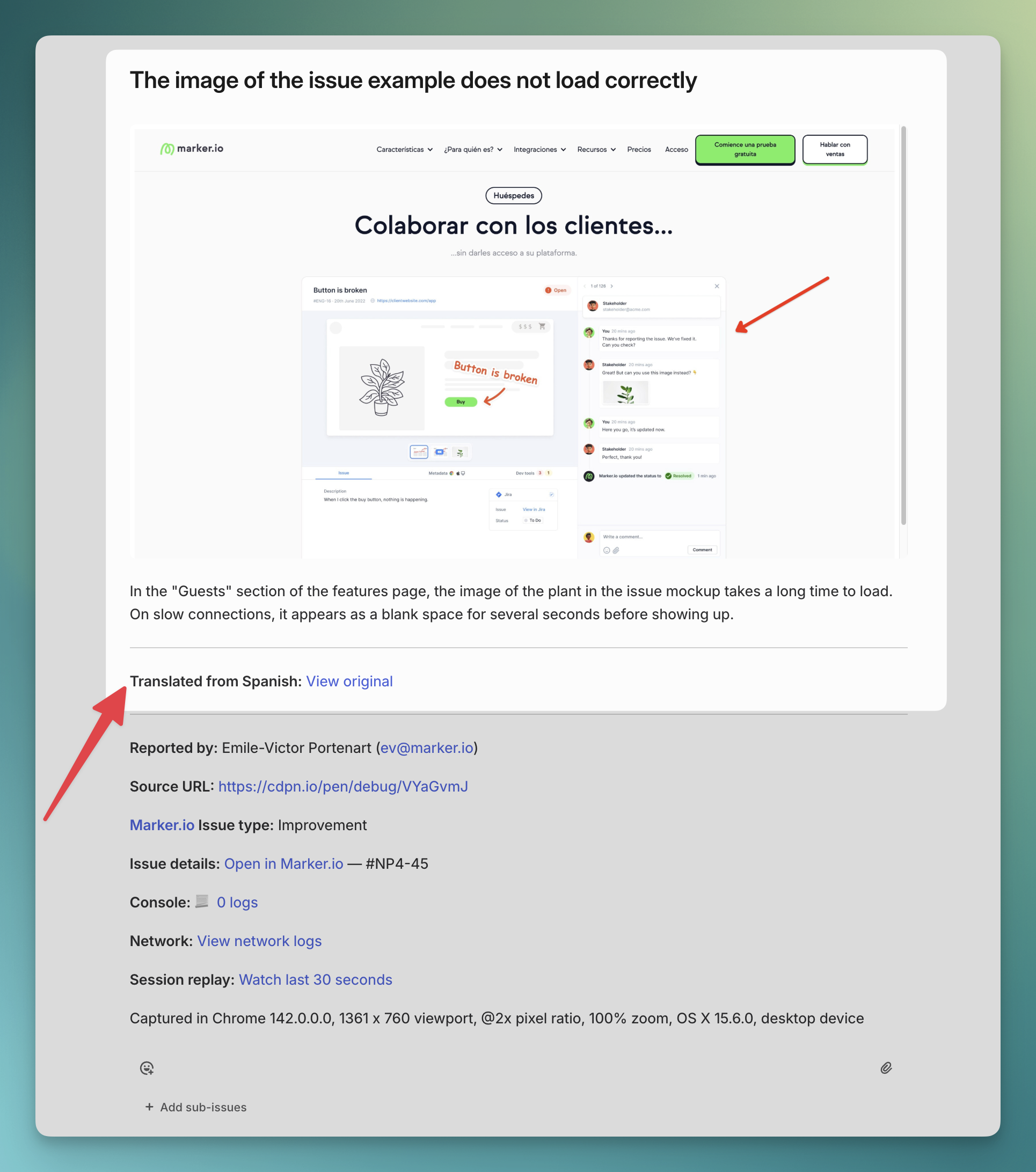
    3. Sent to your integration: The translated issue goes directly to Jira, Linear, Asana, or any other tool
    4. Original preserved: You can always view the original content in Marker.io

    The translated issue includes a note: "Translated with Marker.io from [language]" so your team knows it was translated.

    Quoted content stays untouched

    This was important to get right. When a French reporter asks you to change a headline to "Promotions sur nos parfums pour le Black Friday," that text should not be translated.

    As Vincent put it, "It's important for text changes that you don't translate the text change."

    AI Translation preserves quoted content, code snippets, and any text that should remain in the original language.

    Supported languages

    Reporters can submit feedback in 200+ languages. Translation quality is optimized for teams working in English, Spanish, French, Dutch, or Polish. More team languages coming soon.

    How to enable

    1. Go to your Website > Settings
    2. Navigate to the AI page
    3. Enable AI Translation
    4. Select your team's language

    All new issues will be automatically translated. Read our documentation

    Availability and pricing

    AI Translation is currently in beta and free to use. Pricing will be announced when the feature exits beta.

    Your data is processed securely through Amazon Bedrock, never stored, never used for training, and always encrypted. Learn more about AI data security & privacy.

    What should I do now?

    Here are three ways you can continue your journey towards delivering bug-free websites:

    2.

    Read Next-Gen QA: How Companies Can Save Up To $125,000 A Year by adopting better bug reporting and resolution practices (no e-mail required).

    3.

    Follow us on LinkedIn, YouTube, and X (Twitter) for bite-sized insights on all things QA testing, software development, bug resolution, and more.

    Emile-Victor Portenart

    Emile-Victor Portenart

    Emile-Victor is Marker.io's CPO. Passionate about design and film photography.

    Frequently Asked Questions

    What is Marker.io?

    Marker.io is a website feedback and annotation tool for websites. It’s the best way to gather feedback and bug reports with screenshots, annotations & advanced technical meta-data. It also integrates perfectly with Jira, Trello, ClickUp, Asana (and more).

    Who is Marker.io for?

    It’s perfect for agencies and software development teams who need to collect client and internal feedback during development, or user feedback on live websites.

    How easy is it to set up?

    Embed a few lines of code on your website and start collecting client feedback with screenshots, annotations & advanced technical meta-data! We also have a no-code WordPress plugin and a browser extension.

    Will Marker.io slow down my website?

    No, it won't.

    The Marker.io script is engineered to run entirely in the background and should never cause your site to perform slowly.

    Do clients need an account to send feedback?

    No, anyone can submit feedback and send comments without an account.

    How much does it cost?

    Plans start as low as $39 per month. Each plan comes with a 15-day free trial. For more information, check out the pricing page.

    Get started now

    Free 15-day trial  •  No credit card required •  Cancel anytime