
Introducing New Navigation
Enable every team member to start reporting website issues in under a minute with a redesigned workspace that removes onboarding friction, simplifies navigation, and makes the browser extension instantly accessible to all users.


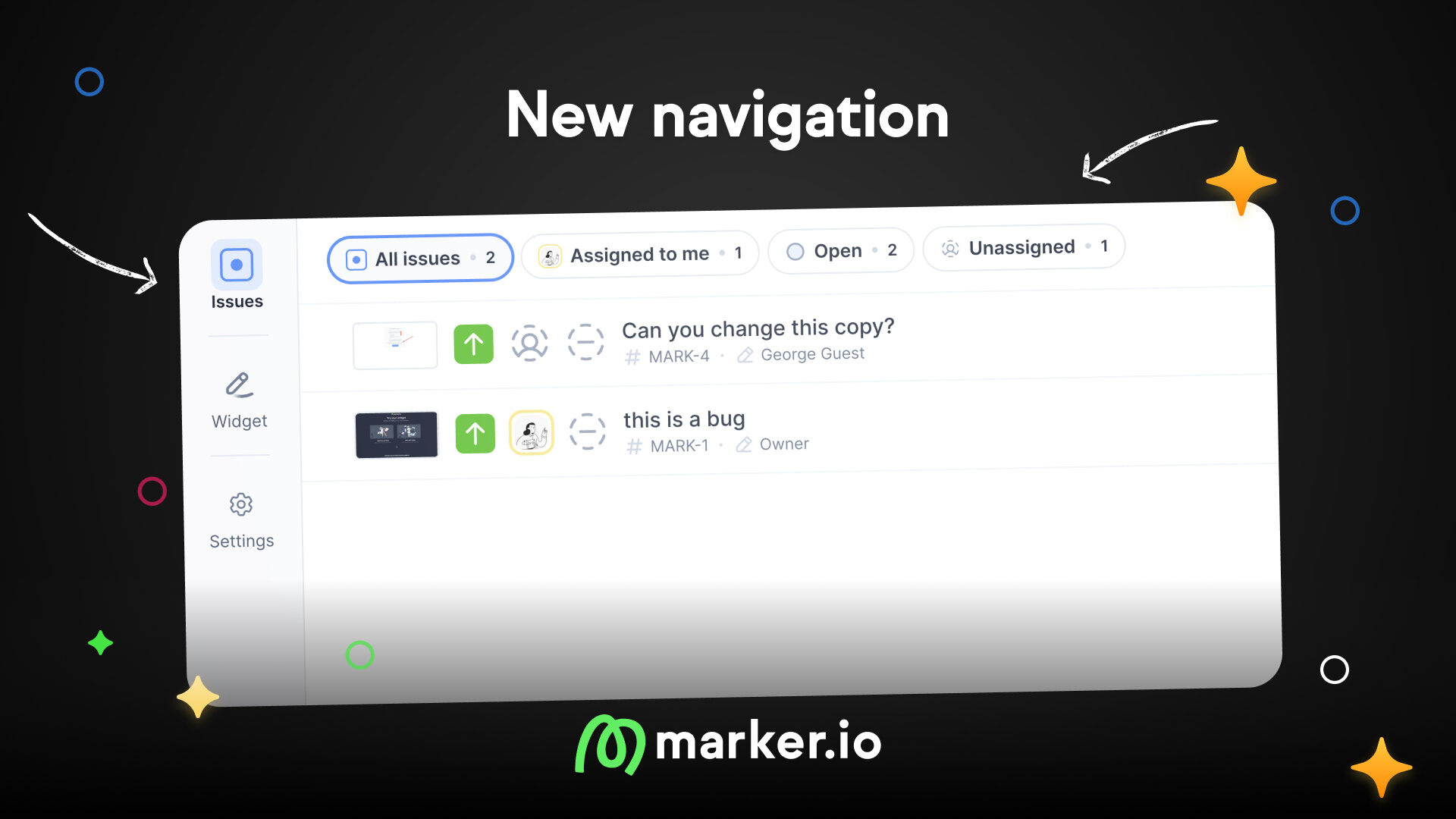
Get your whole team reporting issues in under a minute
Members and guests can now discover and install the browser extension on their own.
We're launching a redesigned workspace experience that removes the biggest friction in team onboarding: getting every workspace user set up to report bugs. Until now, members and guests had no way to find the browser extension without an admin pointing them to it. That's fixed.
The project navigation is also reorganized into two clear sections, so new team members find what they need faster and admins spend less time explaining where things live.
Every user can get started on their own
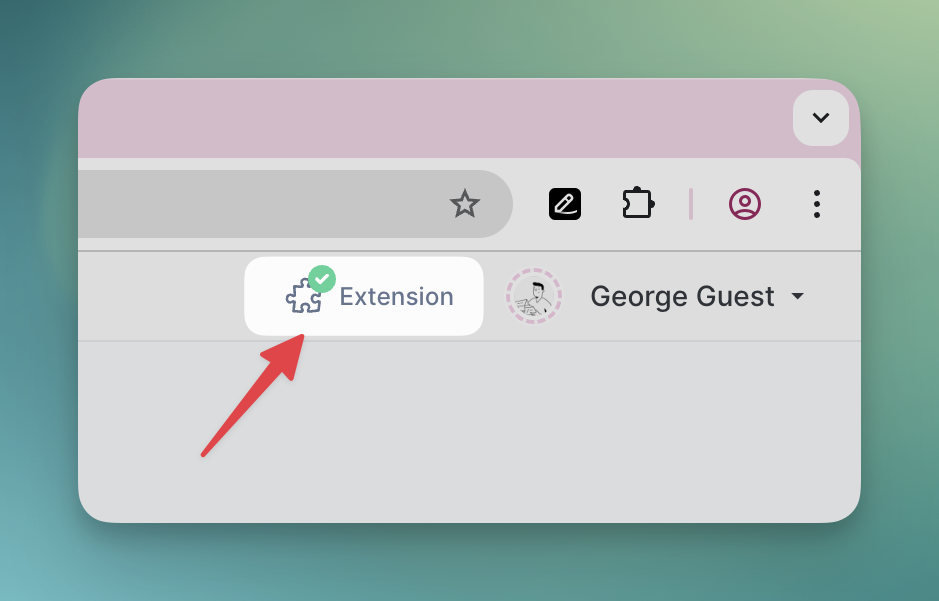
The browser extension is now promoted across the entire app, not just for admins. Members and guests see an install button in their workspace navigation bar next to their profile name. Clicking it takes them to the extension page in their profile. No waiting on a developer. No admin hand-holding.
The empty state also changed: instead of asking you to install the widget first, new projects now invite you to try reporting your first issue on a demo website. Less setup, faster time to that first bug report.
Widget and Settings, separated
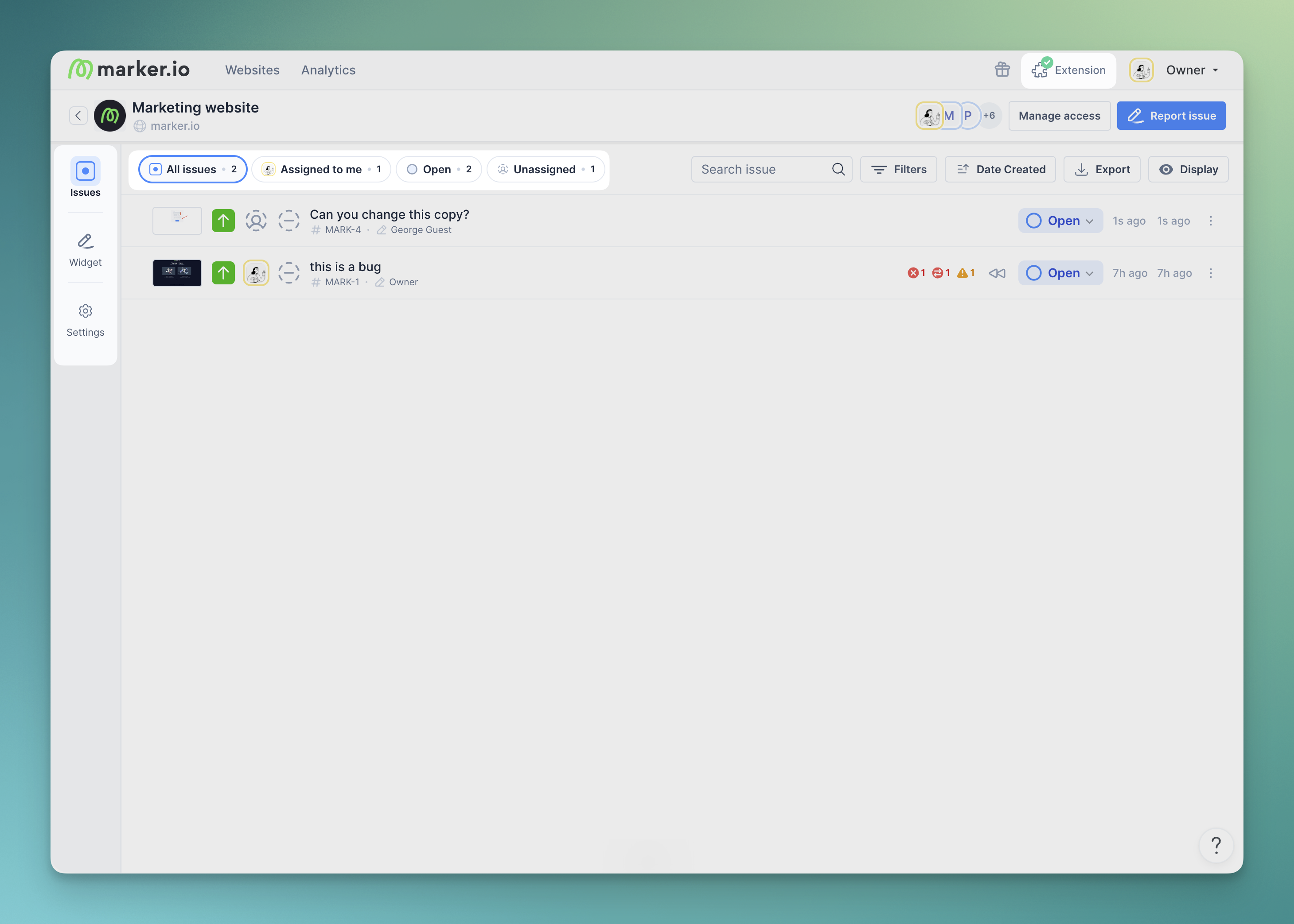
Widget configuration and project settings used to share a single sidebar. It was long, hard to scan, and especially confusing for new admins and managers.
Now your project is split into two sections.
- Widget covers everything related to collecting feedback: installation, button appearance, forms, screen capture, developer tools.
- Settings covers project configuration: issue types, statuses, notifications, integrations, AI.
What's new
- Browser extension discovery: Members and guests see an install button in their navigation bar, with a redesigned extension page.
- Widget / Settings split: Feedback widget and project configuration live in separate navigation sections.
- Role-based navigation:
- Admins & Managers get the full sidebar with widget configuration and settings.
- Members & Guests see the issue views without the sidebar.
- Project lock indicator: Projects limited to specific members now show a lock icon, so everyone can tell at a glance which projects have restricted access.
- Persistent views: Marker.io remembers which feedback view you last used per project.
Faster onboarding, clearer navigation, and room to add new products. More on that soon 👀
What should I do now?
Here are three ways you can continue your journey towards delivering bug-free websites:
Check out Marker.io and its features in action.
Read Next-Gen QA: How Companies Can Save Up To $125,000 A Year by adopting better bug reporting and resolution practices (no e-mail required).
Follow us on LinkedIn, YouTube, and X (Twitter) for bite-sized insights on all things QA testing, software development, bug resolution, and more.
Emile-Victor Portenart
Emile-Victor is Marker.io's CPO. Passionate about design and film photography.
Related blog posts

Get started now
Free 15-day trial • No credit card required • Cancel anytime