
Introducing In Progress and Waiting for Approval statuses
Teams can now track issues beyond Open/Resolved. New In Progress and Waiting for Approval statuses show what’s being worked on and what needs review.


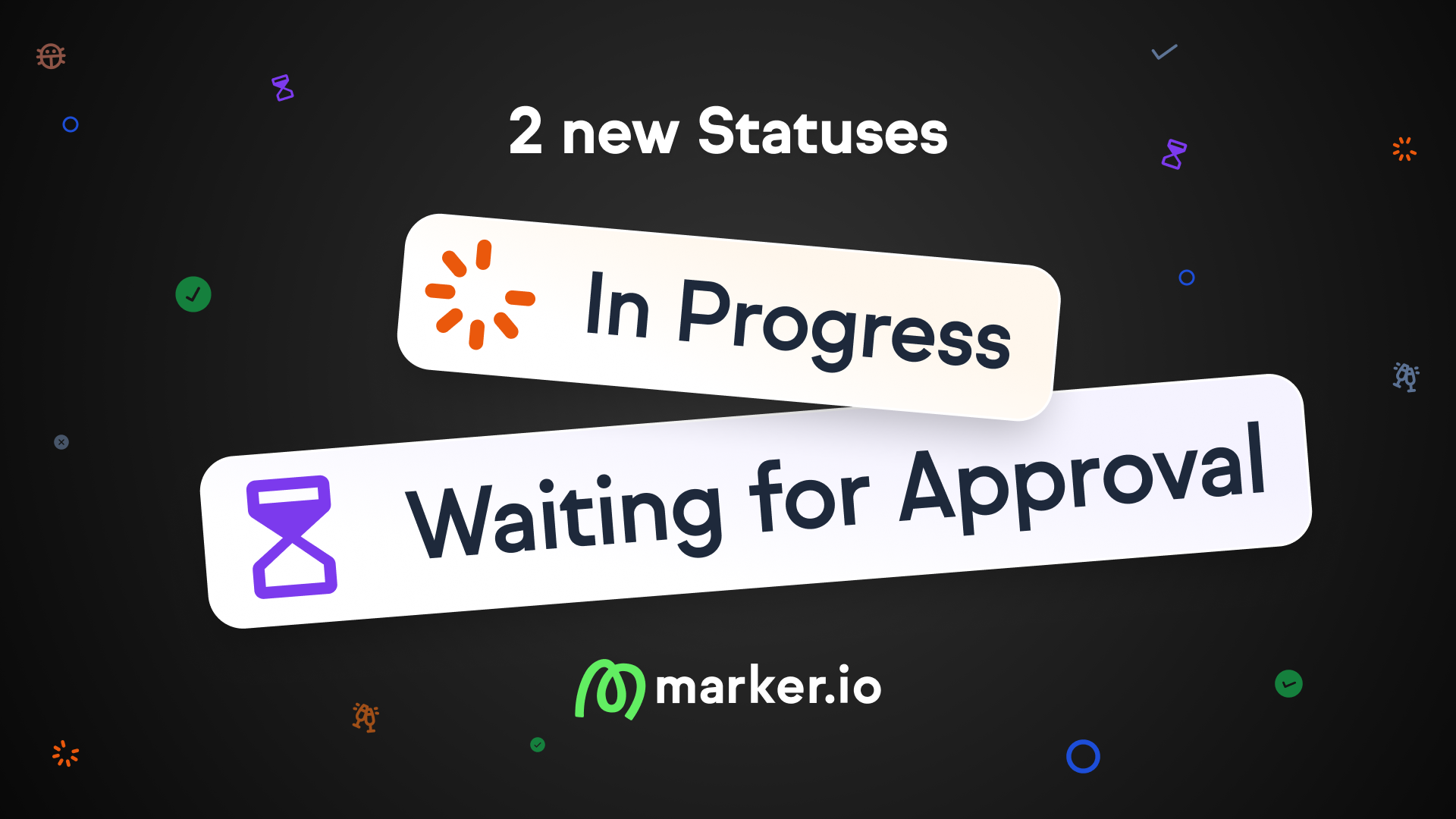
Introducing In Progress and Waiting for Approval statuses
We're launching two new issue statuses: In Progress and Waiting for Approval. Teams can now move issues through a complete lifecycle instead of the binary Open/Resolved workflow and see what's being worked on and what needs review.
Know exactly where every issue stands
Until now, issues were either Open or Resolved. There was no way to tell if someone was actively working on a fix, or if the issue was waiting for client review. Teams ended up asking "what's the status?" over Slack, email, or in standups.
With the new statuses, everyone (developers, reporters, project managers) can see exactly where an issue stands at a glance.
What's new
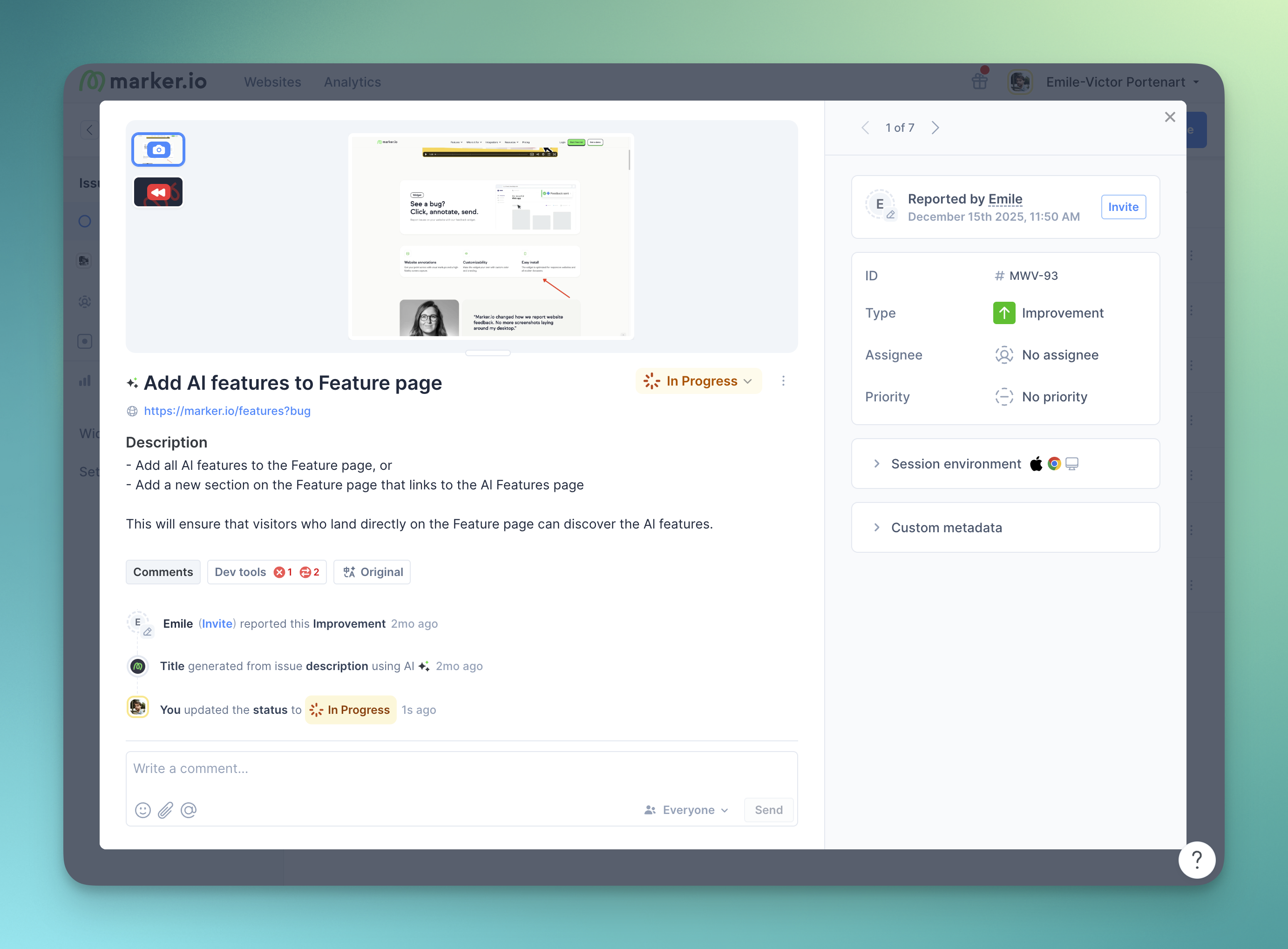
- In Progress status: Mark issues as actively being worked on. Developers and issue owners can signal that they've picked up an issue, so reporters and PMs know it's in flight.
- Waiting for Approval status: Indicate when an issue needs action from a stakeholder: client review, QA validation, or final sign-off. Admins can rename this status to match their workflow (e.g., "Client Review", "Needs QA", "Pending Feedback").
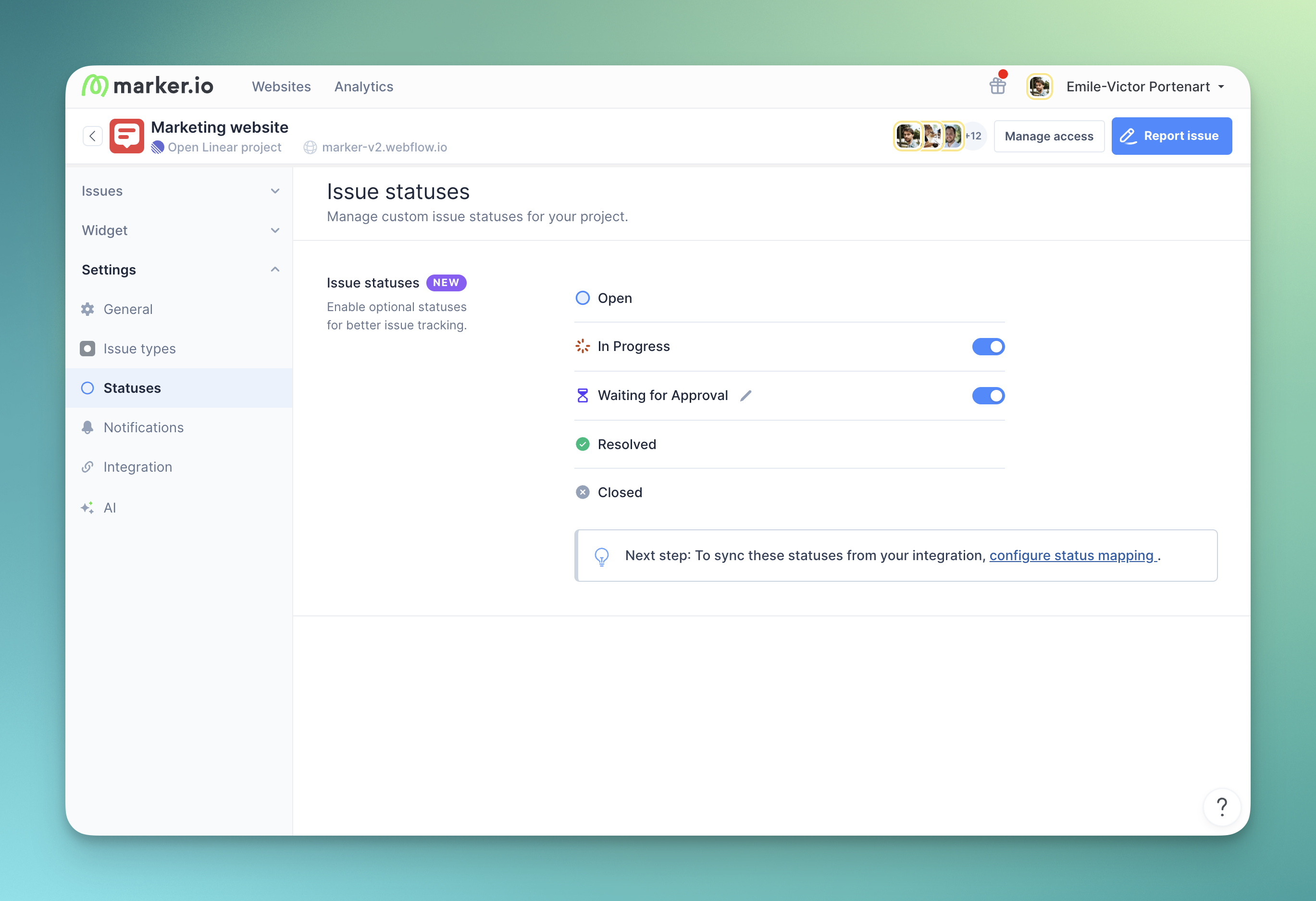
- Configurable per project: Both statuses can be enabled or disabled independently in project settings. In Progress is enabled by default for new projects.
- Integration mapping: Map each status to corresponding statuses in Jira, Linear, ClickUp, and other integrations. When creating a new project, Marker.io automatically matches In Progress to the integration's equivalent status.
- Manual status changes with sync enabled: Members can now change the status of issues directly in Marker.io even when status sync is active. The change stays in Marker and is posted as a comment in the integration, avoiding conflicts.
- Archived is now Closed: The Archived status has been renamed to Closed for clarity.
Updated status flow
Issues follow this flow:
Open → In Progress → Waiting for Approval → Resolved → Closed
Statuses are not strictly linear. Teams can move issues between them as needed, for example from Waiting for Approval back to In Progress if something gets rejected.
How to enable
- Go to your Dashboard > Website's Project > Settings
- Navigate to Statuses
- Enable In Progress and/or Waiting for Approval
- Optionally rename the Waiting for Approval label to match your workflow
- Configure integration status mapping in Settings > Integration if using Jira, Linear, ClickUp, or other tools
Links
What should I do now?
Here are three ways you can continue your journey towards delivering bug-free websites:
Check out Marker.io and its features in action.
Read Next-Gen QA: How Companies Can Save Up To $125,000 A Year by adopting better bug reporting and resolution practices (no e-mail required).
Follow us on LinkedIn, YouTube, and X (Twitter) for bite-sized insights on all things QA testing, software development, bug resolution, and more.
Emile-Victor Portenart
Emile-Victor is Marker.io's CPO. Passionate about design and film photography.
Related blog posts


Get started now
Free 15-day trial • No credit card required • Cancel anytime