
Capture website feedback instantly with the widget
Report issues directly from your live site with the feedback widget, which takes a screenshot automatically. Click the widget, annotate the screenshot to describe the issue you’ve found, and send – it’s as simple as that.






Website annotations
Get your point across with visual markups and a high-fidelity screen capture.
Customizability
Make the widget your own with custom color and branding.
Easy install
The widget is optimized for responsive websites and all modern browsers.

“Marker.io changed how we report website feedback. No more screenshots laying around my desktop.”

Install in seconds with lightweight code
Set up the website feedback widget in two steps: just copy our snippet code and paste it in your website's HTML. Our lightweight code ensures there's no impact on your site's performance.
Improve communication with AI features
Optimize your description
Fix your grammar and make issues actionable with the Rewrite button.
Generate a title
Save yourself a step by using AI to generate a title based on your description.
Localize your issues
Translate issues for better collaboration between global teams.
Deploy your widget anywhere, for anyone
Decide where your widget appears, who can access it, and what experience they have.
Choose where the widget appears
Set up the website feedback widget across all the environments you might need to annotate, including your staging, internal, and live production environments – without compromising on security.


Define who has permission
Decide exactly who can access the widget, whether you’re delivering and maintaining your own sites, or managing pages for clients. You can manage access for team members, clients, and stakeholders, and hide the widget from regular users or anyone who isn’t logged in.
Tailor your widget's look and feel
Create a seamless experience for your colleagues and clients by removing any mention of Marker.io and customizing your website feedback widget with your own branding, logo, wording, position and colors. You can even create a custom button or link.


Enjoy one experience across all devices
Take and annotate screenshots across desktop, tablet and mobile, PC and Mac. With the widget, your team can collect feedback on your websites using any device.
Have complete control over your website widget
Take advantage of all of our website feedback widget’s features to get the most out of the feature.
Control who sees the button
Choose who can see the widget button and on which environments it appears.
Create a secret URL parameter
Share a URL parameter with only the people who need access.
Define conditional logic
Use the in-built conditional logic settings so you only have to set up access once.
Customize your issue form
Select the fields that appear in your issue form so colleagues get the information they need.
Take screenshots automatically
Whenever you interact with the widget a screenshot is taken instantly.
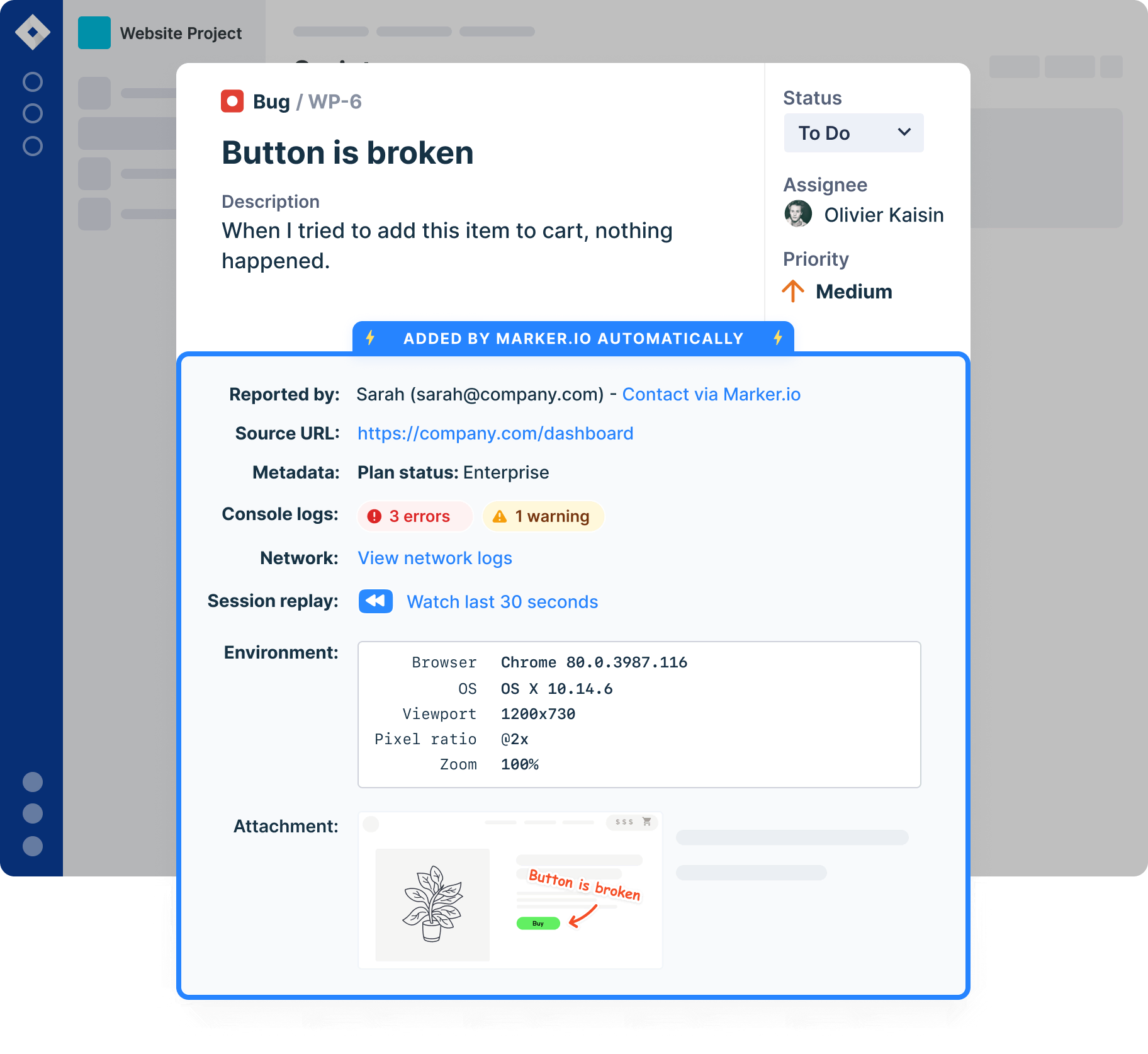
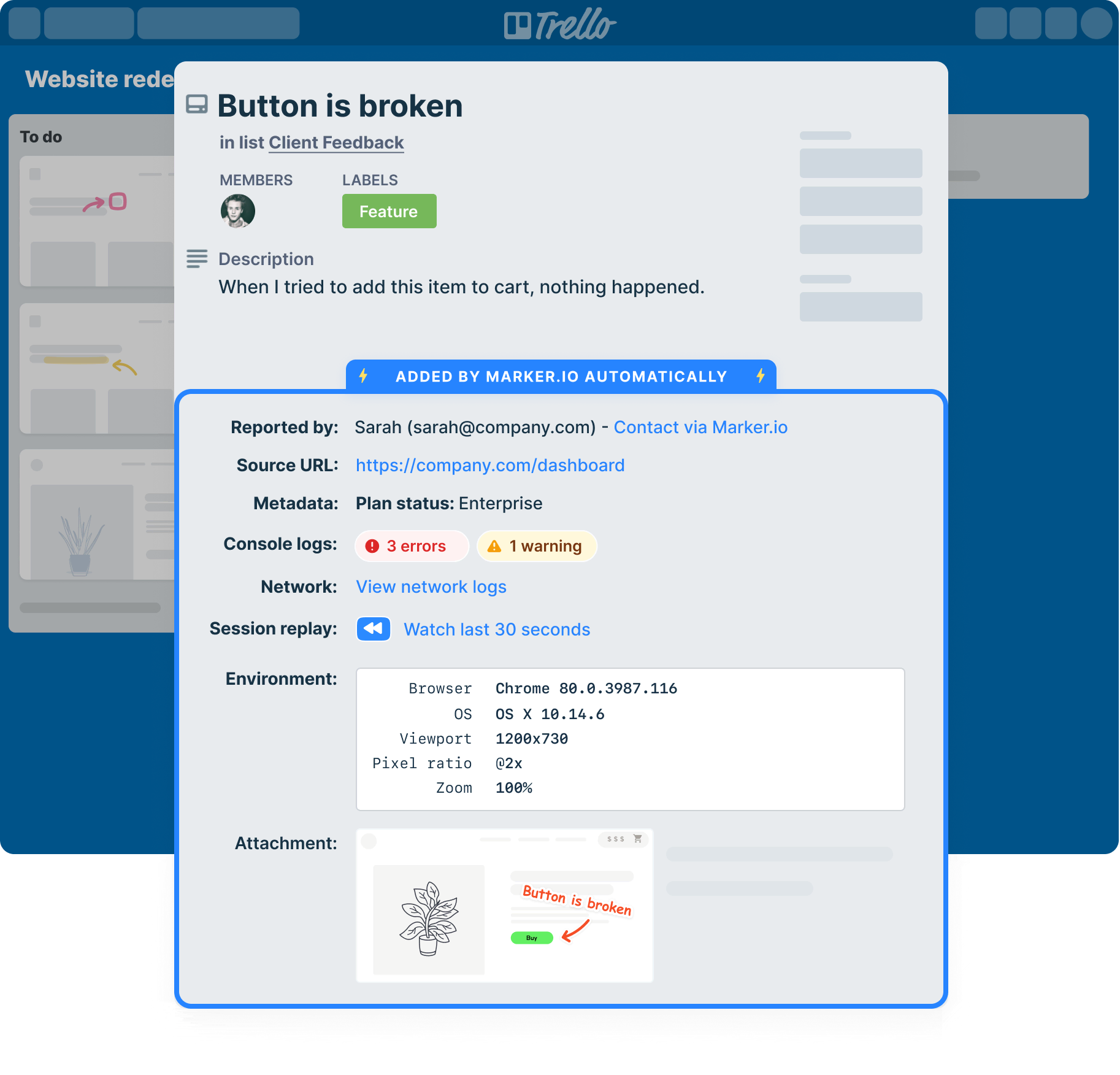
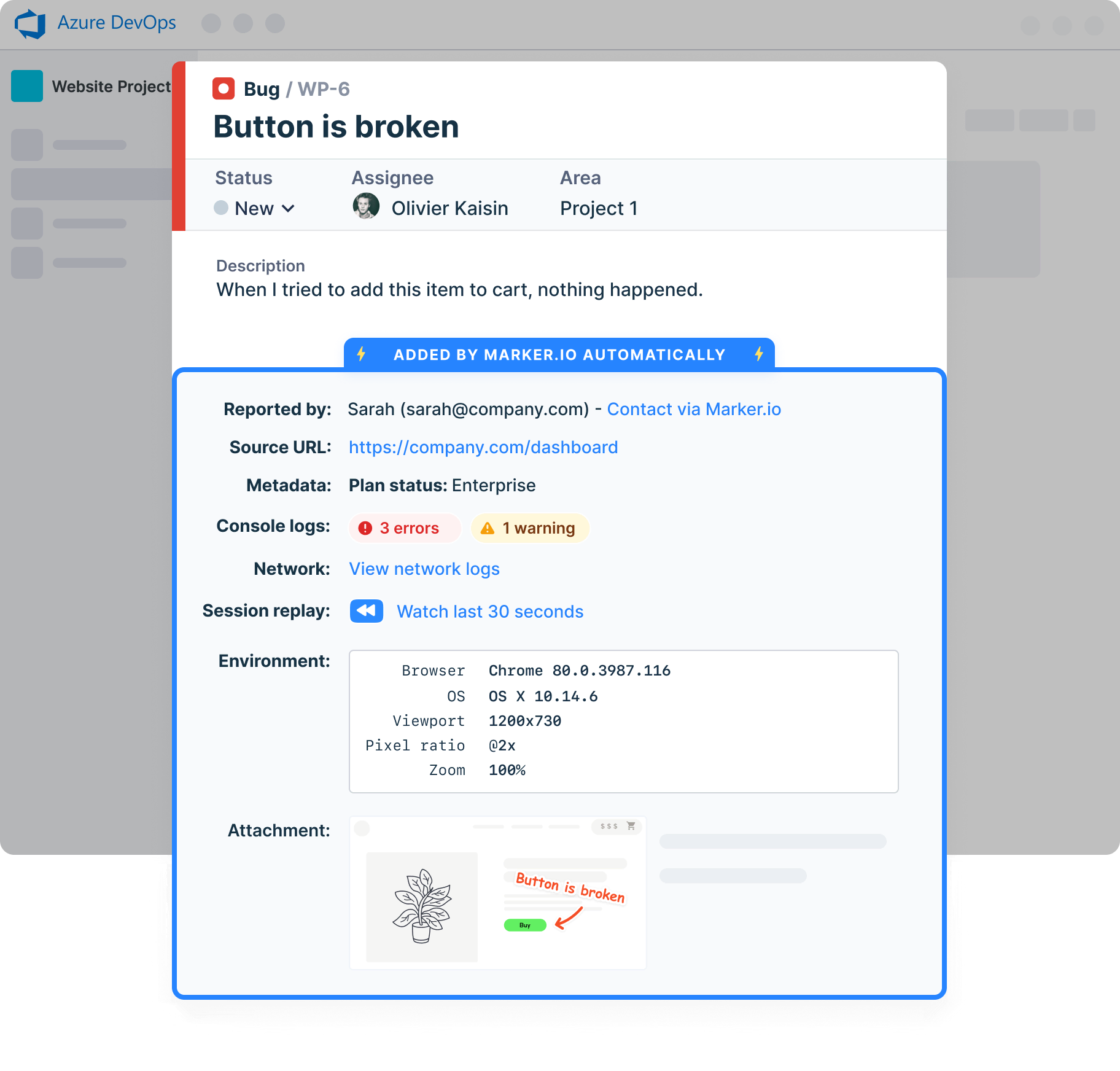
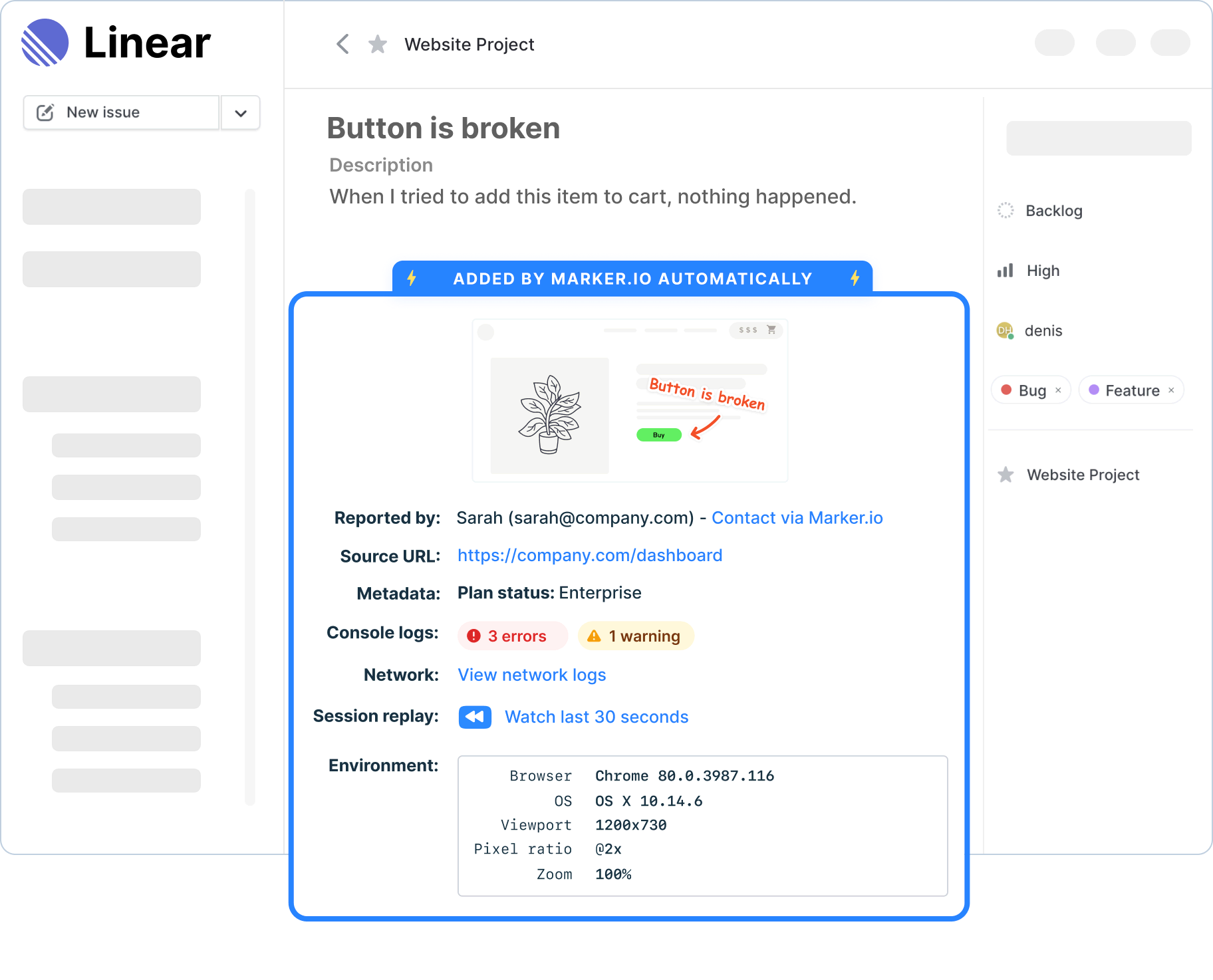
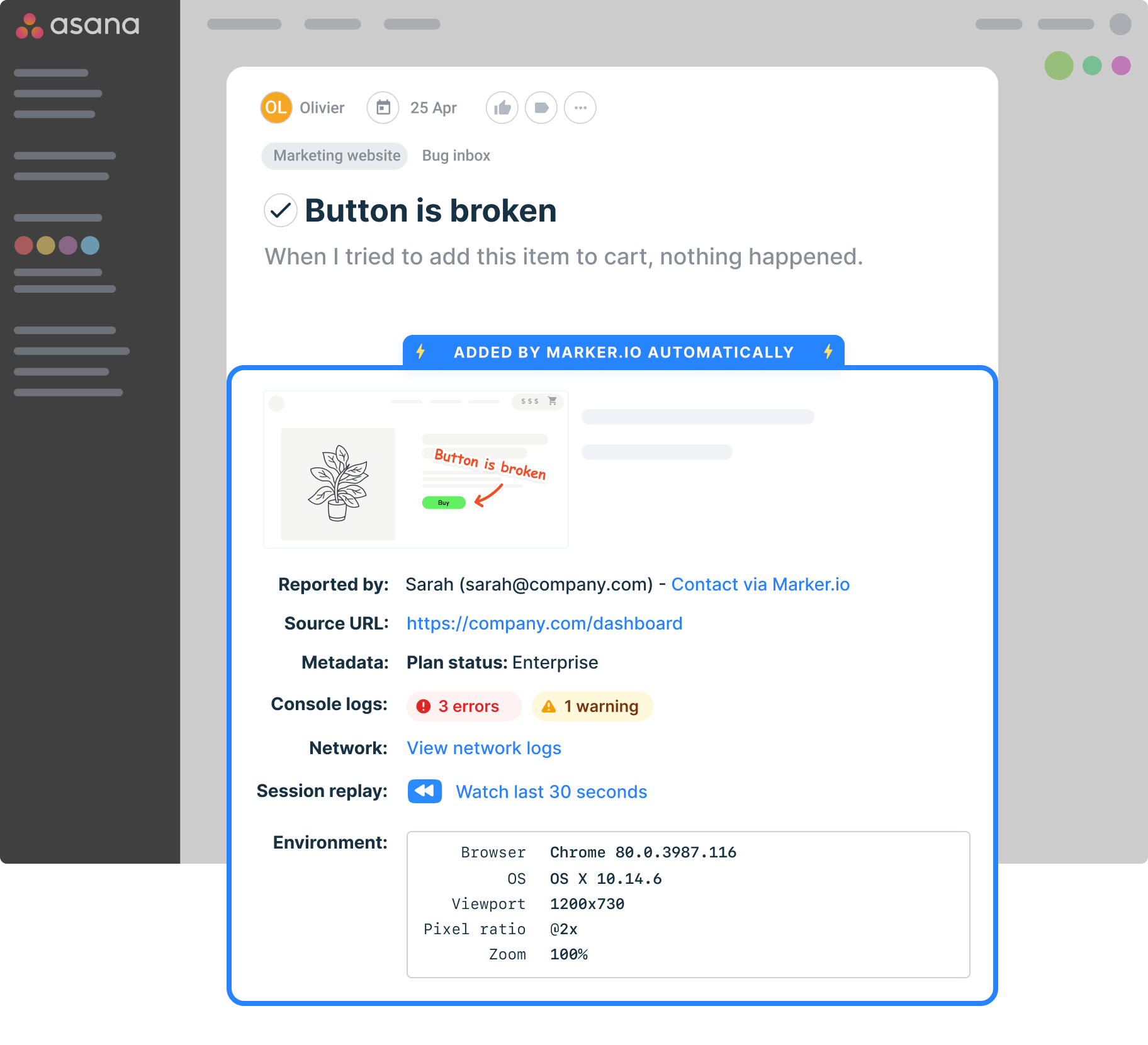
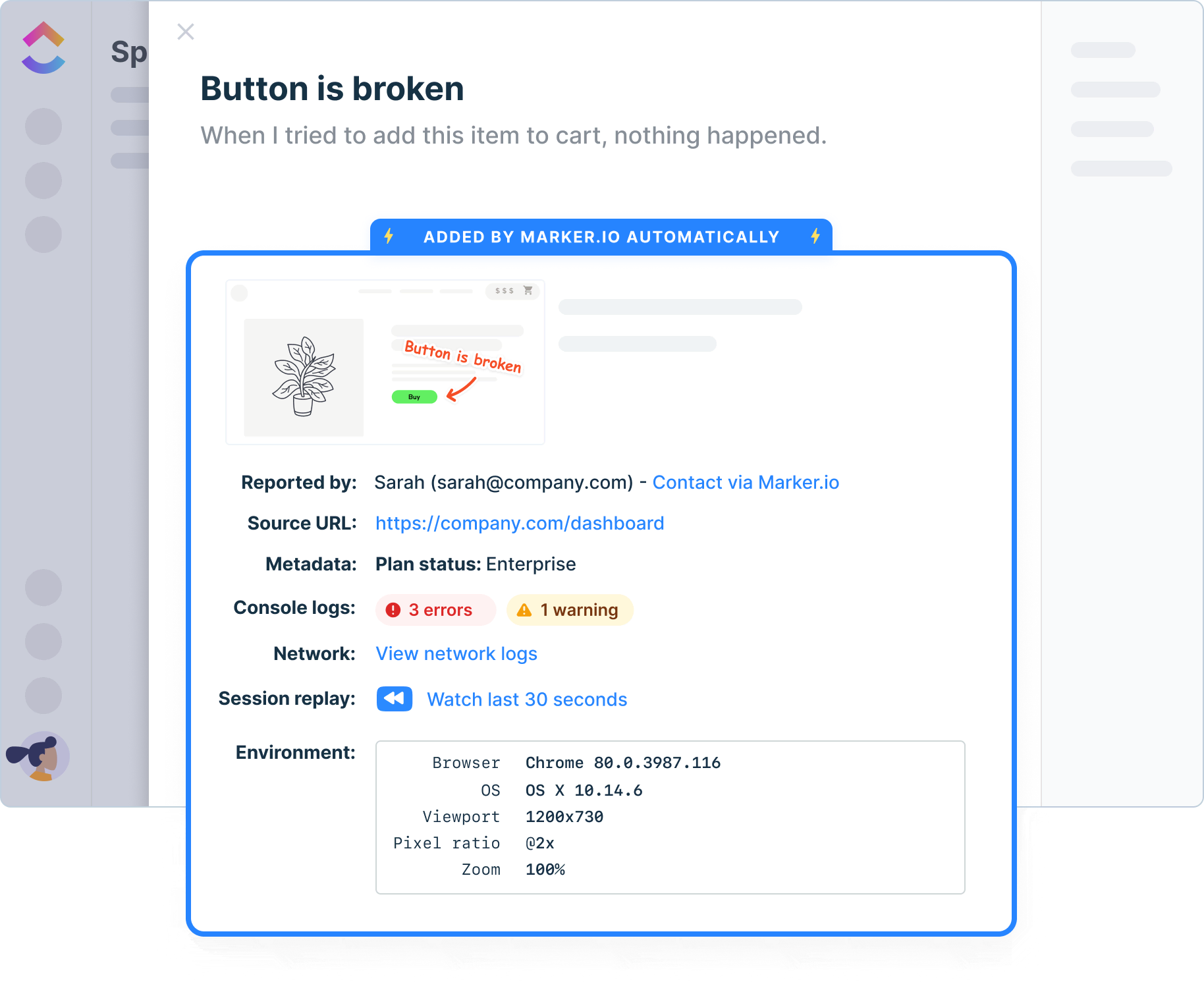
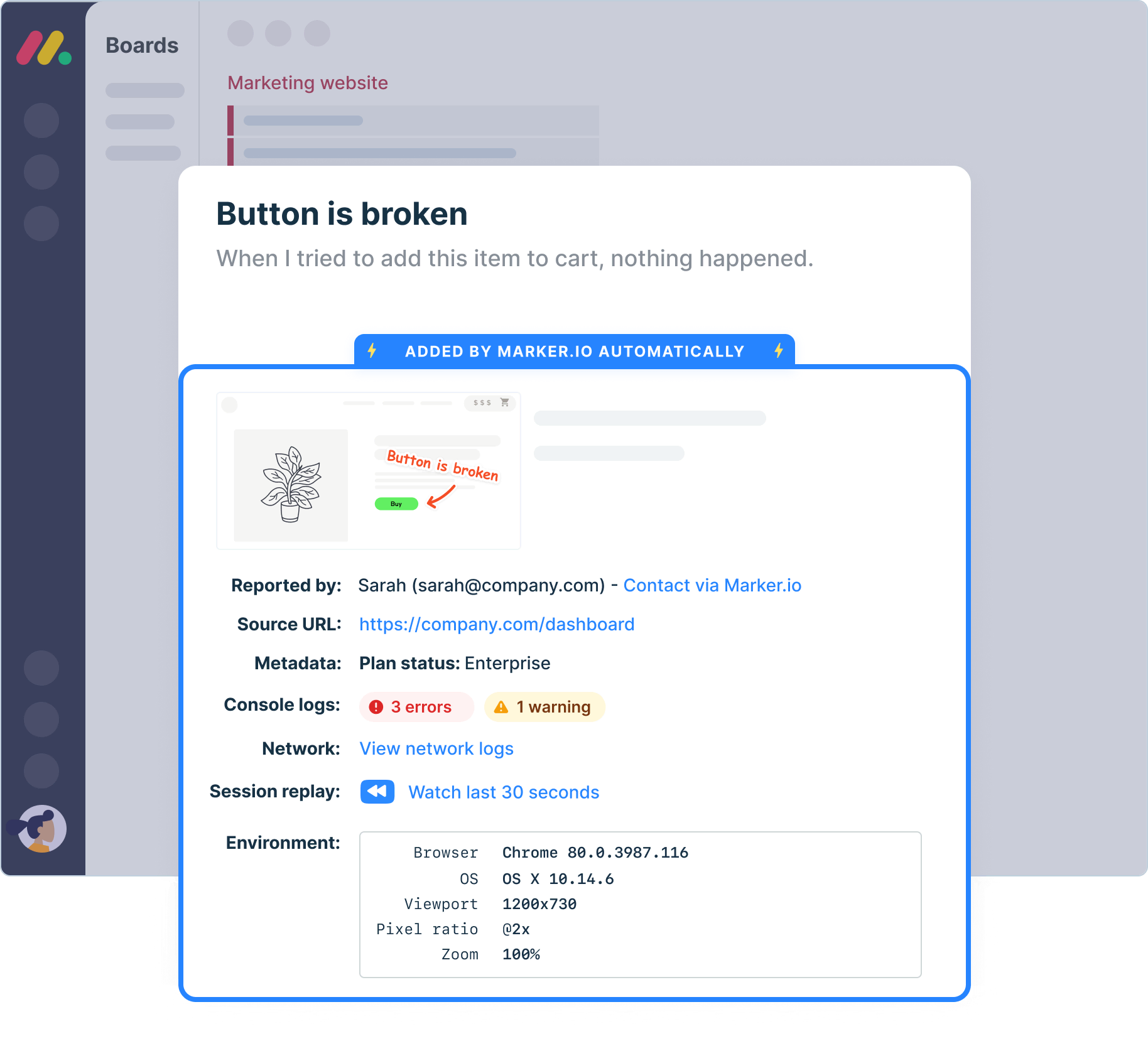
Reproduce bugs effortlessly
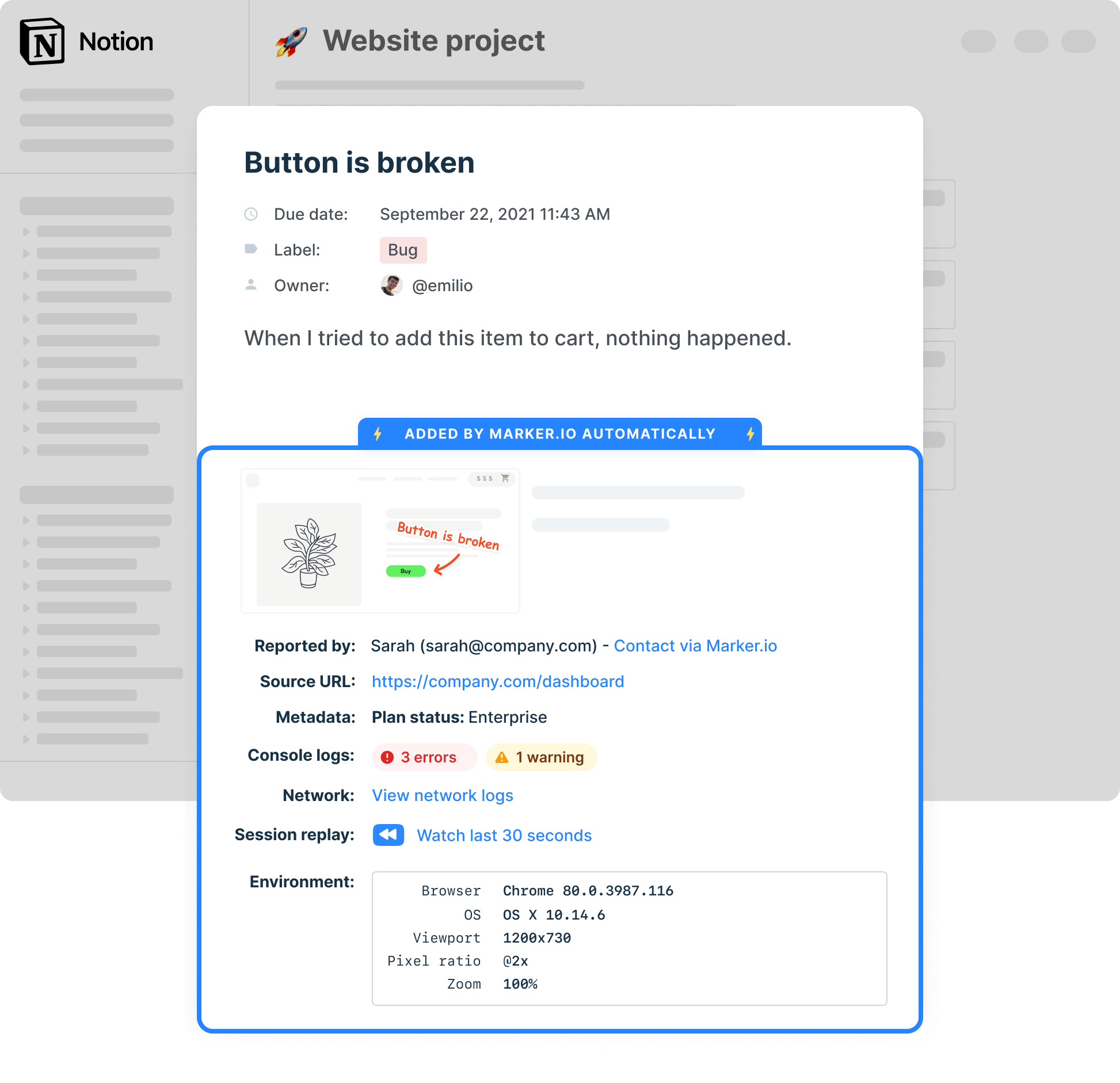
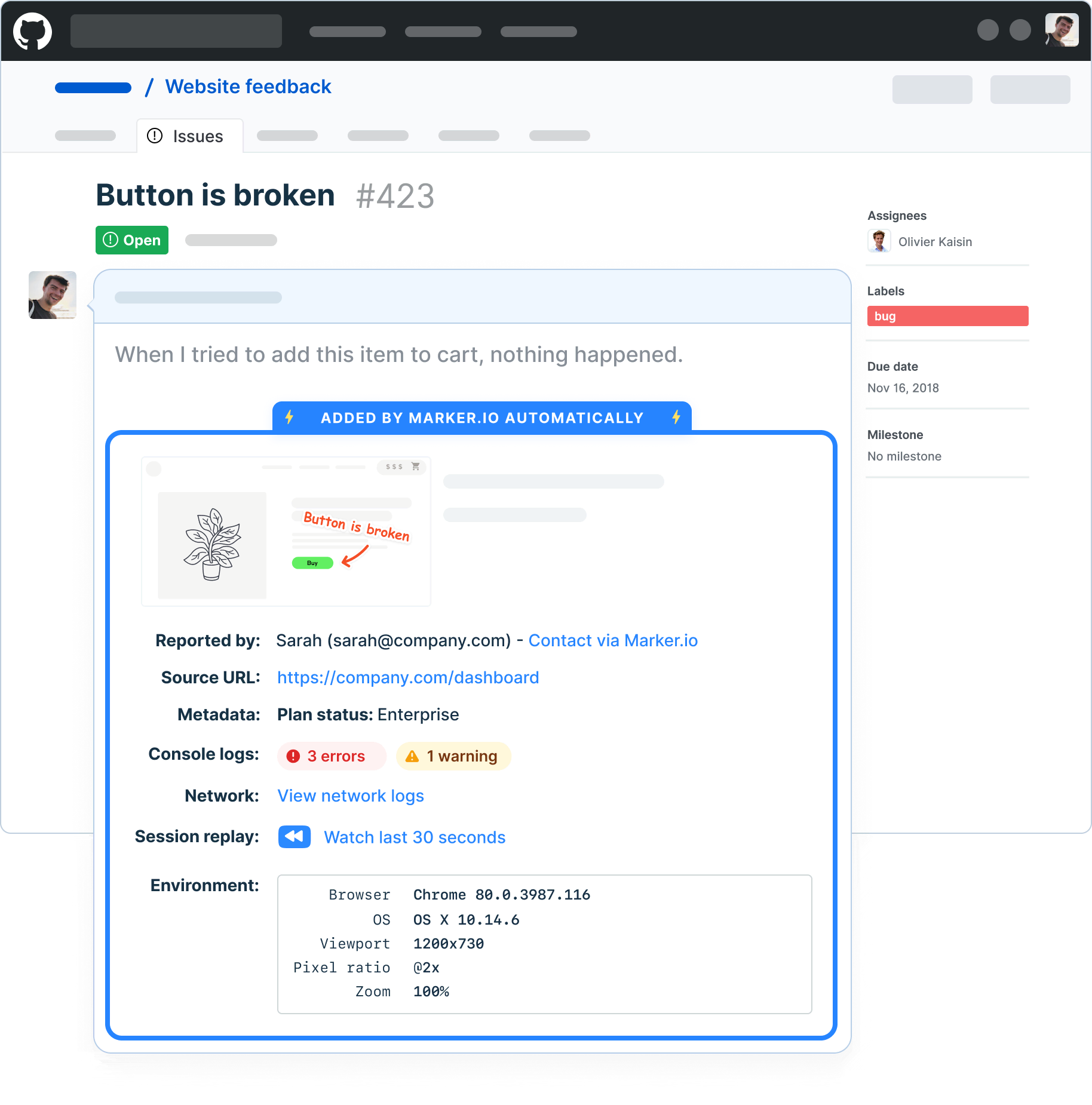
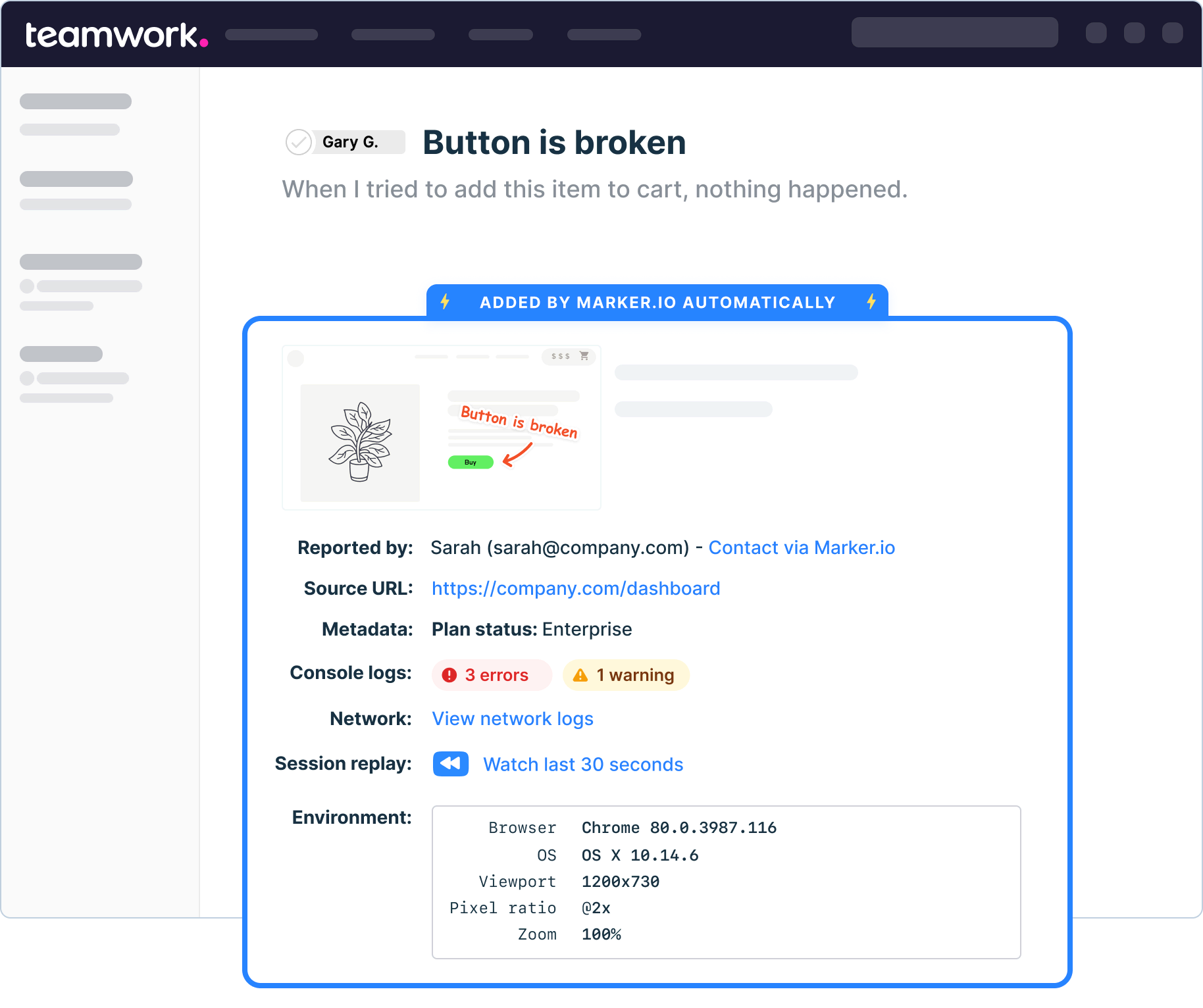
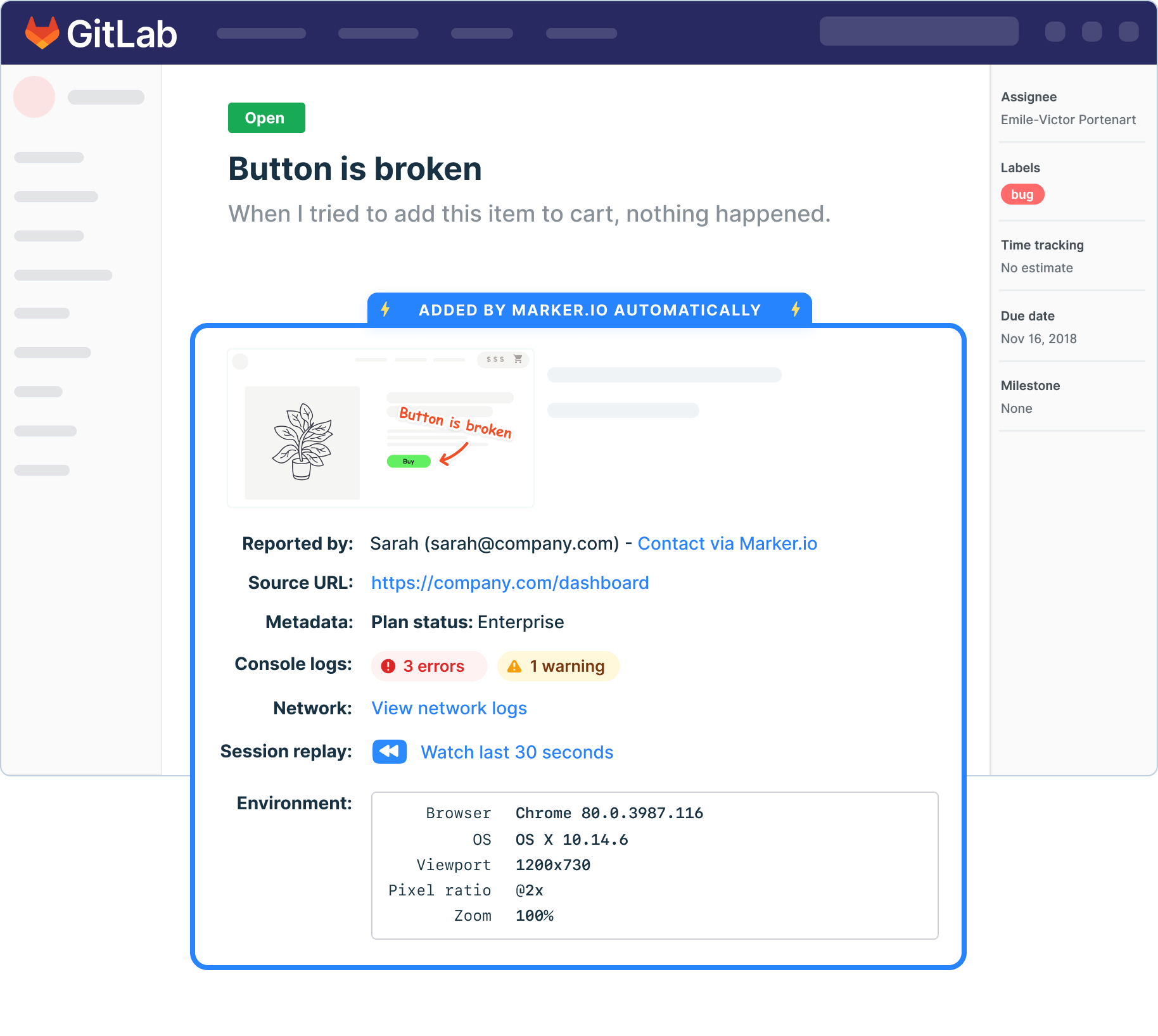
Add the data your developers need to your favorite tool automatically with the widget.

Mask sensitive data automatically
Commenting on a customer’s account? Configure the sensitive data masking feature to prevent any personal data from getting stored or shared.
3000+ Happy Customers
“Marker.io changed how we report website feedback. No more screenshots laying around my desktop.”



Frequently Asked Questions
What is Marker.io?
Who is Marker.io for?
Marker.io is for teams responsible for shipping and maintaining websites who need a simple way to collect visual feedback and turn it into actionable tasks.
It’s used by:
- Organizations managing complex or multi-site websites
- Agencies collaborating with clients
- Product, web, and QA teams inside companies
Whether you’re building, testing, or running a live site, Marker.io is one of the best website feedback tools for teams collecting feedback, without slowing people down or breaking existing workflows.
How easy is it to set up?
Embed a few lines of code on your website and start collecting client feedback with screenshots, annotations & advanced technical meta-data! We also have a no-code WordPress plugin and a browser extension.
Will Marker.io slow down my website?
No, it won't.
The Marker.io script is engineered to run entirely in the background and should never cause your site to perform slowly.
Do clients need an account to send feedback?
No, anyone can submit feedback and send comments without an account.
How much does it cost?
Plans start as low as $39 per month. Each plan comes with a 15-day free trial. For more information, check out the pricing page.
Still have questions?
Get started now
Free 15-day trial • No credit card required • Cancel anytime