The best Jam.dev alternative for website feedback
Marker.io's feedback tool is always live on your site, so clients, QA teams, and stakeholders can click, annotate, and send developer-ready bug reports without needing to start a recording.

Marker.io vs. Jam.dev
Both tools help teams report bugs with more context than a screenshot pasted into Slack. Marker.io's main difference as a Jam.dev alternative is the capture model and how each fits your team's workflow.
Marker.io
Marker.io starts with the website itself: add the feedback widget once and enable users to report issues wherever and whenever they find them.
Jam.dev
Jam.dev starts with a Jam: record the screen, take a screenshot, use Instant Replay, or ask someone to record through a link.
Why choose Marker.io as your Jam.dev alternative?
Jam.dev prioritizes fast screen recordings, instant replay, and shareable recording links – a strong option when you want to share a video. Marker.io makes your website the feedback interface: reviewers click a widget on the page, annotate what they see, fill in the right form for their role, and send the issue straight into your existing workflow.
Best for web, QA, agency, engineering, and digital teams that want feedback collected directly on the website, with all the information developers need.
- Embedded website feedback widget plus browser extension, with separate Member and Guest forms.
- Automatically adds website context such as screenshots, environment data, console logs, network requests, and optional session replay.
- Two-way synchronization for supported project-management integrations keeps issue data aligned with the tools where work happens.
- Adds website-specific workflows such as white-labeled reporting, AI translation and issue editing, and scheduled accessibility monitoring.
- MCP lets AI agents inspect reported issues and their developer context.
Best for product, engineering, QA, and support teams that want to capture and share bugs as screenshots or recordings.
- Browser extension, Recording Links, iOS app, screenshots, screen recording, and Instant Replay.
- Automatically enriches Jams with available logs, network requests, user actions, device metadata, and AI-generated context.
- Creates and routes tickets from a Jam into tools such as Jira, Linear, GitHub, GitLab, ClickUp, Asana, Azure DevOps, Notion, and Slack.
- Adds video-first workflows such as longer screen recordings, Recording Links, customer-support capture, native iOS recording, and Jam CLI.
- MCP lets AI agents inspect Jams, recordings, logs, events, and transcripts.
Key differences


An embedded feedback widget lets users point, click, annotate screenshots, and report bugs directly on live websites. Marker.io also has a browser extension; Jam.dev uses its extension and Recording Links instead.
Marker.io provides separate Member and Guest forms, with connected-tool fields that can be shown, hidden, or preset.
Marker.io automatically saves Session Replay context when feedback is submitted. Jam.dev’s Instant Replay keeps recent browser activity available until the user chooses to create a Jam.
Marker.io offers 2-way synchronization for supported project management tool integrations. Jam.dev allows you to create and route Jams into issue trackers, with no 2-way synchronization.
Replace Marker.io's branding with your logo and customize the widget’s appearance. Jam.dev offers custom domains for customer Recording Links.
Marker.io offers translation, rewriting, and title generation; Jam.dev offers AI titles and summaries, repro steps, and debugging help.
Marker.io can scan website pages on a schedule for accessibility issues. Jam.dev has no website scanner.
With Marker.io, customer data is stored in AWS Ireland/EU. Jam.dev documents GDPR compliance, but not EU-only data residency.
Marker.io can mask page data before it appears in screenshots and Session Replay. Jam.dev provides Auto-Blur for customer Recording Link sessions.
Both products allow AI agents to access captured bug-report context through MCP.
Website feedback without having to start a recording
Marker.io’s visual bug reporting workflow is simple, as the feedback button is already on the site. A reviewer finds an issue and, in a few clicks, opens the feedback widget, marks up the screenshot, adds a comment, and sends a bug report – no separate recording tool.
Jam.dev collects visual feedback through screenshots and video. Its reusable Recording Links can be shared or used as feedback buttons, but you have to ask someone to open a link and record the problem. For high-volume website review, UAT, and client feedback, a point-and-click widget makes more sense.
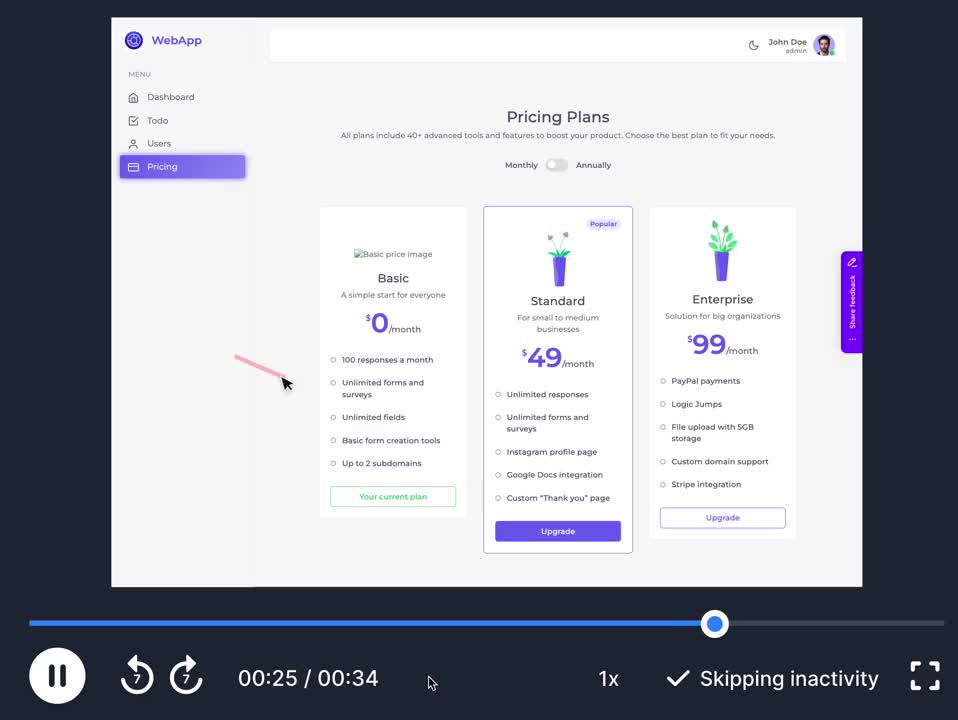
Session replay is attached to the issue automatically
Marker.io’s Session Replay continuously keeps a short rolling window of recent activity while the widget is active. When someone submits feedback, the recent session can be stored with the issue; if they do not submit anything, the temporary replay data is discarded. Developers see the steps leading up to a bug report without asking the reporter to create a separate video.
Jam’s browser extension keeps recent browser activity available, and the user can choose Instant Replay after the bug occurs. Jam treats Instant Replay as one of the ways a user creates a Jam.
Different forms for your QA team and your clients
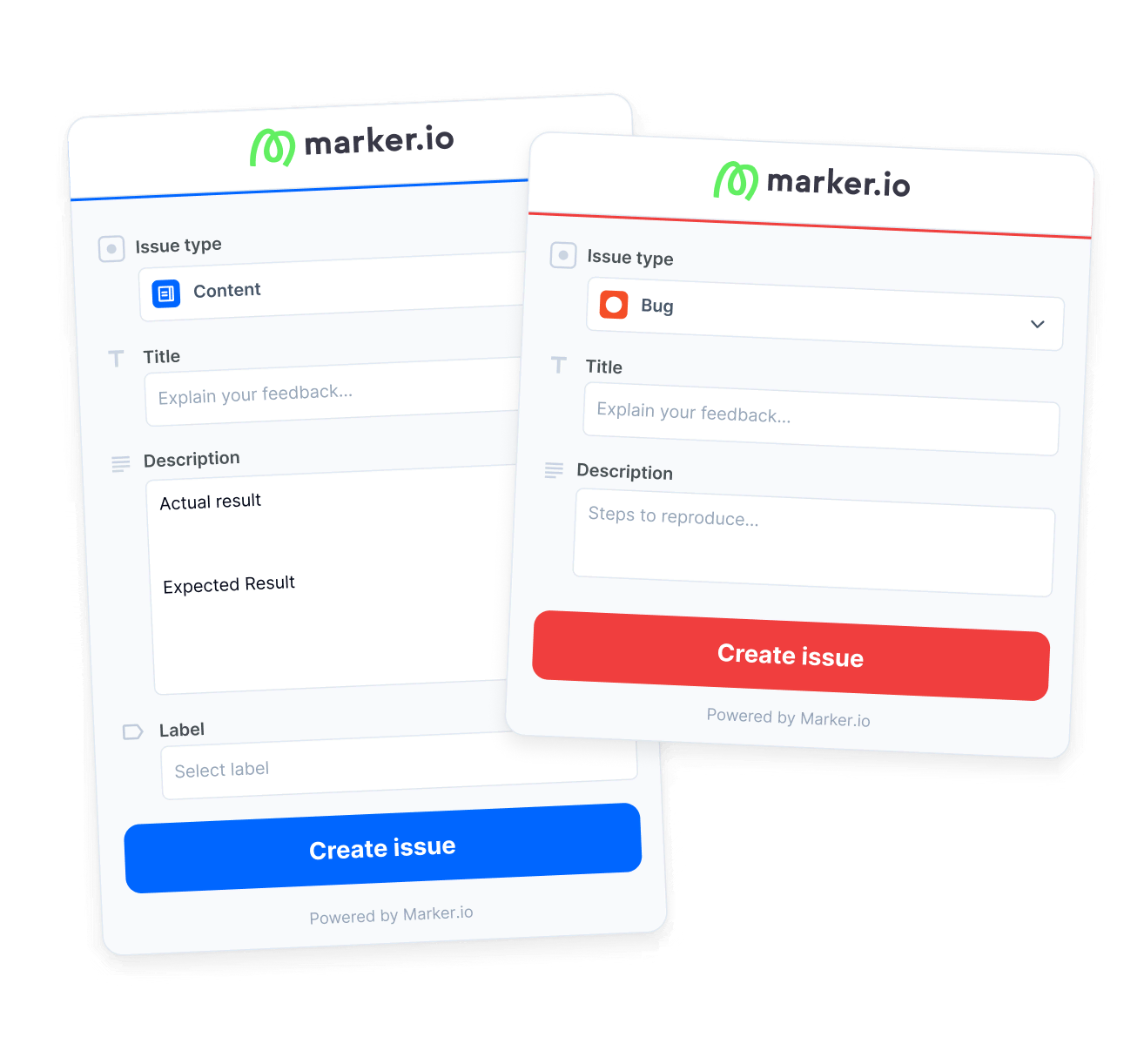
Different bug reporters – Internal QA, product managers, support teams, and external clients – may need different form fields. Marker.io separates Member and Guest reporting, so your team can expose detailed project fields to testers but keep the client feedback experience short. When integrated, fields from Jira, Shortcut, or Basecamp can be pulled into the reporting form, then shown, hidden, or preset.
A QA tester can select issue type, priority, assignee, or another mapped field; if your connected tool uses fields such as expected result and actual result, those can be part of the form too. A client can see a much simpler form and still send the screenshot and all the context the developer needs.

“Clients used to send us emails, documents, spreadsheets and even powerpoints for feedback. Now we just use Marker.io.”
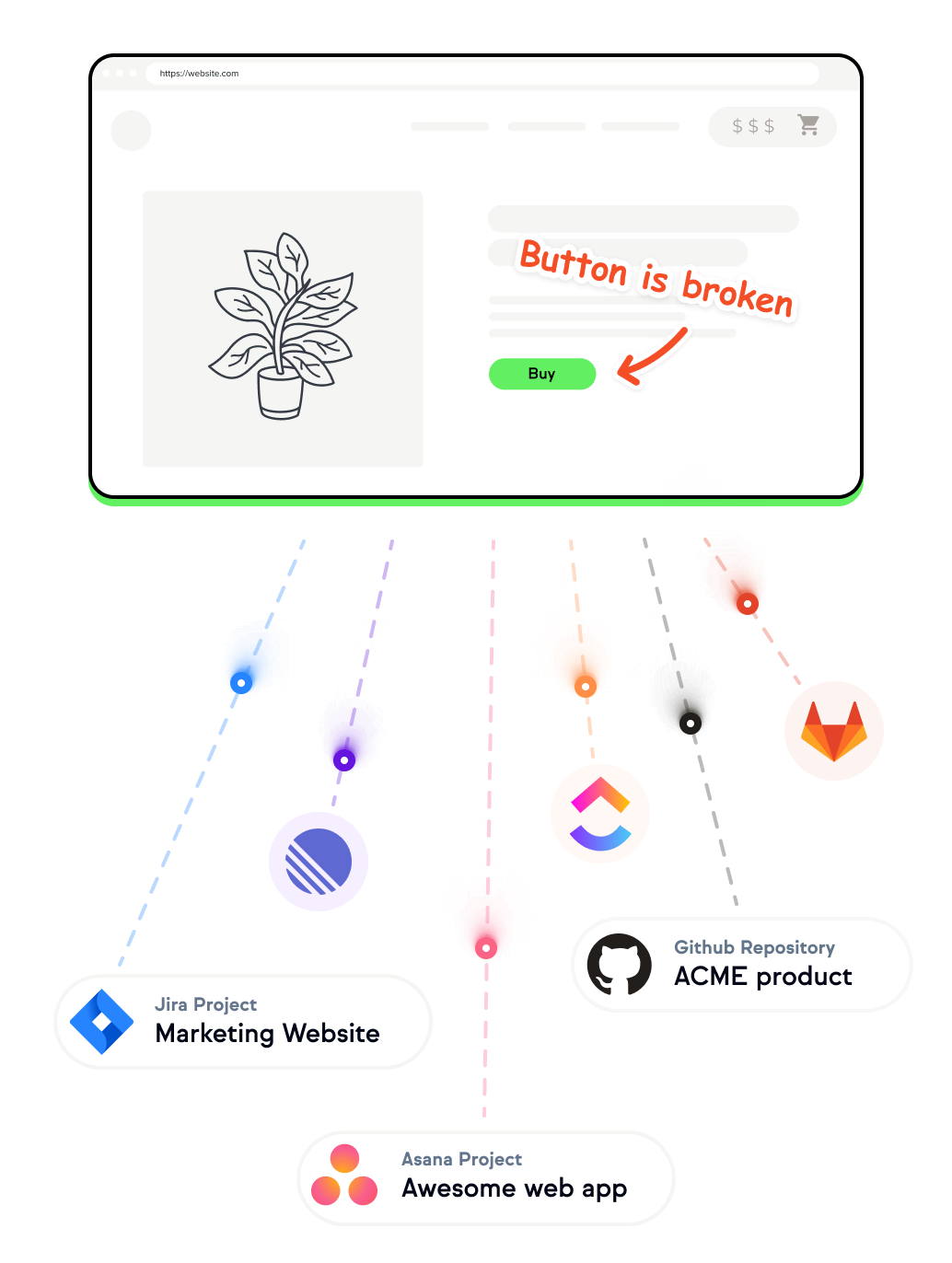
Keep the issue in the tool your developers already use
Marker.io supports two-way synchronization for many integrations. Depending on the integration, bug tracking fields, comments, and status changes can stay aligned between Marker.io and the destination tool.
Your developer can keep working in Jira, Trello, Linear, GitHub, ClickUp, Asana, or another connected system, so the feedback platform isn’t just a second backlog. Reporters still get structured feedback, while the delivery team keeps its source of truth, with its existing development workflow and automated workflows intact.
AI translation for global feedback teams
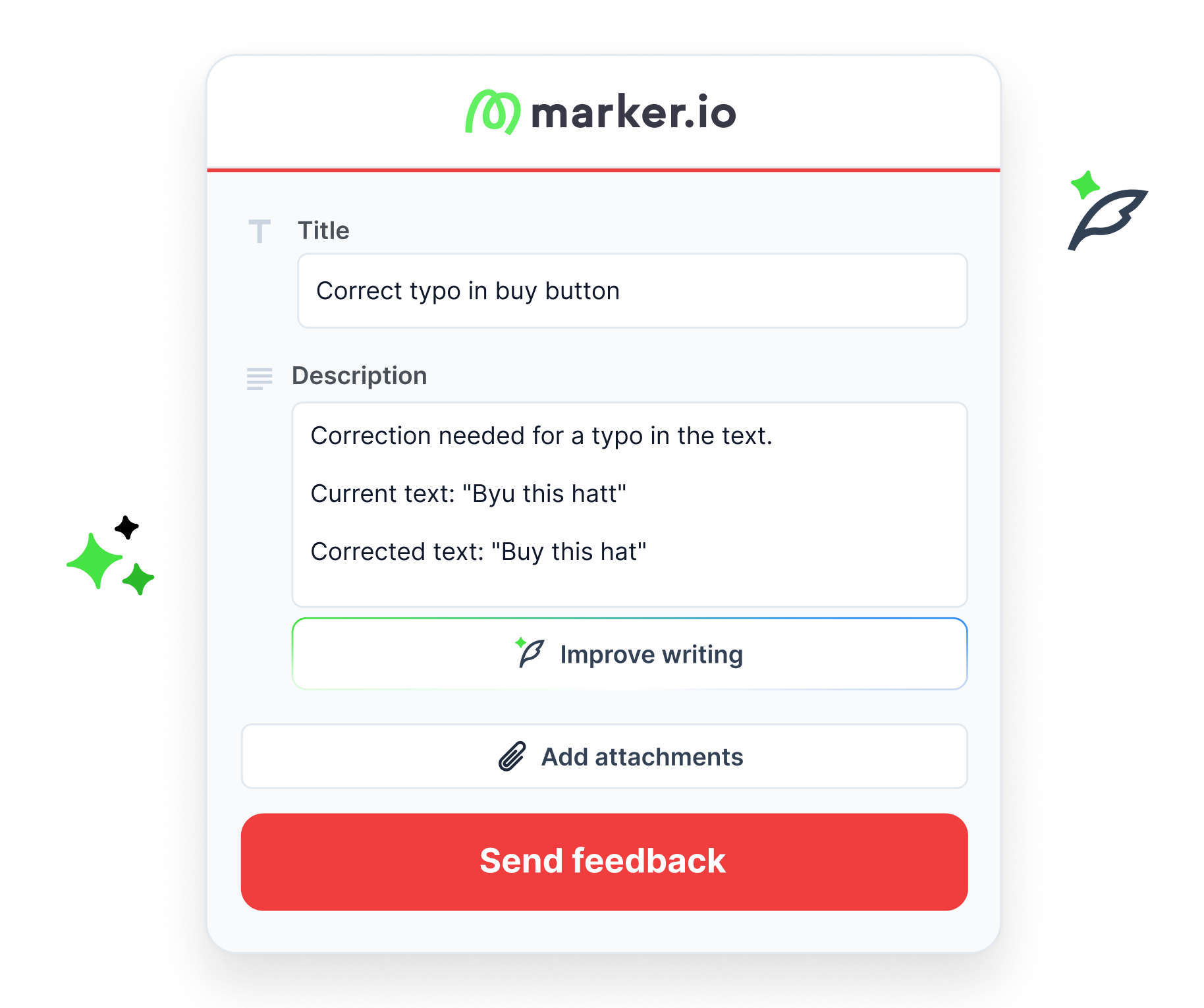
Marker.io’s AI tools are built into the reporting workflow. Reporters can write user feedback in their own language, then translate the title and description into the team’s preferred language. Magic Rewrite can clean up rough notes, and title generation turns a description into a clear issue title.
Jam.dev’s AI also generates titles and summaries, as well as repro steps, and debugging help from a captured Jam – but no translation.

White-label the website feedback experience
On the Team plan and above, you can remove Marker.io branding from the widget and customize the logo, wording, colors, position, and button – ideal for agencies and enterprise teams that want client-facing feedback to feel like part of their own process.
Jam.dev supports custom domains for Recording Links, so the branded element is just the URL used to request a recording, not the feedback widget living on the website itself.
Find accessibility issues even when nobody reports them
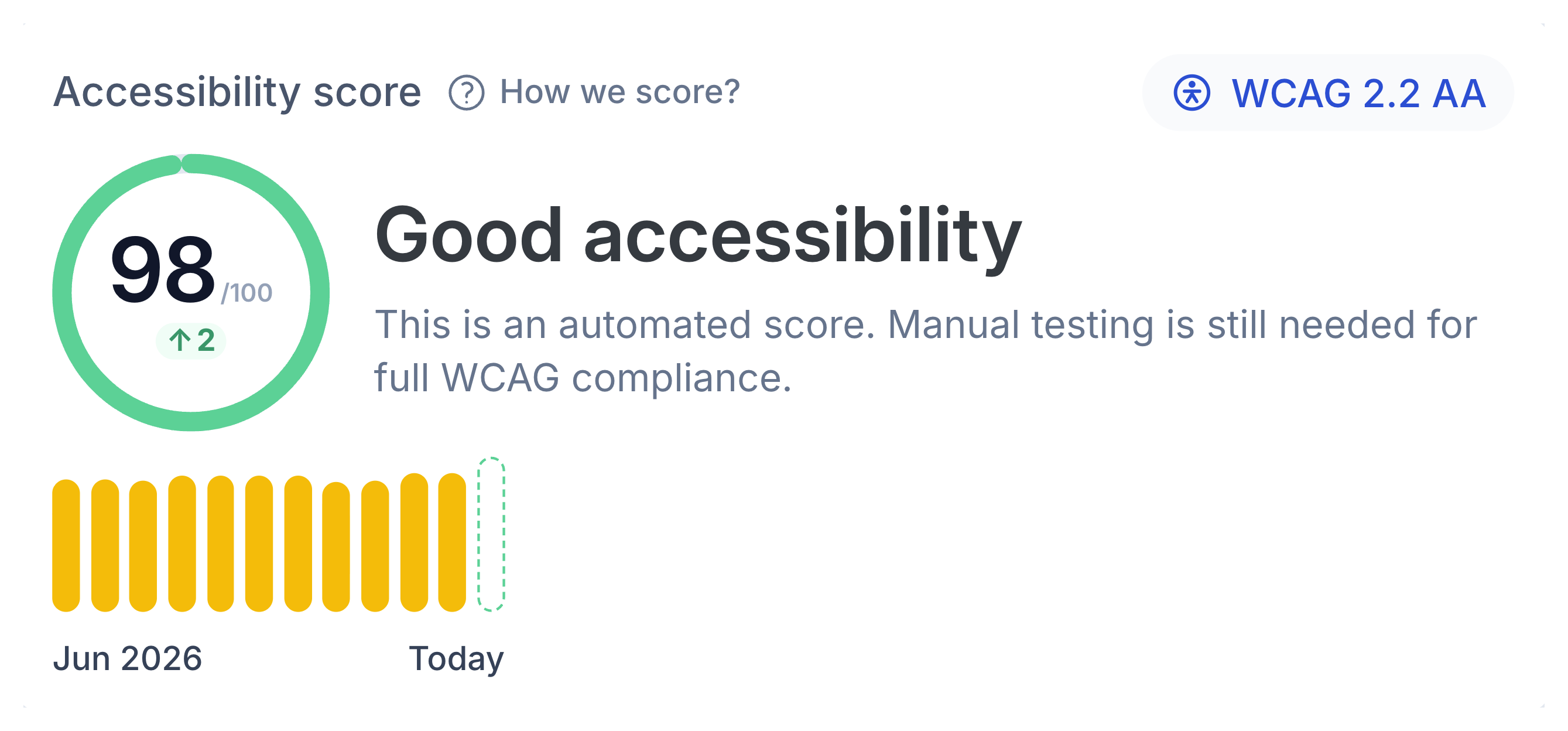
Website Monitoring can scan selected pages or a sitemap against WCAG checks, group repeated issues, show the failing element, and turn findings into trackable work for the team.
For teams that want one workflow to report issues, fix bugs, and track proactively detected website issues, Marker.io offers a wider range of website feedback and QA solutions.

EU-hosted data and broader page masking
As well as being SOC 2 Type II compliant, Marker.io offers the following security and governance features:
- EU data residency – Customer data is stored in AWS in Ireland, in the EU. Jam.dev is GDPR-compliant and its terms provide Standard Contractual Clauses for applicable cross-border transfers, but it does not offer an EU-only hosting option.
- Page-content masking – Marker.io’s Sensitive Data Masking prevents selected page content from being captured in screenshots and Session Replay. Jam.dev also provides Auto-blur, but only for customer Jams requested through Recording Links or Intercom.
Where Jam.dev is the better fit
There are workflows where Jam.dev’s approach makes more sense. Choose Jam.dev when:
Marker.io vs. Jam.dev pricing
The pricing models and advanced features included at each level are different, so the cheapest option depends more on your team and use case than the headline monthly price. Choose Marker.io when you want a website feedback workflow rather than a recording tool: feedback is unlimited on every paid plan.
Starter: $39/mo billed annually
3 users, unlimited feedback, screenshots, annotations, environment details, basic integrations
Free plan: $0
30 Jams/month, 5 Recording Links, recordings up to 5 minutes, integrations, MCP, webhooks
Team plan: $149/mo billed annually
15 users; session replay, development tools, custom metadata, custom branding, issue sync
Team plan: $14 per creator/month billed annually
Unlimited Jams, 150 Recording Links, recordings up to 15 minutes, 200 AI summaries
Business: custom pricing billed yearly
SSO/SAML, audit logs, Sensitive Data Masking, premium integrations, admin roles, security support
Enterprise: custom pricing billed yearly
Unlimited Recording Links, SAML/SSO, audit logs, workspace analytics, automatic data deletion, priority support
See a bug?
Click, annotate, send.
Report bugs directly from live websites, a web app, staging environments, and UAT environments. Marker.io turns visual feedback into a structured visual bug report and sends it into the project management workflow your team already uses.
.png)
Website annotations
Capture screenshots automatically, then use arrows, boxes, text, and visual markup to point at the exact problem.
Customizability
Change the widget’s branding, wording, position, colors, fields, and access rules to fit the site and the people reviewing it.
Easy install
Add the JavaScript snippet, install through supported CMS options, use the npm package, or inject the widget through the browser extension when you do not want to change the site code.
Technical context without the follow-up questions
Both tools capture the technical context developers need to reproduce bugs, but they provide that browser context using different workflows. With Marker.io, full context is automatically packaged around an on-site bug report.
Jam.dev alternative FAQs
Is Marker.io a Jam.dev alternative?
Yes. Both products help teams capture bugs and send technical context into engineering workflows. Marker.io is the best Jam.dev alternative when your priority is website feedback, client review, QA, UAT, and an embedded reporting experience rather than a recording-first workflow.
What is the main difference between Marker.io and Jam.dev?
Marker.io is a bug reporting tool centered on an embeddable website feedback widget. Its capture model lets reviewers click the site, annotate the page, submit a structured form, and send the issue into the team’s project management workflow. Jam.dev lets users create a Jam through a screenshot, screen recording, Instant Replay, Recording Link, or iOS capture.
Does Marker.io have session replay like Jam.dev?
Yes. Marker.io Session Replay keeps a short rolling window of recent activity and can attach it automatically when a feedback report is submitted. Jam.dev also has Instant Replay, which lets browser extension users create a Jam from recent browser activity after the bug occurs.
Which is better for client website feedback, Marker.io or Jam.dev?
Marker.io is usually the better fit when clients need to review a website repeatedly because the feedback widget can stay on the site, use a dedicated Guest form, and send each piece of client feedback into the delivery team’s existing workflow.
Can Marker.io and Jam.dev connect to AI agents?
Yes. Both products have MCP support. Marker.io exposes all the reported issue context. Jam MCP exposes Jam recordings and available context.
Is Marker.io suitable for enterprise teams?
Yes. Marker.io offers SOC 2 Type II compliance, SSO/SAML, audit logs, Sensitive Data Masking, admin roles, security reviews, EU-hosted customer data, and premium integrations on its Business plan.
What Jam.dev alternatives should I compare?
The best alternative depends on the workflow you need. Marker.io is strong for visual feedback, website feedback, and developer-ready QA. BugHerd is oriented toward client website feedback and a dedicated feedback board. Usersnap and Userback cover broader product and customer-feedback workflows. If video-first bug capture is your main need, Jam.dev itself may still be the right choice among Jam.dev alternatives.
Get started now
Free 15-day trial • No credit card required • Cancel anytime