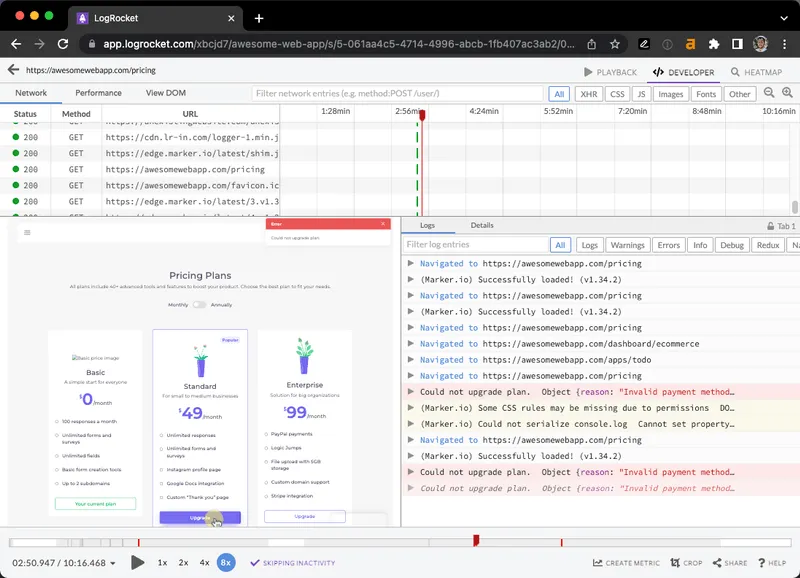
Replay user bugs and issues with LogRocket + Marker.io

Rewatch user sessions to understand the steps that led to bugs, right from inside your favorite issue tracker.

1

Install LogRocket & Marker.io

Embed both snippet codes for LogRocket and Marker.io in your site.
2

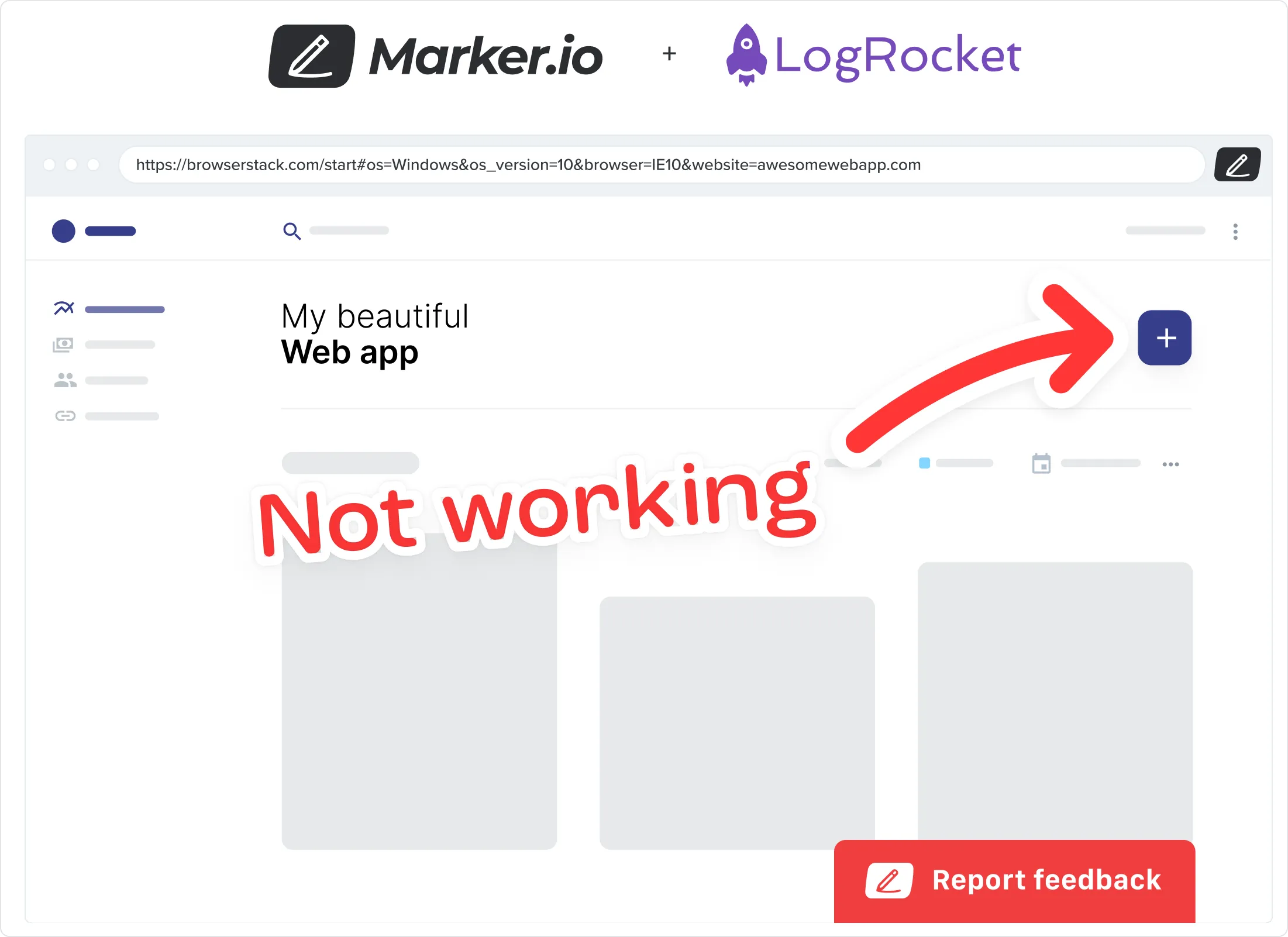
Collect issues via our website widget

Collect user feedback and bug reports from your web app into your issue tracker.

3

Access user recordings inside your issues
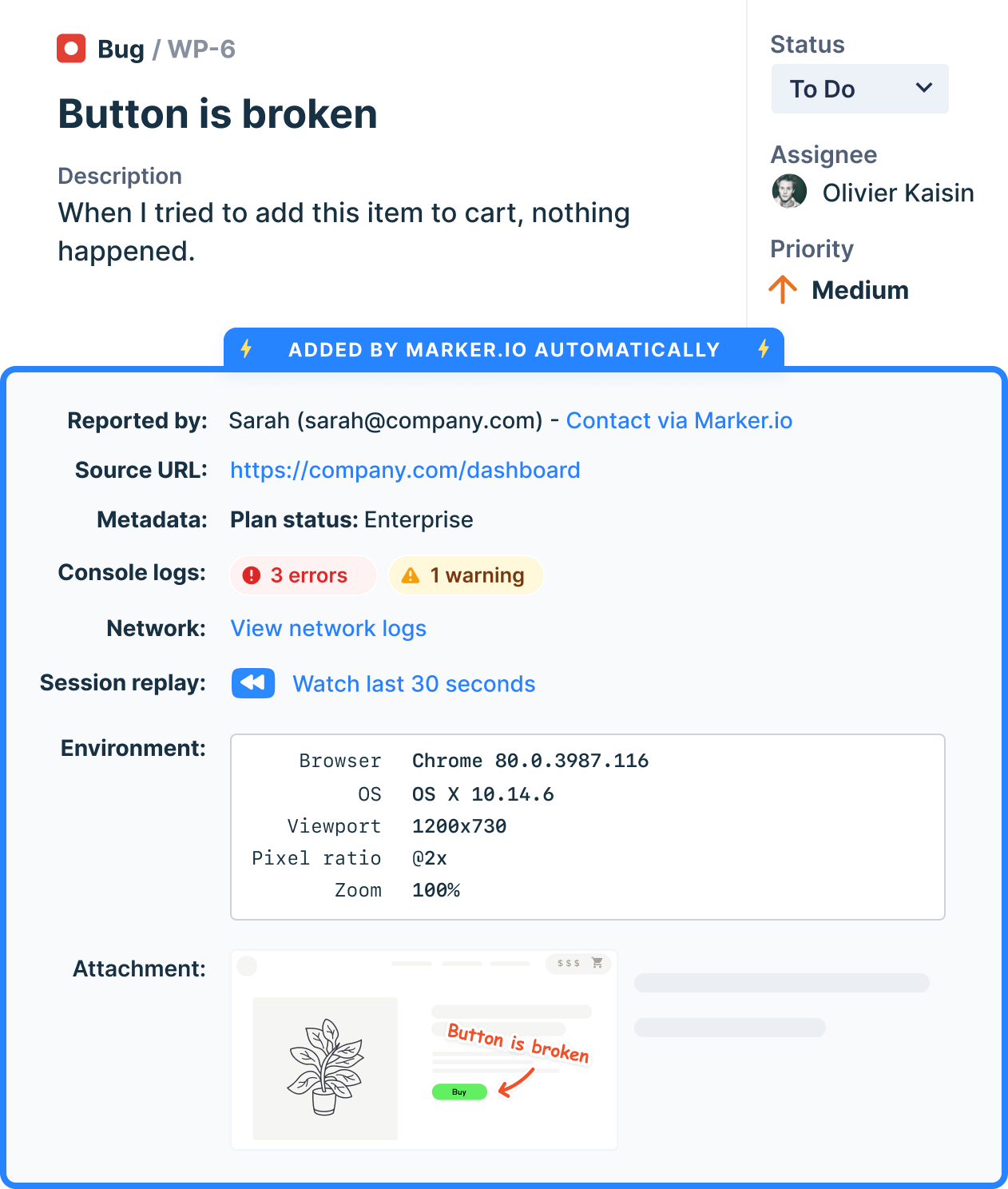
Issues will be sent into your favorite tool like Trello, Jira, GitHub with screenshots & technical meta-data.

4

Replay user session, at the exact timestamp

Navigate in LogRocket's timeline and review steps that led to user bugs.

Frequently Asked Questions

What is Marker.io?

Marker.io is a website feedback tool, bug reporting, UAT, and annotation tool for websites. It’s the best way to gather feedback and bug reports with screenshots, annotations, and advanced technical metadata. It also integrates perfectly with Jira, Trello, ClickUp, Asana (and more).

Who is Marker.io for, and can I use it for website design feedback?

Marker.io is a website feedback tool for teams that are responsible for shipping and maintaining websites, and need a simple website testing tool to collect visual feedback, manage client feedback, and turn that feedback into actionable tasks.

As well as teams managing website design feedback processes, it’s used by:

- Organizations managing complex or multi-site websites
- Agencies collaborating with clients and stakeholders
- Product, web, design, and QA teams inside companies

Whether you’re building, designing, testing, improving, or running a live site, Marker.io helps teams manage website design feedback, manual QA, user acceptance testing, revisions, and approval without breaking existing workflows.

How easy is it to set up for bug reporting and other website testing?

Embed a few lines of code on your website and start collecting client feedback with screenshots, visual annotation, and advanced technical metadata. We also have a no-code WordPress plugin and a browser extension.

Will Marker.io slow down my website?

No, it won't.

The Marker.io script is engineered to run entirely in the background and should never cause your site to perform slowly.

Can I use Marker.io for QA and user acceptance testing?

Yes, Marker.io is one of the leading QA and user acceptance testing tools. It combines intuitive issue tracking tools with powerful project management integrations to make it easy for users, colleagues, and stakeholders alike to report bugs so your developers and designers can fix them.

Do users need an account to send client feedback?

No, anyone can submit website feedback and send comments without an account.

How much does Marker's website feedback solution cost?

Plans start as low as $39 per month. Each plan comes with a 15-day free trial. For more information, check out the pricing page.

Get started now

Free 15-day trial  •  No credit card required •  Cancel anytime