
Introducing AI Title Generation (beta)
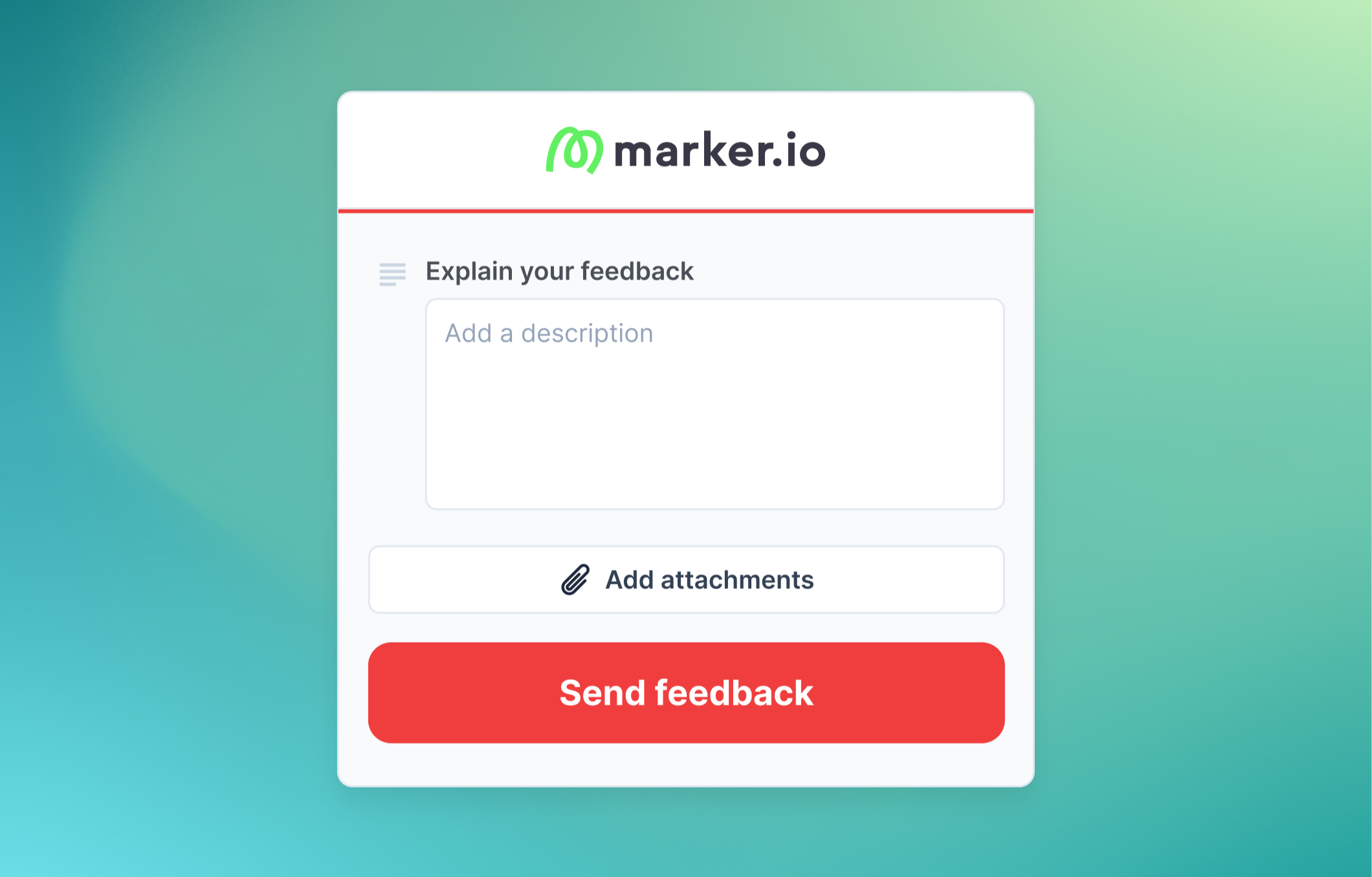
AI Title Generation automatically creates actionable titles from your reporter's description. When enabled, the title field is hidden so reporters can focus on one thing: describing the issue.


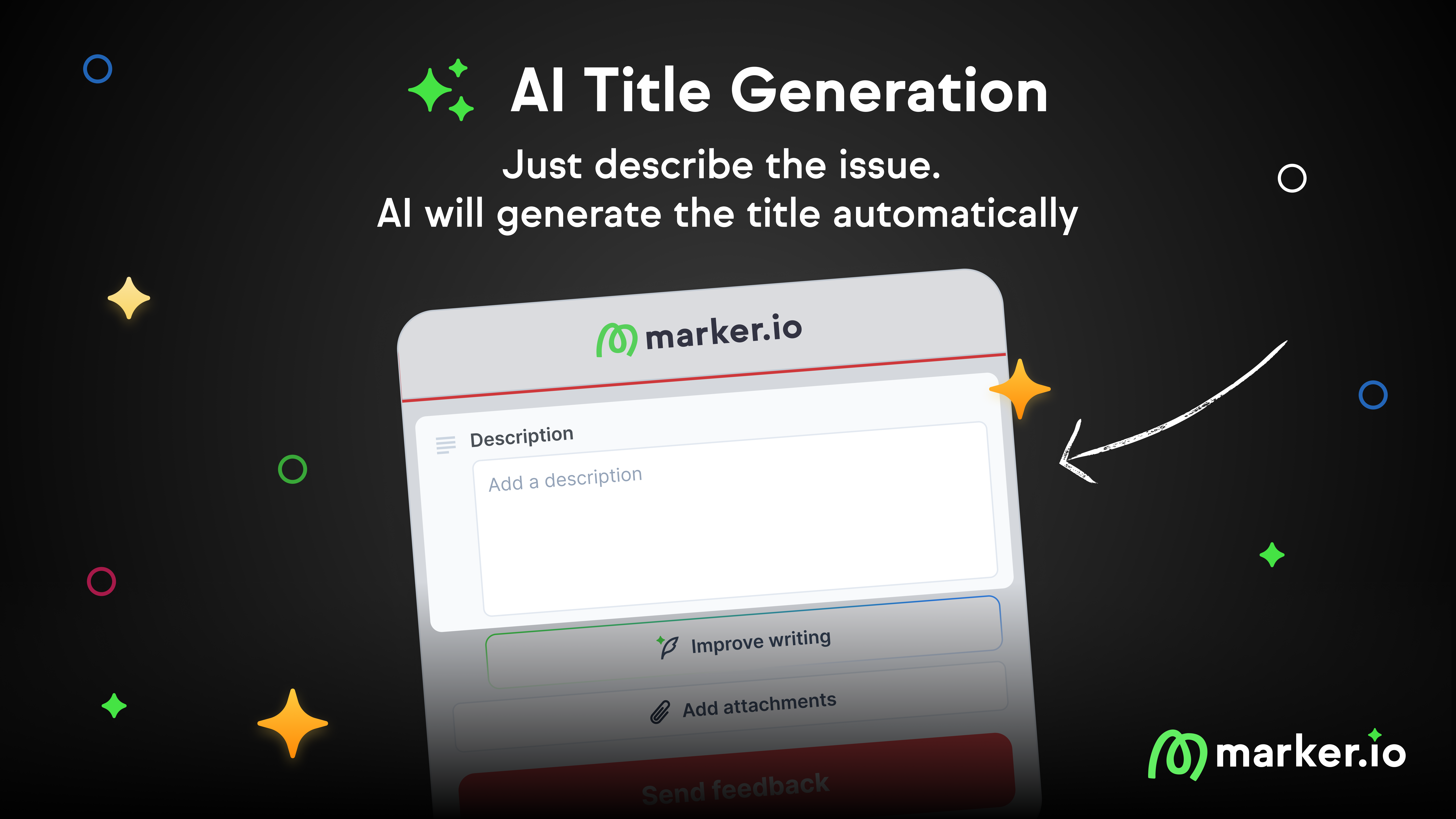
We're launching AI Title Generation, a new feature that automatically creates actionable titles from your reporter's description. When enabled, the title field is hidden so reporters can focus on one thing: describing the issue.
Simplify your widget to a single field
Reporters often struggle with the title field. They don't know what to write, they duplicate the description, or they leave something vague like "Bug" or "Homepage issue."
The Title field creates friction. It makes reporters pause and think about form structure when they should be thinking about the issue they found.
With AI Title Generation, the title field disappears. Reporters describe their issue, and Marker.io generates a clear, actionable title automatically.
What's new
- Title field hidden: Reporters see a simpler widget with just the description
- Automatic title generation: Marker generates a 5-10 word actionable title when the issue is submitted
- Description untouched: The reporter's original words are never modified
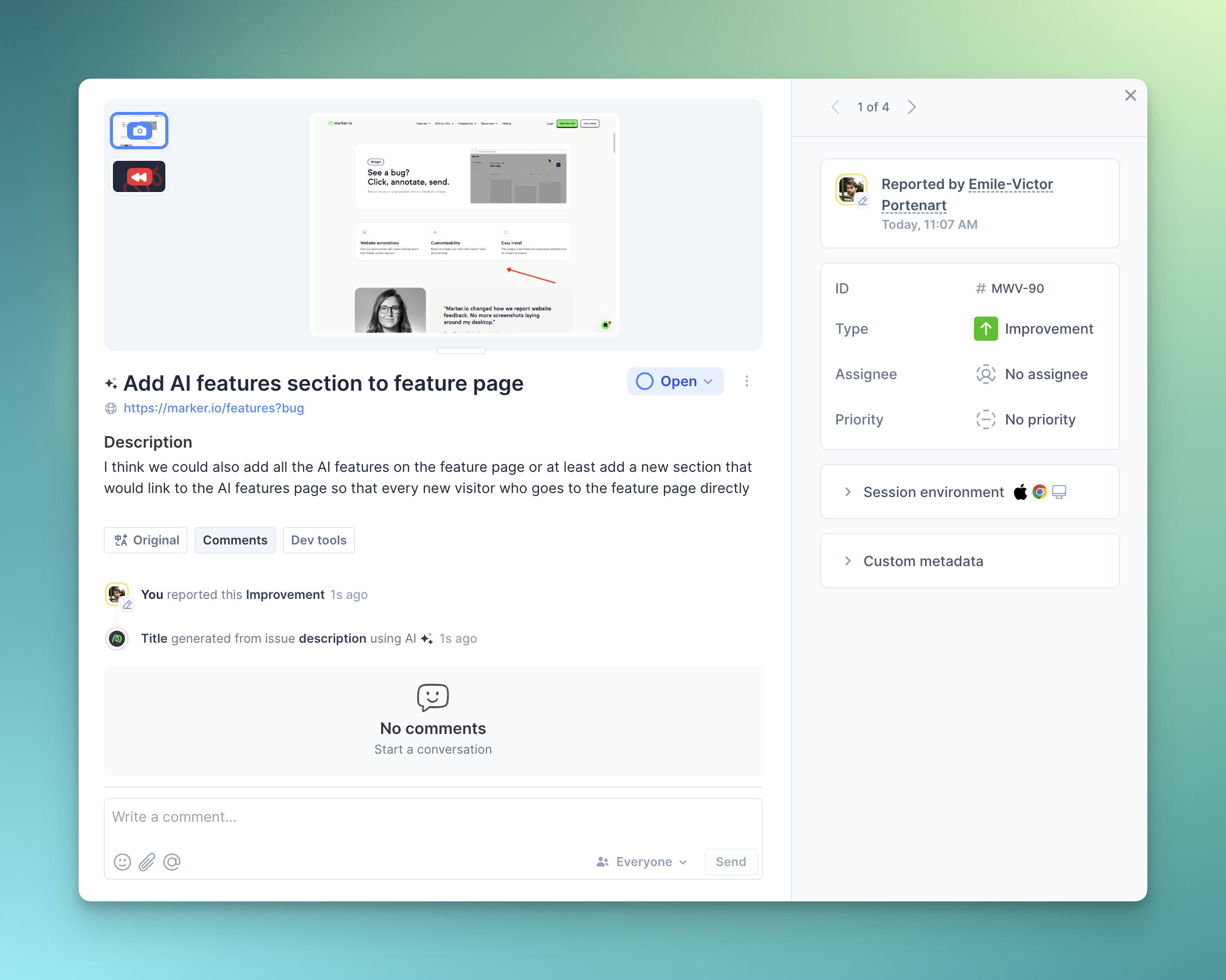
- AI indicator: Issue page shows when a title was AI-generated
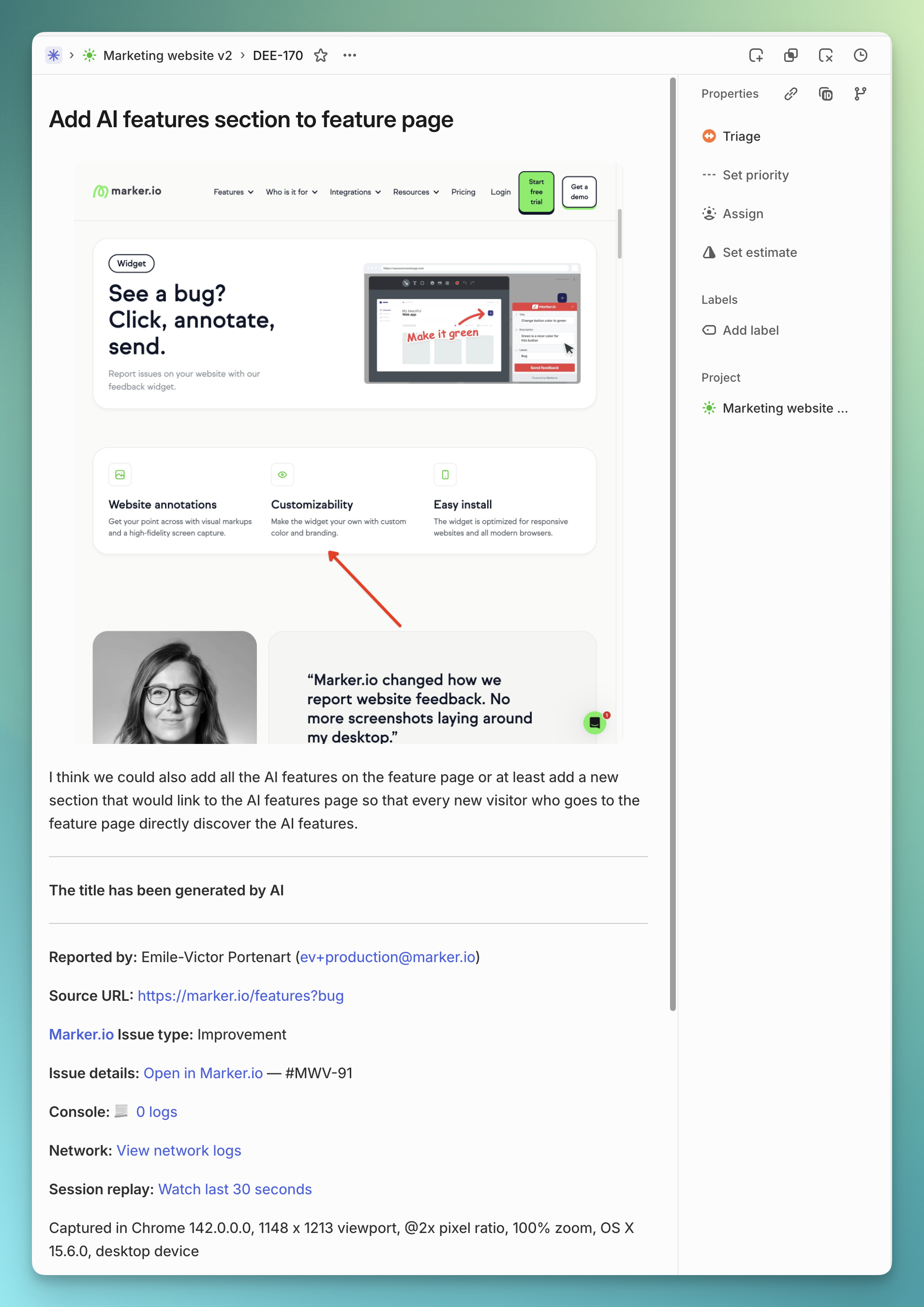
- Integration support: Generated titles are sent directly to Jira, Linear, Asana, and all other integrations
Examples
Description:
the button on homepage doesnt work when i click it nothing happens and i think it should go to the contact page
Generated title:
Fix homepage button that doesn't work
Description:
theres a typo on the about page it says "We has been in business since 2010" should be "We have been in business"
Generated title:
Fix typo on About page
Description:
can we add a dark mode option somewhere in the settings? would be nice for users who work at night
Generated title:
Add dark mode option in settings
Works with other AI features
AI Title Generation pairs perfectly with AI Rewrite. Reporters can polish their description first, then let AI handle the title. One smooth flow, minimal effort, better feedback.
AI Title Generation also works seamlessly with AI Translation. Marker.io first collects the issue, translates it, and then generates a clear title in the team's language.
How to enable
The feature is currently in beta and free for all users. Apply for the beta for the feature to be enabled.
Once the beta feature is enabled by Marker.io, follow these steps:
- Go to your Dashboard > Website's Project > Settings
- Navigate to AI
- Enable AI Title Generation
- Click Try it now to test before going live
Pricing
AI Title Generation is free during the beta. Pricing will be announced when the feature exits beta.
Links
What should I do now?
Here are three ways you can continue your journey towards delivering bug-free websites:
Check out Marker.io and its features in action.
Read Next-Gen QA: How Companies Can Save Up To $125,000 A Year by adopting better bug reporting and resolution practices (no e-mail required).
Follow us on LinkedIn, YouTube, and X (Twitter) for bite-sized insights on all things QA testing, software development, bug resolution, and more.
Emile-Victor Portenart
Emile-Victor is Marker.io's CPO. Passionate about design and film photography.
Related blog posts

Get started now
Free 15-day trial • No credit card required • Cancel anytime