
Introducing Website Monitoring: starting with Accessibility
Website Monitoring is now live in Marker.io. Catch website issues after launch, with 10 monitored pages included in every plan.


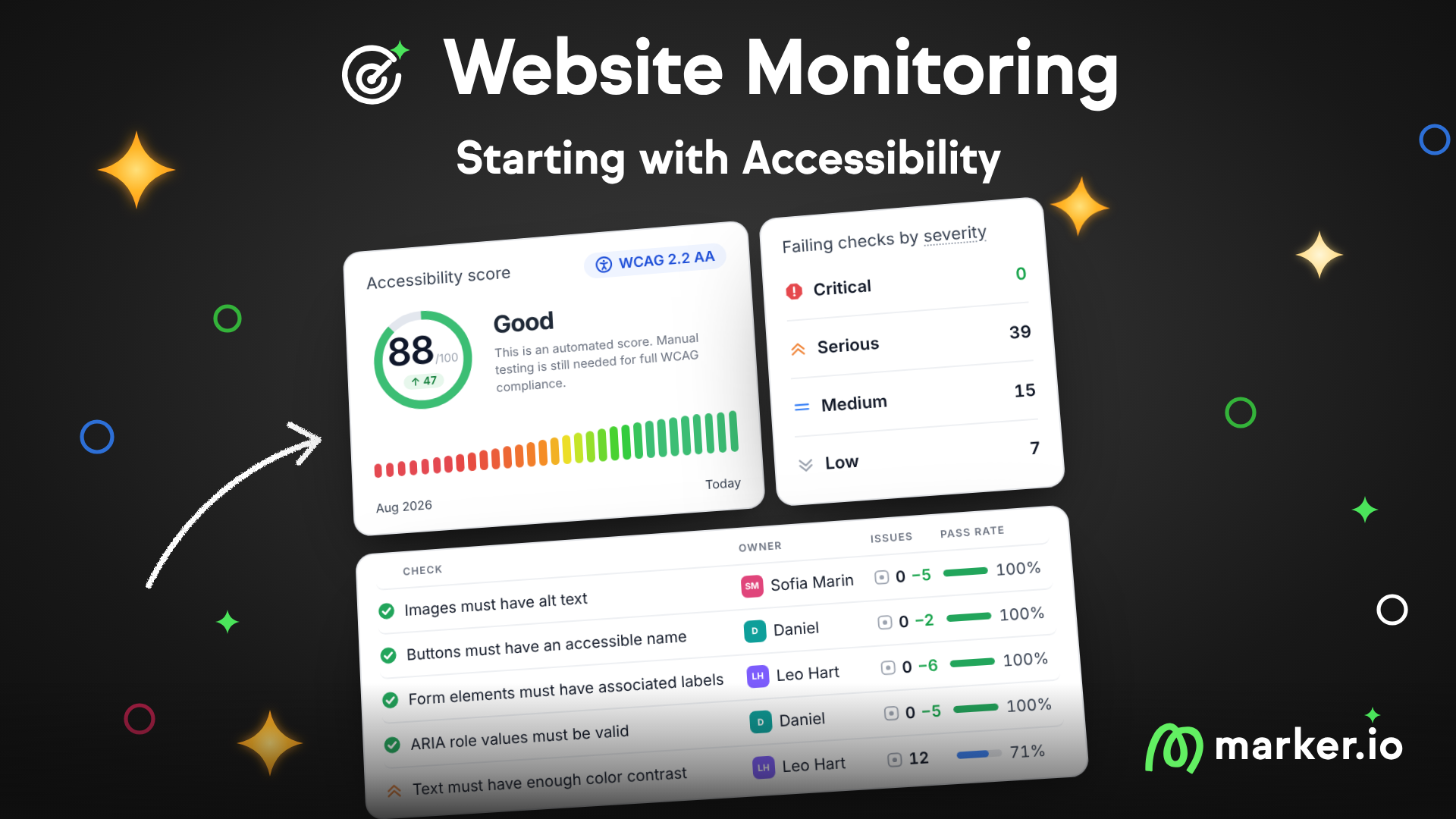
Catch website issues after launch. 10 monitored pages are already included in every plan.
Website Monitoring is now live in Marker.io.
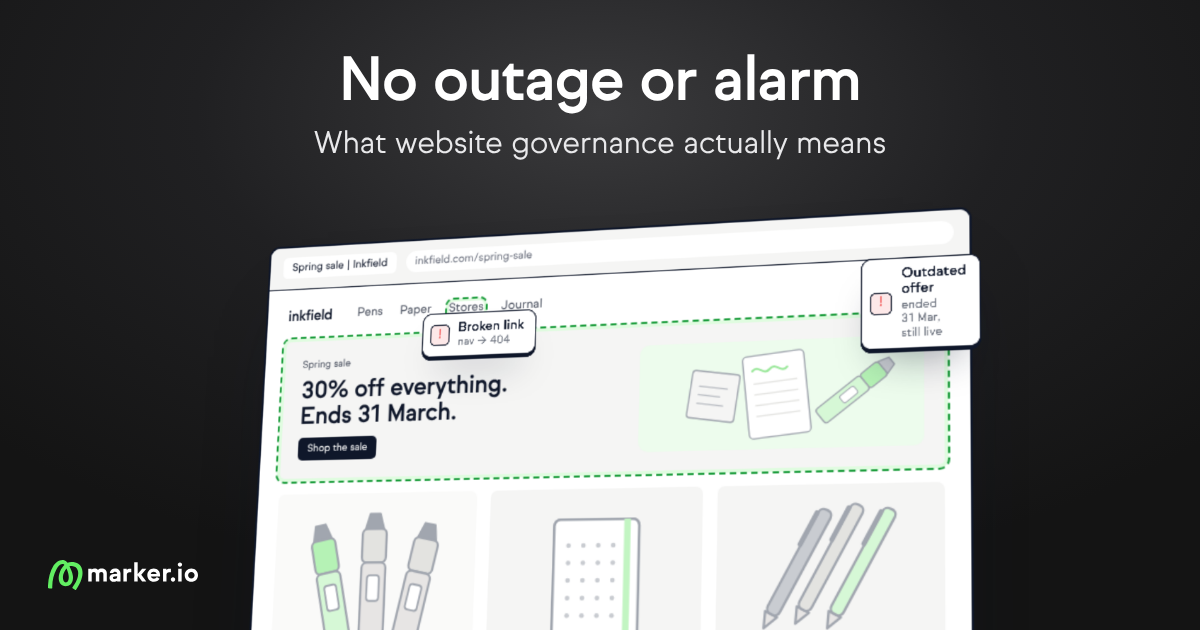
It catches the problems that show up after launch, when someone publishes a page, uploads an image or changes a button color. Nobody reports them, so they stay live until a visitor or a client runs into them. Website Monitoring scans your pages on a schedule and shows you what's broken, where, and how to fix it.
Most teams catch these with an audit once or twice a year. By the time the report lands, the site has already changed. With Website Monitoring, you find problems while they're still fresh.
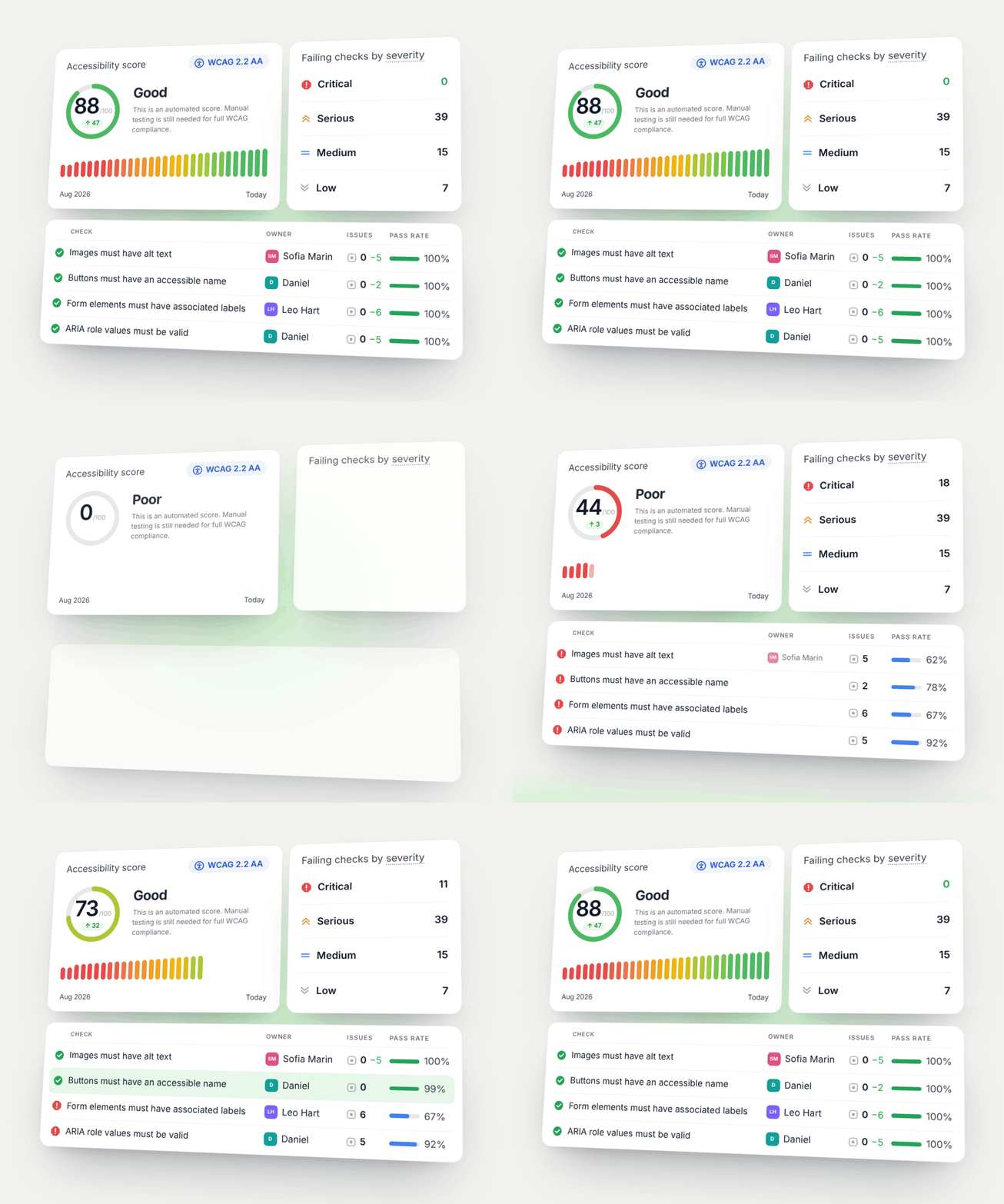
Find it → assign it → fix it
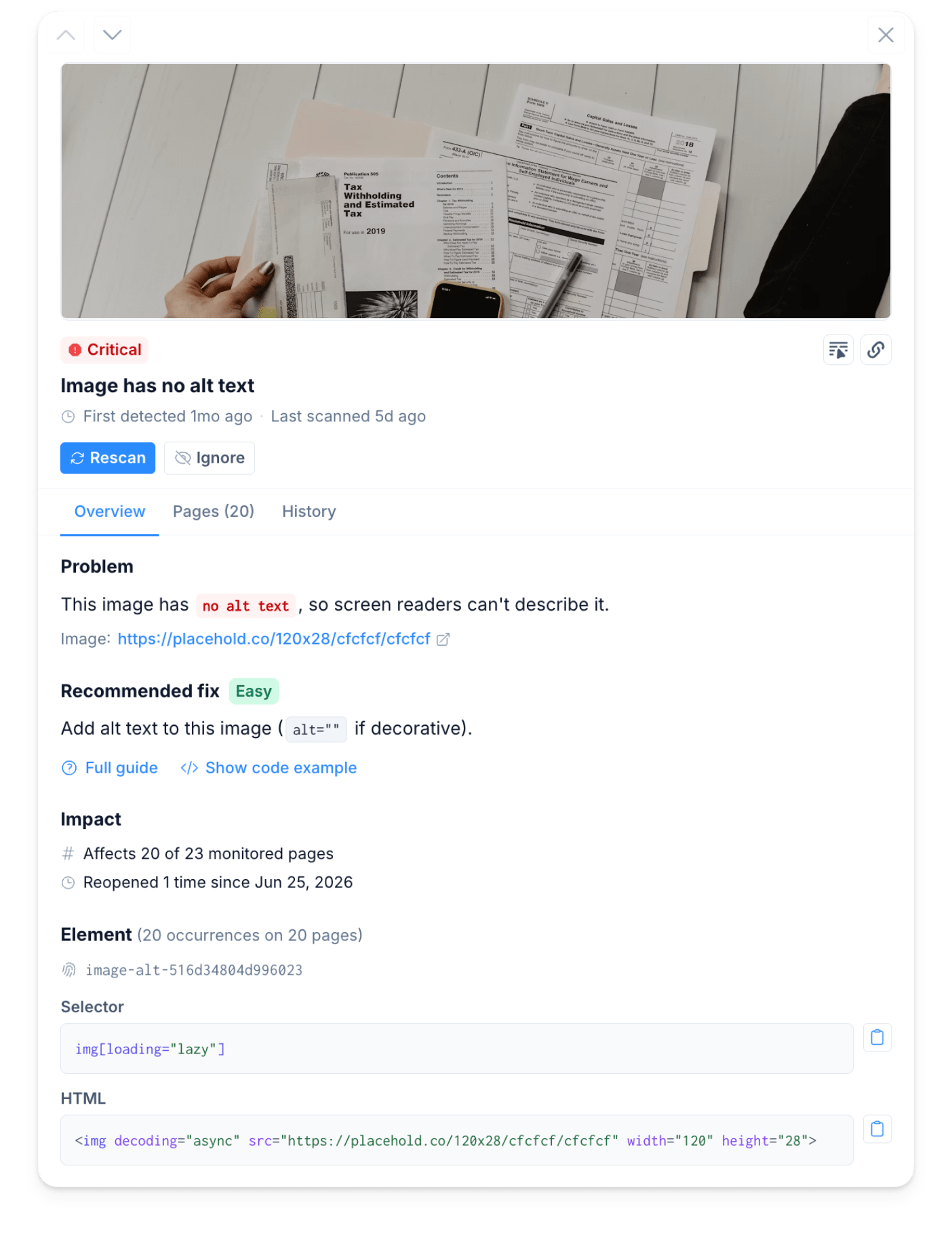
Every issue is ranked from critical to low, so you know what's blocking people and what can wait. Each one comes with a screenshot, the exact HTML and a recommended fix.
Give each check an owner, like your content team for alt text or your designer for contrast, so the right person hears about it when it fails.
Send issues to Jira, Linear, ClickUp or Asana in one click, and the status syncs back. Once the fix is live, rescan the issue, the page or the whole site to confirm it worked.
Finally, need to show progress to your boss or a client? Your score history and scan log show what's been fixed. Or ask your AI assistant to turn it into a branded report through the Marker.io MCP.
Starting with Accessibility
Marker.io runs 90 automated checks based on WCAG 2.2 AA on every page you monitor, or WCAG 2.1 AA if you prefer. They're powered by axe-core, the engine behind the Lighthouse accessibility audit, and find issues like missing alt text, low contrast and unlabeled buttons. Your site gets a score out of 100, so you can see it improve over time.
Say the scan finds images without alt text on 20 of your 23 pages. Your content team owns that check, so they get an alert. They fix it in Marker.io or send it to Jira, add the alt text and click Rescan. The issue moves to Resolved. If someone uploads an image without alt text a few weeks later, they hear about it again.
The score comes from automated checks, so it can't catch everything. Some issues still need a person to test them.

Get started
Open a project, go to Monitor and click Enable monitoring. Add your domain and pick your pages. After the first scan, assign an owner to each failing check. Get started with Monitoring →
Site behind a login or bot protection? Open Advanced site access settings when you add your domain. See Scanner errors.
Every plan and trial includes 10 monitored pages, shared across all your websites.
Need more? Pick a page tier up to 1,000 pages, or contact us above that. All plans and prices are on marker.io/pricing.
Learn more about Website Monitoring →
Next up: content quality, SEO & GEO and custom AI checks. Upvote the ones you need.
What should I do now?
Here are three ways you can continue your journey towards delivering bug-free websites:
Check out Marker.io and its features in action.
Read Next-Gen QA: How Companies Can Save Up To $125,000 A Year by adopting better bug reporting and resolution practices (no e-mail required).
Follow us on LinkedIn, YouTube, and X (Twitter) for bite-sized insights on all things QA testing, software development, bug resolution, and more.
Emile-Victor Portenart
Emile is Marker's co-founder and Chief Product Officer. Passionate about photography.
Related blog posts

Get started now
Free 15-day trial • No credit card required • Cancel anytime