
No outage or alarm: What website governance actually means
Learn how to build a website content governance framework that flags problems before visitors find them.


Most website failures don't look like failures. There's no outage page, no red dashboard, no angry Slack thread. There's just a pricing page that still lists last year's plans, a form that stopped sending leads three weeks ago, or a product page describing a feature you retired in spring.
Nobody broke anything on purpose, but nobody noticed it either. That's the real problem website content governance is supposed to solve.
We recently asked practitioners how they keep their websites accurate and under control. They describe the same blind spot from two directions: the content itself stays quiet when it goes wrong, and so do the systems meant to watch it.
What is website content governance?
Website content governance is the set of rules, roles and checks that keep what's on your site accurate, on-brand, compliant and working. It answers three questions for every page: who owns it, what "correct" looks like, and how you'll know when it stops being correct.
Most teams handle the first two reasonably well. They have a style guide, a CMS with permissions, maybe a publishing workflow. With large websites especially, the third question is where website governance usually falls apart.
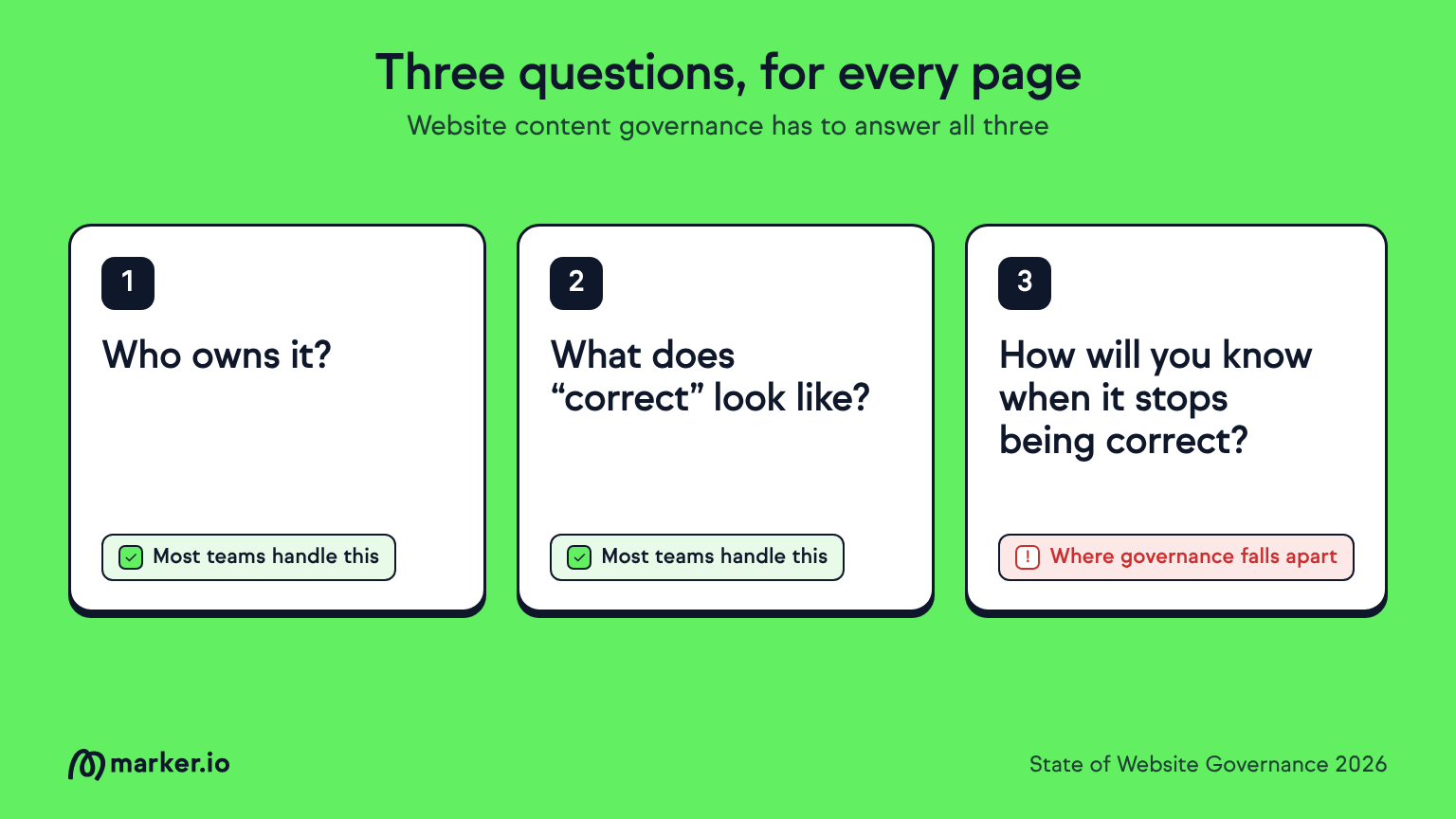
That's because governance programs tend to focus on the moment of publishing. Review, approve, ship. But a page is only correct on the day it goes live. After that, prices change, products evolve, integrations break, and links rot. A governance model that stops at "published" is really just an approval process.
Stale content doesn't announce itself
"Stale pages don't trigger alarms. They just sit there, being wrong." — Will Mitchell, StartupBros
This is the core issue with website content governance in one line. A server that goes down gets noticed in minutes. A page that slowly drifts out of date can stay live for months.
In practice this means:
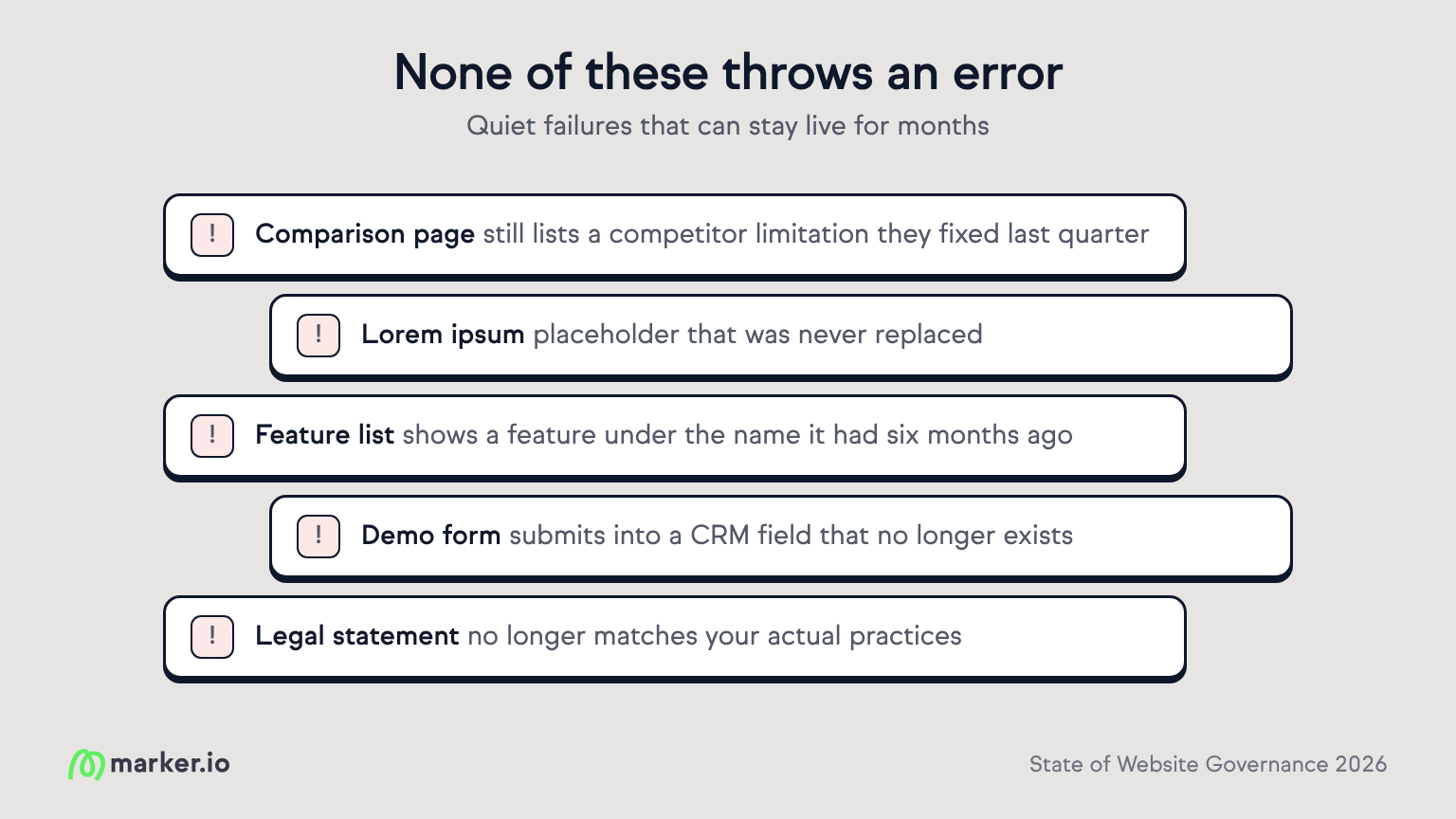
- A feature comparison page that still lists a competitor limitation they fixed last quarter
- A lorem ipsum placeholder that was never replaced
- A listed feature that was renamed half a year ago
- A landing page whose demo form submits into a CRM field that no longer exists
- A legal or compliance statement that no longer matches your actual practices
None of these throws an error. Your uptime monitor stays green. Your analytics look normal, or show a slow decline nobody connects to a cause. Meanwhile, visitors read incorrect information, lose trust, and leave.
The cost compounds with scale. A team managing 50 pages can reasonably eyeball them. A team managing 500, spread across marketing, product, support and legal, cannot. Stale content becomes the default state, not the exception.
Governance you can trust has to make noise
So teams add monitoring. A link checker here, a quarterly content audit there, maybe an uptime tool pointed at the homepage. Box ticked.
But having a check in place isn't the same as being covered.
"Governance you can trust isn't a monitor that exists; it's one that complains when it goes silent." — Ilker Dalgic, Edi Gourmet Spice
This flips how most teams think about website governance. The question isn't "do we have a check for this?" It's "if this check stopped working tomorrow, would anyone find out?"
Monitors fail quietly too. A scheduled audit gets skipped when the person who ran it changes roles. A form test keeps passing because it's pointed at a staging URL. An alert goes to a shared inbox nobody reads. The dashboard says everything is fine, because nothing is reporting that it isn't.
Put Will's point and Ilker's point side by side and you get the full picture. Stale content is silent. Unattended monitoring is silent. Governance that depends on silence meaning "all good" will always miss the problems that matter most.
How to build a website content governance framework that speaks up
The fix isn't more process. It's designing governance so that problems, and missing checks, create noise by default. Five practices get you most of the way there.
1. Give every page a named owner. Not a team, a person. "Marketing owns the blog" means nobody owns the post from 2023 with the broken signup link. Record the owner in your CMS or a simple page inventory, and update it when people change roles.
2. Set an expiry date, not just a publish date. Every page should carry a review-by date based on how fast its content changes. Pricing and product pages might need monthly review; evergreen guides might need yearly. When the date passes, the page gets flagged automatically instead of waiting for someone to remember.
3. Monitor what customers actually touch. Uptime checks on the homepage aren't enough. Watch the things that break silently: forms and their confirmation flows, checkout and signup paths, key links and redirects, embedded media, and th pages that drive the most traffic or revenue.
4. Route every alert to a person, not an inbox. An alert nobody reads is the same as no alert. Send issues straight to the page owner, in the tool they already work in, with enough context (the URL, a screenshot, what went wrong) that they can act without investigating first.
5. Test the alarm itself. This is Ilker's point in practice. Schedule a check that confirms your checks are running. If an audit hasn't reported in 30 days, or a monitor has returned "all clear" 500 times in a row, treat that as a signal worth looking at, not a reason to relax.
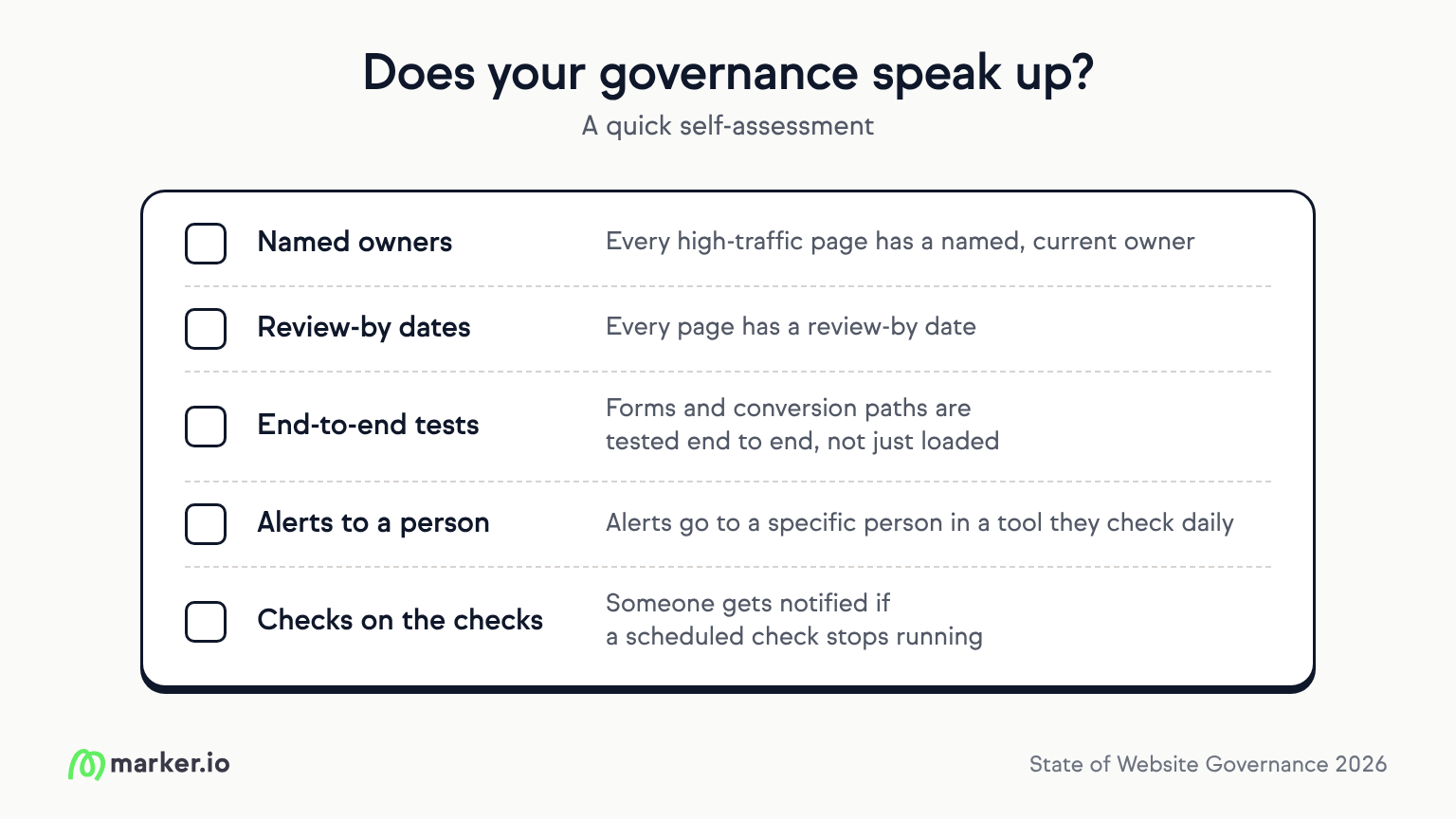
A quick self-assessment for your current setup:
- Every high-traffic page has a named, current owner
- Every page has a review-by date
- Forms and conversion paths are tested end to end, not just loaded
- Alerts go to a specific person in a tool they check daily
- Someone gets notified if a scheduled check stops running
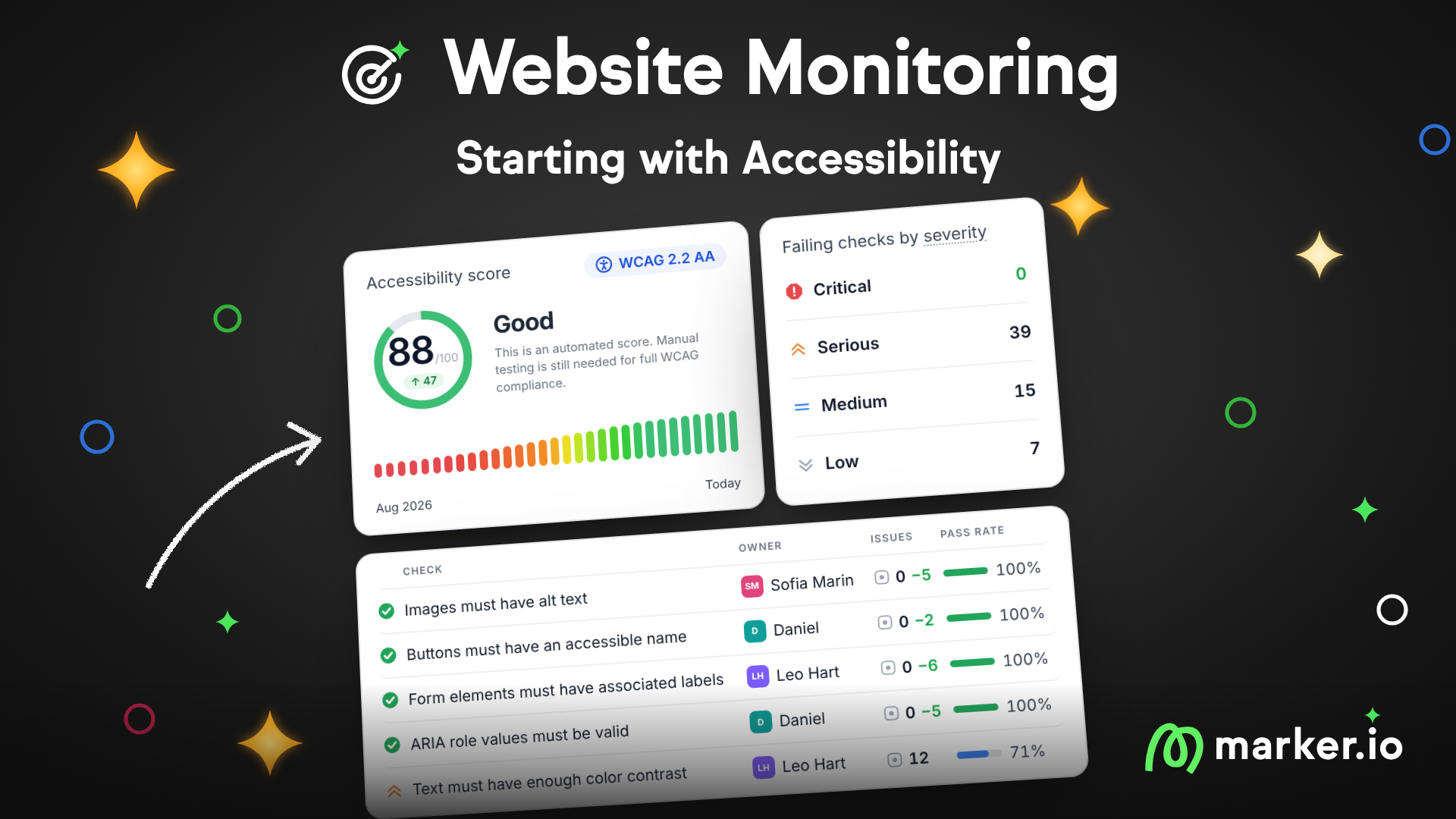
Don’t wait for a visitor to find your stale pages. Marker.io’s website monitoring feature scans your whole site on a schedule and turns what it finds into issues your team can fix. Also, here are some more website governance best practices to follow.
What should I do now?
Here are three ways you can continue your journey towards delivering bug-free websites:
Check out Marker.io and its features in action.
Read Next-Gen QA: How Companies Can Save Up To $125,000 A Year by adopting better bug reporting and resolution practices (no e-mail required).
Follow us on LinkedIn, YouTube, and X (Twitter) for bite-sized insights on all things QA testing, software development, bug resolution, and more.
Related blog posts

Get started now
Free 15-day trial • No credit card required • Cancel anytime