
From AI slop to missing price: The e-commerce errors nobody noticed
Silent e-commerce errors cost stores real sales. See examples, from broken checkouts to AI slop, and the simple workflow teams use to catch them early.


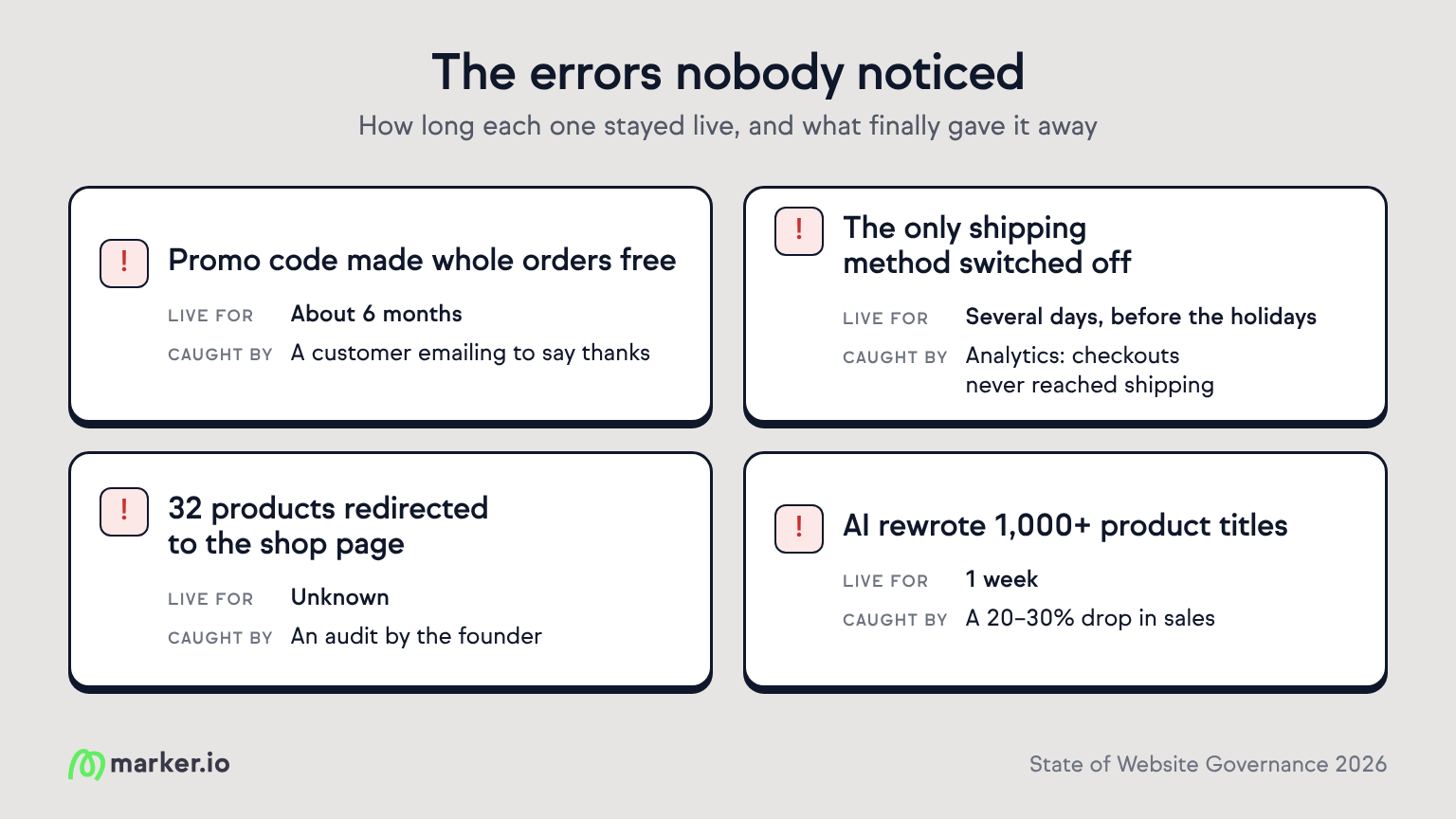
Lee Umberger's team tested their 15%-off promo code before launch. It worked. Then a back-end glitch started zeroing out whole orders, and customers checked out for free.
The code was tied to a product that barely sold, so the free orders trickled in one at a time. Nothing in the reports looked off. It ran for about six months and gave away roughly 23 orders. What finally caught it was a customer emailing to say thanks.
“That thank-you is how we found the leak.” — Lee Umberger, JeepDecalStore
The bug was small. The blind spot wasn't. Swap the slow seller for a bestseller, or the free orders for a broken checkout, and the same silence gets expensive.
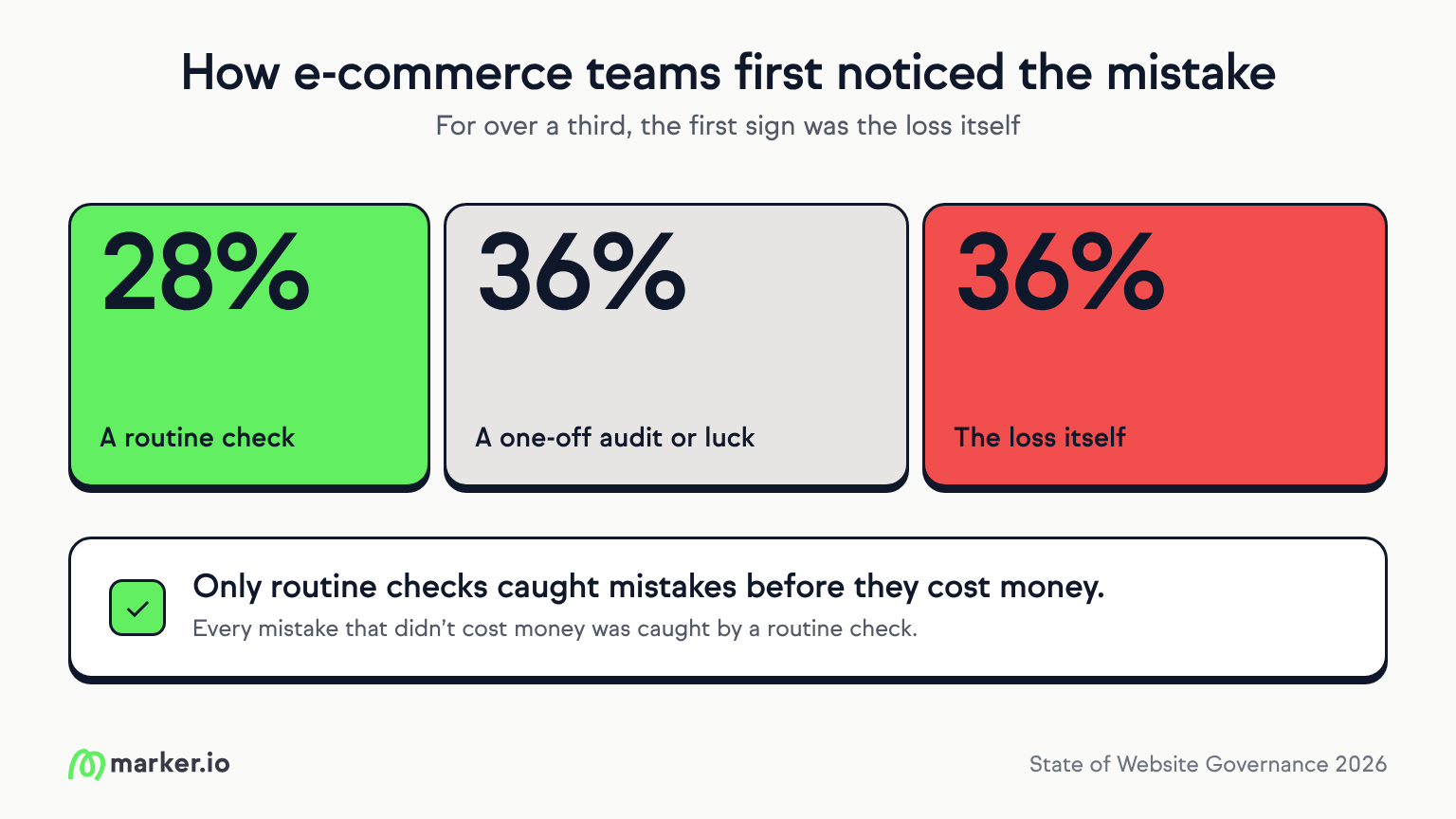
What's breaking, and who noticed
We asked e-commerce teams what went wrong on their sites. In more than half of the real incidents, the store looked fine while it was failing.
“The most dangerous bug on an e-commerce site is the one that looks correct.” — Fritz Colcol, former CMO, Iridium Clothing Co.
At Silk Jewels, the only shipping method got switched off. Pages loaded and add-to-cart worked, but nobody could get through checkout. It stayed that way for several days before the holidays, until founder Ritika Gupta saw in analytics that checkouts were starting and none were reaching shipping.
At NB8 Floral, 32 products quietly redirected to the shop page, including 17 of 19 in one category. The founder found it during an audit. Nobody had complained, and there's no telling how long it was live.
“That silence is the real cost: you never see the order you lost.” — Yang Yue, NB8 Floral
AI and bulk tools add a new risk. AU Beauty Bazaar's AI-rewritten titles on 1,000+ products were live for a week, until a 20–30% sales drop gave them away, costing AUD 15,000–20,000. At a retailer working with the agency Growffic, a ChatGPT editing note sat in a product description for about 30 days, and the page's conversion rate fell from 2% to 0.78%.
“The content went straight from ChatGPT to the live page and nobody read it.” — Boni Satani, Growffic
Sometimes the store is fine and the channels around it aren't. At one eMac Media client, free shipping was missing from Google Merchant Center for more than six months. Fixing it brought in over $10,000 in the next 30 days.
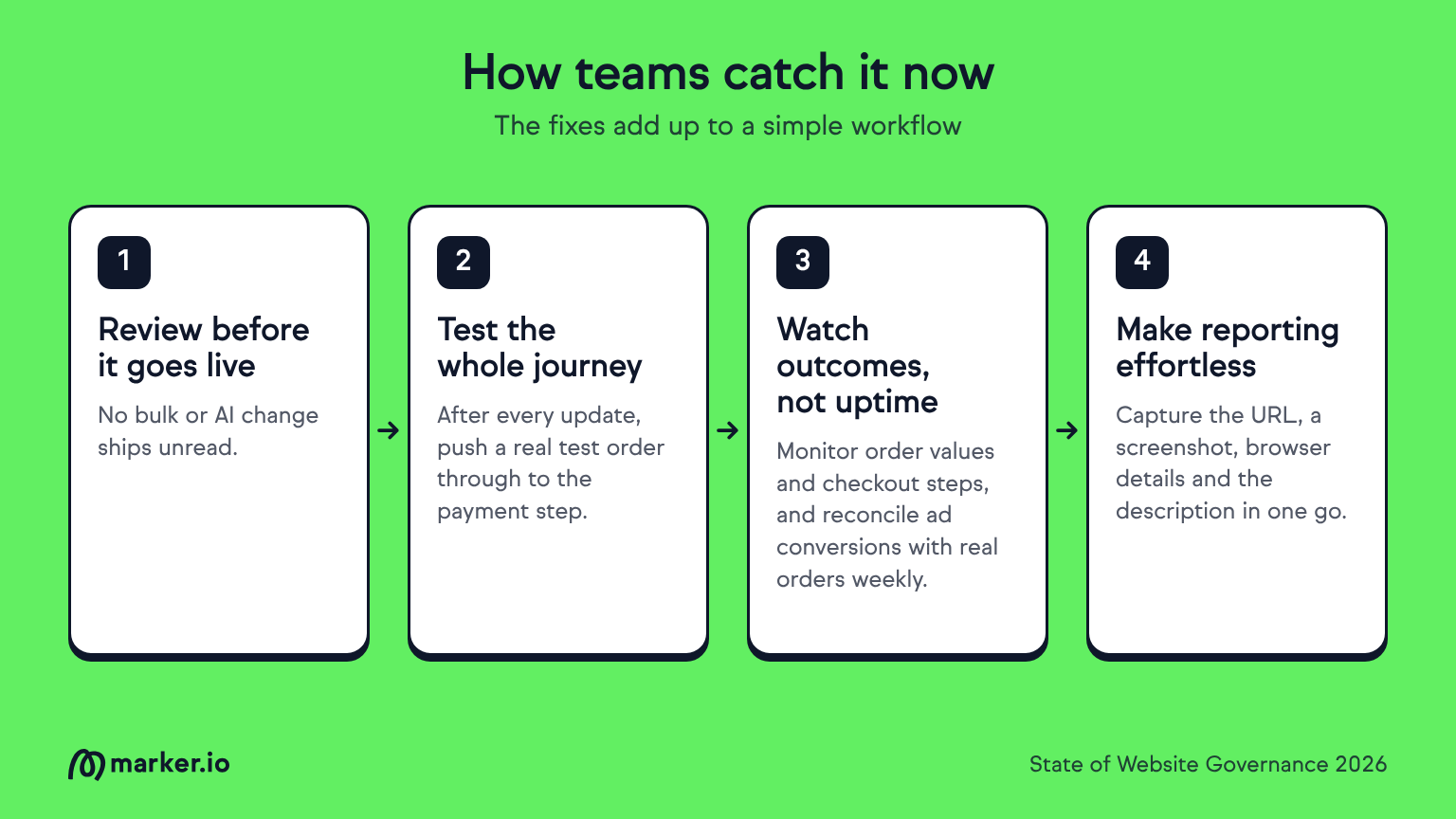
How teams catch it now
The fixes the teams we spoke to describe add up to a simple workflow:
Review before it goes live. No bulk or AI change ships unread. Anything an AI assistant draws on is treated as a customer-facing copy and reviewed like a product page.
Test the whole journey after every change. After every plugin update or settings change, teams push a real test order all the way to the payment step, not just to add-to-cart.
Watch outcomes, not uptime. Teams monitor order values and checkout steps for anything unusual, and reconcile ad conversions against real orders every week. That’s how one founder caught Meta counting every purchase twice.
Make reporting effortless. Some teams have built tools that capture the page URL, a screenshot, browser details and the reporter’s description in one go.
“The goal is to turn ‘I saw something weird on the website’ into a reproducible technical event instead of sending a developer on a treasure hunt.” — Zachary Rosser McIntosh, Katura 1999
Some already use Marker.io on client builds for the same reason:
“We use Marker.io on client projects such as Lifelines, so clients can flag issues on the live page instead of describing them in email.” Johnathan Solorzano, Solo Media Group
Stores rarely fail loudly. They fail in the background: a blocked checkout, a wrong title, a feed nobody owns. The cost is real but invisible, because lost orders leave no trace, and errors from apps and AI can hit a thousand pages at once. The teams that caught these problems were the ones already looking. Publishing a change isn't the end of the job.
How Marker.io helps teams detect errors before they turn into lost sales
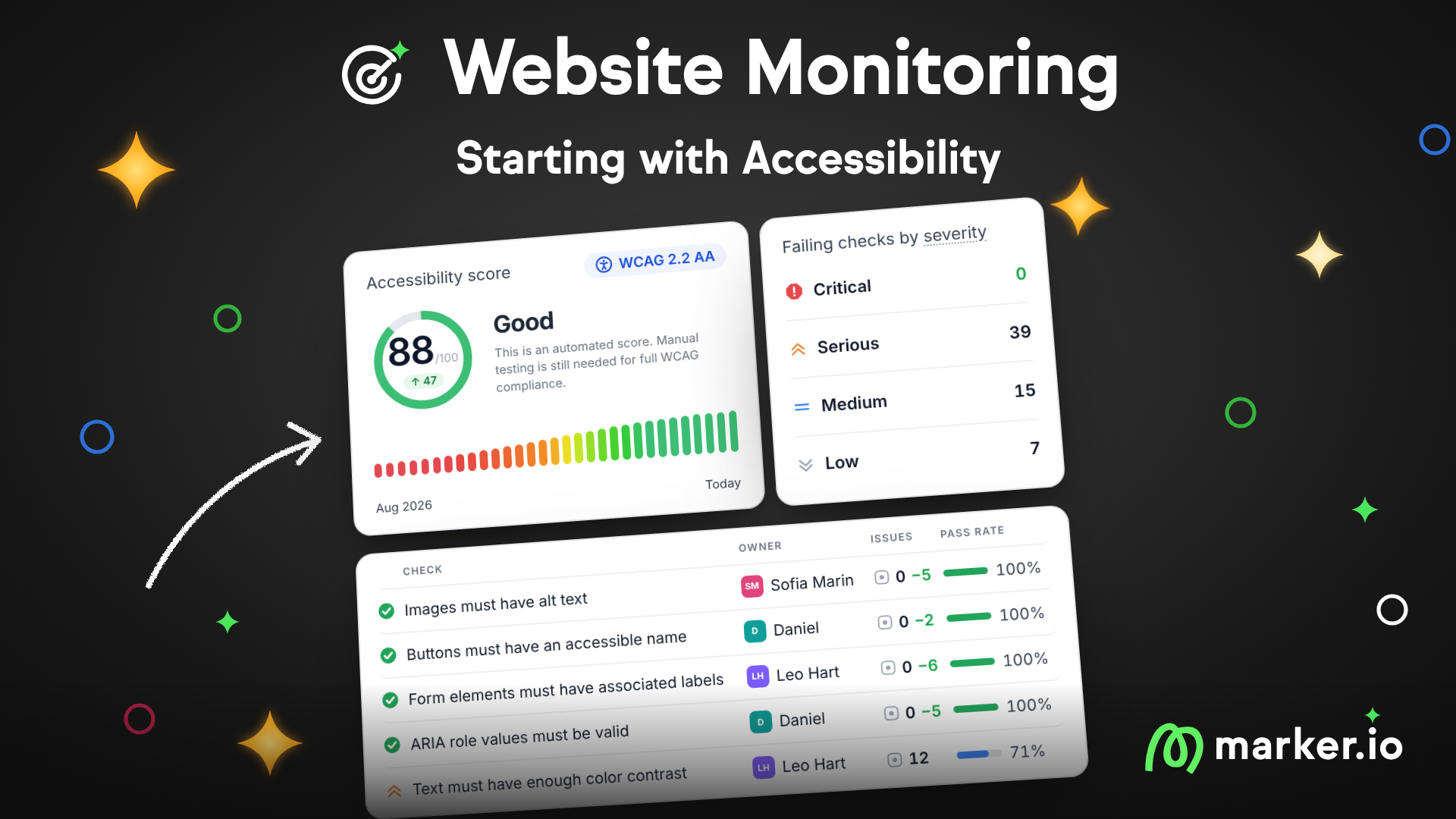
Every error in this story was found by accident. Marker.io’s website monitoring feature makes sure you don’t have to rely on luck. It scans your whole site on a schedule and turns what it finds into issues your team can fix in Marker.io, before a customer has to email you about it.
What should I do now?
Here are three ways you can continue your journey towards delivering bug-free websites:
Check out Marker.io and its features in action.
Read Next-Gen QA: How Companies Can Save Up To $125,000 A Year by adopting better bug reporting and resolution practices (no e-mail required).
Follow us on LinkedIn, YouTube, and X (Twitter) for bite-sized insights on all things QA testing, software development, bug resolution, and more.
Related blog posts

Get started now
Free 15-day trial • No credit card required • Cancel anytime