
The Best Ruttl Alternatives for Website Feedback in 2026
Ruttl has real limitations. Here are the six best Ruttl alternatives for website feedback, QA, and client collaboration – compared side by side.


The Best Ruttl Alternatives for Website Feedback in 2026
Ruttl is a website feedback tool that helps teams annotate live websites, leave comments, and make real-time CSS edits.
It’s a good tool for collecting visual feedback on live websites, but if your team needs that feedback to become developer-ready issues inside Jira, GitHub, ClickUp, Asana, or another project management tool – complete with screenshots, technical metadata, console logs, and two-way status sync – you may need a more workflow-focused alternative.
This guide compares the strongest Ruttl alternatives for different workflows. Some are better for client-facing simplicity. Some are built for developer-ready bug reports. Others focus on flat-rate pricing, multi-format review, or product feedback. The right Ruttl alternative depends on who gives feedback, who fixes it, and where your team already manages work.
At a Glance
Marker.io
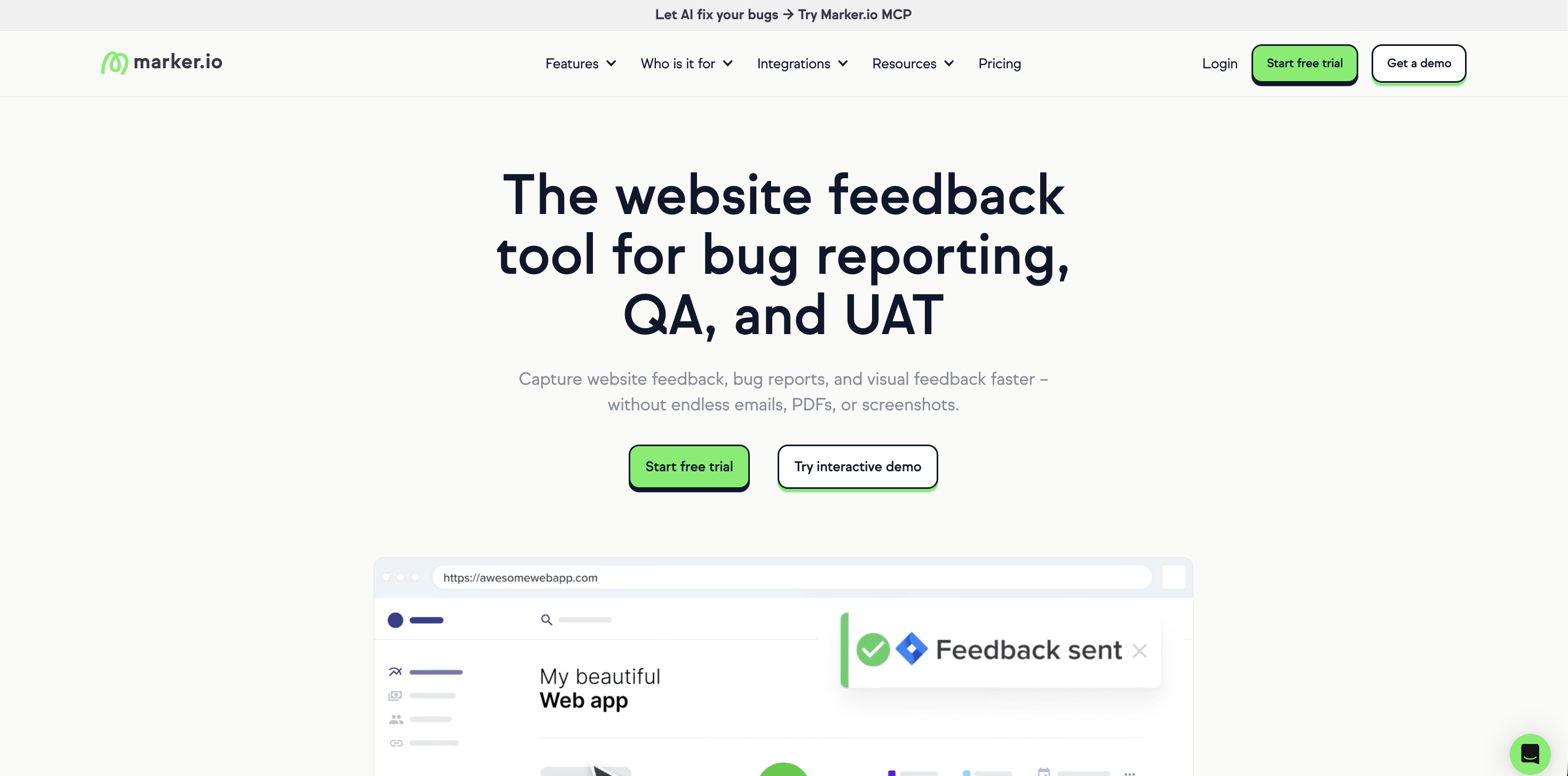
Marker.io is a website feedback and bug reporting tool that captures annotated screenshots, technical metadata, and session replays, then sends everything directly into Jira, GitHub, Trello, Asana, and other integrations.
Best for: Development teams and QA-focused agencies that need structured, technically rich bug reports delivered straight into their existing project management workflow.
Marker.io is the strongest overall Ruttl alternative for teams where developers are the main consumers of feedback, but teams still need an intuitive tool that non-technical users can get to grips with.
Ruttl works well when the goal is to leave visual comments on a page. Marker.io goes further by turning website feedback into developer-ready issues. Every report can include an annotated screenshot, page URL, browser, operating system, screen size, console logs, and network requests, so developers get the technical details they need without chasing the reporter for context.
Marker.io’s got a great feature set for QA teams and digital agencies. A vague comment like “the layout breaks on mobile” can create a long feedback process. A Marker.io report gives the developer the screenshot, environment data, and page context in the same tool where they already assign tasks.
With Session Replay, when someone reports an issue through the Marker.io widget, Marker.io can capture up to the last 2.5 minutes of activity before the issue was submitted. Session Replay helps developers see the steps that led to the bug.
Marker.io’s client experience is simple, too. Reporters can click the feedback widget, annotate a screenshot, fill in a short form, and submit feedback without needing to understand Jira or GitHub.
The bug reporting and website feedback tool also supports guest workflows, so external reviewers can follow issue status without needing direct access to the team’s project management tool.
Marker.io’s integration depth is another reason to choose it over many other feedback tools.
It supports Jira, Azure DevOps, GitHub, GitLab, Linear, ServiceNow, Asana, Basecamp, ClickUp, Monday.com, Notion, Shortcut, Teamwork, Trello, Wrike, and more.
Pricing: Pricing currently starts at $39/month for Starter, with Team at $149/month and Business on custom pricing. All plans include a 15-day free trial with no credit card required.
Key features
- Annotated screenshots with pixel-level markup tools
- Automatic capture of browser, OS, screen size, URL, console logs, and network requests
- Session replay for up to 2.5 minutes of user activity before a report is submitted
- Two-way sync with Jira, GitHub, Linear, GitLab, ClickUp, Asana, Azure DevOps, Monday.com, and more
- Guest workflows for external reviewers
- JavaScript SDK for passing custom metadata
- AI features, such as an MCP to connect your AI tools and AI issue editing tools to automate the process
- Browser extension for reviewing sites without embedding the script
- WordPress plugin for no-code installation
- Integrations with error recording tools and cross-browser testing tools
BugHerd

BugHerd is a website feedback and bug tracking tool that lets clients pin annotated comments directly onto live web pages, with technical metadata captured automatically and a built-in Kanban board for managing tasks.
Best for: Agencies that want an all-in-one feedback and task management tool with an accessible, client-friendly interface.
BugHerd is built one idea: clients point, click, and comment on a live website. BugHerd captures the screenshot, saves technical details, and creates a task for the team to track.
The built-in Kanban board is BugHerd’s clearest differentiator. Feedback becomes a task, and teams can manage status, ownership, and resolution inside BugHerd itself.
BugHerd also works well for client feedback because clients do not need accounts or logins to leave comments. Feedback stays pinned to page elements, so reviewers can see existing feedback and avoid sending duplicates. On every pin, BugHerd can capture technical information such as browser, operating system, exact URL, screenshots, and video.
BugHerd offers both one-way and two-way integrations depending on the tool.
Pricing: Pricing currently starts at $50/month for the Standard plan, which includes 5 members, unlimited client users, unlimited projects, website feedback, PDF and image feedback, video feedback, and standard integrations.
Key features
- Point-and-click feedback pinned directly to live web pages
- Automatic screenshots and technical metadata
- Built-in Kanban board
- Video feedback
- Feedback on websites, Figma designs, PDFs, and images
- Integrations with Jira, ClickUp, Asana, Trello, Monday.com, GitHub, Slack, and Microsoft Teams
- Browser extension and JavaScript snippet options
- AI-assisted auto-title and auto-tagging features in beta
Feedbucket
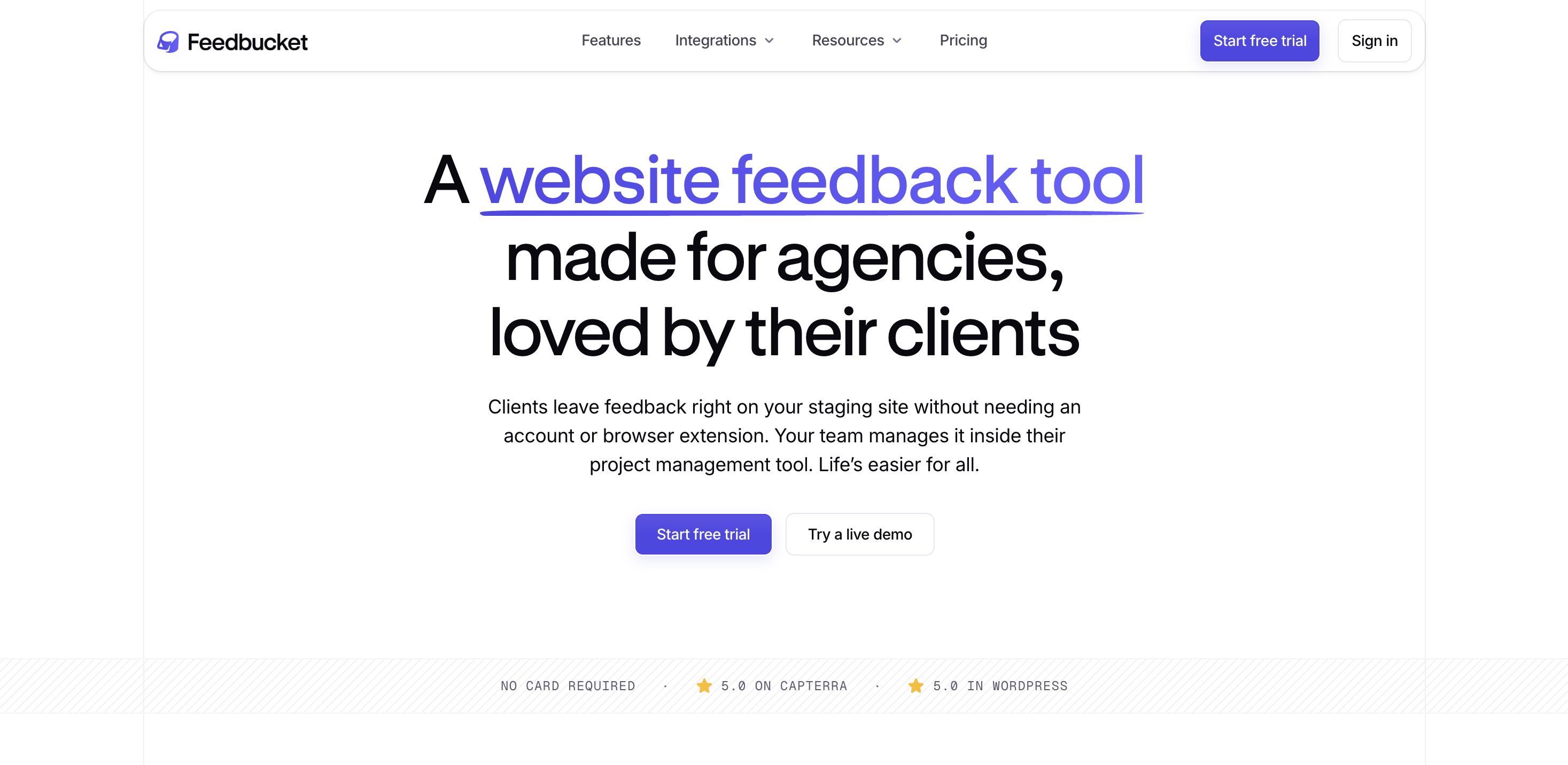
Feedbucket is one of the few script-based website feedback tools for web agencies, designed to integrate client feedback into the project management tool teams already use.
Best for: Web agencies that already use Asana, Jira, ClickUp, Trello, or another PM tool as their primary workflow system.
Feedbucket is designed for agencies that do not want client feedback sitting in a separate tool.
The widget is installed on the staging site, so clients can leave feedback directly on the website they are reviewing. They do not need a browser extension, account creation, or a separate dashboard. Feedbucket captures context such as page, browser, screen resolution, console logs, screenshots, and more automatically.
The core strength is two-way sync. New feedback can become a task or issue in the connected PM tool, comments can sync to the correct task, and closing the PM task can resolve the feedback in Feedbucket. This feature is especially useful for agencies that want developers and project managers to keep working in a familiar environment.
With Feedbucket’s Asana integration, for example, new feedback creates an Asana task with technical details, screenshots or recordings, comments, and task status syncing. Team members can also reply from Asana by starting a comment with @feedbucket, and the message syncs back to the client.
Pricing: Feedbucket currently lists a 14-day free trial with no credit card required. Its pricing page shows Pro at $49/month and Business at $89/month.
Key features
- Script-based feedback widget embedded on the staging site
- Annotated screenshots and video feedback
- Automatic capture of URL, browser, OS, resolution, and console logs
- Two-way sync with project management tools
- On-page client collaboration
- @feedbucket replies from supported PM tools
- 14-day free trial with no credit card required
- Integrations with Asana, Jira, ClickUp, Trello, Monday.com, GitHub, GitLab, Linear, Notion, Basecamp, Shortcut, Teamwork, and more
MarkUp.io
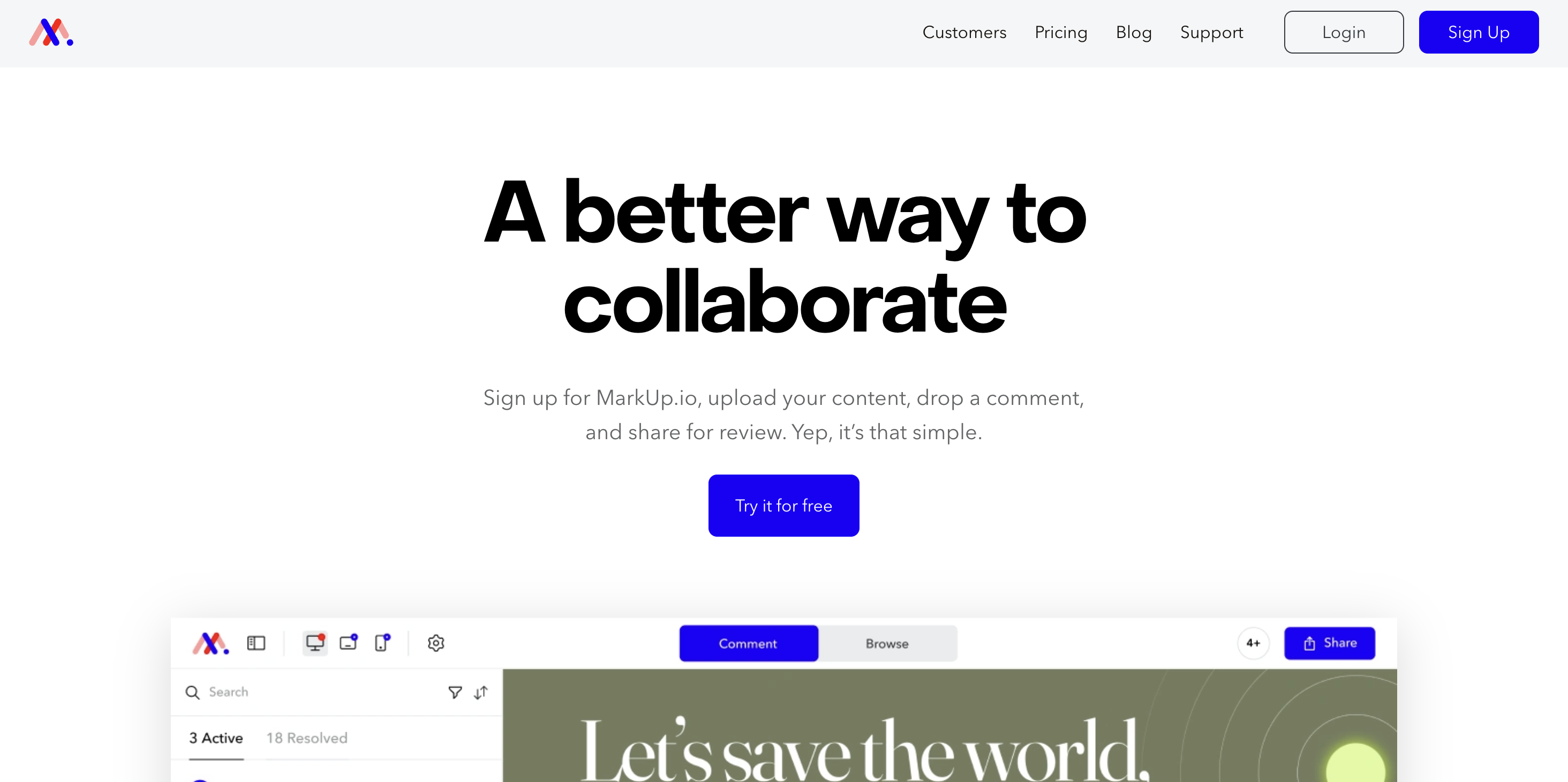
MarkUp.io is a visual commenting tool that lets teams collect feedback on websites, PDFs, images, videos, and more than 30 file types.
Best for: Designers, creative agencies, and marketing teams that need one review process across multiple asset types.
MarkUp.io is less of a developer-first bug reporting platform and more of a broad visual feedback tool – an important difference.
If your team reviews live websites, landing pages, PDFs, campaign images, and videos, MarkUp.io keeps those feedback threads in the same tool. It supports more than 30 file types, including websites, images, PDFs, and videos.
For website feedback, teams can create a Website MarkUp.io by placing a URL into the MarkUp.io app or using the Chrome extension. Reviewers can then leave pinned comments, switch between comment and browse modes, and share review links with stakeholders.
MarkUp.io is also useful when the team does not have easy access to the website codebase. Unlike tools that need a JavaScript snippet for the full experience, MarkUp.io can start from a URL or an uploaded asset. Creative agencies can use it to review client-controlled sites, third-party landing pages, or non-web deliverables.
However, MarkUp.io does support many native integrations, and cannot support the same developer workflow as Marker.io and others.
Pricing: Current pricing lists Pro at $79/month with unlimited users, 1 workspace, unlimited MarkUps, and 500GB storage.
Key features
- Feedback on websites, PDFs, images, videos, and more than 30 file types
- URL-based website review
- Chrome extension
- Shareable review links
- Unlimited users on the Pro plan
- Comment threads and notifications
- Folders and workspace organization
- Enterprise plan with SSO and SOC II documentation
Userback
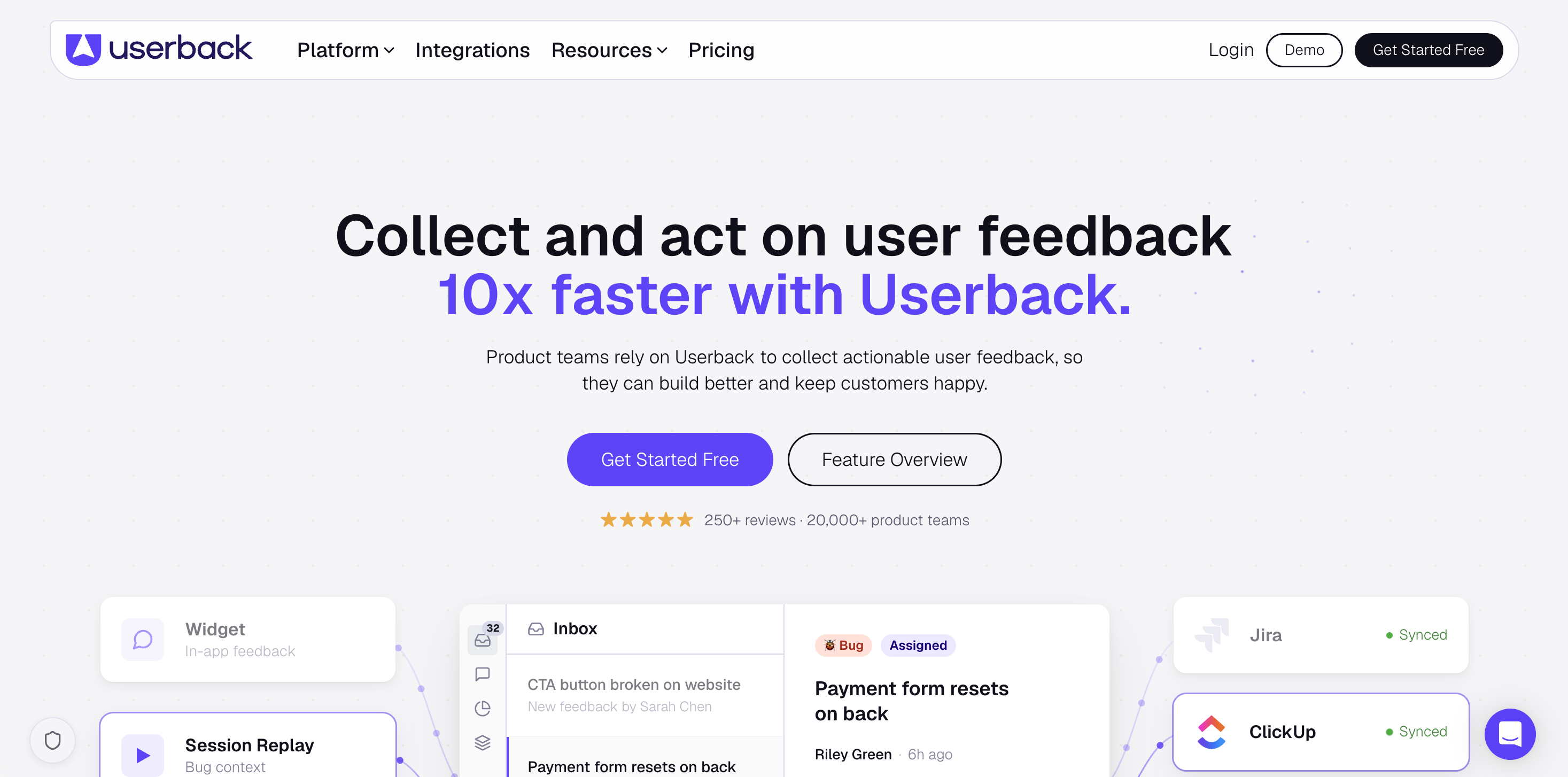
Userback is a user feedback and bug reporting platform with annotated screenshots, video feedback, session replay, surveys, feature portals, and developer integrations.
Best for: SaaS teams and web app teams that want visual bug reporting plus broader product feedback management.
Userback sits between visual bug reporting and product feedback management.
Like Marker.io, it can collect developer-ready bug reports with annotated screenshots, video recordings, console logs, browser info, screen resolution, network requests, and session replay.
It is a credible Ruttl alternative for product teams working on web apps, and is especially relevant when the feedback process includes more than client comments. Userback supports feedback widgets, surveys, feature portals, user identification, user segments, integrations, and MCP workflows for AI coding tools.
For agencies, Userback is useful when clients need to submit precise feedback without giving developers vague comments.
Userback is a broader product feedback tool, so it may feel like a more complex tool if all you need is website approvals. If your team wants feature requests, surveys, roadmaps, and user feedback in the same tool, that complexity can be worth it.
Pricing: There’s a basic free option, with Team plans starting at $7 per seat per month.
Key features
- Annotated screenshots
- Video feedback
- Session replay
- Automatic console logs, environment info, and network requests
- Feedback widget
- User surveys and ratings
- Feature portal and public roadmap
- User identification and segmentation
- Two-way sync with Jira, GitHub, GitLab, Linear, and Azure DevOps
- Browser extension
- MCP integration for AI coding tools
Usersnap
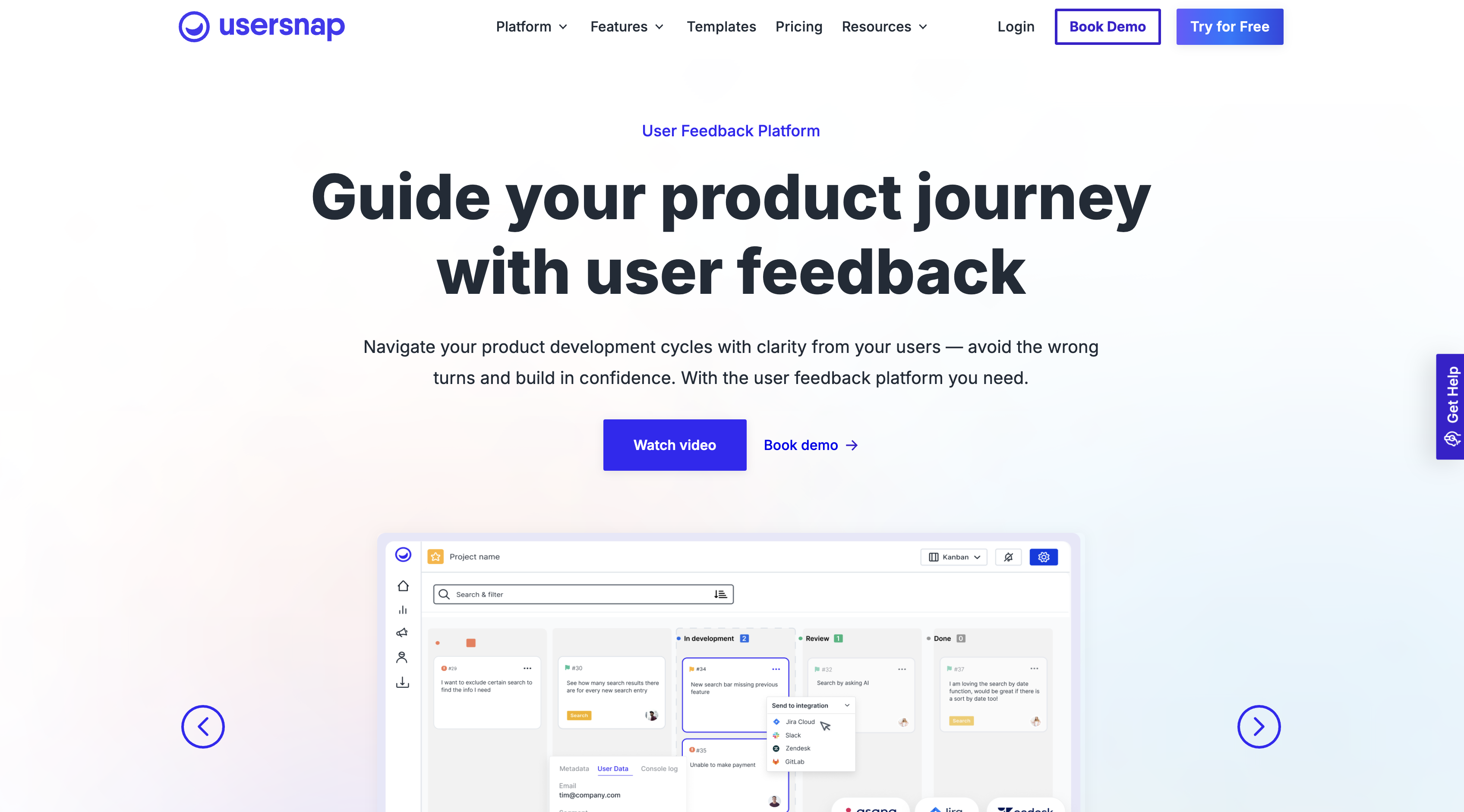
Usersnap is an enterprise-grade feedback platform that combines visual bug reporting with micro-surveys, NPS, CSAT, feature requests, and product feedback workflows.
Best for: SaaS product teams and enterprise QA organizations that need bug reports, feature requests, and satisfaction feedback from one customizable widget.
Usersnap is the broadest tool in this list.
Where most Ruttl alternatives focus on visual feedback and bug reports, Usersnap adds product feedback workflows. It supports screen capture, in-app surveys, feature ideas, and release announcements from one platform.
That makes it a strong fit for SaaS product teams. A team can use Usersnap to collect bug reports during QA, run NPS or CSAT surveys, gather feature requests, and route feedback into existing tools. Usersnap’s product micro-surveys offer CSAT, NPS, CES, thumbs up or down surveys, feature surveys, interview invitations, and release announcement feedback.
The visual feedback side is also solid. Usersnap includes screenshot and screen recording options, annotation tools, voice recording, basic metadata such as URL, browser info, and screen size, and integrations with Slack, Jira, Azure DevOps, Linear, Zendesk, and 50+ tools.
The main trade-off is focus. If you only need simple live website feedback for client approvals, Usersnap may be more than you need. If feedback includes product discovery, support feedback, satisfaction measurement, and QA, it can replace several separate tools.
Usersnap is more enterprise-oriented than most tools here. It supports free first 20 feedback items, then paid tiers including Starter, Growth, Professional, Premium, and Enterprise.
Pricing: Starts at $39/month for five seats.
Key features
- Visual bug reporting with screenshots and screen recordings
- Annotation tools and voice recording
- Automatic URL, browser info, screen size, and metadata capture
- Micro-surveys, NPS, CSAT, CES, and feature surveys
- Product feedback hub and customer request portal
- Integrations with tools such as Jira, Azure DevOps, Slack, Linear, and Zendesk
- Browser extensions for feedback from sites without the widget snippet
- Custom forms and targeting rules
- GDPR compliance and enterprise features
Which Ruttl Alternative Is Right for Your Team?
The best Ruttl alternative depends on the work your team needs to manage.
Choose Marker.io if your developers need structured, technically detailed feedback inside Jira, GitHub, Linear, Asana, ClickUp, Azure DevOps, or another PM tool. It is the best fit for teams that care about bug reports, QA, session replay, technical metadata, and two-way sync more than lightweight visual comments.
Choose BugHerd if you want client-friendly website feedback and a built-in Kanban board in the same tool.
Choose Feedbucket if your agency already lives in Asana, Jira, ClickUp, Trello, or another PM tool, and you want client feedback to sync there with minimal friction.
Choose MarkUp.io if your review process spans websites, PDFs, images, and videos. It is a better fit for creative agencies and marketing teams than developer-heavy QA teams.
Choose Userback if you need a mix of visual bug reporting, session replay, surveys, feature portals, and product feedback for web apps.
Choose Usersnap if your product team needs customer feedback, micro-surveys, feature requests, NPS, CSAT, and QA feedback in one enterprise-ready platform.
For development teams, UAT teams, QA teams, and agencies that need actionable bug reports inside existing workflows, Marker.io is the strongest fit. It gives clients and stakeholders a simple way to submit feedback without needing accounts or extensions, while giving developers the screenshots, technical context, and session replay they need to fix issues faster.
Ruttl Alternatives FAQs
What Are the Best Ruttl Alternatives for Agencies?
The best Ruttl alternatives for agencies depend on your business and customers. Marker.io, for example, is best for agencies that need developer-ready bug reports in Jira, GitHub, ClickUp, or Asana.
What Are the Best Ruttl Alternatives for Website Feedback and Approvals?
The best Ruttl alternatives for website feedback and approvals are listed above. Marker.io works best when approvals also need technical bug reports and you have a mix of technical and non-technical reporters and users.
What Are the Best Ruttl Alternatives for Website Design Collaboration?
Marker.io is the best website design feedback tool for creative review across websites, PDFs, images, and videos, but the other tools listed above may suit your business as well.
What should I do now?
Here are three ways you can continue your journey towards delivering bug-free websites:
Check out Marker.io and its features in action.
Read Next-Gen QA: How Companies Can Save Up To $125,000 A Year by adopting better bug reporting and resolution practices (no e-mail required).
Follow us on LinkedIn, YouTube, and X (Twitter) for bite-sized insights on all things QA testing, software development, bug resolution, and more.
Will Sigsworth
Will manages organic content at Marker.io. He also works as a marketing advisor and contributor to a number of other SaaS businesses.
Related blog posts


Get started now
Free 15-day trial • No credit card required • Cancel anytime