
The Best Client Feedback Software by Category: 9 Tools Compared
Compare the best client feedback software by category, from visual feedback tools to surveys, and find the right fit for your team's feedback loop.


Introduction
Trying to find the right client feedback software is a challenge, especially as no one agrees what the term means. Some guides point you toward survey builders. Others push CRM add-ons or customer success platforms. None of them are wrong; they're just describing different pieces of a much bigger puzzle.
That's because client feedback software covers a handful of different categories rather than a single type of tool, each solving a different feedback problem, and you may end up only needing one or two of them.
This guide breaks the category into four groups: issue tracking and visual feedback tools, client-listening and survey tools, CRM and customer success platforms, and communication tools.
You'll see where each type fits in your workflow, and where it doesn't, so you can pick the client feedback software that actually matches how your team works.
What is client feedback software?
Client feedback software is any tool that helps a business capture and act on input from the people it provides direct services to.
That input might be a bug spotted on a staging site, a satisfaction score after a support call, a feature request buried in a support ticket, or a quick reaction to something new you shipped.
The category spans four broad tool types:
- Issue tracking and visual feedback tools for capturing bugs, design issues, and contextual comments directly on a live website or web app.
- Survey and client-listening tools for measuring customer satisfaction, sentiment, opinion, and customer effort score at scale.
- CRM and customer success software for tying feedback to individual customer records, support interactions, and account history.
- Communication tools for ongoing, informal feedback exchanged directly between a business and its clients.
One reason there are so many tools and categories is that client feedback is vital to the success of your business. To improve customer satisfaction with your product or solution, you need customer input to understand what they want in the first place.
According to Forrester, customer-obsessed organizations – the ones that systematically listen to and act on feedback – report 41% faster revenue growth, 49% faster profit growth, and 51% better customer retention than organizations that don't.
Client feedback vs. customer feedback
"Client feedback" and "customer feedback" get used interchangeably, but they're not quite the same thing, and there is an important distinction when you're choosing a tool.
Customer feedback usually describes input from end users of a product, often collected at scale through surveys, in-app prompts, or support interactions. It's built for volume: hundreds or thousands of customer opinions rolled up into trends and scores.
Client feedback tends to describe something more direct. Think of a web design agency and the business it's building a site for, or a freelancer and their client.
It's a smaller, higher-touch relationship, and the feedback is usually specific, like a broken button, a headline that needs rewording, a layout that breaks on mobile, or a color that doesn't match the brand guide. Issue tracking and visual feedback tools are built for exactly this kind of feedback loop, while survey tools are built for the customer side of the equation.
If you are looking for customer feedback, read our guide to the top customer feedback tools.
How to choose the right feedback tool
Before you compare individual products and decide on the best feedback tool for your needs, it helps to narrow down which category you actually need. A few questions worth asking:
- What kind of feedback are you collecting? Bugs and design issues need a visual feedback tool. Sentiment and satisfaction need a survey tool.
- Who's giving the feedback? A client reviewing a website probably doesn't want to fill out a form. An end customer completing a purchase might. After all, you need honest feedback to provide exceptional customer experiences.
- Where does the feedback need to live? If it needs to land in your existing project management tool, integration capabilities are the most important consideration.
- How technical is your audience? Non-technical stakeholders need something they can use without an account or a learning curve.
With that in mind, let's break down the best client feedback software by category.
The best client feedback software
Issue tracking and visual feedback tools
These tools are built for agencies and web teams that need clients to point at something on a page and say what's wrong with it, rather than describe it in an email.
Marker.io
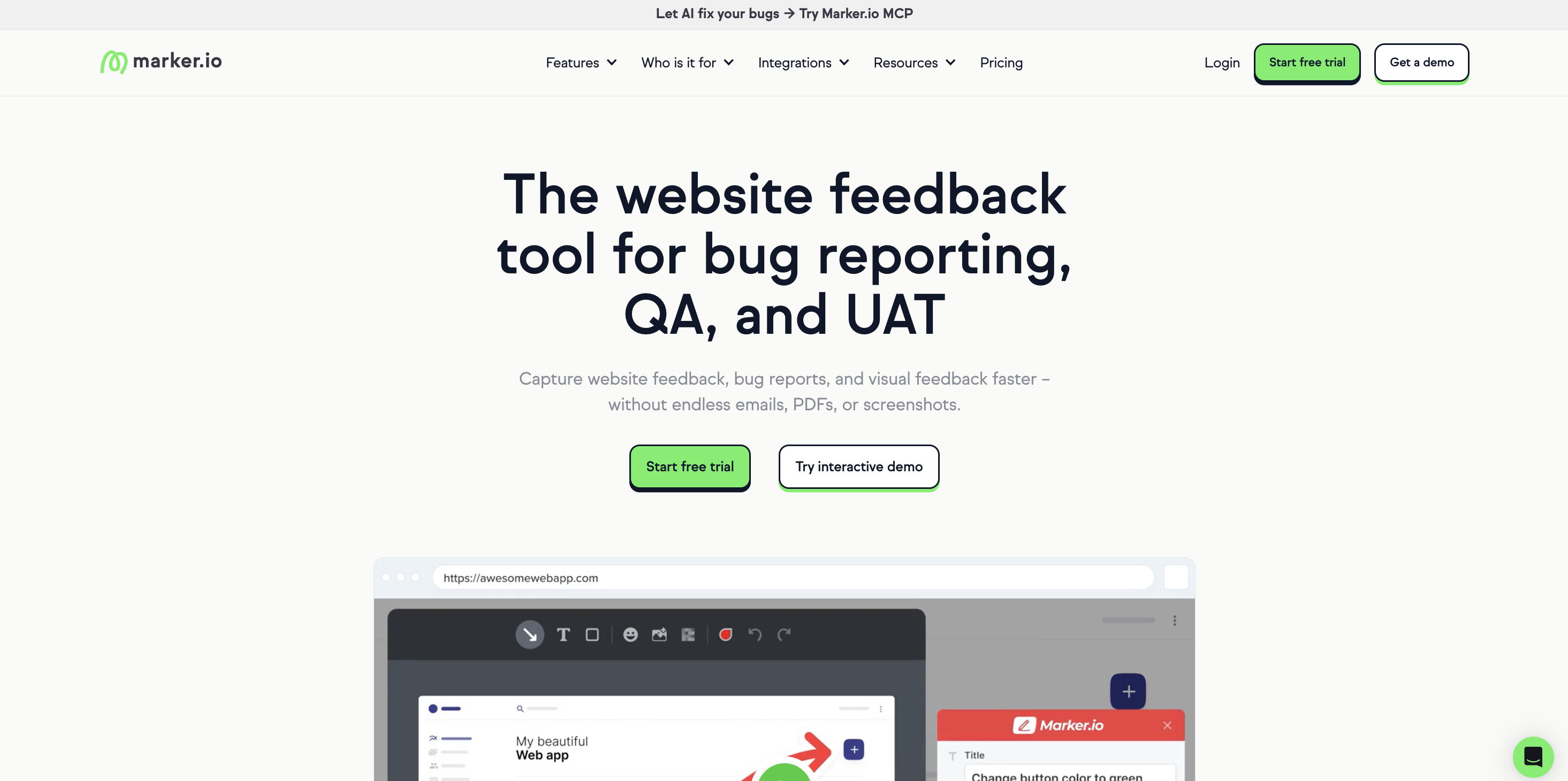
Best for: web design and development agencies collecting visual feedback from clients on live sites and staging environments.
Marker.io is a visual feedback and bug reporting tool you add to a live website or web app as a lightweight widget or browser extension.
Clients pin comments directly onto the page, and Marker.io automatically captures the technical details a developer needs to fix the issue: browser and OS information, screen resolution, console logs, and network requests.
Clients don't need to create an account to leave feedback, which removes a common source of friction in agency-client feedback loops. Reported issues sync straight into the project management tools your team already uses, so feedback turns into an actionable task instead of a scattered email thread.
Key features:
- Click-to-pin visual feedback on any live website or web app, with session replay
- Automatic capture of console logs, network requests, and browser or device metadata
- No login required for clients submitting feedback
- Two-way sync with tools like Jira, Trello, Asana, GitHub, GitLab, and Linear
- Slack notifications for new feedback enable businesses to keep in touch with stakeholders
- AI-powered issue creation and an MCP to enable impactful automations
BugHerd
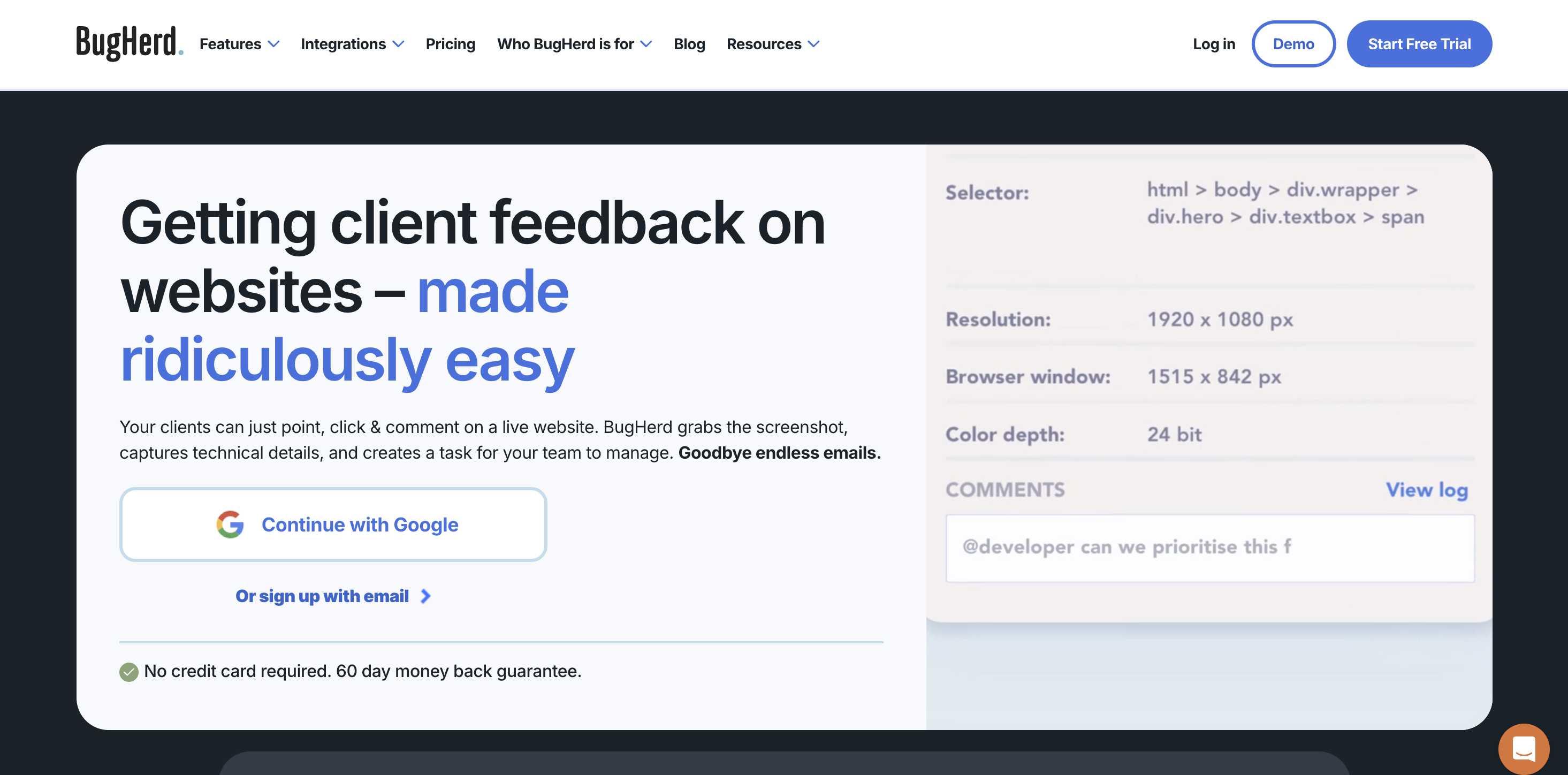
Best for: agencies that want client feedback turned directly into a task board without extra setup.
BugHerd works in a similar way to Marker.io: clients pin comments on a live page using a browser extension, and those comments become cards on a Kanban-style board. It's a straightforward way to collect direct feedback forms' worth of detail without asking clients to use a separate project management tool.
Key features:
- Visual pin-based feedback on any webpage
- Built-in Kanban task board for triaging feedback
- Guest access for clients without requiring a full account
- Screenshot and browser metadata capture
- Integrations with tools like Trello, Jira, and Basecamp
Usersnap
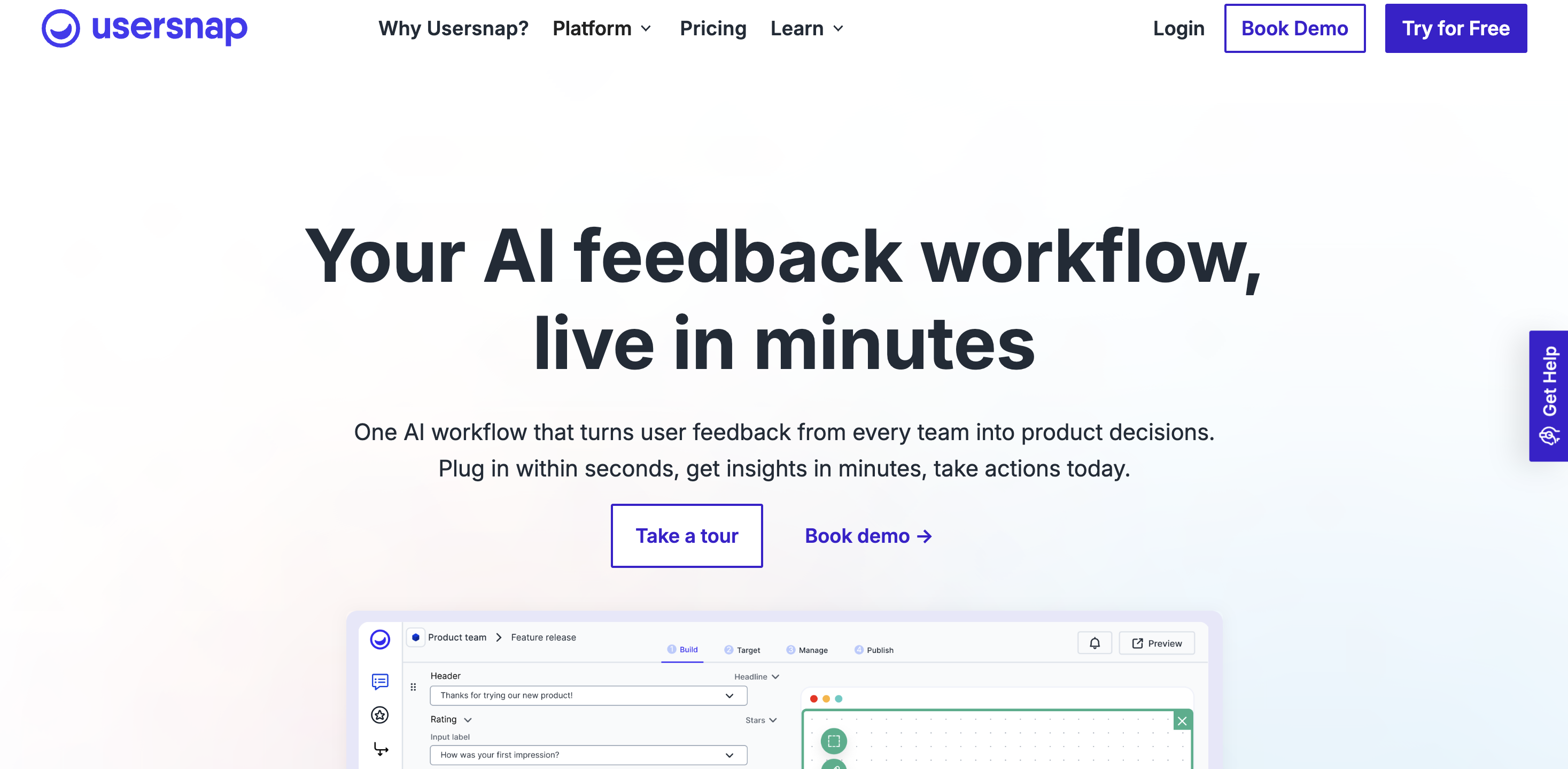
Best for: product and web teams that want visual feedback alongside lightweight in-app surveys.
Usersnap sits between an issue tracker and a survey tool. It captures screenshots and screen recordings from a website or app, but it also supports in-app surveys for CSAT and NPS, plus a feature request board for collecting and prioritizing product ideas.
Key features:
- Screenshot and video-based visual feedback widget
- In-app surveys for CSAT and NPS alongside visual feedback
- Feature request board with voting
- Customizable feedback widget branding
- Integrations with Jira, Slack, and Asana
Client-listening and survey tools
Once you're collecting feedback from customers at scale rather than a single client relationship, survey tools do the heavy lifting. They are built to measure customer satisfaction and analyze survey data across large groups of respondents.
SmartSurvey
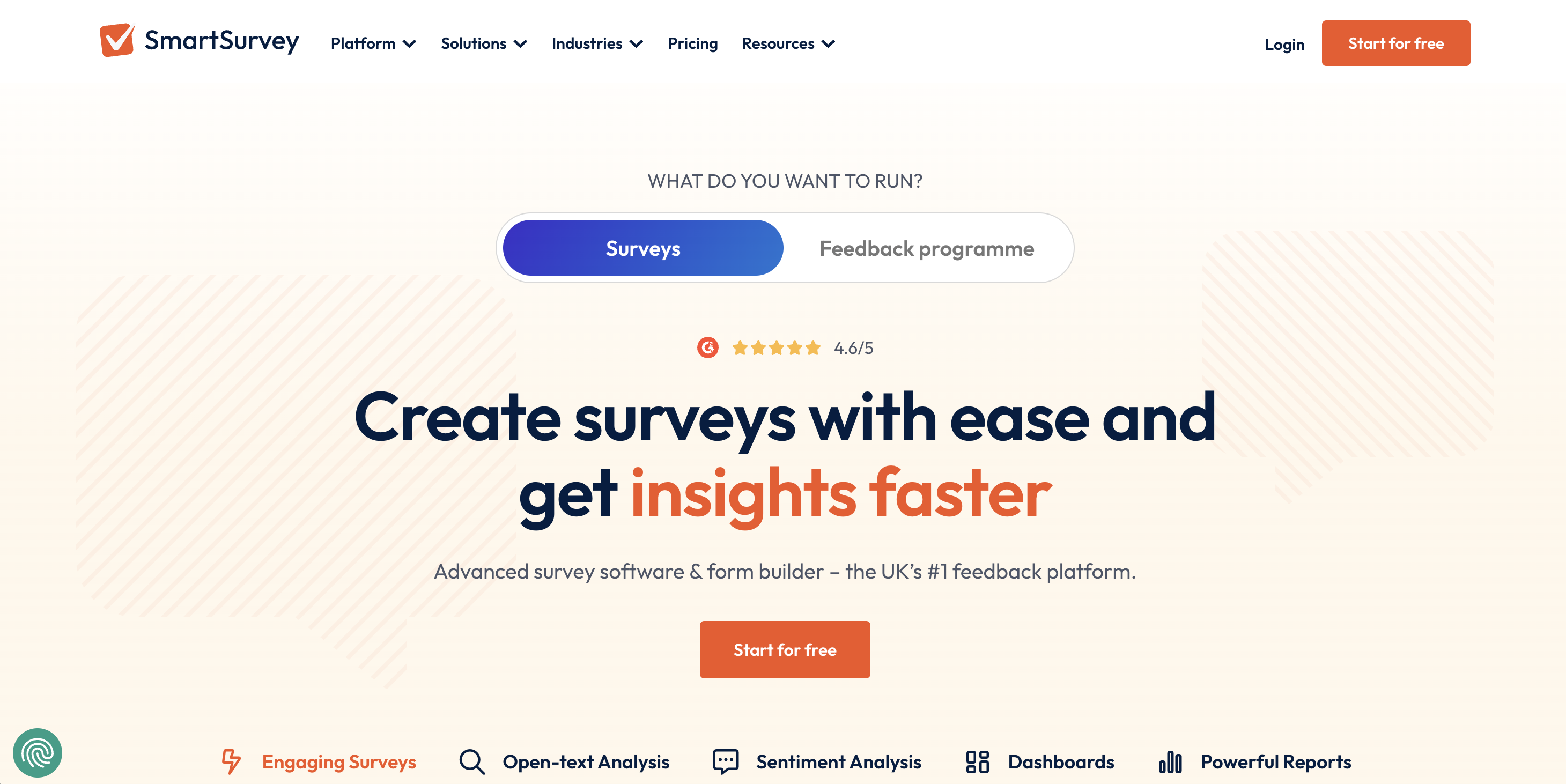
Best for: teams that need advanced survey logic and detailed reporting for customer experience research.
SmartSurvey is a survey platform built around customizable survey templates and advanced survey logic, with reporting to match. It's a solid fit for teams running structured customer satisfaction or market research programs rather than one-off polls.
Key features:
- Advanced survey logic, including skip logic and branching paths
- Engage customers with customizable survey templates for common use cases
- Advanced analytics and reporting dashboards
- Multi-channel distribution, including email and web embeds
- Data hosted in the EU for teams with GDPR requirements
Checkbox
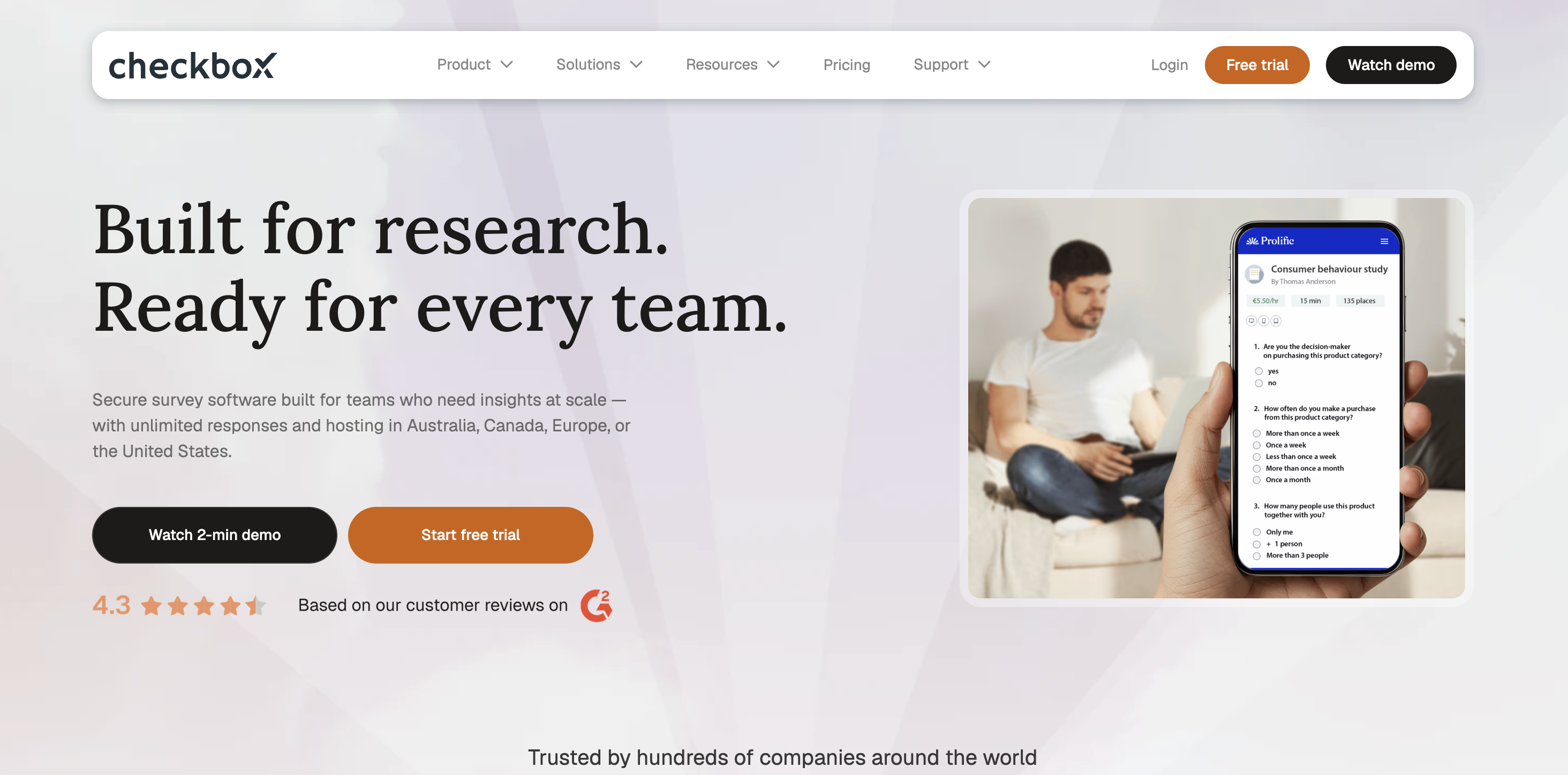
Best for: teams with security-sensitive clients that need to keep data private.
Checkbox can be used for everything from customer feedback surveys to lead generation forms, with enough design customization to match a brand's look and feel.
It offers cloud and on-premises deployment, as well as flexible hosting options, so you can maintain data sovereignty. It can also be fully customized, with white-label features.
Key features:
- Fully customizable surveys to really drill into pain points
- White-label features so you can give clients a fully-branded experience
- The ability to share online surveys, questionnaires, and forms over your client’s preferred channels
- Role-based access controls and SSO for greater data security
- Flexible hosting options, so you can store your data in your region
Typeform
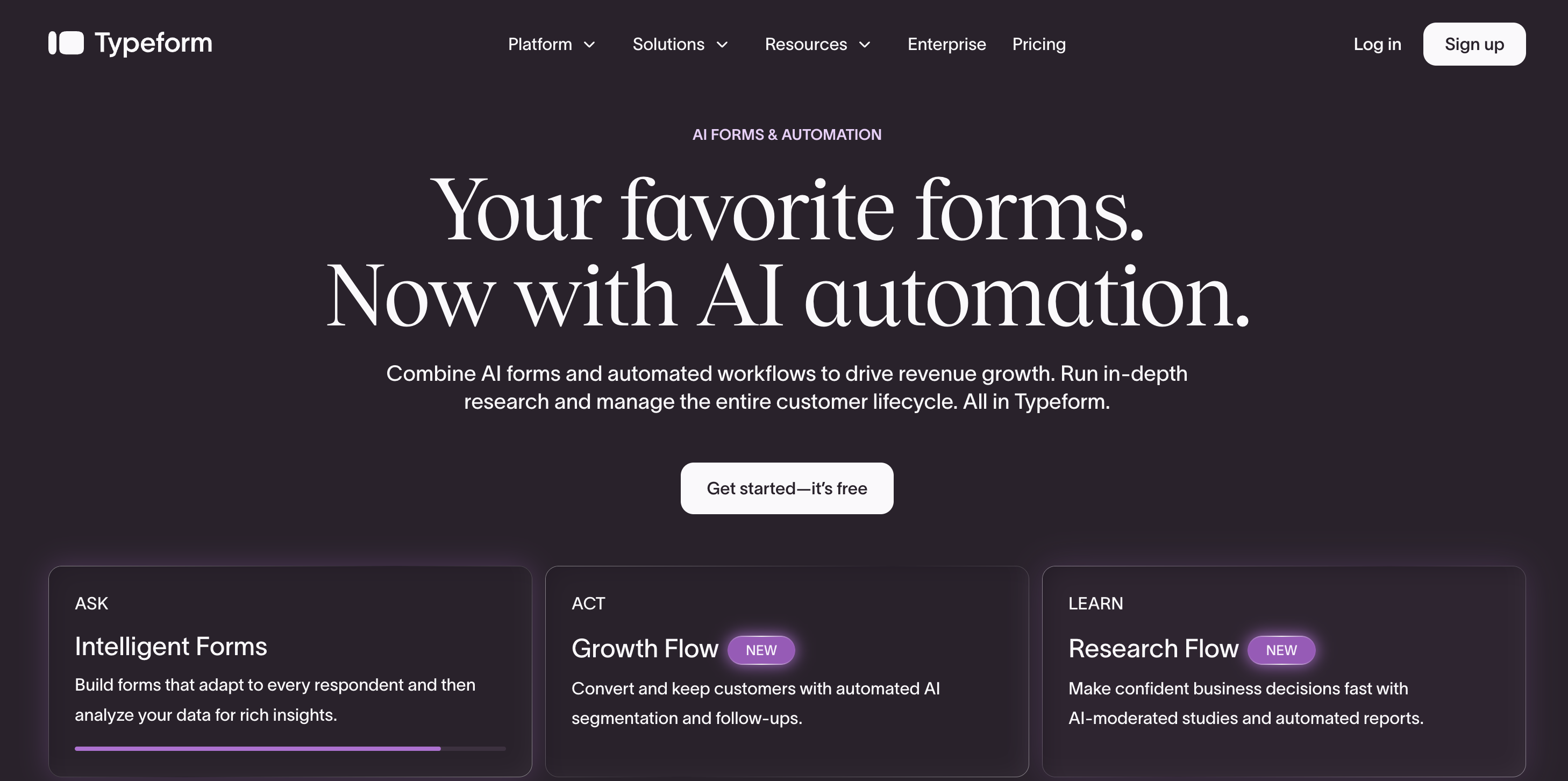
Best for: teams that want higher survey completion rates through a conversational, one-question-at-a-time format.
Typeform's format shows one question at a time, which tends to keep survey responses higher than long, single-page forms. It's used for everything from customer feedback surveys to lead generation forms, with enough design customization to match a brand's look and feel.
Key features:
- Conversational, one-question-at-a-time survey format
- Logic jumps based on previous answers
- Custom-branded, visually driven design themes
- Wide range of question types beyond standard multiple choice
- Broad integration capabilities through Zapier and native connections
CRM and customer success software
When you need feedback next to a customer's full history, alongside their purchases and past support conversations, CRM and customer success software connect the dots that a standalone survey tool can't.
HubSpot Service Hub
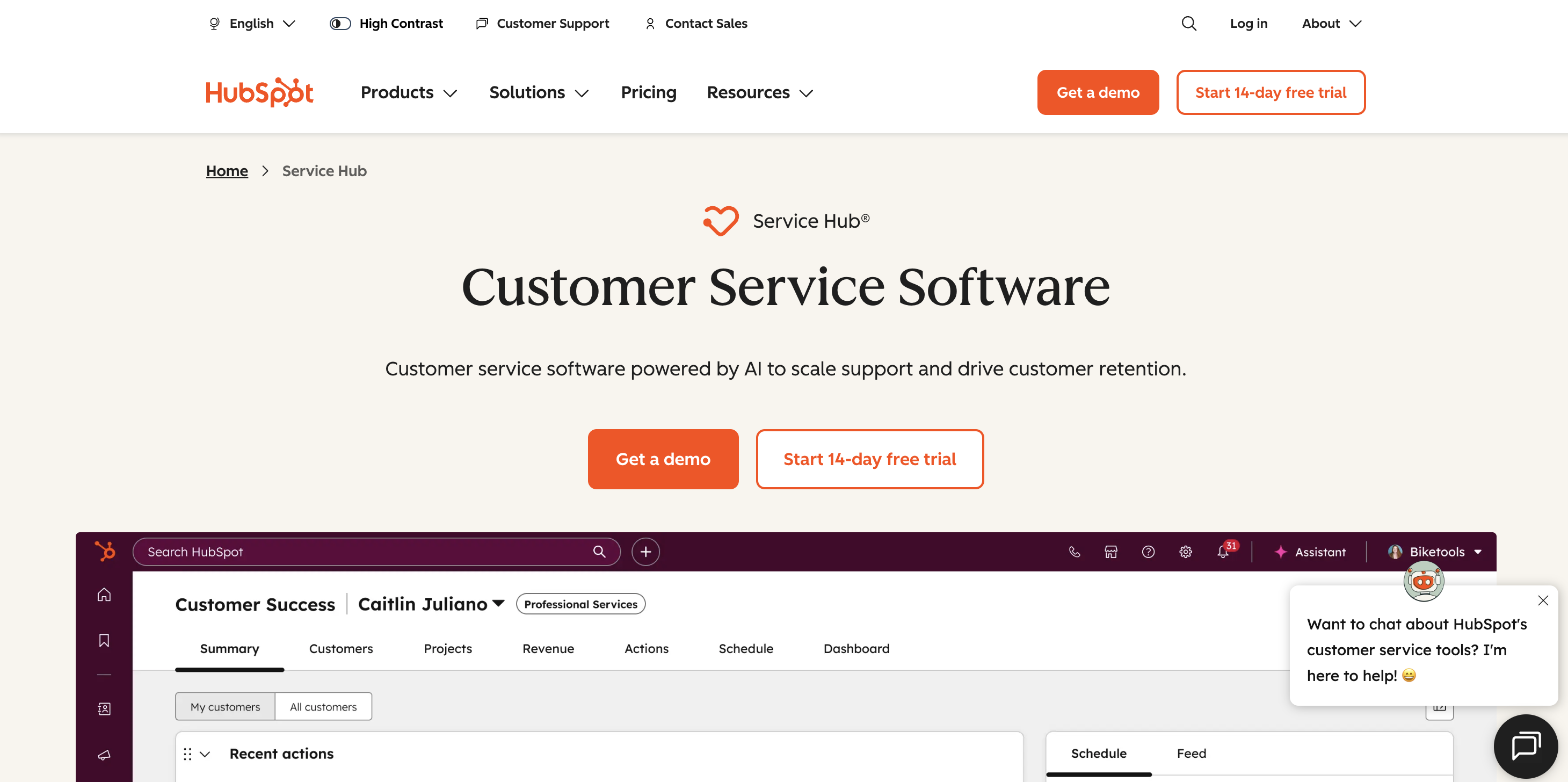
Best for: teams that want customer feedback tied directly to CRM records and support tickets.
HubSpot Service Hub bundles CSAT, NPS, and customer effort score surveys into the same platform as HubSpot's CRM and ticketing tools. Feedback shows up next to a customer's full history, so a low satisfaction score can be traced straight back to the support interaction that caused it.
Key features:
- Built-in CSAT, NPS, and customer effort score surveys
- Feedback linked directly to CRM contact and company records
- Ticketing and shared inbox for support interactions
- Customer segmentation based on feedback and CRM data
- Reporting dashboards shared across sales, marketing, and support
Zendesk
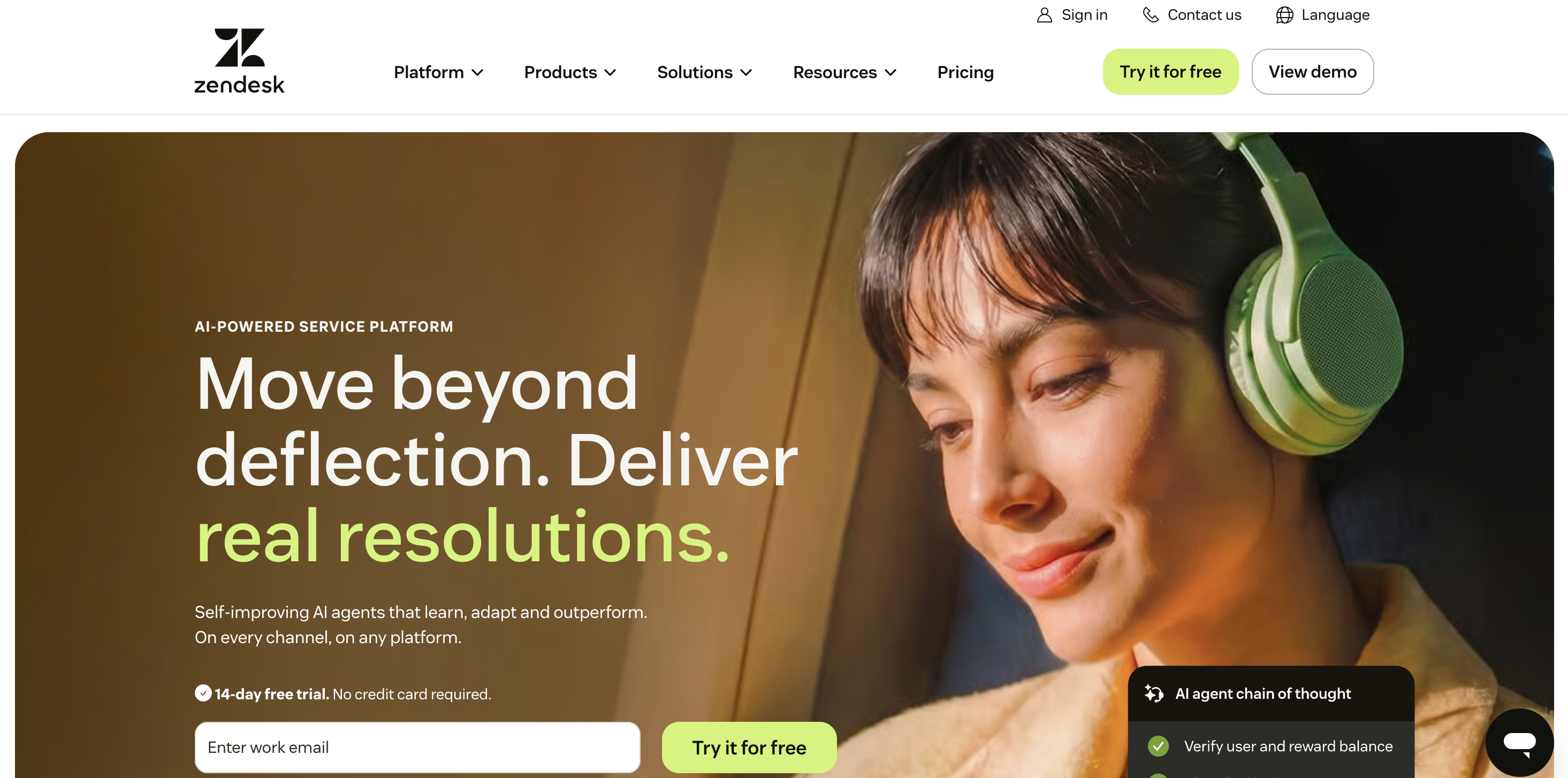
Best for: support-led teams that want feedback capture built into their existing ticketing workflow.
Zendesk is best known as a help desk platform, and its feedback tools reflect that. Post-resolution CSAT surveys and feedback tags on tickets sit inside the same system support teams already use to manage customer conversations.
Key features:
- Post-resolution CSAT surveys tied to support tickets
- Live chat and messaging alongside ticketing
- Feedback and satisfaction reporting dashboards
- Large app marketplace for extending functionality
- Knowledge base tools for reducing repeat support interactions
Communication tools for ongoing client feedback
Not every feedback loop needs a dedicated platform. Sometimes the simplest way to gather feedback is a direct, ongoing conversation.
Slack Connect
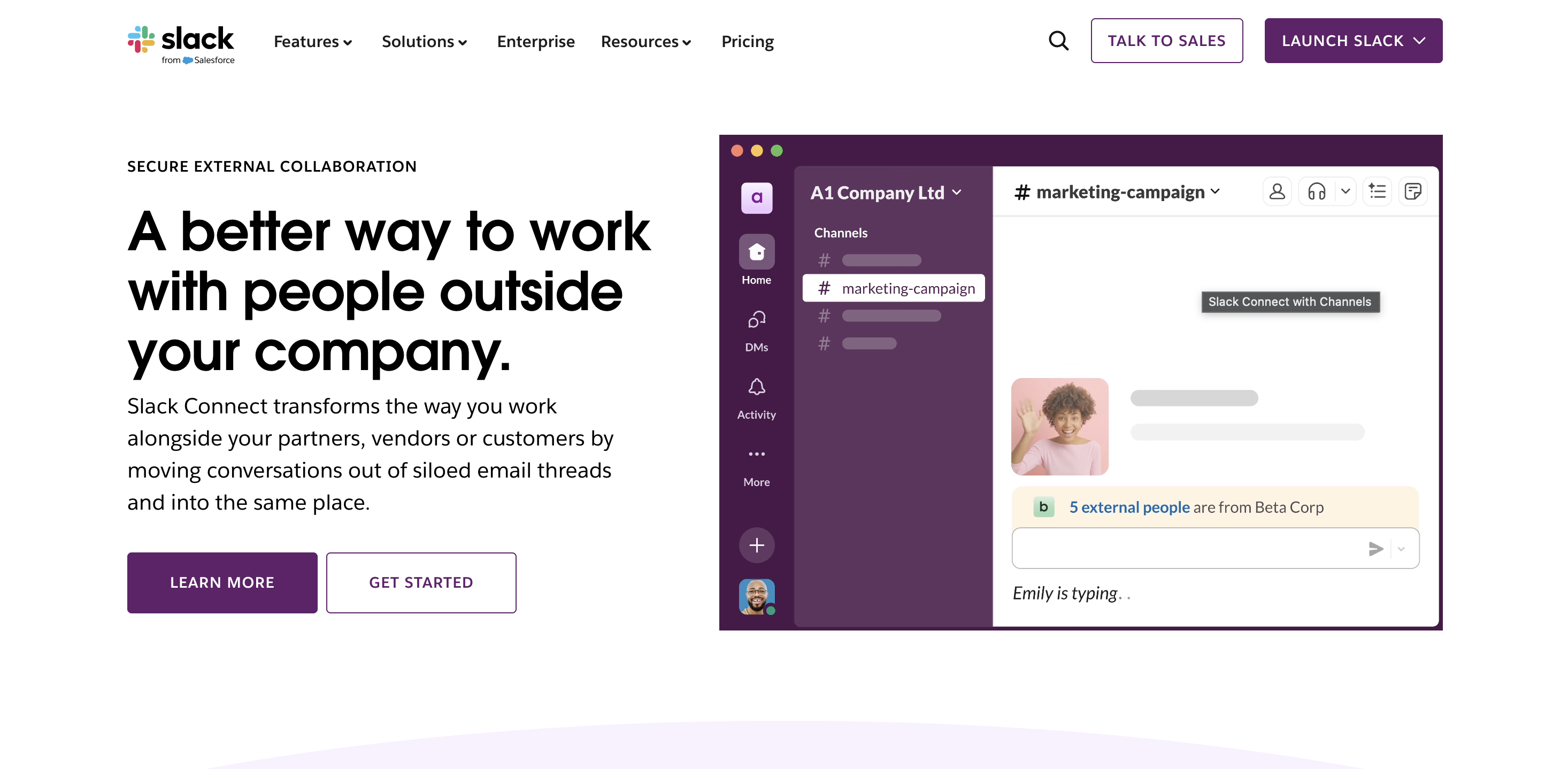
Best for: agencies and clients who want a direct, async channel for day-to-day feedback and questions.
Slack Connect lets two organizations share a Slack channel, so an agency and its client can talk directly instead of routing everything through email. It's not built to structure or analyze feedback the way a dedicated tool is, but for ongoing client conversations, keeping everything searchable in one place.
Key features:
- Shared channels between an agency and a client's organization
- Searchable message history for past feedback and decisions
- File sharing and threaded conversations
- Integrations with project management and feedback tools
- Notifications that keep both sides in the loop in real time
Conclusion
Client feedback software covers a set of tools built to solve different problems: visual bugs and design feedback, customer satisfaction at scale, feedback tied to CRM records, and everyday conversations between a business and its clients.
If your team is an agency or web shop collecting feedback on live sites and staging builds, check out our visual feedback tool.
Start a free trial of Marker.io to see how a tool built for exactly that job can replace scattered email threads and screenshots with feedback your developers can act on immediately.
Client feedback software FAQs
What's the best client feedback software for agencies?
For agencies, the best client feedback software is usually a visual feedback tool rather than a survey platform. Agencies need clients to point directly at issues on a live website or staging build, which is what tools like Marker.io are built for. Survey tools are better suited to measuring customer satisfaction at scale, which isn't typically what an agency-client feedback loop needs.
Is client feedback software the same as customer feedback software?
Not exactly. The terms overlap, but customer feedback tools usually refer to tools built for gathering feedback from large numbers of end users, like surveys and CSAT tools. Client feedback software often describes a smaller, more direct relationship, such as an agency and the client it's working with, where visual and issue-tracking tools tend to be a better fit.
The right customer feedback tool is not necessarily the same as the client feedback software that will provide you with the valuable insights you need for business growth.
Can I use more than one type of client feedback software at once?
Yes, and many teams do. It's common for an agency to use a visual feedback tool like Marker.io for client sign-off on design and development work, while also running customer satisfaction surveys or CRM-linked feedback for the client's own end users.
What should I do now?
Here are three ways you can continue your journey towards delivering bug-free websites:
Check out Marker.io and its features in action.
Read Next-Gen QA: How Companies Can Save Up To $125,000 A Year by adopting better bug reporting and resolution practices (no e-mail required).
Follow us on LinkedIn, YouTube, and X (Twitter) for bite-sized insights on all things QA testing, software development, bug resolution, and more.
Will Sigsworth
Will manages organic content at Marker.io. He also works as a marketing advisor and contributor to a number of other SaaS businesses.
Related blog posts

Get started now
Free 15-day trial • No credit card required • Cancel anytime