
The Best AI QA Tools for Every Part of Your Testing Workflow
From visual feedback to automated regression testing, these are the best AI QA tools available in 2026 – and how to choose the right one for your team.


QA teams are under pressure.
Release cycles are shorter and codebases are more complex, while AI coding agents are pushing more code into pull requests. Not to mention that the list of things QA engineers need to test keeps growing.
However, AI can also be a benefit for QA teams. AI QA tools can generate test cases, catch visual regressions, classify flaky tests, rewrite messy bug reports, translate feedback, and help teams improve test coverage without adding more manual work.
The AI for QA category is broad. Some AI testing tools focus on website feedback and UAT, and others handle visual testing, regression testing, end-to-end test automation, test management, or post-deploy monitoring.
In this guide, we’ll break down the best AI QA tools for different testing workflows, team sizes, and use cases.
What is AI QA?
AI QA means using artificial intelligence and machine learning inside quality assurance workflows to reduce manual effort and catch issues earlier, faster, and more consistently.
In practice, AI in QA can help with:
- Test case generation: Drafting test cases from requirements, user stories, or recent code changes.
- Predictive analytics: Analyzing historical defects, commits, and test results to flag likely failure points.
- Self-healing capabilities: Updating automated tests when UI changes break selectors.
- Failure classification: Separating flaky tests, environment failures, and actual product bugs.
- Bug report cleanup: Rewriting unclear feedback into structured, actionable bug reports.
- Translation: Turning feedback from non-native language reporters into the team’s preferred language.
QA teams aren’t short on tools. They’re short on time. AI is the lever that helps make test coverage at scale achievable without growing headcount at the same pace.
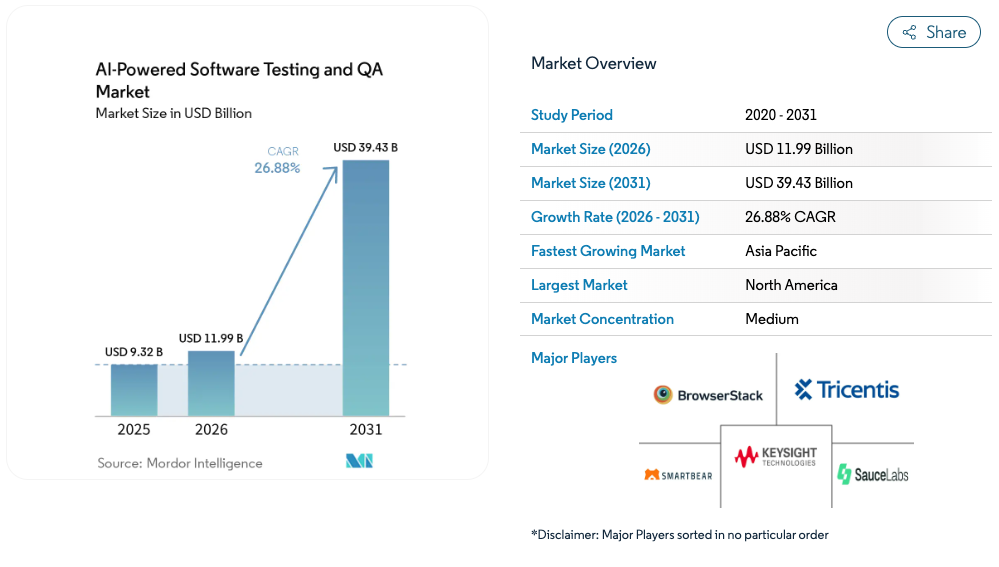
The market is moving fast, too. Mordor Intelligence estimates that the AI-powered software testing and QA market will grow from $9.32 billion in 2025 to $39.43 billion by 2031, at a 26.88% CAGR.
The best AI QA tools
This list covers the best AI QA tools across the testing lifecycle, starting with website and feedback-layer tools, then moving into automated testing, test management, and production monitoring.
Not all AI QA is code-level test automation. Sometimes the biggest win is helping testers, clients, and stakeholders submit better bug reports in the first place.
1. Marker.io
Best for: Web teams, agencies, and QA testers that need structured, AI-assisted bug reporting directly on live websites.
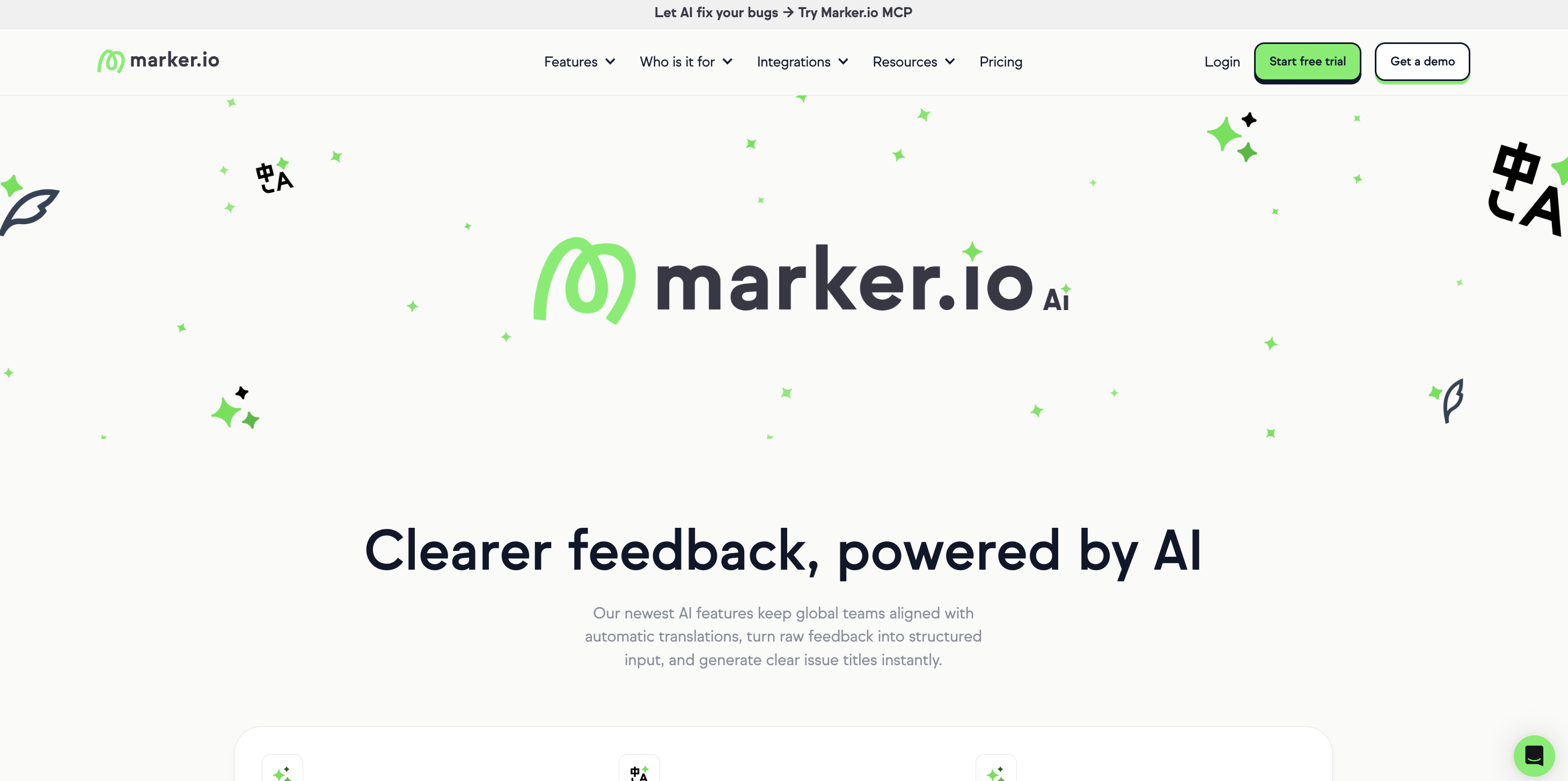
Marker.io is a website feedback and QA tool that enables testers, clients, and stakeholders to report bugs directly on a live site.
The browser widget captures screenshots, annotations, technical metadata, and page context automatically, so reporters don’t need to explain every detail manually.
The AI features fit into the reporting workflow:
- AI Magic Rewrite turns rough notes into clearer, structured feedback
- AI Title Generation creates issue titles from the description, so reporters only need to describe the problem
- AI Translation lets reporters write in their own language and automatically converts the report into the team’s preferred language
With Marker.io’s MCP, you can connect the solution directly to your AI agent so that it can respond to bug reports on your behalf.
Most AI test automation tools are built for engineers with scripting skills. Marker.io is built for everyone involved in shipping a website: QA leads, WebOps teams, brand managers, clients, content teams, and non-technical stakeholders. It’s especially useful for website UAT, localization QA, client review rounds, and multi-market web governance.
Marker.io also syncs issues directly to Jira, Linear, GitHub, Azure DevOps, Trello, Asana, ClickUp, and more, so feedback lands in existing workflows without duplicate entry.
G2 rating: 4.8
Key features
- Marker.io MCP connects AI agents to bug reports submitted in Marker.io, including screenshots, console logs, network requests, browser details, and reporter descriptions.
- AI Magic Rewrite restructures unclear bug descriptions into clean, actionable feedback.
- AI Title Generation auto-generates issue titles from descriptions.
- AI Translation detects the reporter’s language and translates feedback into the team language.
- Automatic technical metadata capture includes browser, OS, URL, console logs, and other context.
- Session Replay shows the user session leading up to a report.
- 20+ integrations connects with Jira, Linear, GitHub, Azure DevOps, Trello, Asana, ClickUp, and more.
2. Applitools
Best for: Frontend teams and QA engineers who need to catch UI regressions across browsers, devices, and screen sizes.
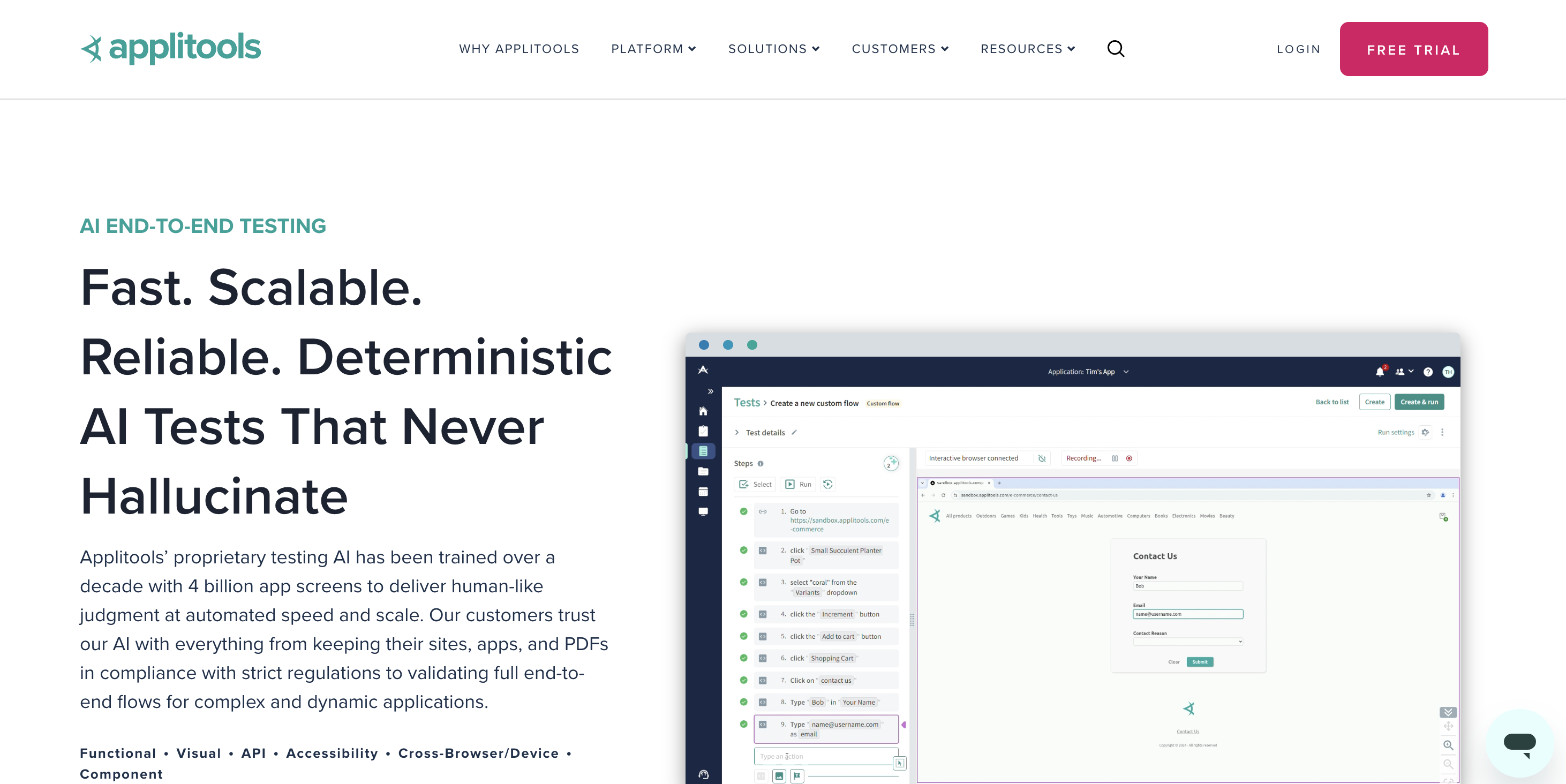
Applitools is an AI-powered visual testing platform. Its Visual AI compares screenshots of your UI against a baseline and flags meaningful layout changes, missing elements, overlaps, and styling issues that functional assertions often miss.
Traditional pixel-by-pixel comparisons can create false positives from tiny rendering differences. Applitools’ Visual AI is designed to evaluate the UI more like a human would, while helping teams automate maintenance and reduce false positives.
Applitools also offers Autonomous, an AI-powered no-code testing platform that can scan a URL, crawl the sitemap, create a test suite, add Visual AI checkpoints, and maintain tests without writing code. It integrates with 50+ testing frameworks and tools, including Cypress, Selenium, Playwright, CI/CD tools, and collaboration platforms.
G2 rating: 4.4
Key features
- Visual AI compares UI states using AI instead of strict pixel matching.
- Applitools Autonomous crawls a URL and auto-generates a visual test suite.
- Self-healing maintains tests when UI elements change.
- Cross-browser and cross-device testing runs visual checks across environments.
- Natural language authoring lets teams create tests in plain English.
- Root cause analysis dashboard groups related visual bugs.
3. Mabl
Best for: QA teams moving from manual testing to automation, especially where non-technical team members need to contribute to the test suite
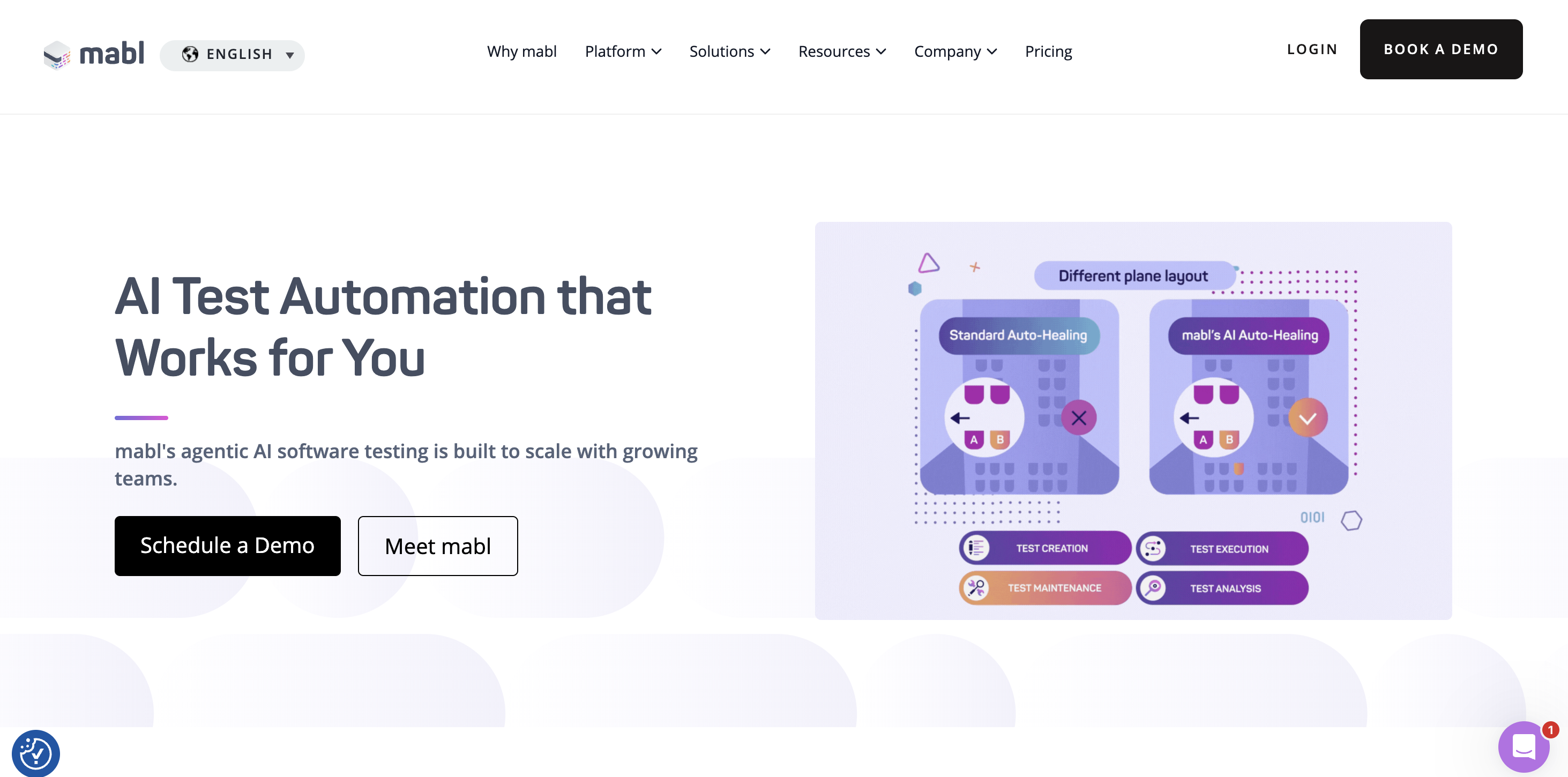
Mabl is an AI-native test automation platform for web, mobile, API, accessibility, and performance testing. Teams can create end-to-end tests through a low-code, point-and-click interface or by using natural language, while developers can extend tests with JavaScript, Appium, and Playwright.
Mabl’s AI helps maintain tests when the UI changes, which reduces the test maintenance burden that often makes brittle Selenium-style scripts hard to scale.
In April 2026, Mabl announced Active Coverage: a set of agentic testing capabilities designed to help QA keep pace with AI-generated code. The release included agent instructions, cloud test generation, runtime recovery, conversational results analysis, and Atlassian Rovo integration.
Mabl’s 2026 State of Quality Engineering Report found that among teams using AI coding agents, 41% said AI improved code quality, while 37% said it produced code faster but at lower quality.
Mabl is not the cheapest way to start with AI QA testing. Its pricing is customized, and the product is built for teams that need scalable automation across multiple applications and pipelines.
G2 rating: 4.4
Key features
- AI-powered self-healing updates tests when UI changes break selectors.
- Low-code test recorder creates tests by clicking through the app.
- Active Coverage helps generate and maintain test coverage for fast-moving codebases.
- Built-in analytics surfaces trends, flaky tests, and coverage gaps.
- Unified platform covers web, mobile, API, accessibility, and performance testing.
- CI/CD integrations works with GitHub Actions, Jenkins, Bamboo, and other CI/CD workflows.
4. BrowserStack
Best for: Engineering teams that need large real-device coverage and AI-powered failure analysis inside their testing pipeline
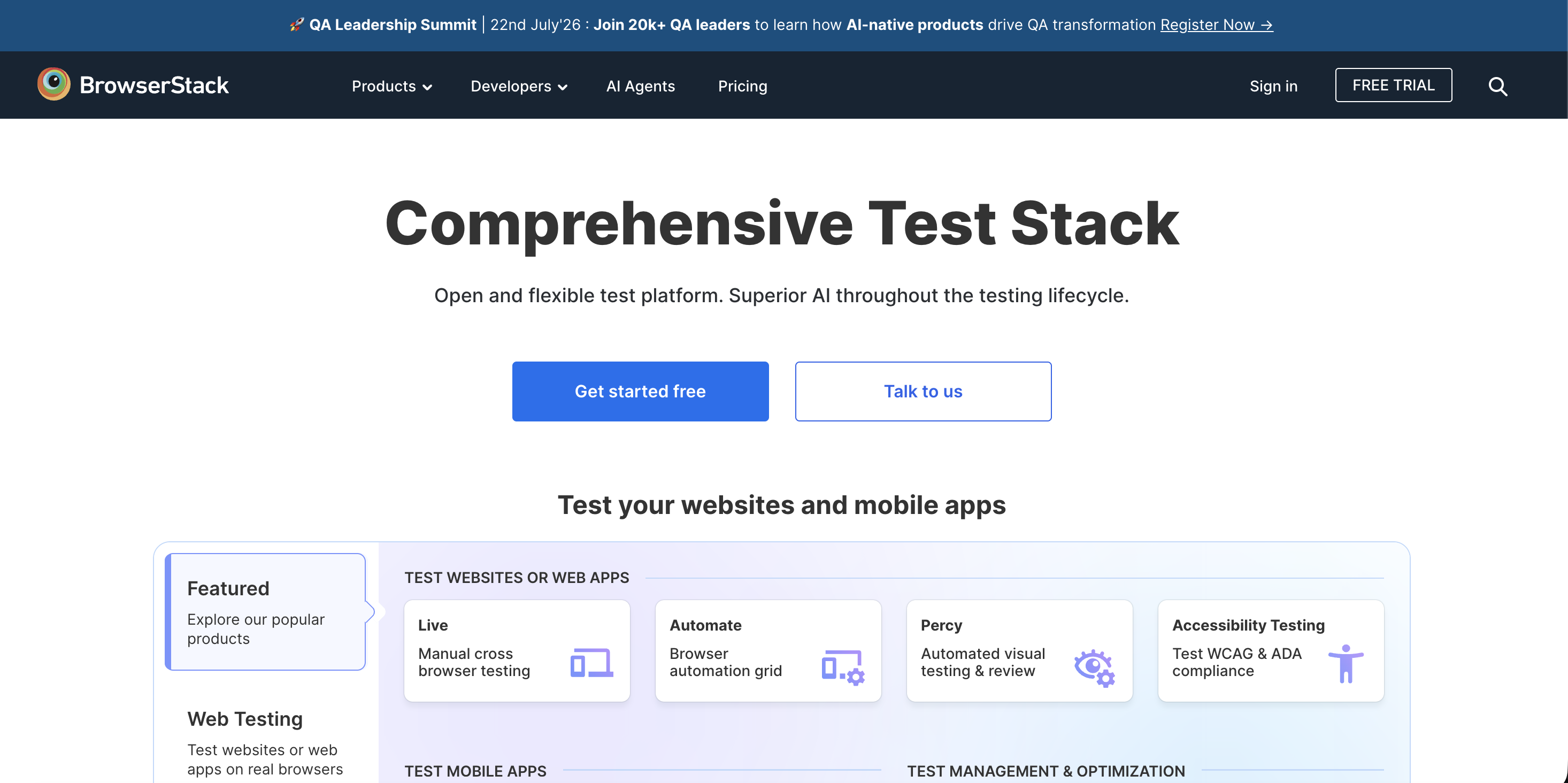
BrowserStack is a cloud testing platform for manual and automated testing across browsers, operating systems, and real devices. Its platform includes functional testing, visual testing through Percy (BrowserStack’s purpose-built tool), accessibility, performance, API testing, test management, and debugging.
Teams can test across 20,000+ real devices and 3,500+ browser-desktop combinations, with accessibility testing for ADA and WCAG requirements and visual testing through its Visual AI Engine.
AI-powered features include BrowserStack’s failure analysis offering. BrowserStack’s Test Failure Analysis Agent pulls together test reports, logs, stack traces, execution history, linked tickets, and patterns across similar failures. It classifies failures as product bugs, automation errors, or environment problems, then suggests fixes and next steps.
BrowserStack also has an MCP server, which connects BrowserStack tools to AI agents and IDEs such as VS Code, Claude, Cursor, and GitHub Copilot. That lets teams manage test cases, run tests, debug issues, and get AI-suggested code fixes using natural language prompts.
G2 rating: 4.4
Key features
- Test Observability uses AI to classify and investigate failures.
- Visual AI Engine detects UI regressions through Percy.
- Failure root cause analysis correlates logs, traces, reports, and historical failures.
- Real device and browser coverage, with 20,000+ real devices and 3,500+ browser-desktop combinations.
- Accessibility testing supports ADA and WCAG scanning.
- MCP Server brings BrowserStack testing workflows into AI-enabled IDEs.
5. Rainforest QA
Best for: SaaS teams that want AI-assisted automated QA without writing scripts, plus human testers for exploratory coverage.
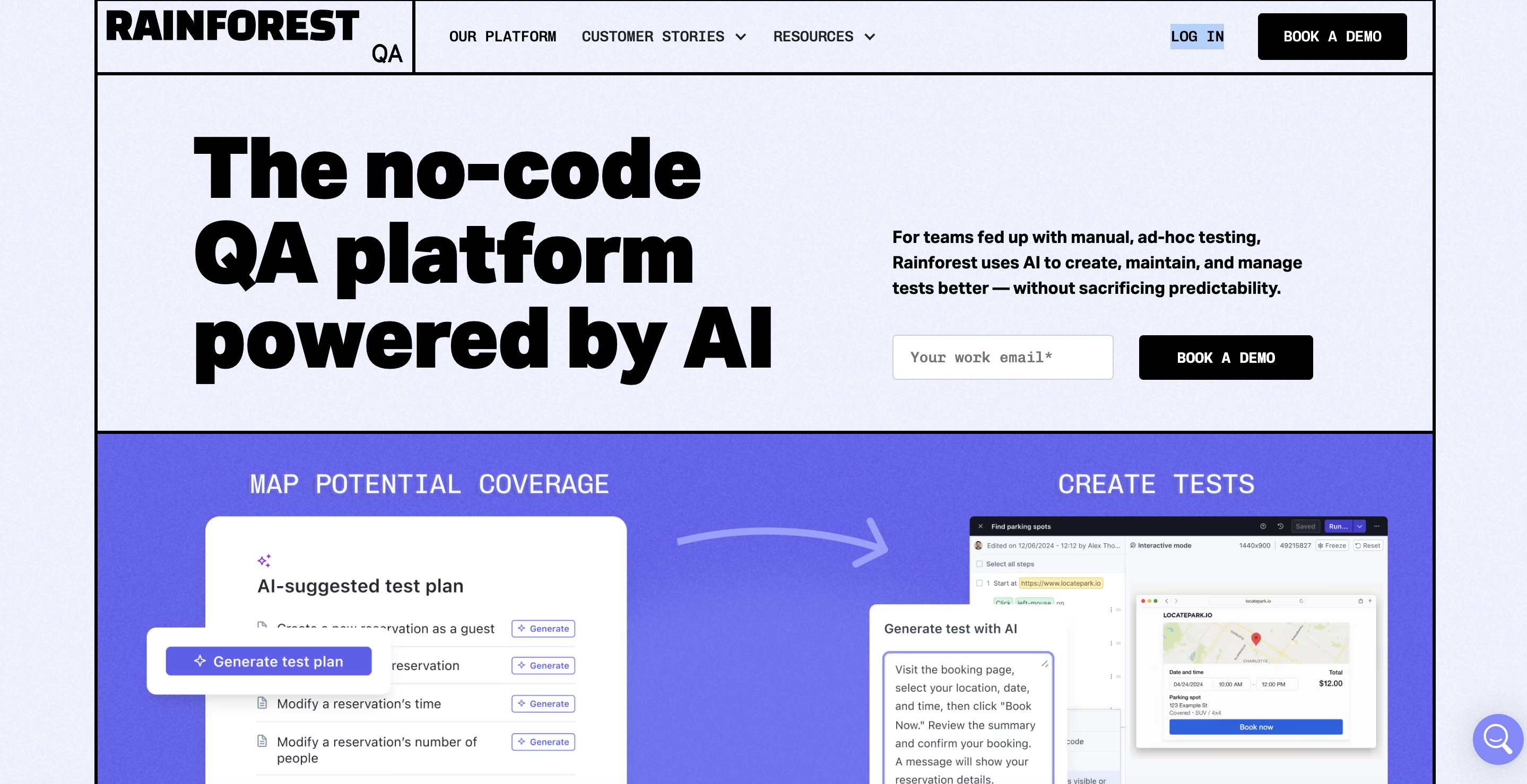
Rainforest QA is a no-code QA platform powered by AI. It’s built for teams that want to move beyond manual, ad hoc testing without creating and maintaining test scripts by hand. Rainforest positions its platform as AI-assisted but still predictable, with human oversight where needed.
Its AI Test Planner is useful when you don’t know where to start. It crawls an application from a starting URL, explores major features and common user paths, then produces recommendations for test coverage. That helps teams build a test strategy before writing detailed test cases.
Rainforest’s differentiator is the human-in-the-loop option. Alongside automated testing, teams can use human testers for exploratory testing, edge cases, and subjective checks that AI testing tools still struggle to handle well.
G2 rating: 4.3
Key features
- AI Test Planner crawls the app and generates test coverage recommendations.
- No-code test creation tests are written in natural language, not code.
- AI self-healing keeps tests up to date when UI changes.
- Crowdtesting marketplace adds human testers for exploratory testing.
- Parallel execution runs tests simultaneously for faster feedback.
- CI/CD integrations connects with development workflows and collaboration tools.
6. TestRail
Best for: QA teams that need a central hub for manual testing, automated test results, reporting, and traceability
TestRail is a test management platform, not a test execution platform. QA teams use it to organize test cases, track test runs, manage requirements traceability, and report on test coverage. Automated test results from frameworks such as Playwright, Selenium, and Cypress can be pushed into TestRail through integrations and the TestRail CLI.
AI helps with test creation. TestRail’s AI-powered test case generation creates structured test cases from requirements, user stories, and acceptance criteria. TestRail notes that this feature is available in TestRail Cloud only.
TestRail has also launched AI Test Script Generation, a beta feature in TestRail 10.2. It creates automation scaffolding from documented test cases in about 30 seconds and is designed to reduce repetitive setup work for automation engineers.
TestRail is best suited to mid-size and enterprise QA teams that need structure, auditability, and stakeholder-facing reporting.
G2 rating: 4.4
Key features
- AI test case generation drafts test cases from requirements and acceptance criteria.
- AI test script generation converts test cases into automation scaffolding.
- Manual and automated result tracking brings test results into one reporting view.
- Traceability links requirements, test cases, and outcomes.
- Custom dashboards gives stakeholders a clear view of QA progress.
- Integrations works with Jira, GitHub, GitLab, Selenium, Playwright, Cypress, and more.
7. Sentry
Best for: Engineering and QA teams that want to catch, group, and diagnose production bugs automatically.
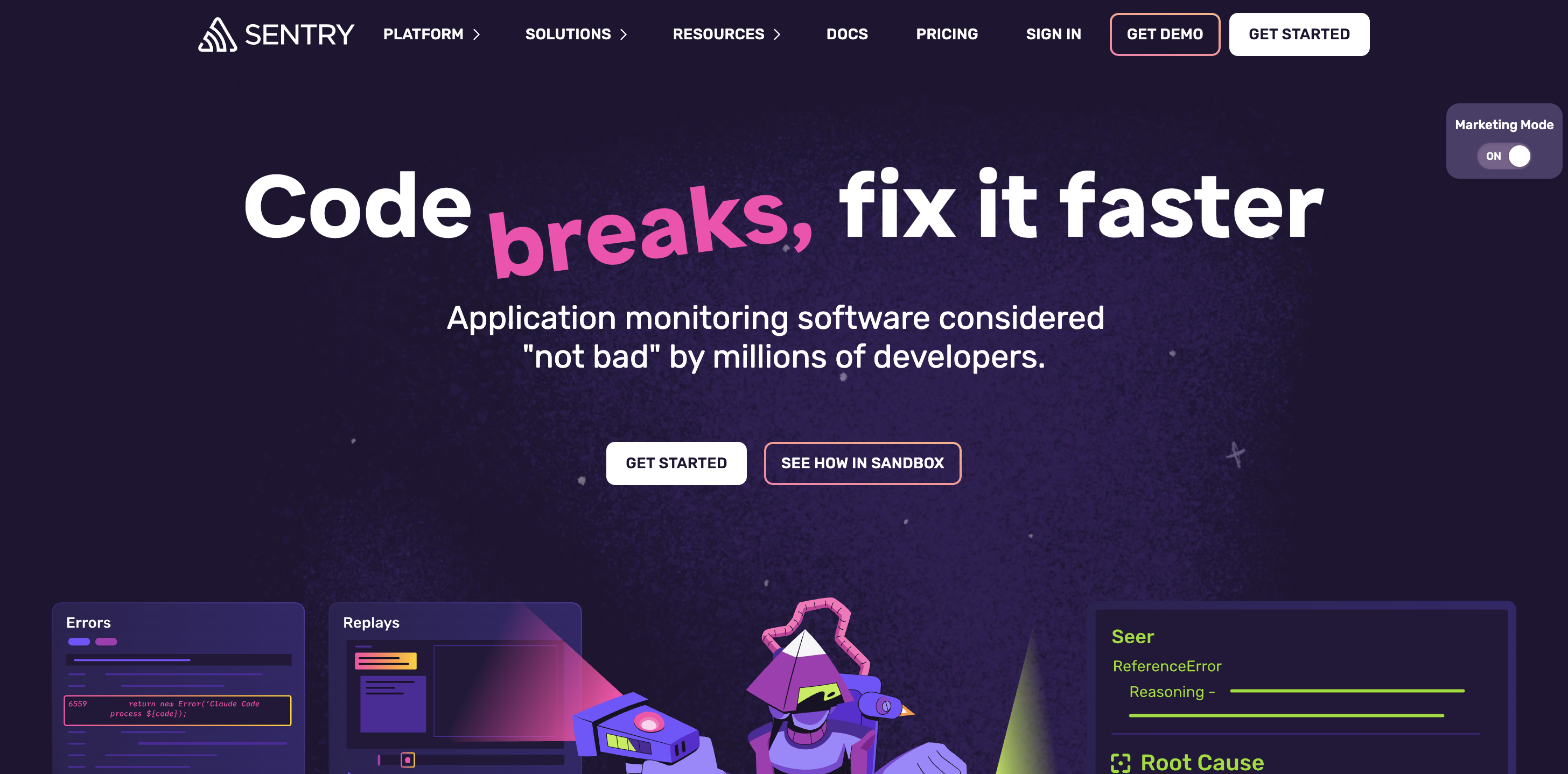
Sentry is an application monitoring and error tracking platform. It catches crashes, exceptions, and performance issues in production, then gives developers the context they need to fix issues faster.
That functionality makes it a different kind of AI QA tool. Sentry sits at the post-deploy end of the QA cycle. It doesn’t replace pre-deploy testing, but it helps you catch what slips through.
Sentry’s AI product, Seer, is an AI debugger that uses Sentry context to flag breaking changes, root cause production issues, and help fix what was missed.
Sentry also includes Session Replay, tracing, alerts, dashboards, and integrations with GitHub, GitLab, Jira, Slack, and other development tools. Its pricing page lists a free Developer plan with monitoring features, including 5,000 errors and 50 replays.
G2 rating: 4.5
Key features
- Real-time error monitoring captures crashes and exceptions in production.
- Seer AI Debugger provides AI-assisted root cause analysis and fix support.
- Session Replay reconstructs the user session that led to a crash.
- Performance monitoring tracks slowdowns, traces, and throughput issues.
- Code context helps developers connect production issues to code changes.
- Integrations connects with GitHub, GitLab, Jira, Slack, and CI/CD tools.
How to choose the right AI QA tool
The best AI QA tool depends on where your QA process is breaking down.
Some teams need better bug reports, some need automated regression testing, some need centralized test management, and others need production monitoring because too many issues are escaping into the real world.
What type of QA are you doing?
Start with the workflow:
- Website QA, UAT, and feedback collection: Marker.io.
- Visual regression and UI testing: Applitools.
- End-to-end automated testing without code: Mabl or Rainforest QA.
- Cross-browser and cross-device coverage: BrowserStack.
- Centralized test management and reporting: TestRail.
- Post-deploy production monitoring: Sentry.
The tools are not mutually exclusive. A complete AI QA strategy usually combines pre-deploy testing, manual QA feedback, automated testing, test management, and production monitoring.
Who is on your team?
Your team makeup matters as much as the feature list.
If non-technical stakeholders submit feedback, prioritize low-friction tools with plain-language input. Marker.io is strong in this situation because clients, testers, and content teams can submit reports without learning a QA tool.
If your QA engineers already work with automation frameworks like Playwright, Cypress, or Selenium, choose tools that integrate cleanly with those workflows. Applitools, BrowserStack, Mabl, and TestRail all support automation-heavy teams in different ways.
If you’re in a compliance-heavy environment, traceability matters. TestRail’s reporting and requirements coverage features are more valuable when teams need to prove what was tested, when, and by whom.
How to choose an AI QA solution for startups
Startups usually don’t have dedicated QA teams, which means the decision-making process is different.
The right AI QA solution for a startup should reduce friction quickly, without requiring heavy onboarding, complex test planning, or advanced technical skills.
A good startup stack could look like this:
- Marker.io for website feedback, UAT, and visual bug reporting.
- Rainforest QA for no-code end-to-end tests when you’re ready to automate.
- BrowserStack for cross-browser checks when device coverage becomes a problem.
- Sentry for production monitoring on an entry-level setup.
Avoid enterprise-only test automation tools until you have enough release volume, test coverage requirements, and team capacity to justify them.
What is the best AI QA tool for enterprises?
For enterprises, the best AI QA tool is rarely one tool.
Larger teams need coverage, governance, integrations, reporting, permissions, and support for multiple products, brands, markets, and workflows – which usually means a stack.
Enterprise QA is about orchestration. AI helps, but the tool still needs to fit your governance model and existing development workflows.
How to choose a provider for AI-based QA services
When evaluating AI-based QA services, don’t start with the AI feature.
Start with the operating model:
- Workflow fit: Does the tool support your actual testing process?
- Human oversight: Can QA engineers review, edit, and approve AI-generated output?
- Integration depth: Does it connect with Jira, GitHub, Linear, Azure DevOps, CI/CD, and your automation frameworks?
- Data access: What application data, bug reports, logs, screenshots, and test results does the AI use?
- Security: Can you control what AI agents can read or change?
- Scalability: Can the tool support more products, markets, stakeholders, and test runs as you grow?
- Reporting: Can leaders see test coverage, failure trends, and release readiness?
AI QA works best when it removes repetitive tasks without removing human judgment.
Conclusion
AI QA isn’t one tool.
It’s a layer of intelligence across the testing lifecycle: better bug reports, faster test creation, smarter failure analysis, self-healing scripts, visual regression testing, structured test management, and production monitoring.
The right mix depends on your workflow. If your team is doing manual website QA, UAT, localization checks, or client review, Marker.io is the best place to start. It helps non-technical reporters submit better bug reports, gives developers the technical context they need, and brings AI into the messy feedback layer where many QA processes break down.
You can try Marker.io free for 15 days, with no developer setup required for basic feedback collection.
AI QA FAQs
What is AI QA testing?
AI QA testing is the use of artificial intelligence in quality assurance workflows. It can help generate test cases, maintain automated tests, analyze failures, classify flaky tests, rewrite bug reports, and improve test coverage.
How is AI used in QA?
AI is used in QA to reduce repetitive manual work. Common use cases include test case generation, visual regression detection, self-healing selectors, failure classification, test planning, bug report cleanup, translation, and production root cause analysis.
Can AI replace manual QA testing?
No. AI can reduce manual effort, but it can’t fully replace human oversight. Manual QA and exploratory testing are still important for usability, edge cases, judgment calls, and validating whether AI-generated tests actually reflect user intent.
What is the difference between AI QA and traditional test automation?
Traditional test automation runs predefined test scripts. AI QA adds intelligence to the testing process. That can mean generating tests, adapting when the UI changes, analyzing failures, predicting risk, cleaning up feedback, or helping developers diagnose production bugs.
What should I do now?
Here are three ways you can continue your journey towards delivering bug-free websites:
Check out Marker.io and its features in action.
Read Next-Gen QA: How Companies Can Save Up To $125,000 A Year by adopting better bug reporting and resolution practices (no e-mail required).
Follow us on LinkedIn, YouTube, and X (Twitter) for bite-sized insights on all things QA testing, software development, bug resolution, and more.
Will Sigsworth
Will manages organic content at Marker.io. He also works as a marketing advisor and contributor to a number of other SaaS businesses.
Related blog posts

Get started now
Free 15-day trial • No credit card required • Cancel anytime