
Website QA with annotated screenshots
Report a bug in seconds, right on the page you're testing. Screenshot, console logs, and environment data attach automatically. It lands straight in your issue tracker.


Create tickets in seconds
QA testing is most effective when testers can tell you what’s wrong quickly, clearly, and without friction. Marker.io makes that happen.
Capture a bug
You'll see a Marker.io button on the page you're testing. Click on it to capture the area.
Annotate the image
Use arrows, boxes, and highlights. Add your comment to the ticket.
Send it to your issue tracker
It lands in Jira or other tools with browser, OS, URL, and console + network logs attached.
Trusted by teams at





Click, annotate, send
Everyone reports feedback the same way, and every issue lands automatically in Jira or other tracking tools.
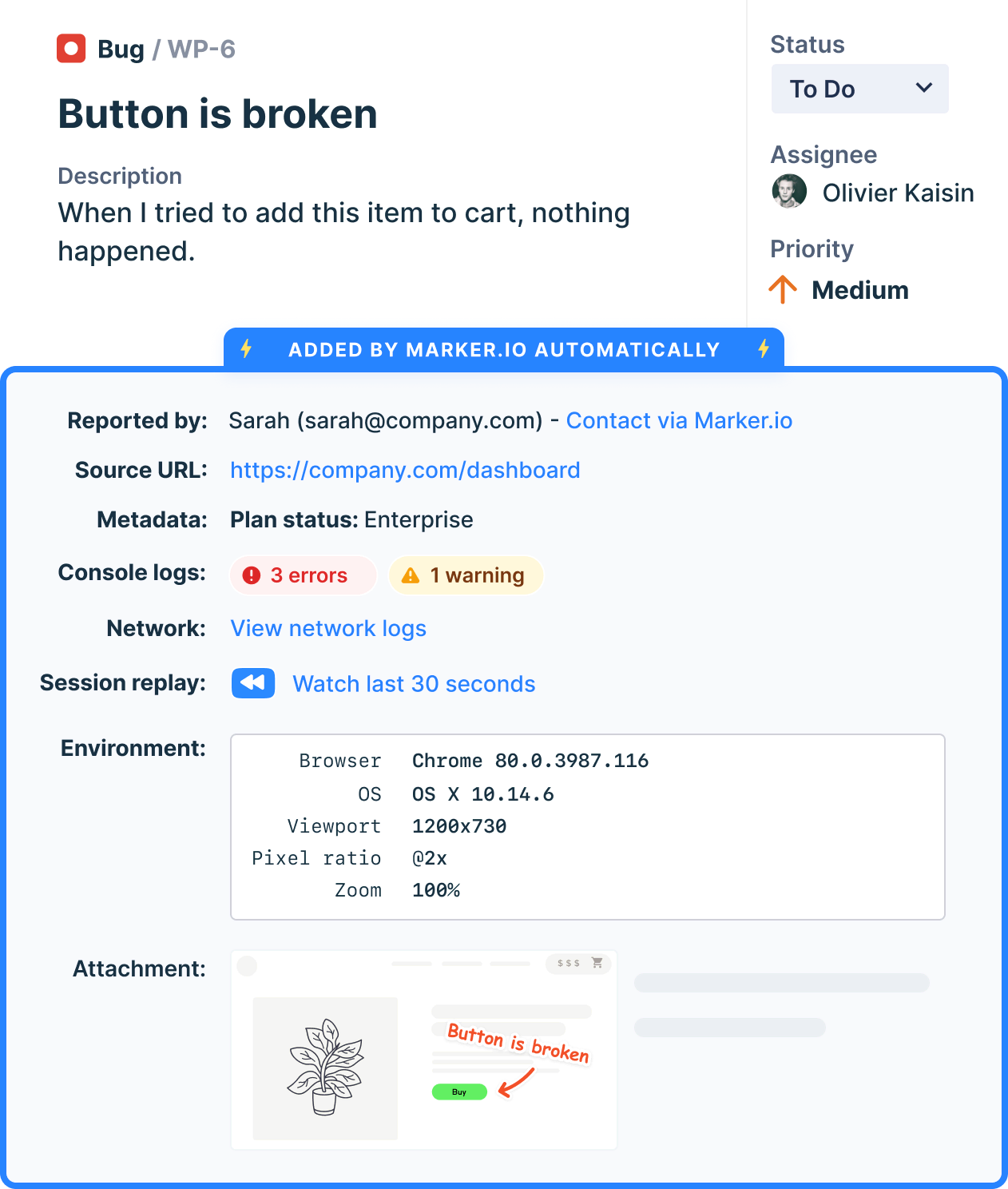
Capture all context automatically
Give your team the full picture with zero back-and-forth.
.svg)

“Clients used to send us emails, documents, spreadsheets and even powerpoints for feedback. Now we just use Marker.io.”
Record and track issues easily in your testing workflow
Keep QA moving by giving testers the simplest, most complete way to log issues: directly on the page, without switching tools.
Log issues in seconds
Click the widget, describe the bug, and submit. Marker.io handles the rest – no alt-tabbing, no manual documentation, no context lost between tester and developer.
Stay in your workflow
Every tracked issue syncs straight into your project management tool. Your QA team works in Jira, Linear, or Trello, so that's where your bug reports land.
Cover more ground fast
When reporting’s this easy, testers flag more. More issues surfaced early means fewer surprises at launch – and a more complete picture of your test coverage.

“Our developers can now see bugs through the reporters' eyes, with no information getting lost.”
Your report lands in Jira automatically
Or Linear, Azure DevOps, GitHub, GitLab, Trello, Asana, ClickUp, Monday.com, Notion, Teamwork.
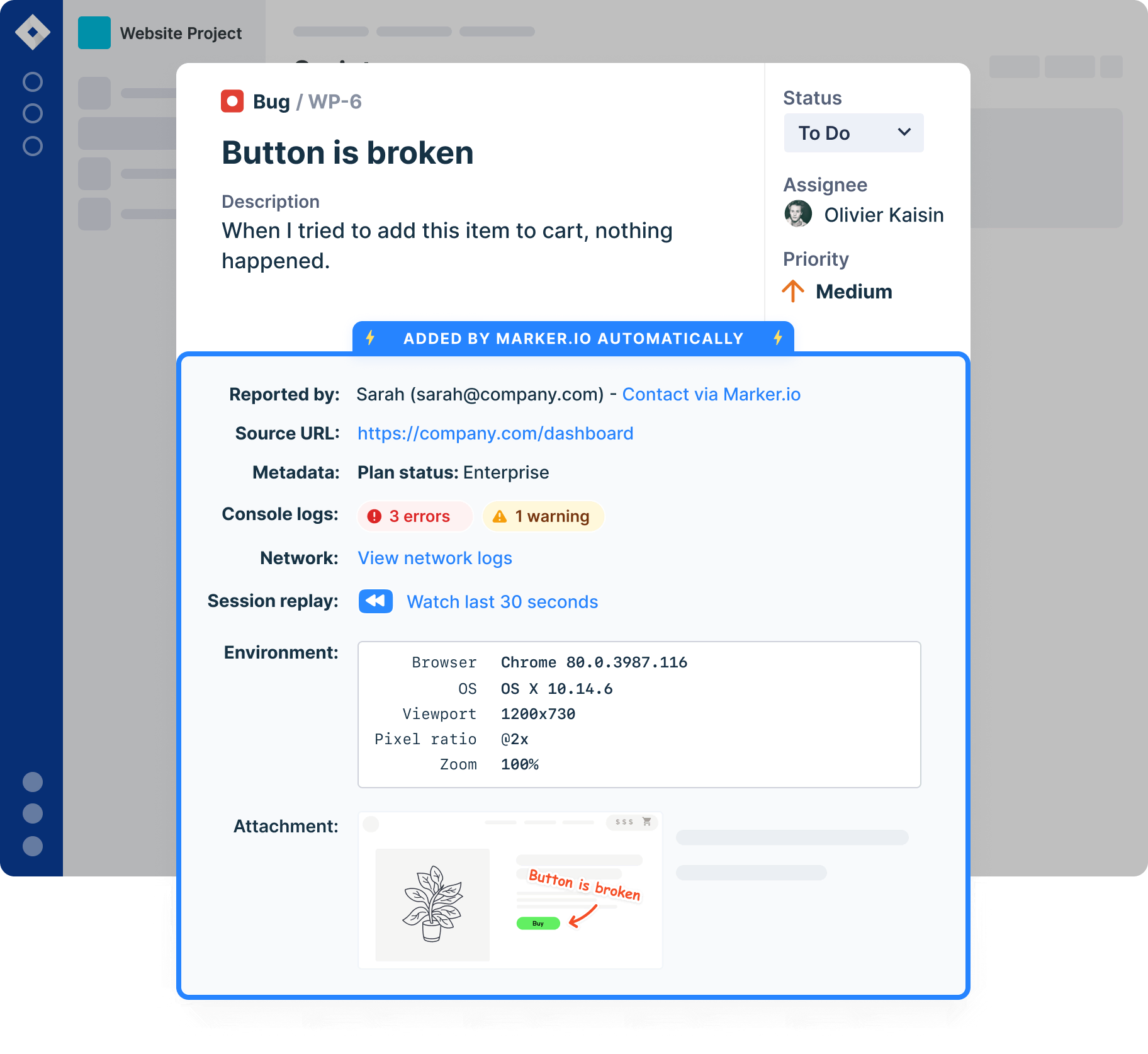
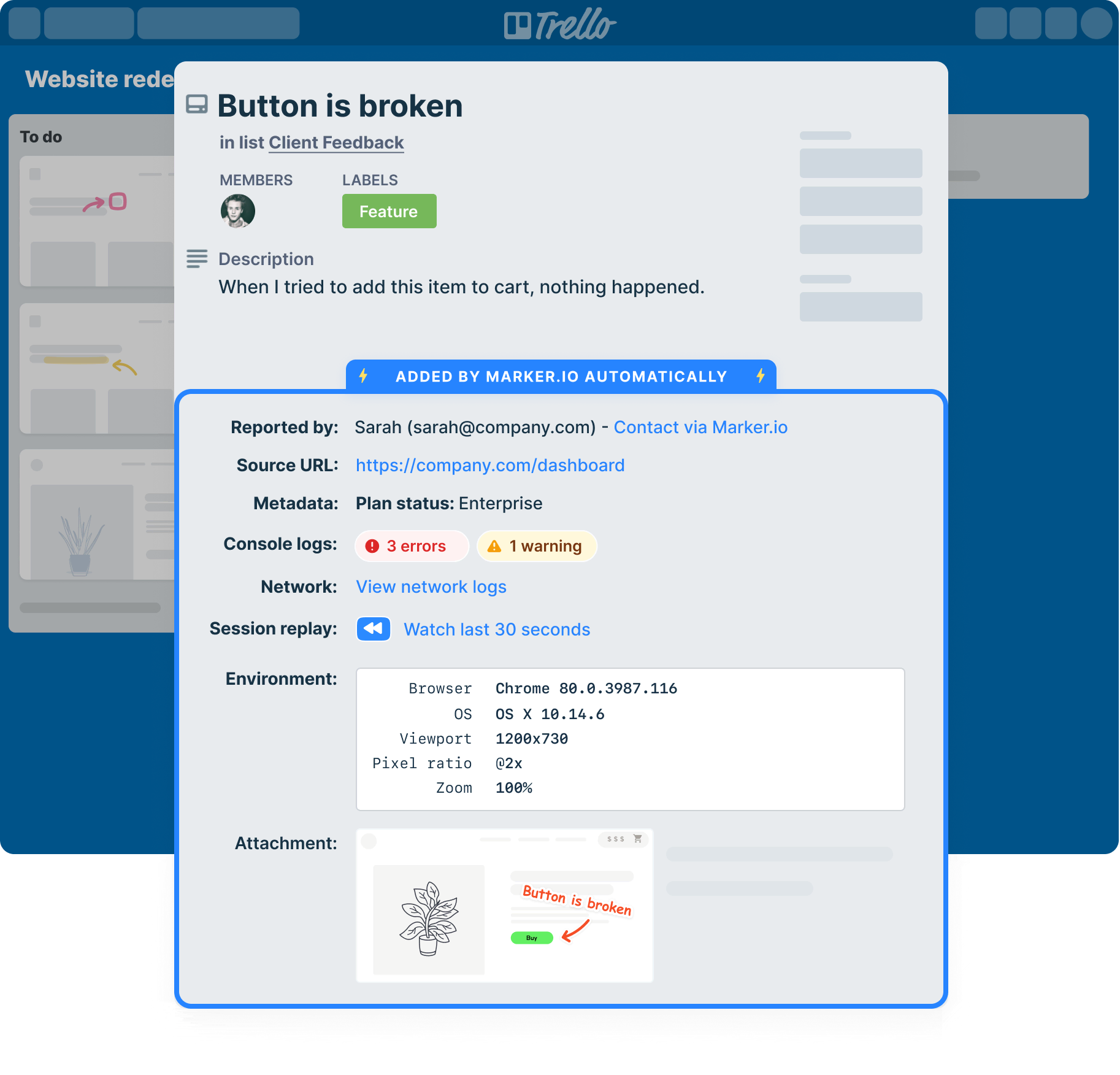
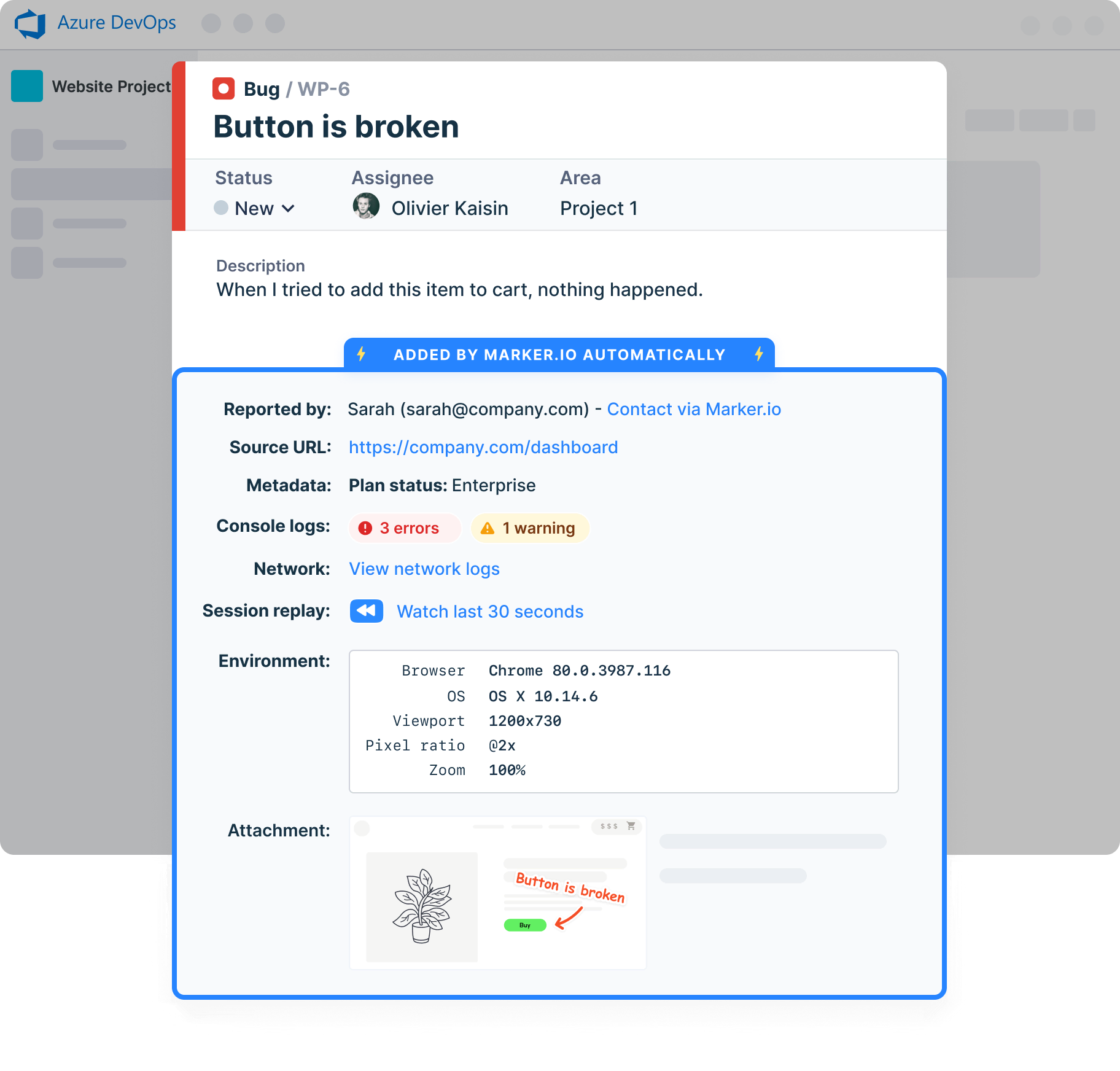
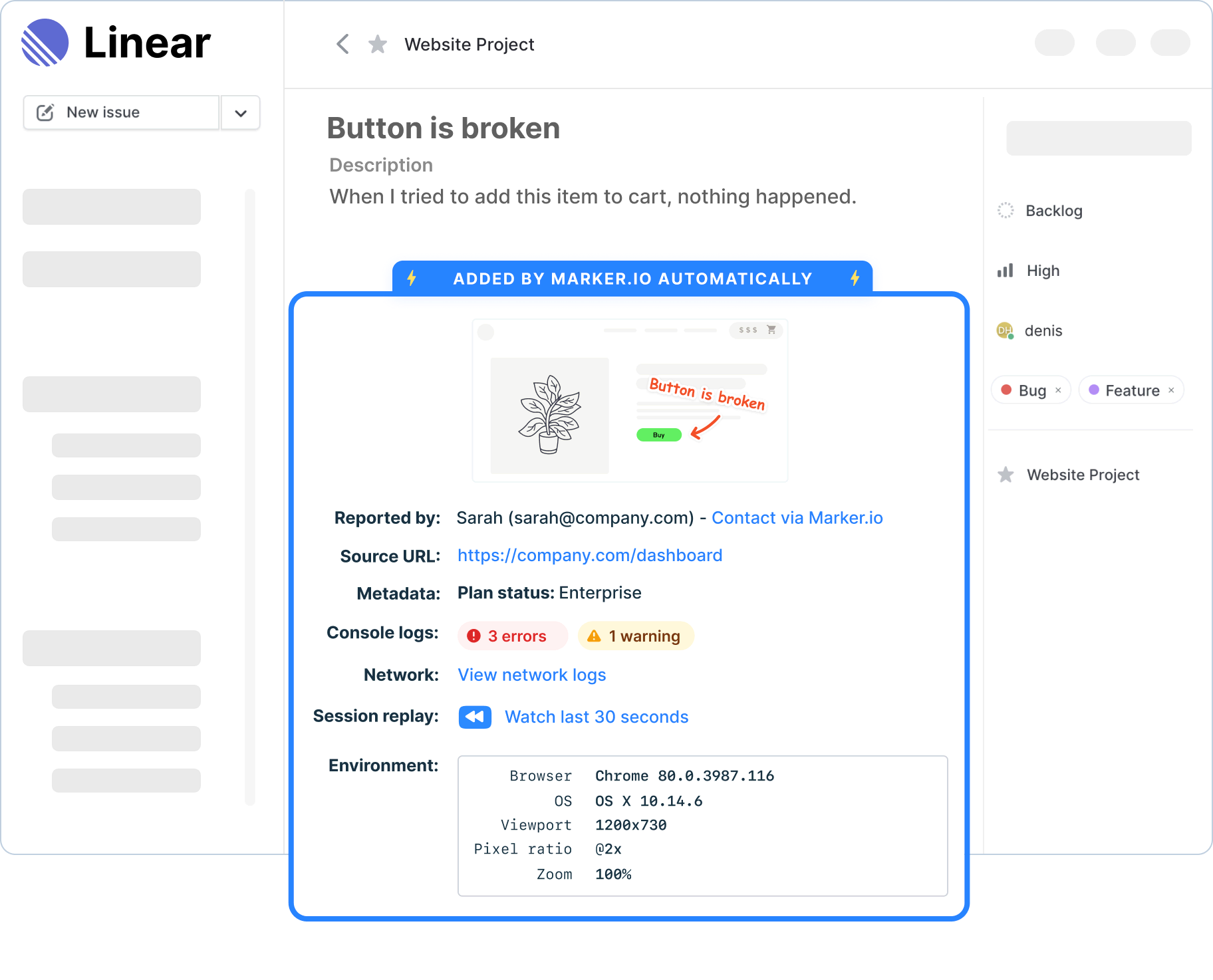
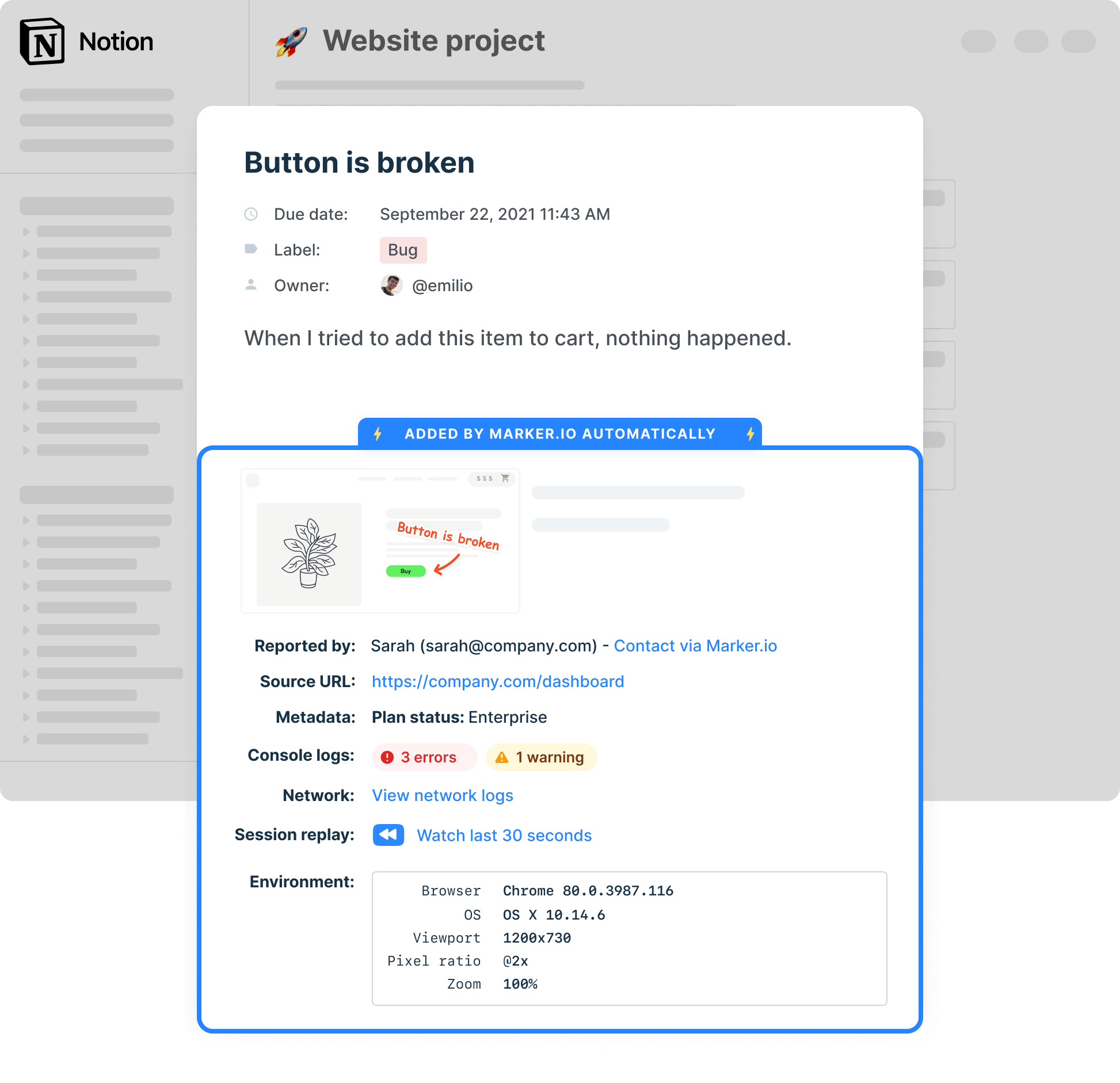
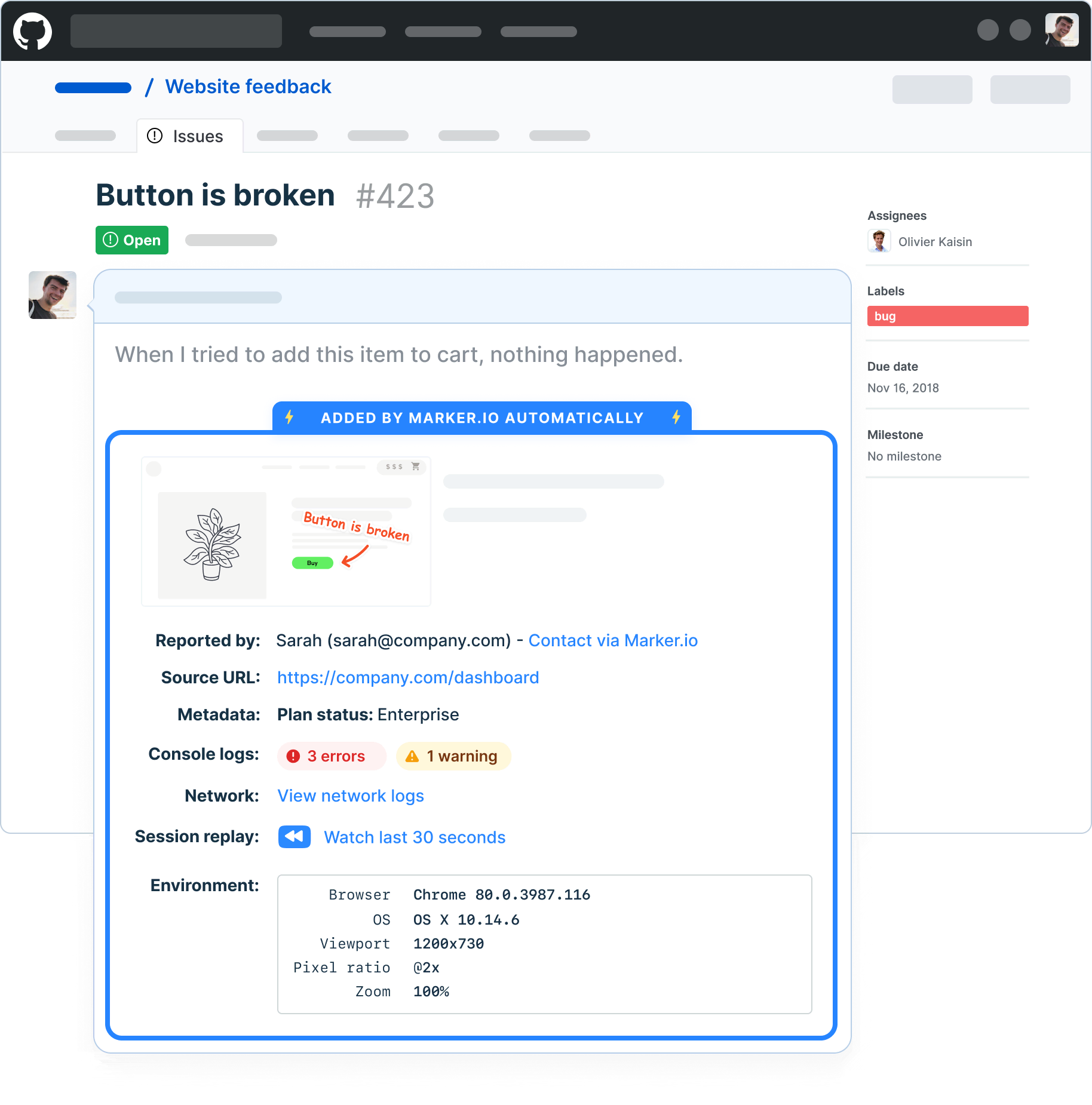
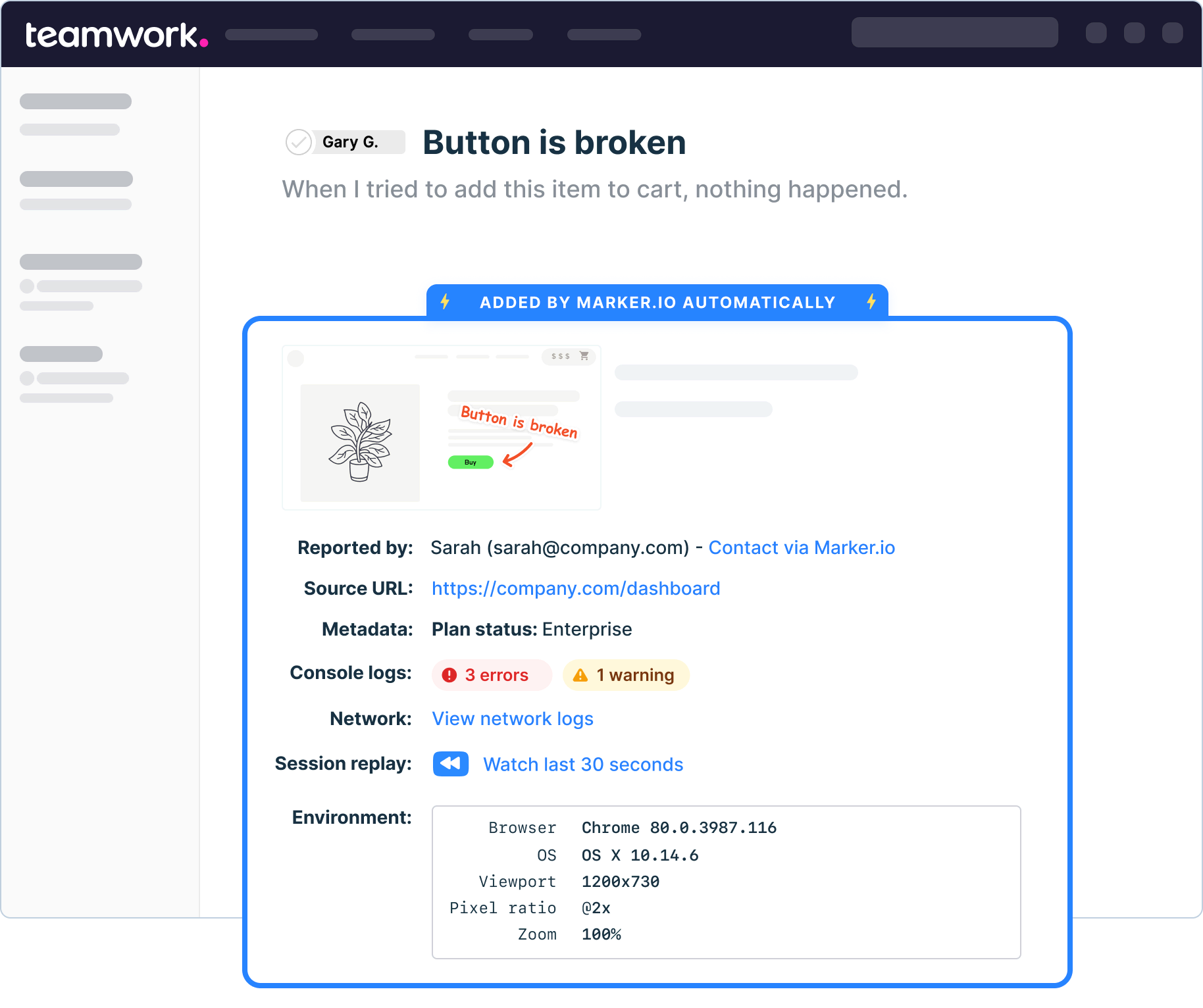
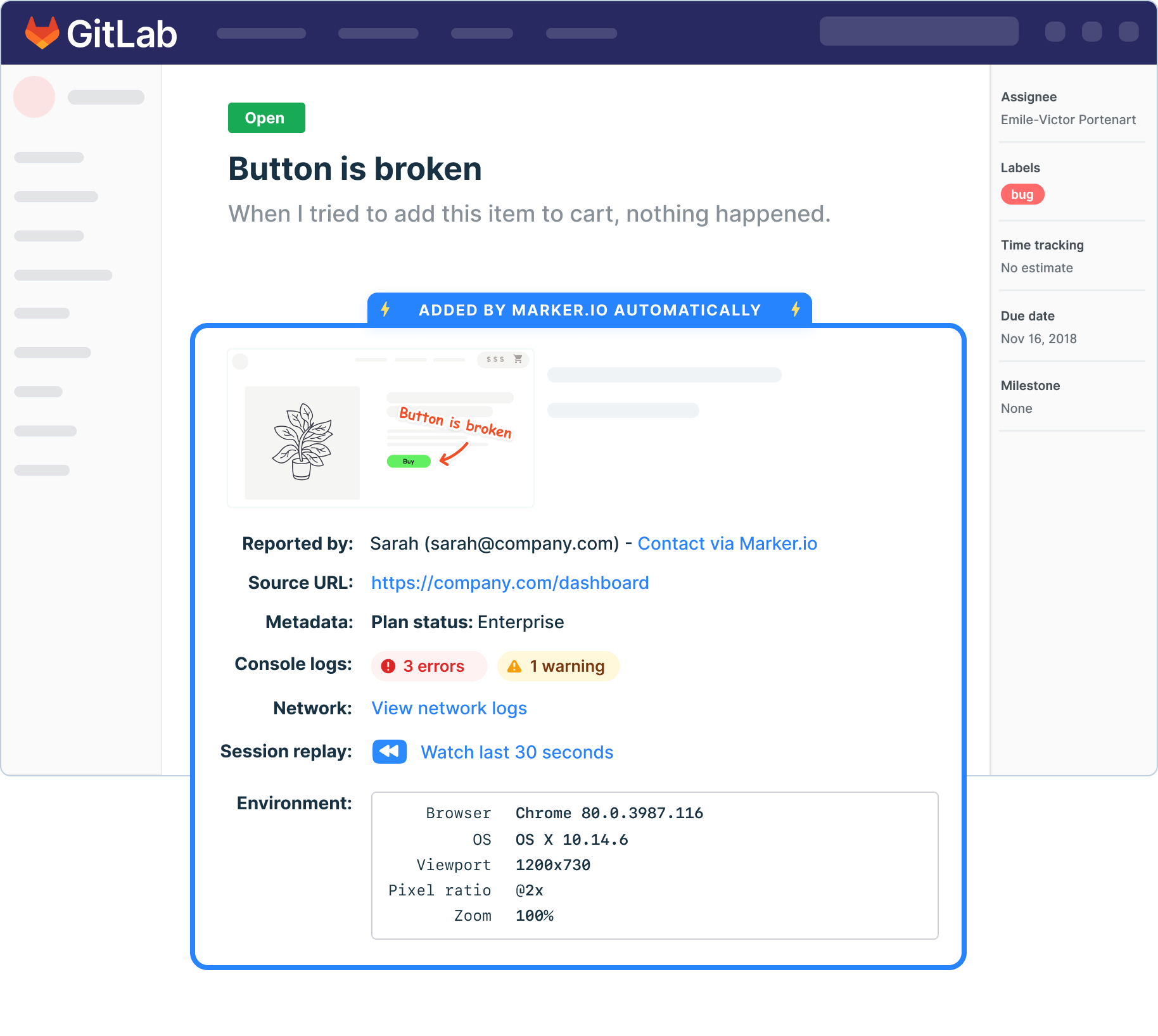
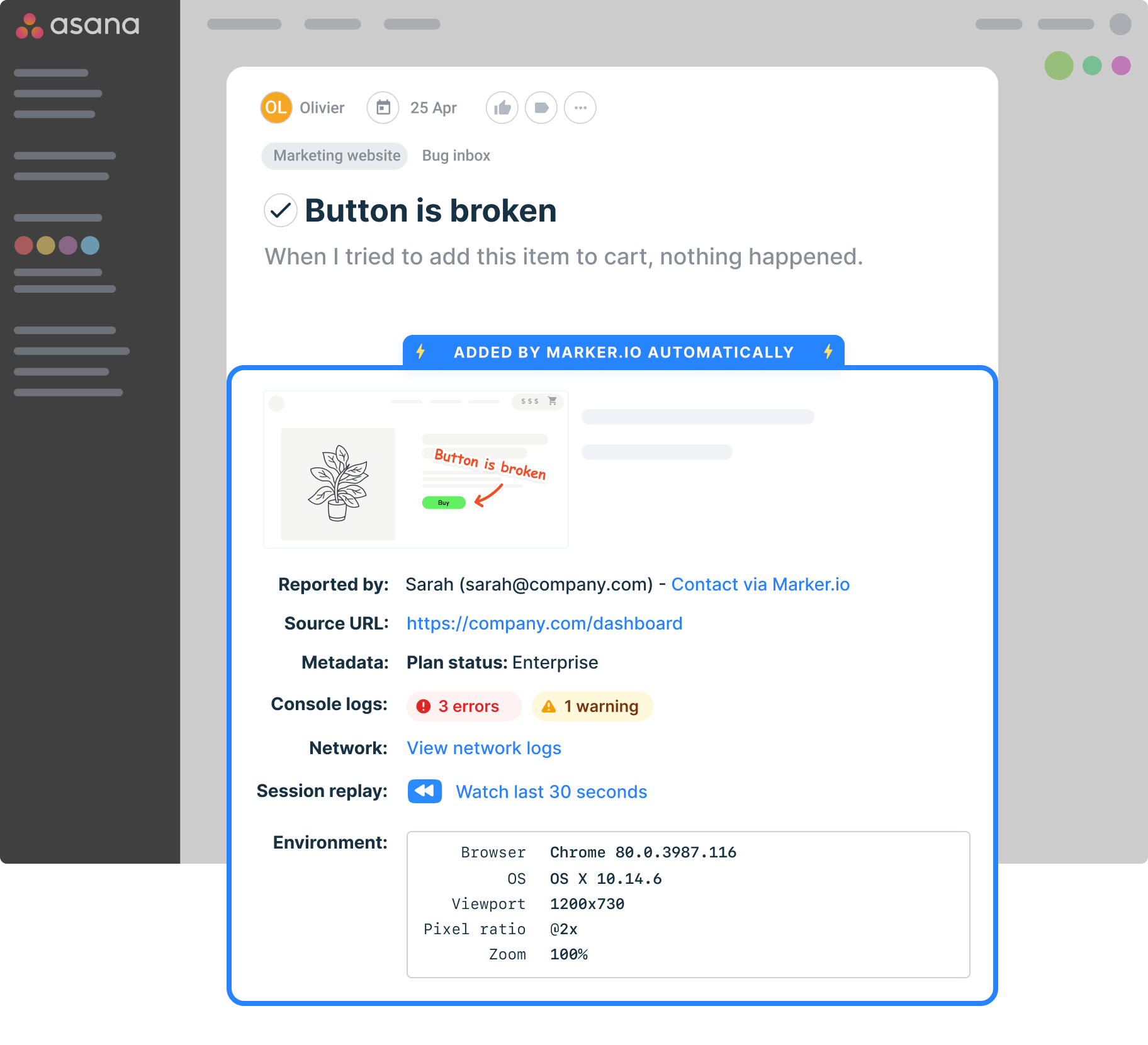
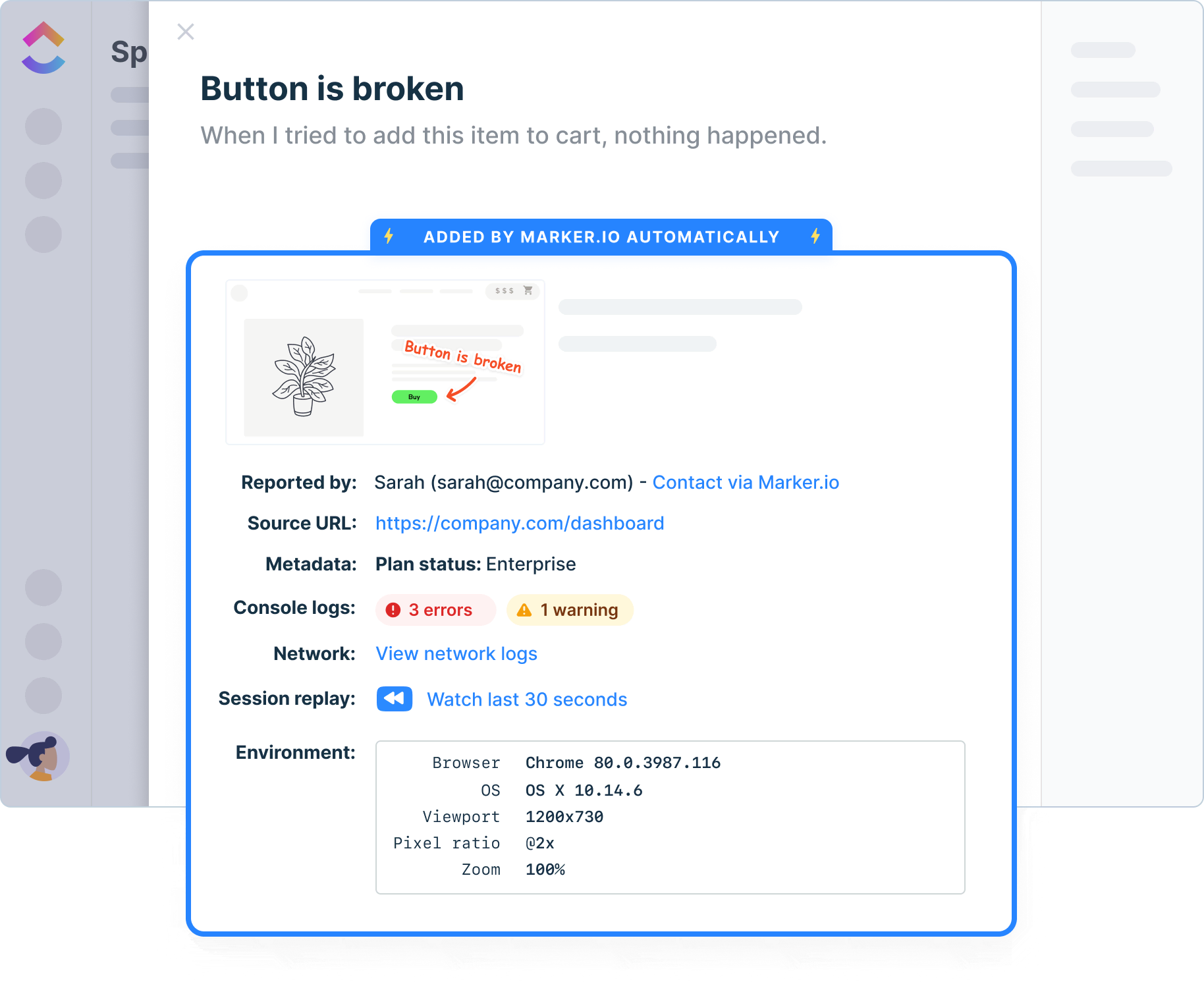
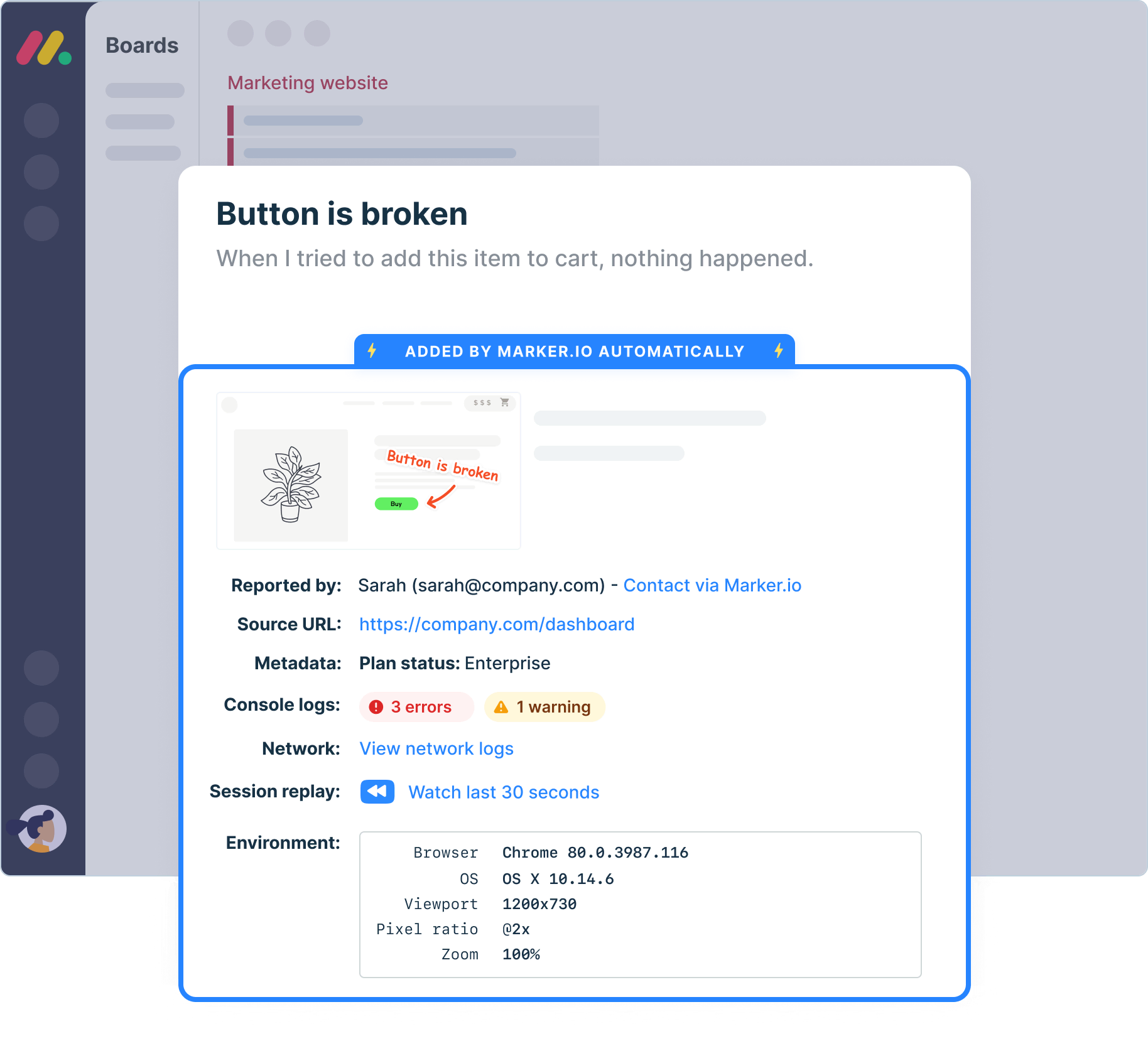
All the debugging context, attached automatically
Result: devs reproduce on the first try. The "can't reproduce, need more info?" back-and-forth mostly disappears.
Console + network logs
Captured with every report. No asking the reporter to open DevTools.
Full environment
Browser, OS, screen size, and the exact page URL, on every single report.
Session replay
Watch the clicks and scrolls that led to the bug occurence.
Captures everything automatically
Browser, OS, screen size, page URL, console logs, and network logs are attached to every report without the tester doing anything. Your developers have what they need from the first report.
Supports your full testing process
From exploratory testing and manual testing through to structured test cases and regression testing, Marker.io supports the entire QA cycle, not just one phase of it.
Keeps everyone in the loop
Clients, stakeholders, and external reporters stay updated through the guest portal and automatic status sync. No more chasing updates across email threads.
Set up Marker.io to catch issues at any stage
Make sure your site is ready while it's in production, or catch issues once it's live. Here are the ways you can implement Marker.io.
JavaScript snippet
Paste a single line of code into your site and Marker.io is live. It takes minutes, requires no build process, and works across web apps and multi-site environments. Once installed, the widget is available on every page so testers can report from anywhere without any additional setup.
Browser extension
Install the Chrome extension and start reporting bugs on any website – no code required. It’s the fastest way to get QA running on a live site, a client's site, or any page you don't control the codebase of. Ideal for QA engineers doing cross-browser testing or spot-checking in production.
WordPress plugin
Add Marker.io to any WordPress site directly from the plugin directory, with no developer help. The no-code installation works out of the box, making it the right choice for marketing teams, content editors, and agencies managing WordPress-based sites.
Deploy Marker in your favorite CMS
Install Marker on all existing CMS, including Wix, Shopify, Wordpress and other tools in the market. Handle issue reporting wherever you are with our QA testing tool.
Understand who is sending bug reports
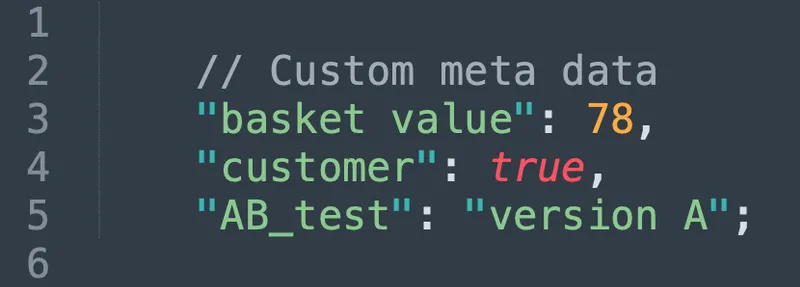
Use custom metadata to get more insights into your QA tool testers and reporters.
“Our developers can now see bugs through the reporters' eyes, with no information getting lost.”

“It's very nice to limit the form. Too many fields would confuse our clients and users. Now they just have the title and description.”

Track bugs and report them on any device
Collect user feedback from team members, QA testers, stakeholders, clients, or even customers on mobile, tablet, and desktop.
Watch what happened before a bug was filed
Session replay gives QA testers and developers the full picture, not just a screenshot of the moment something went wrong.
Record every session
Marker.io records user sessions. Rewind to watch what happened before an issue was reported.
Watch what happened
See every click, scroll, and interaction in the moments that led to a bug encounter.
Give vital context
Remove the guesswork and cut the back-and-forth between testers and developers.

“I love that we get a video of exactly what happened to our users”

Collect website issues in one source of truth
Don't ask your devs to adopt a new tool. Make sure all QA tester feedback arrives where your devs work, with all the information they need to reproduce bugs.
Get started now
Free 15-day trial • No credit card required • Cancel anytime
QA Tool FAQs
How much does it cost?
Plans start at $39/month (billed yearly) and include 3 team seats. People who report bugs are free and unlimited you only pay for team members who manage issues. Every plan has a 15-day free trial, no credit card required.
Does it work with our issue and bug tracker?
Yes. Jira, Linear, Azure DevOps, GitHub, GitLab, Trello, Asana, ClickUp, Monday.com, Notion, and Teamwork. Issues sync both ways, so statuses stay current without copy-pasting.
How long does setup take?
Minutes. Paste a one-line snippet into your site, or install the Chrome extension. There's no build process. If your testers can use a website, they can use Marker.io. No training needed.
Can AI coding tools use the reports?
Yes. Marker.io ships an MCP server: connect Claude Code, Cursor, or VS Code, and AI agents can pull a bug's screenshot, console logs, and network traces, then update the issue as they fix it. Included free on every plan.
Is our data secure?
Data is hosted in the EU, encrypted in transit and at rest, GDPR-compliant, and built to SOC 2 standards. Details on our security page.