
Introducing Edit field labels
Customize how fields appear in the Marker.io widget. Rename labels to match your reporters’ language without changing Jira, Azure DevOps, ClickUp, or other connected tools.


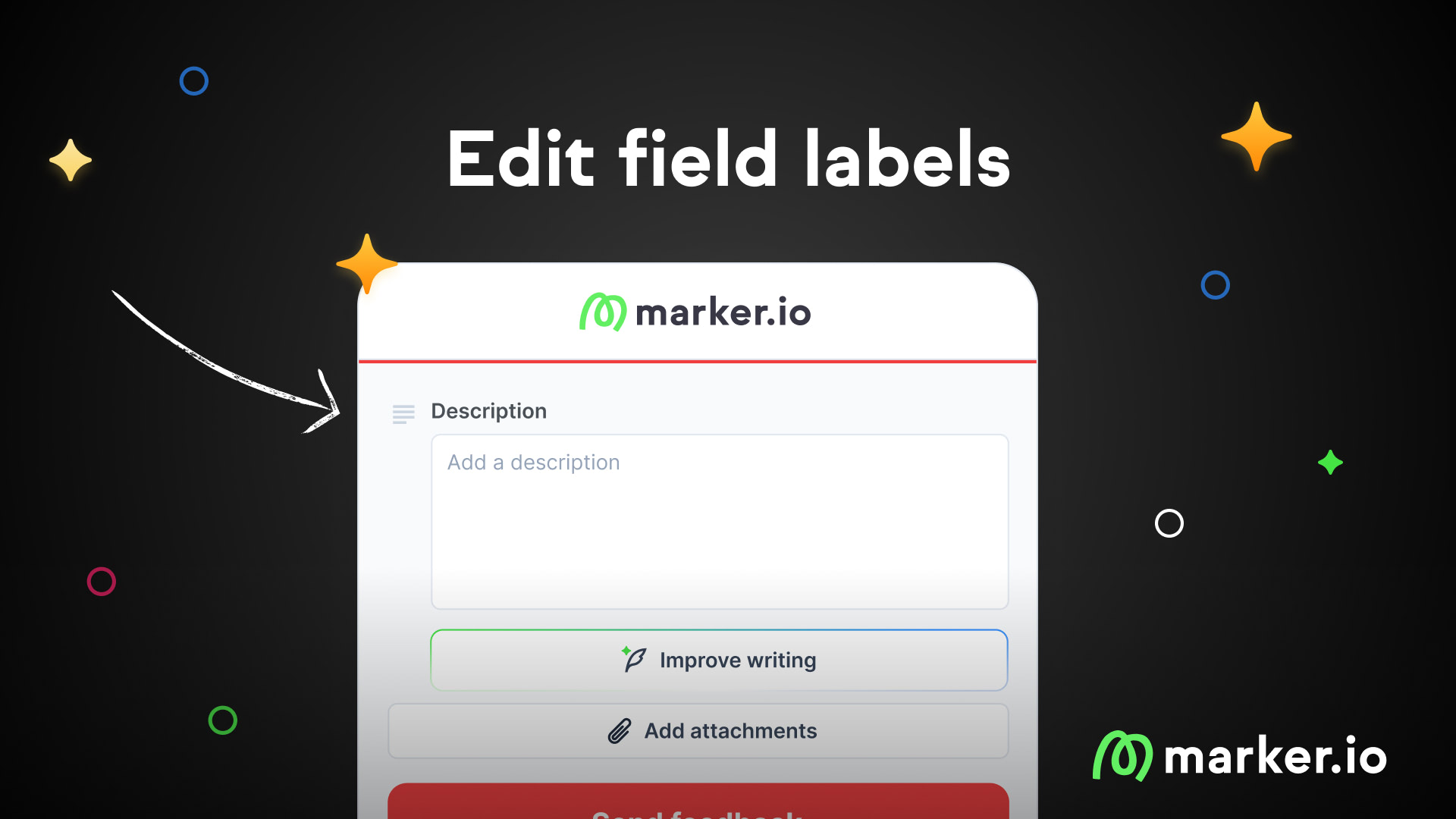
Introducing Edit field labels
Customize how fields appear on your widget without changing anything in your connected tools.
We're launching Edit Field Labels, a feature that lets you rename any field displayed on the Marker.io widget. Your connected tools stay untouched, only the label your reporters see changes.
Make your widget speak your reporters' language
Technical field names from integrated tools often confuse reporters. Terms like "Repro Steps" or "Submitted by" make sense to your development team, but leave reporters stuck and unsure what to enter.
When reporters get confused, they abandon the feedback process entirely.
With Edit Field Labels, you control what reporters see. Rename "Repro Steps" to "What happened?" or add context like "Title (Include Department Name)". Your team gets structured data in the right fields. Your reporters get a widget they understand.
What's new
- Custom field labels: Rename any field shown in the widget through a simple text edit
- Integration: Custom labels only affect the widget display. Field names and data mapping in Jira, Azure DevOps, ClickUp, and other tools remain unchanged
- Widget translation: Use custom labels to translate your entire widget into any language
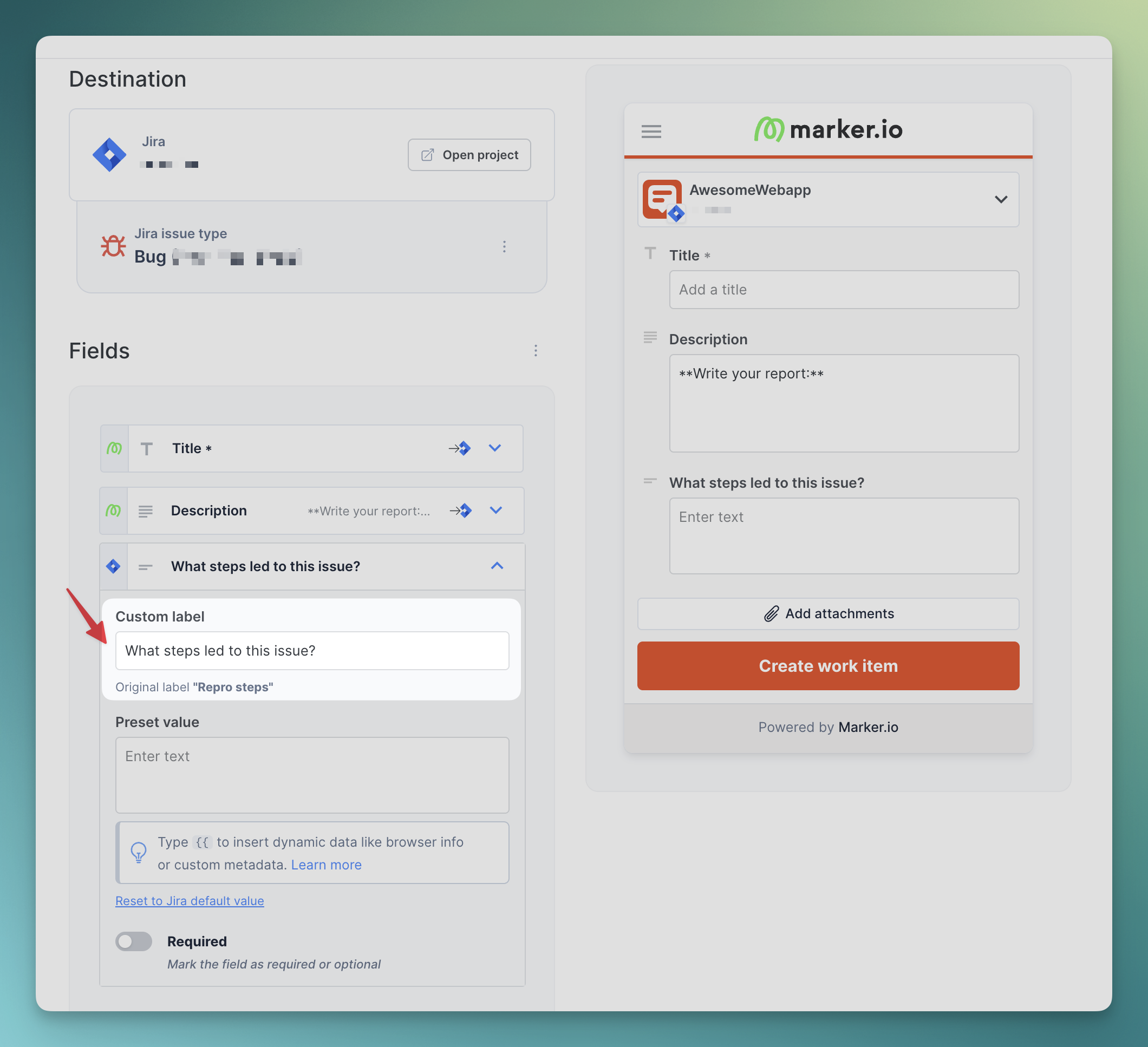
Examples
Before: Repro Steps (required)
After: What steps led to this issue?
Before: Title
After: Title (Include Department Name)
How to enable
Edit Field Labels is available now for all users:
- Go to your Dashboard →Website's project → Widget → Form
- Click the edit icon next to any field label
- Enter your custom label
- Save your changes
What should I do now?
Here are three ways you can continue your journey towards delivering bug-free websites:
Check out Marker.io and its features in action.
Read Next-Gen QA: How Companies Can Save Up To $125,000 A Year by adopting better bug reporting and resolution practices (no e-mail required).
Follow us on LinkedIn, YouTube, and X (Twitter) for bite-sized insights on all things QA testing, software development, bug resolution, and more.
Emile-Victor Portenart
Emile-Victor is Marker.io's CPO. Passionate about design and film photography.
Related blog posts

Get started now
Free 15-day trial • No credit card required • Cancel anytime