
Introducing Dynamic Variables
Turn website feedback into structured data using Dynamic Variables. Map reporter, browser, environment, and custom metadata directly to Jira, Linear, ClickUp, Notion, and more.


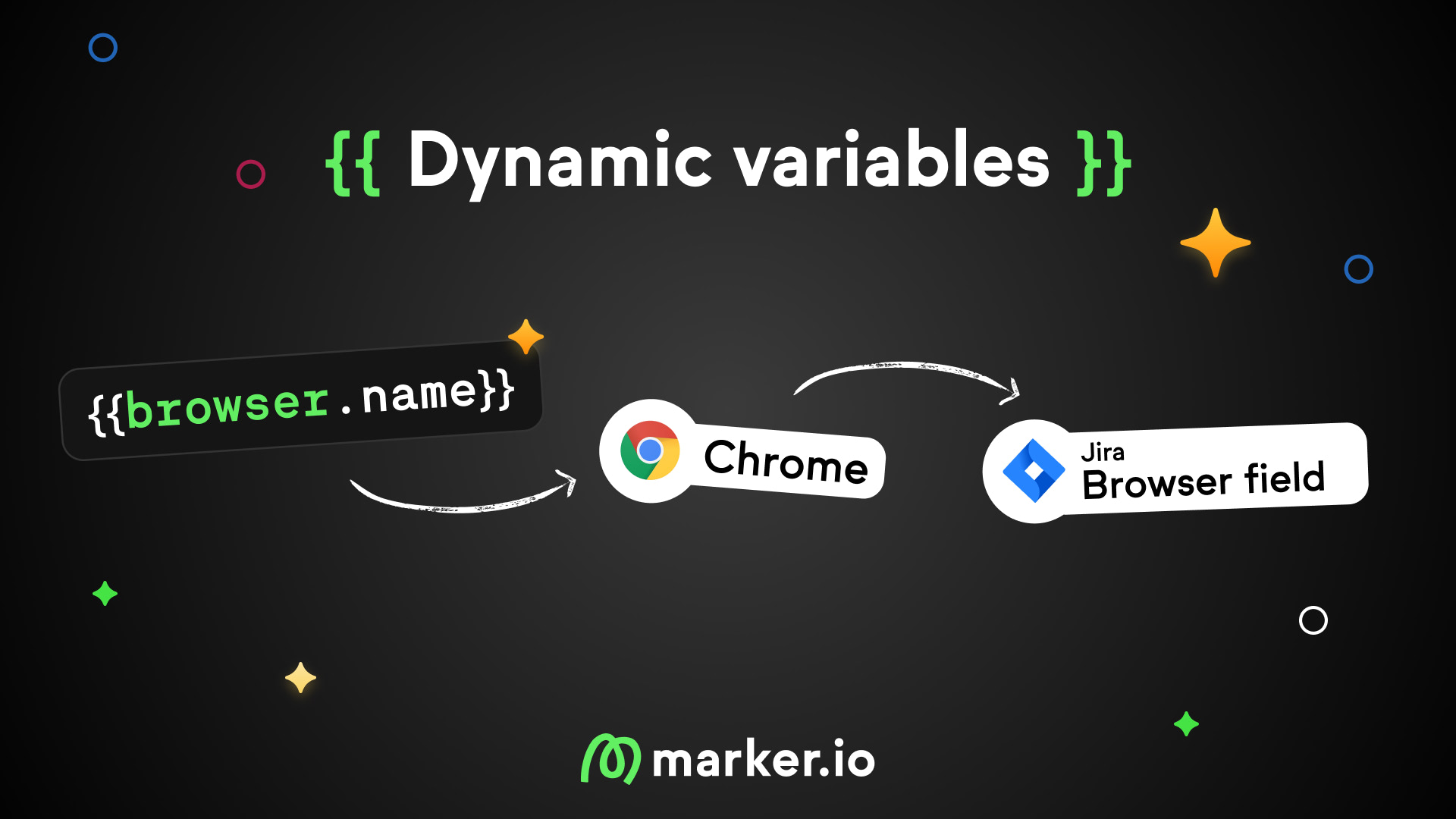
Map reporter data, browser info, and custom metadata directly to fields in your integrations. No more buried context in issue descriptions.
We're launching Dynamic Variables, a new feature that lets you map Marker.io data to custom fields in Jira, Linear, ClickUp, Notion, and other integrations.
Use the {{VARIABLE}} syntax anywhere in your field mapping to populate structured data automatically when issues are created.
Turn feedback into structured data
Technical metadata in issue descriptions is hard to use. You can't filter by browser, build dashboards by reporter, or trigger automations based on device type.
Dynamic Variables solve this by letting you map any Marker.io data directly to custom fields in your integration. Reporter email goes to a "Reported By" field. Browser version goes to an "Environment" field. Your data lands where your workflows expect it.
What's new
Variable syntax:
- Use
{{VARIABLE}}in any custom text field mapping to insert dynamic data
Standard variables:
- Map reporter email, browser, OS, screen size, device type, and issue type out of the box
Custom metadata:
- Map any variable set through the JavaScript API using
{{metadata.yourVariable}}
All integrations supported:
- Works with Jira, Linear, ClickUp, Notion, Asana, and all other integrations
Graceful fallbacks:
- Missing or null values are handled cleanly without breaking issue creation

Examples
1. Auto-routing by reporter:
{{reporter.email}}
Include reporter email in descriptions or fields. Your Jira automation routes issues to the right team member.
2. Support context with custom data:
User ID: {{customData.userId}} Plan: {{customData.account.plan}} Company: {{customData.company.name}}
Support sees account context instantly. No lookup needed.
3. Timestamp for SLA tracking:
Reported at: {{date.iso}}
Machine-readable timestamp for automation rules and SLA calculations.
4. Audit trail for compliance:
Reported: {{date.iso}} by {{reporter.name}} ({{reporter.email}})
5. Environment info in custom fields:
{{environment.multiline}} or {{environment.oneline}}
Map to a dedicated "Environment" field. Keeps descriptions clean while capturing full technical context.
Teams report fewer clarification messages per bug. The context travels with the issue.
How to enable
Dynamic Variables is available now for Team plans and above.
- Go to your Dashboard → Website's Project → Widget → Forms
- Select your form.
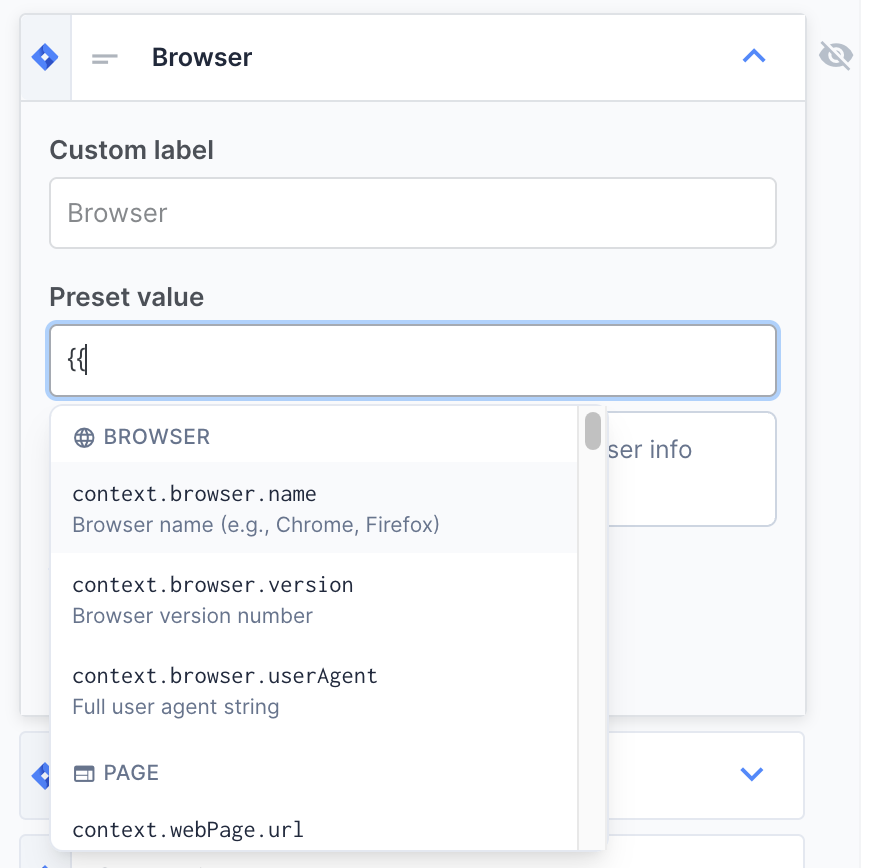
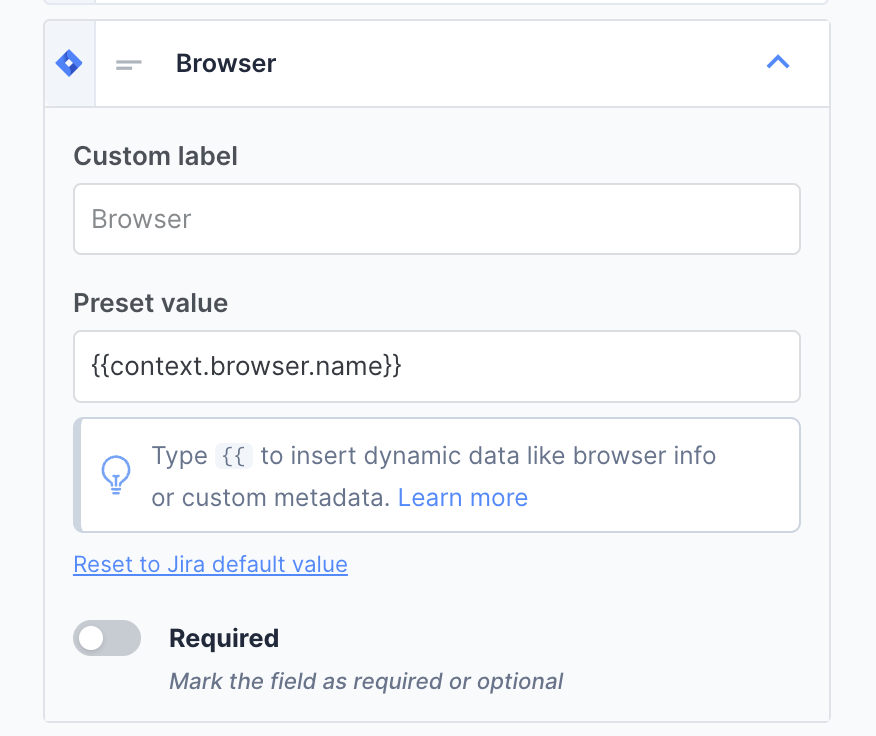
- In field mapping, type
{{to open the variable picker - Select the variable you want to map to each field.
Documentation
What should I do now?
Here are three ways you can continue your journey towards delivering bug-free websites:
Check out Marker.io and its features in action.
Read Next-Gen QA: How Companies Can Save Up To $125,000 A Year by adopting better bug reporting and resolution practices (no e-mail required).
Follow us on LinkedIn, YouTube, and X (Twitter) for bite-sized insights on all things QA testing, software development, bug resolution, and more.
Emile-Victor Portenart
Emile-Victor is Marker.io's CPO. Passionate about design and film photography.
Related blog posts



Get started now
Free 15-day trial • No credit card required • Cancel anytime