
#1 alternative to Capture for Jira (by Zephyr)
Marker.io helps you collect website feedback and data-rich bug reports, directly inside Jira.

“Capture for Jira is so unreliable. Marker.io just works!”
Marker.io vs. Zephyr Capture for Jira
Key differences


Collect feedback from your clients and team members directly on your websites.
Push feedback into your favorite tools like Trello, Jira, and more.
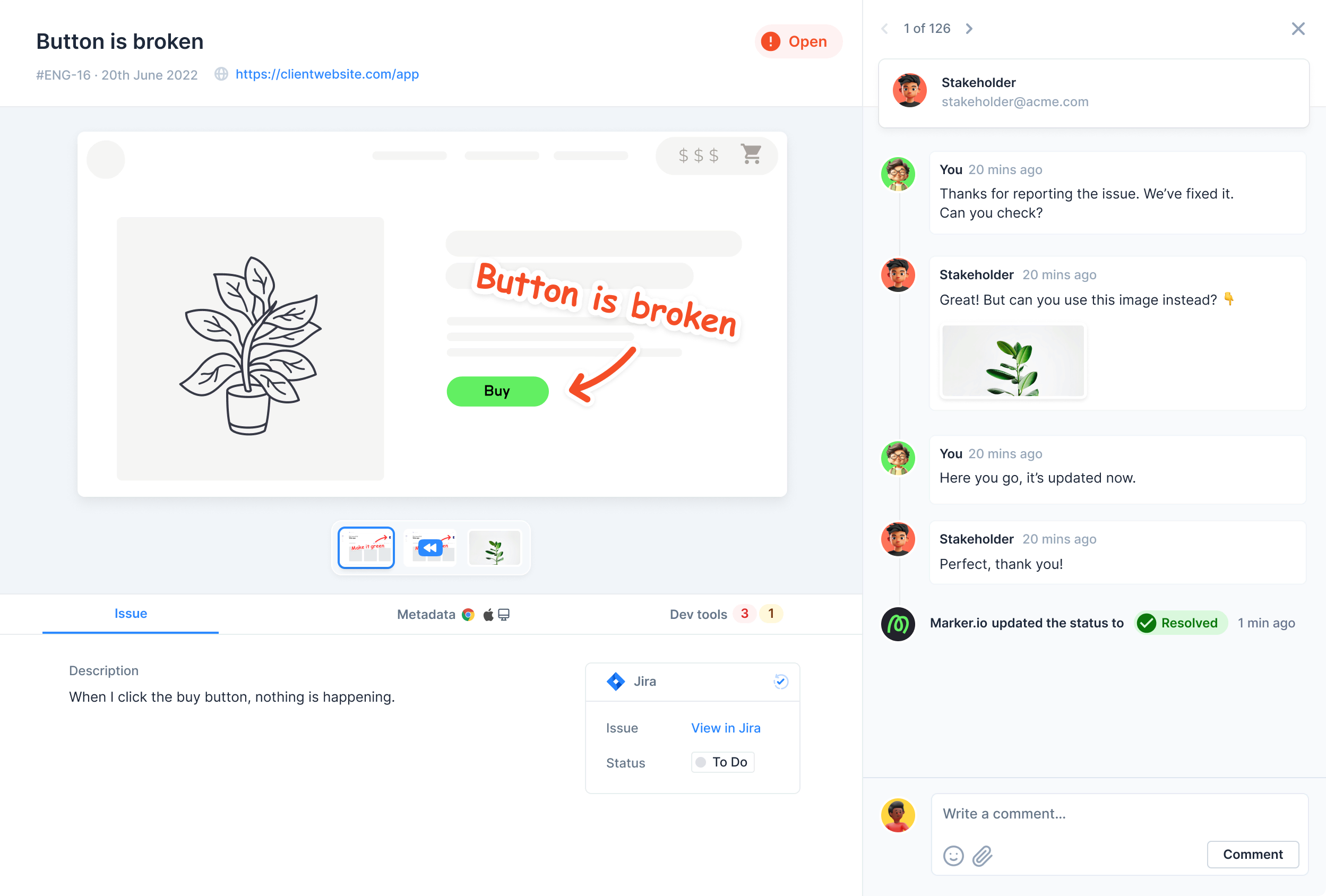
Synchronize statuses, issue fields and comments between Marker.io and your favorite tools like Trello, Jira, ClickUp, Asana, GitHub, and more.
All your fields from your favorite tools are pulled into your Marker.io widget forms, even custom fields.
Replay a video of what reporters did before submitting feedback.
Notify guests automatically when your developer closes an issue in your project management tool like Trello, Jira, ClickUp, Asana, GitHub, and more.
Keep client communication organised and sync everything back into your issue tracker automatically.
Trigger different forms for your internal team and your customers. Cover QA testing, UAT & user feedback with only 1 tool.
Userback charges you extra per new project your create. With Marker.io, all plans come with unlimited projects!

“Marker.io changed how we report website feedback. No more screenshots laying around my desktop.”
Integrate with all your favorite tools
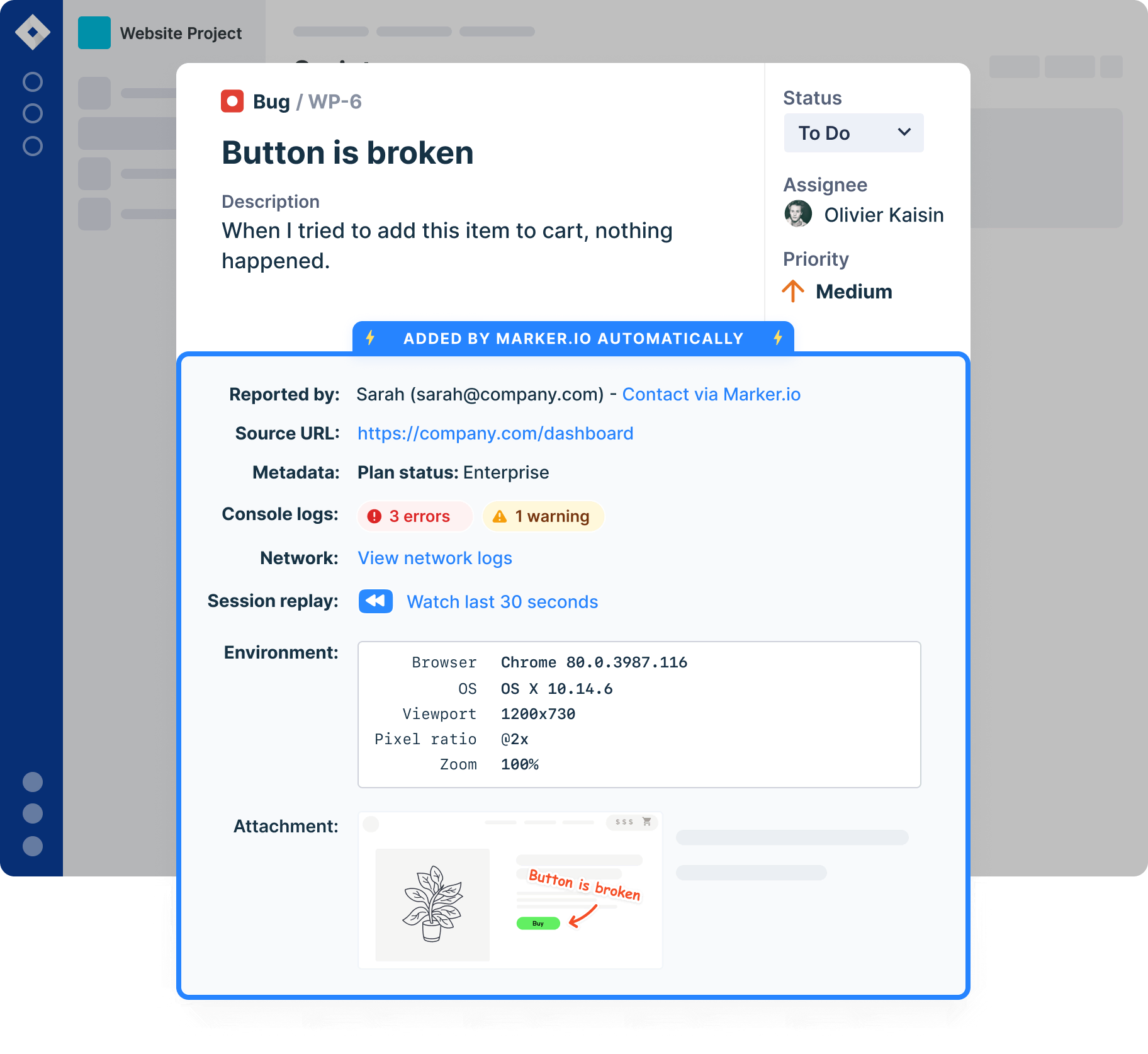
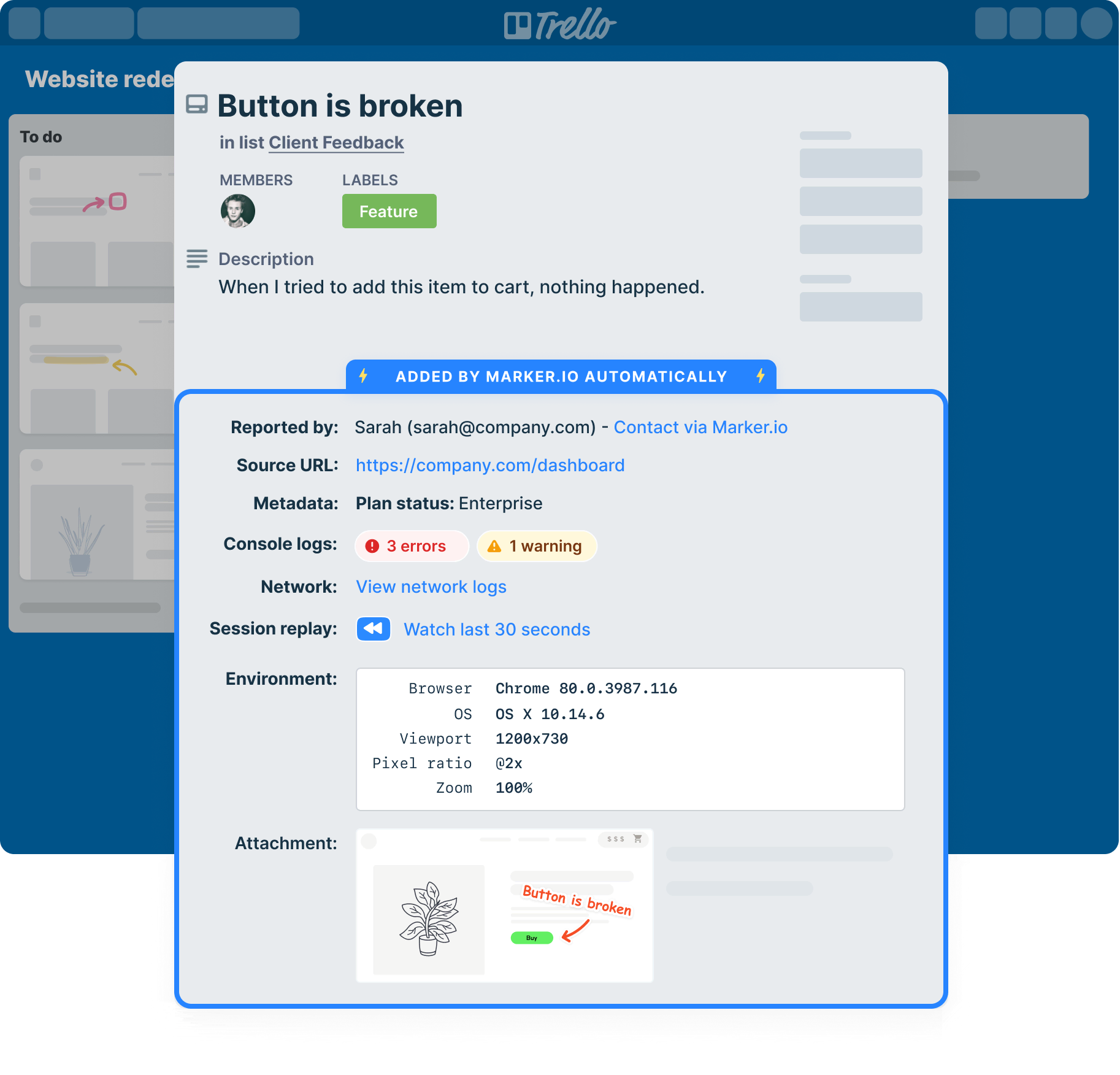
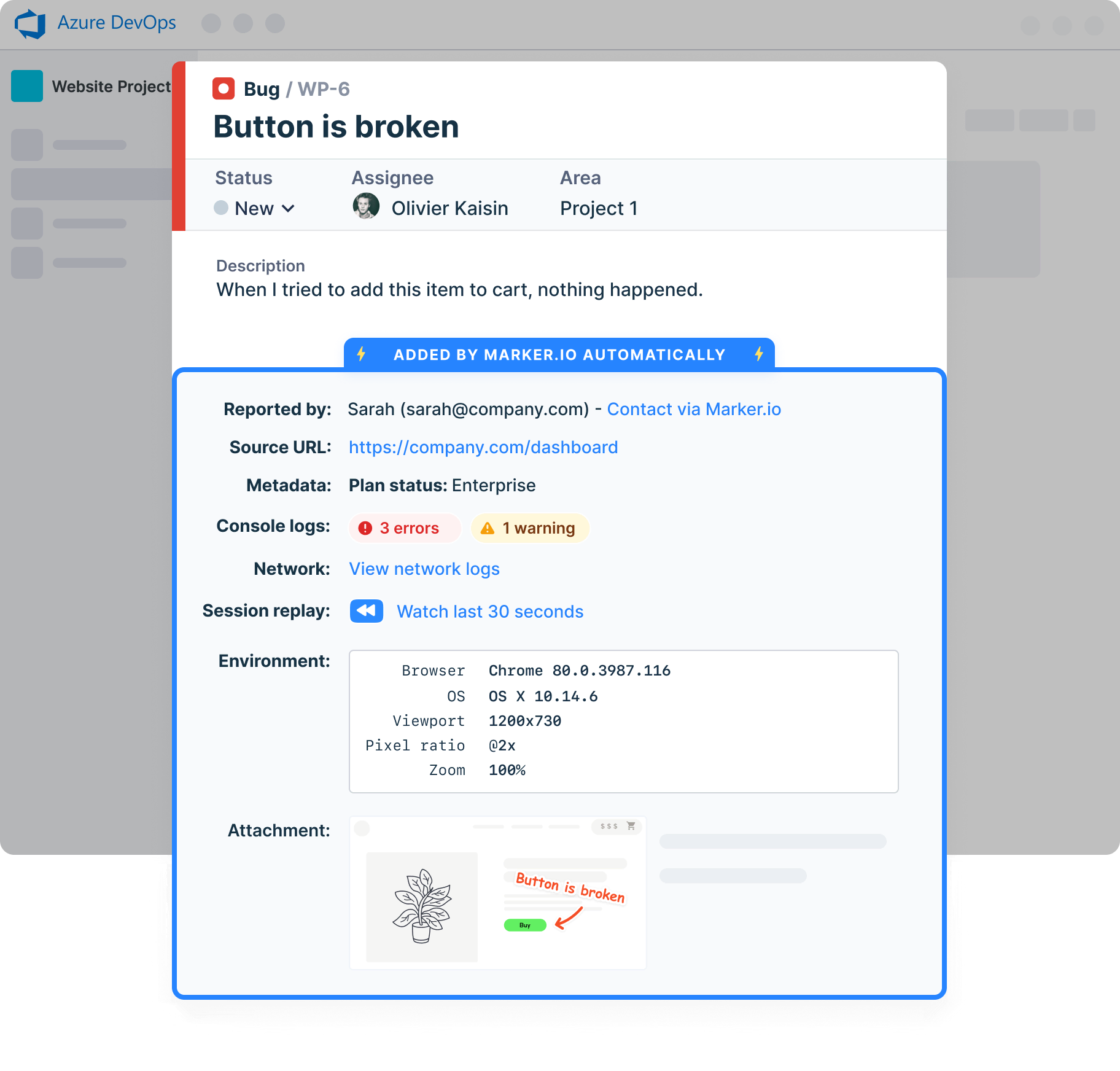
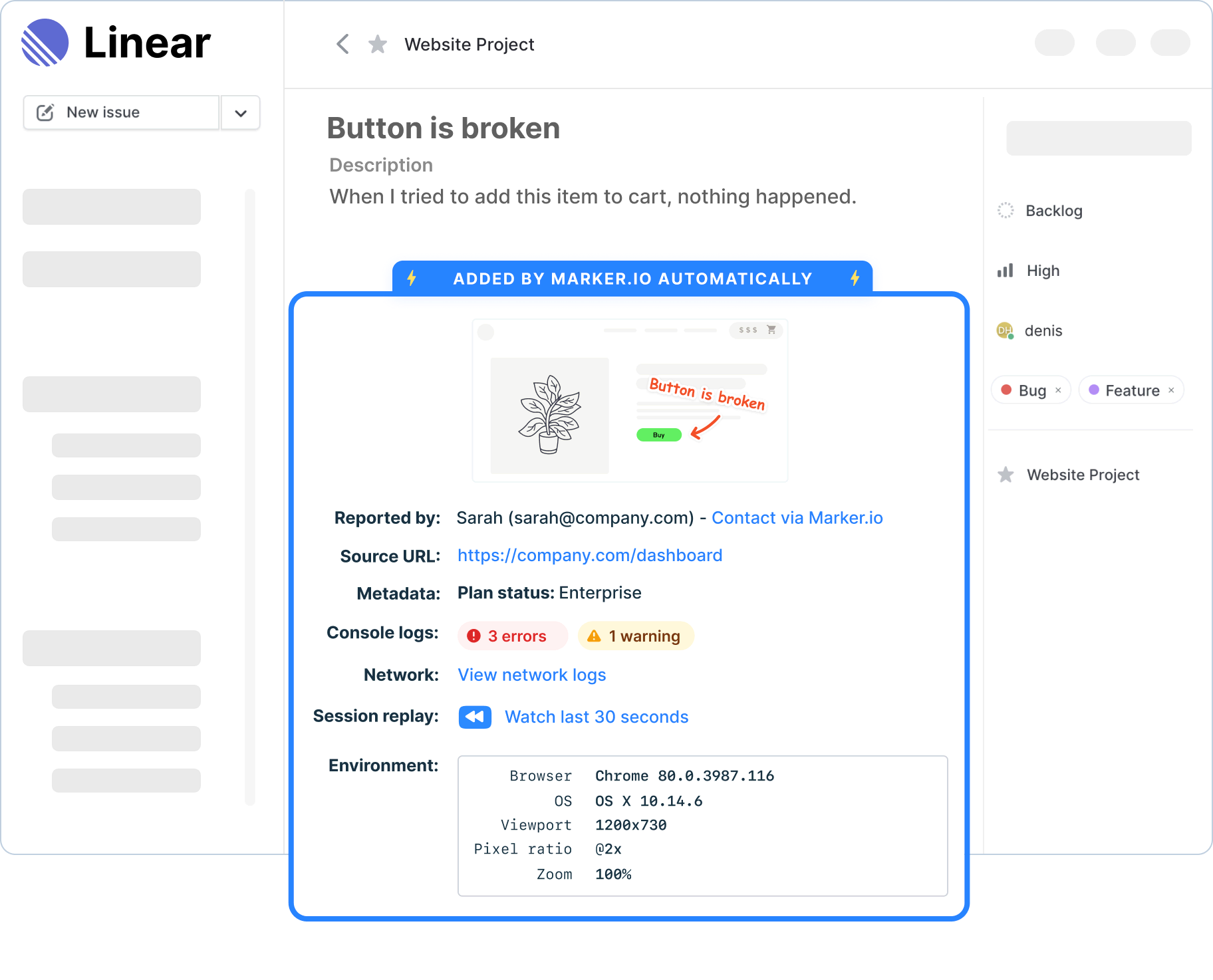
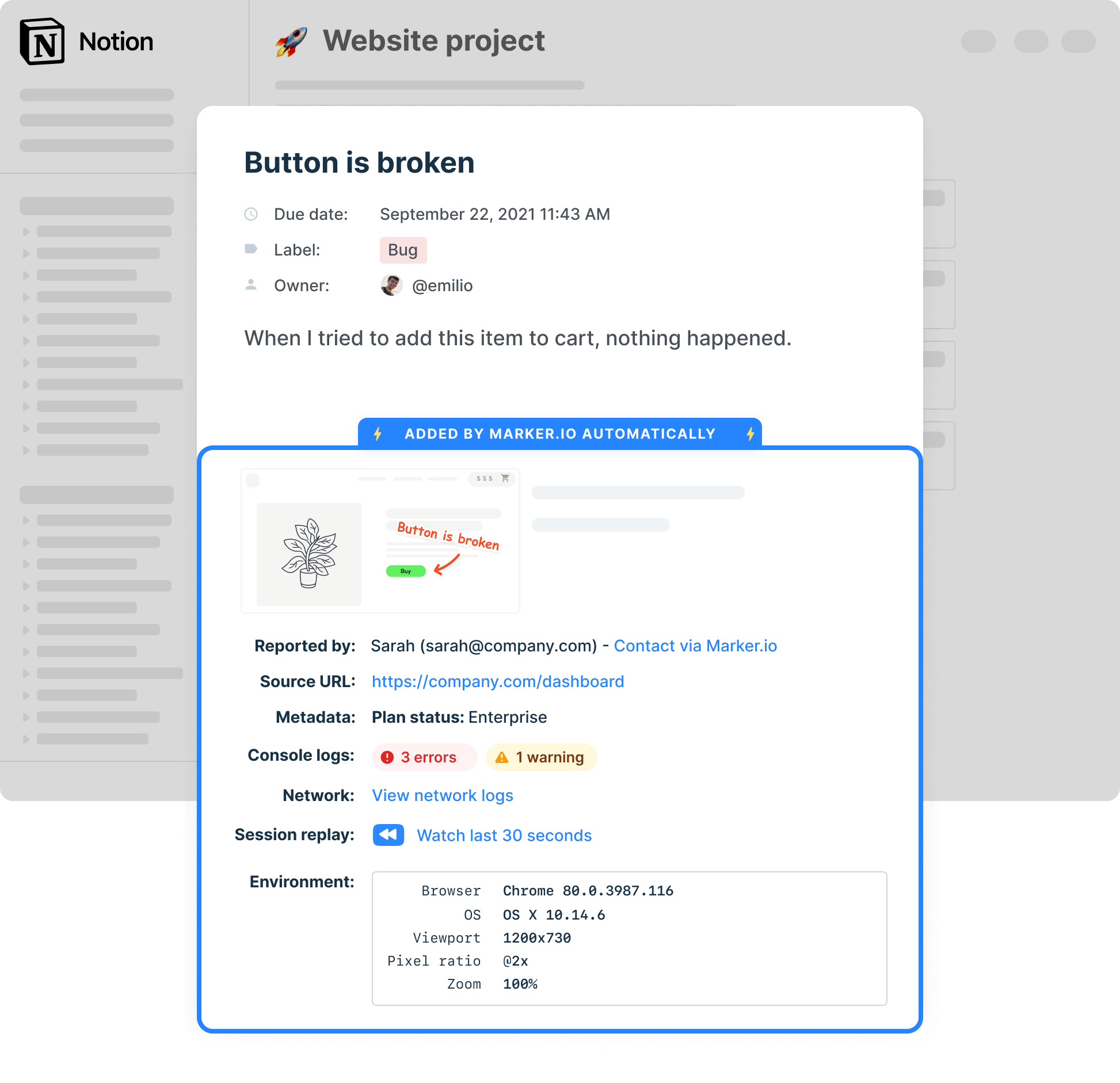
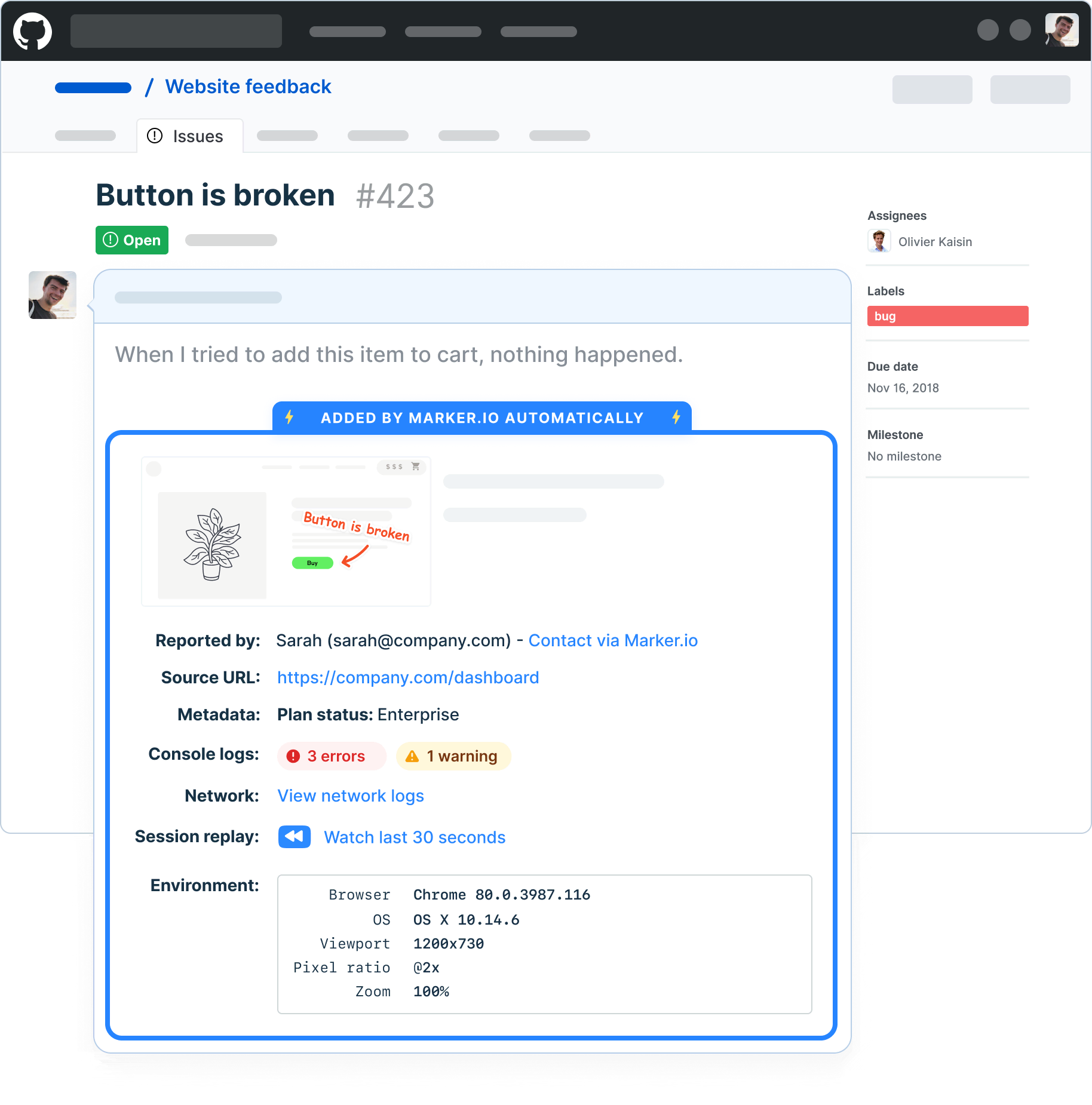
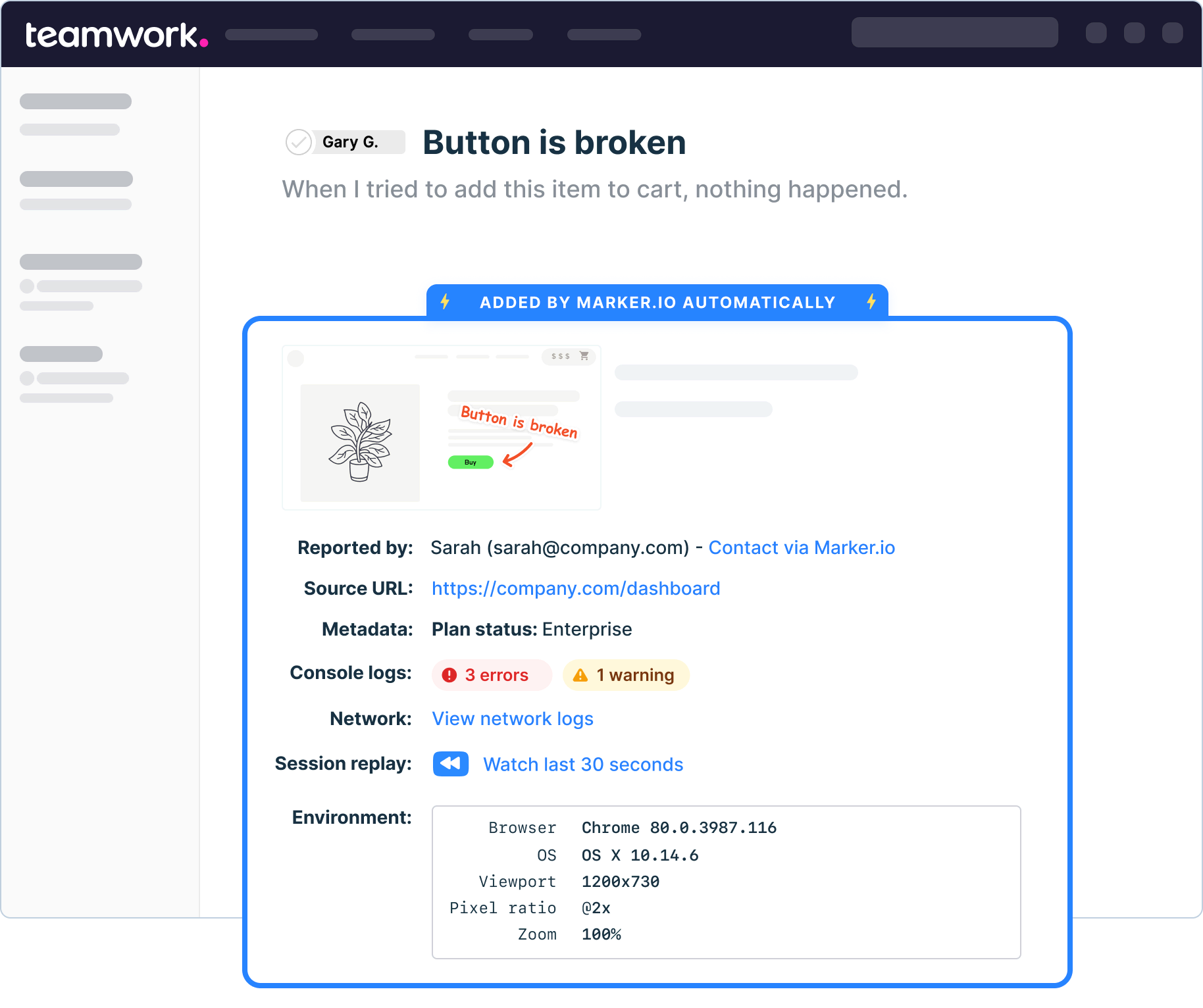
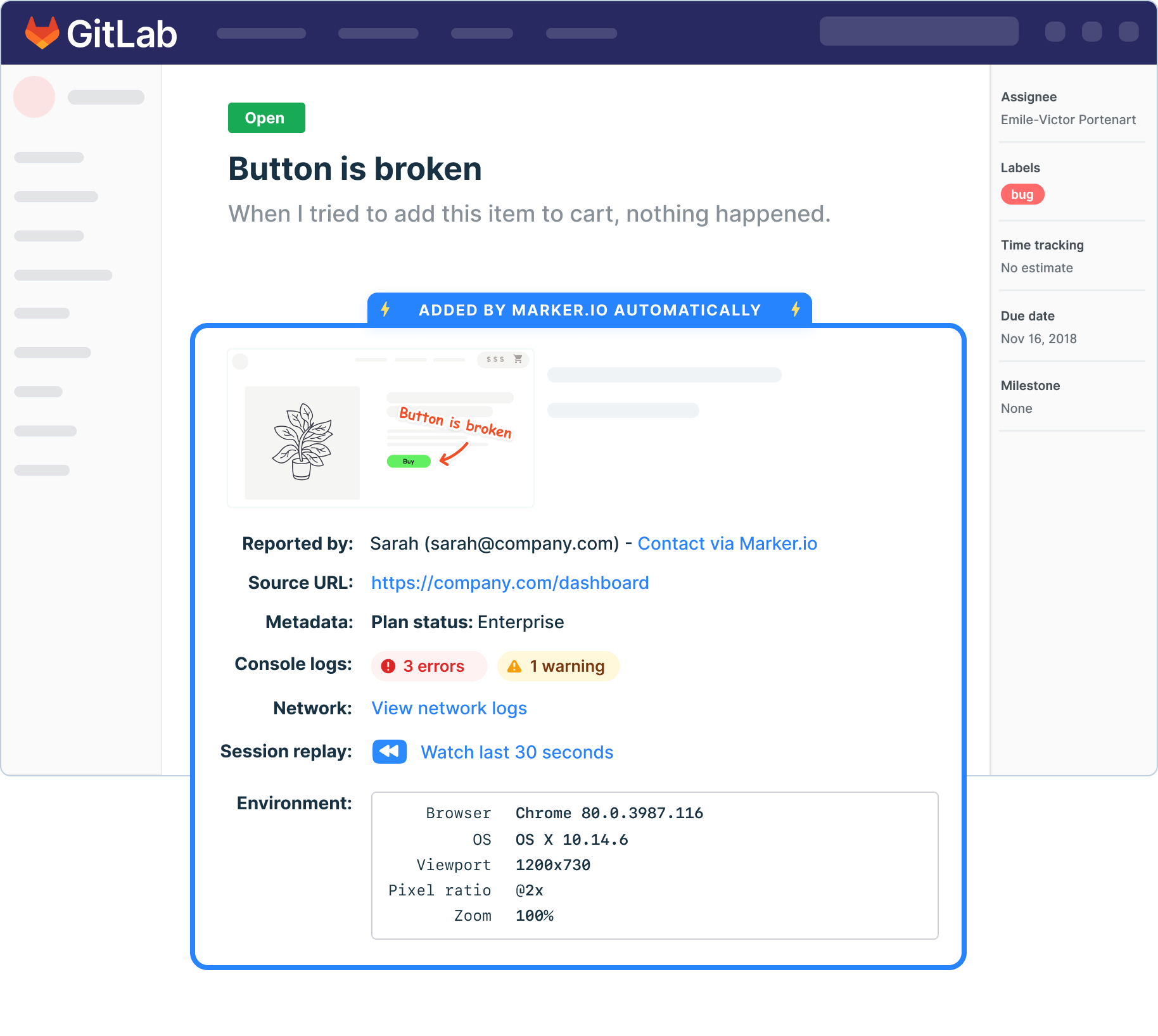
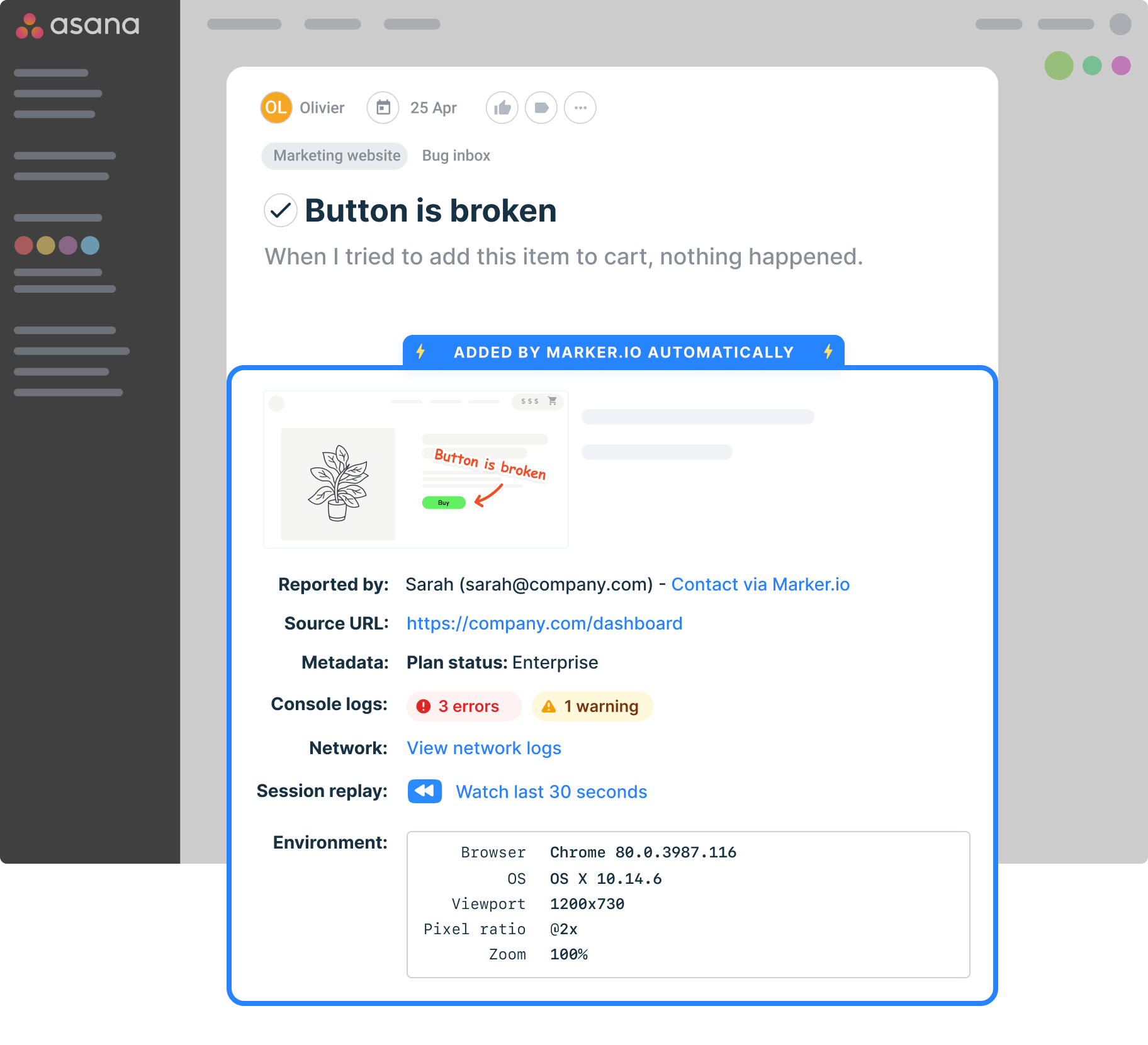
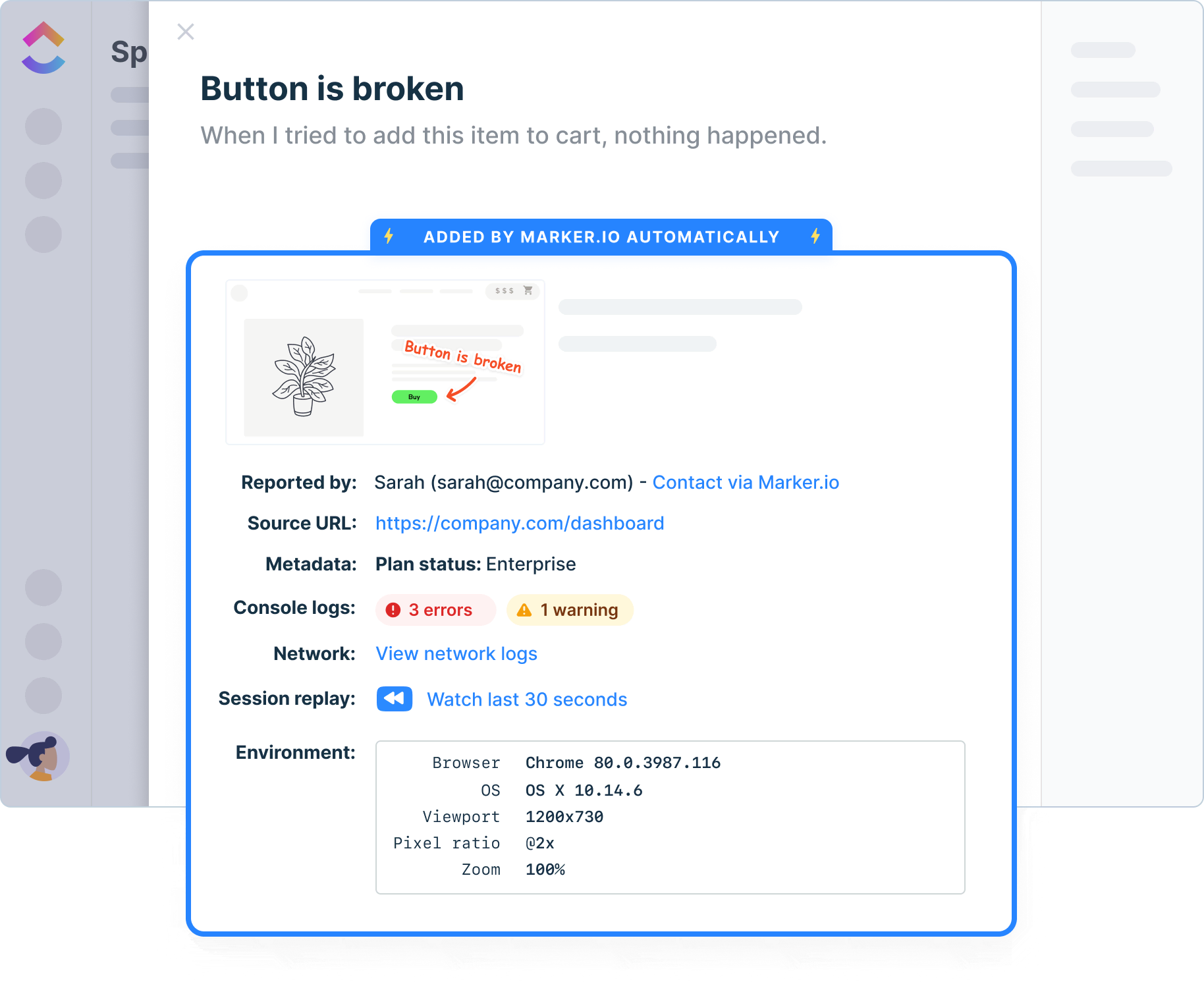
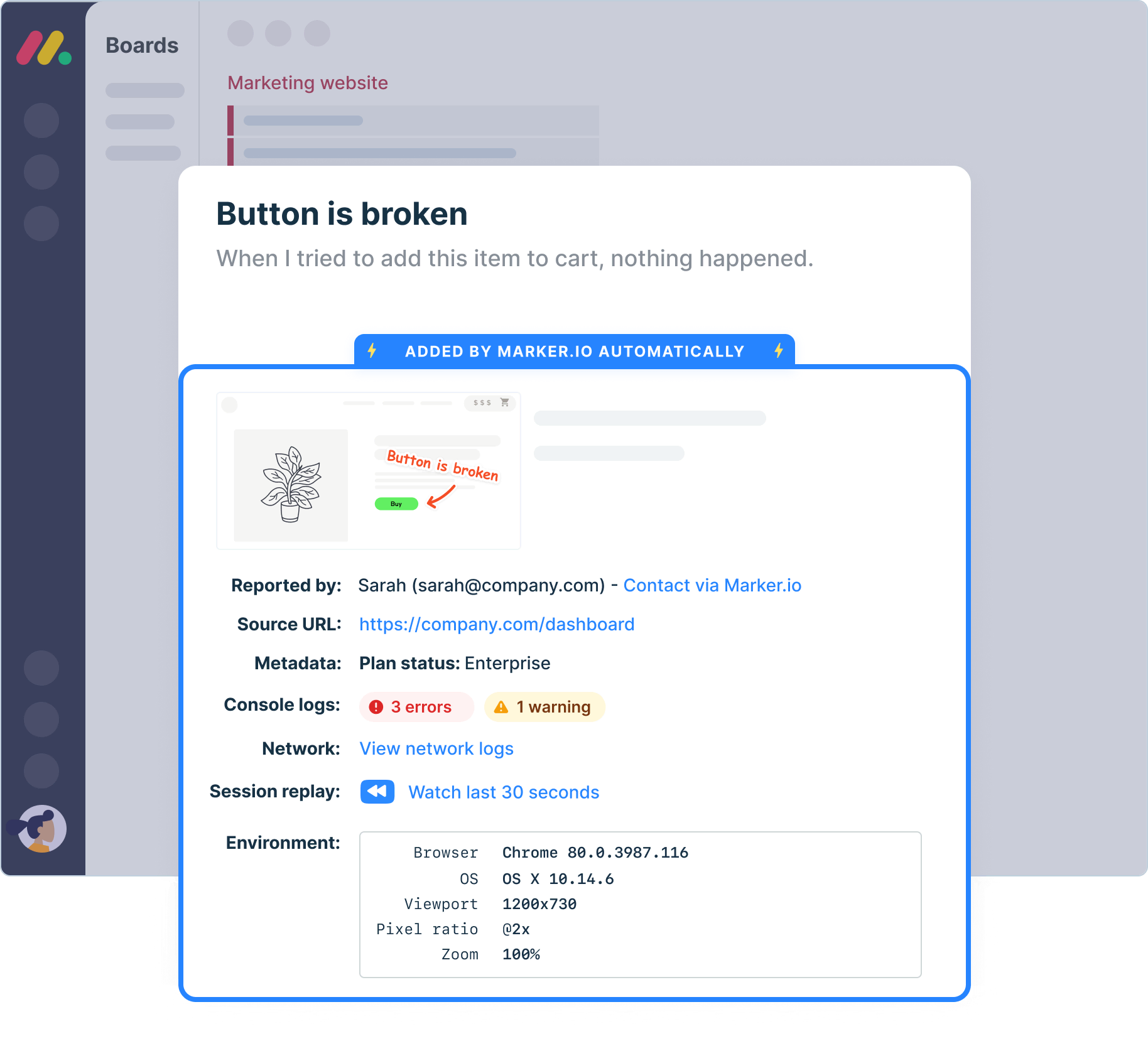
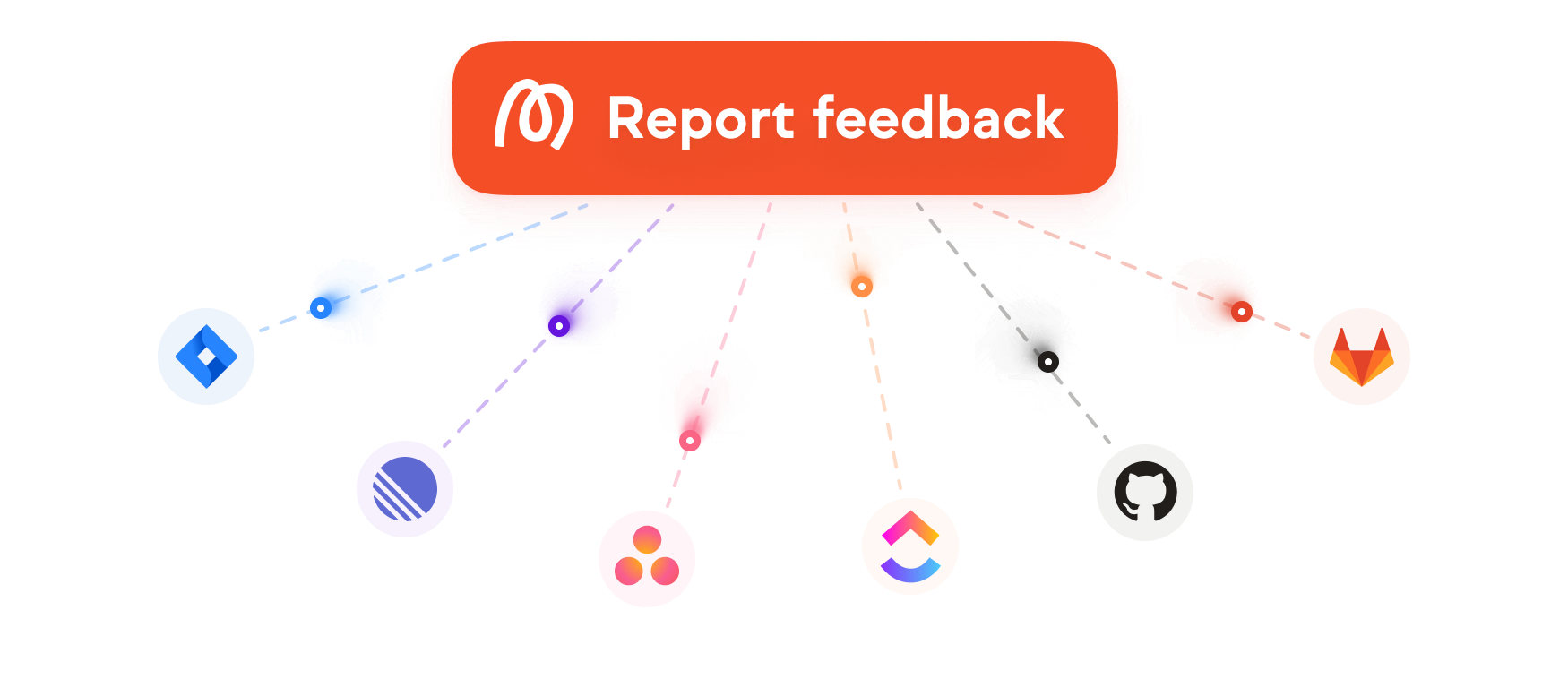
Connect website feedback and bug reports to the tools your team already uses. Marker.io supports integrations with popular project management tools like Jira, Linear, Trello, GitHub, ClickUp, Asana, and more, so feedback fits your existing workflows.
Testing environments
Report issues directly from your staging or UAT environments.
Technical details
Auto-capture metadata, screenshots, and technical logs.
Network logs
Capture and view network logs on bugs reported via the widget.
Environment data
Browser, OS, webpage and screen size are automatically added to your issues, without reporters having to do anything.
Javascript SDK
Take control of the widget via JavaScript SDK and pass custom metadata about your users or technical environment.

“Our developers can now see bugs through the reporters' eyes, with no information getting lost.”
Travel back in time
Rewind and watch what clients did before submitting feedback.

“I love that we get a video of exactly what happened to our users”
Collaborate with Clients…

“Clients used to send us emails, documents, spreadsheets and even powerpoints for feedback. Now we just use Marker.io.”
Start collecting issues on your website
Our widget works on all browsers and can be installed on local, staging or live websites.

Snippet code

Browser extension
.svg)
Get started now
Free 15-day trial • No credit card required • Cancel anytime